
At some point, every construction project turns into this:
Clients asking for files you already sent twice.
Questions about changes that were already approved.
Invoices that were “never received,” even though they’re replying to the original email.
None of these are catastrophic problems—and yet they somehow make you question why you’re in this business. When you’re answering the same questions over and over and digging through old threads just to prove something was sent, it gets exhausting fast.
Don’t blame the clients—blame your old systems.
In construction, information gets scattered quickly. Emails here. Texts there. Documents living in three different folders depending on who sent them. And when clients can’t easily see what’s going on, they start to itch. Instead of tracking things down themselves, they email you. To them, it’s simple—that’s what you’re there for.
Client portal apps fix this by giving clients one place to check updates, review documents, see financials, and stay in the loop—without you playing middleman on every little thing.
No more “Hey, just checking in…” emails.
No more re-sending the same files.
No more proving what was already approved.
So if you’re done chasing down documents and re-explaining the same updates, give it a go.
Here are 7 of the best client portal apps for contractors:
- Contractor Foreman: Affordable, feature-packed for small to mid-sized contractors. Includes project management, financial tracking, and mobile access. Starts at $49/month.
- Buildertrend: Ideal for residential builders and remodelers. Offers scheduling, change order tracking, and budget visibility. Custom pricing, starting around $199/month.
- Jobber: Best for service contractors (HVAC, plumbing). Simplifies quotes, invoicing, and client communication. Pricing starts at $69/month.
- Procore: Designed for large-scale contractors handling complex projects. Provides advanced workflows, dashboards, and financial tools. Custom pricing.
- CoConstruct: Tailored for custom home builders. Focuses on budget updates, selection tracking, and homeowner communication. Custom pricing.
- JobNimbus: Great for roofing and specialty contractors. Combines CRM and project management with streamlined communication. Starts at $49/month per user.
- 123worx: Built for small to mid-sized contractors. Integrates with Microsoft 365 for document sharing, budget tracking, and role-based access. Custom pricing.
Quick Comparison:
| App | Best For | Key Features | Mobile Support | Starting Price |
|---|---|---|---|---|
| Contractor Foreman | Small to mid-sized contractors | Project tracking, financial tools | iOS, Android | $49/month |
| Buildertrend | Residential builders/remodelers | Scheduling, budget tracking, photo sharing | iOS, Android | $199/month+ |
| Jobber | Service contractors | Quotes, invoicing, appointment reminders | iOS, Android | $69/month |
| Procore | Large-scale contractors | Advanced workflows, dashboards | iOS, Android | Custom pricing |
| CoConstruct | Custom home builders | Budget updates, selection tracking | iOS, Android | Custom pricing |
| JobNimbus | Roofing/specialty contractors | CRM, streamlined communication | iOS, Android | $49/month/user |
| 123worx | Small to mid-sized contractors | Microsoft 365 integration, role-based access | iOS, Android | Custom pricing |
Each app serves different contractor needs. Choose based on your project size, type, and budget.
1. Contractor Foreman
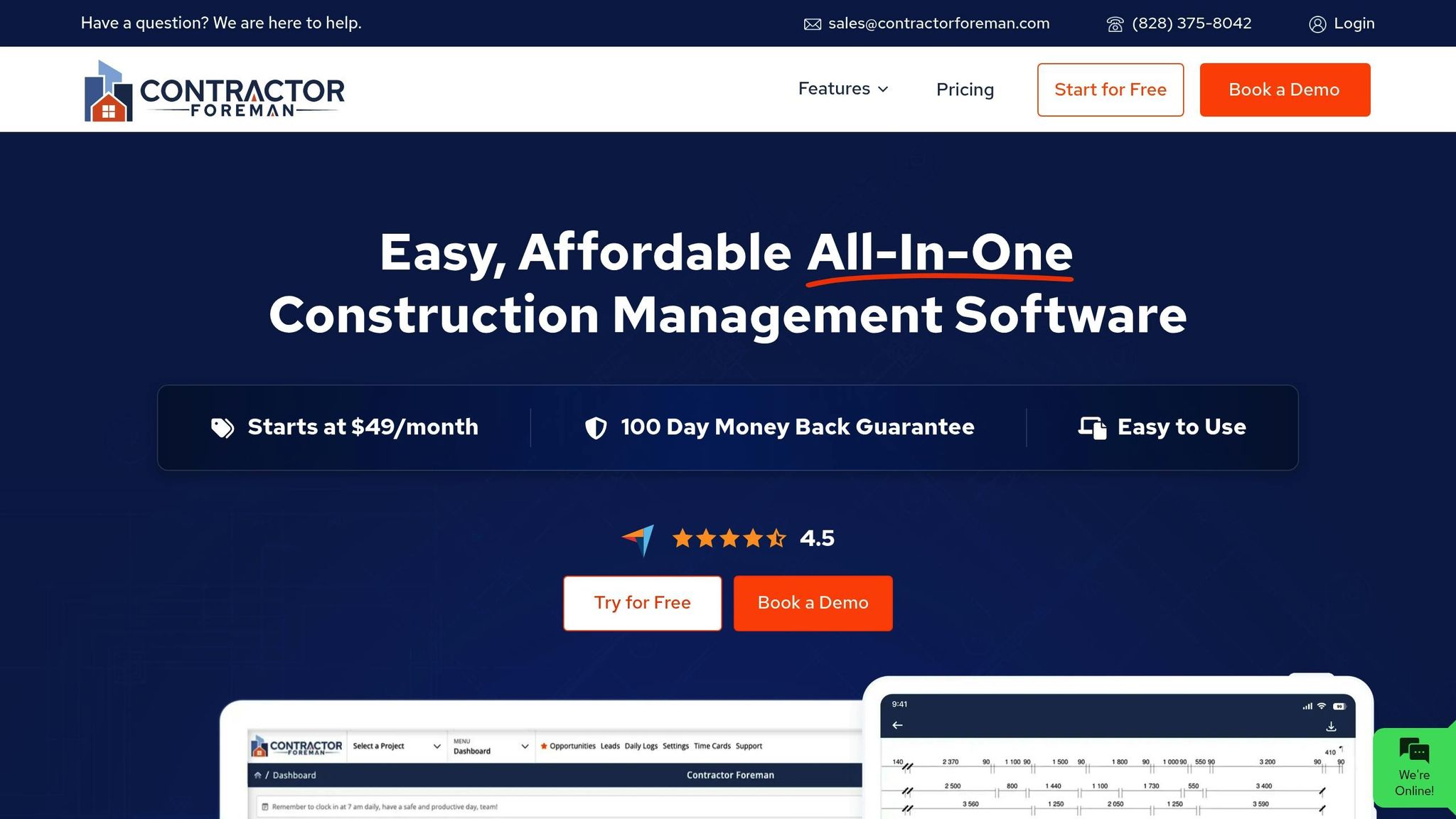
Contractor Foreman combines project management, client communication, and financial tracking into one platform designed specifically for the construction industry. With over 35 features – ranging from daily logs and change orders to GPS-based timecards and safety meeting tools – it’s built to handle the complexities of construction projects.
The platform supports unlimited projects, meaning contractors can grow their business without worrying about hitting usage limits or incurring surprise fees. Whether you’re juggling three residential remodels or managing fifteen commercial projects, each job gets its own dedicated client workspace. This flexibility is a game-changer for businesses dealing with fluctuating workloads or scaling their operations.
Let’s explore some of the standout features that make Contractor Foreman a practical tool for streamlining construction management.
Client Communication and File Sharing
Contractor Foreman’s client portal simplifies communication by consolidating everything into one secure location. Contractors can share project files, documents, and updates directly with clients, eliminating the need for external email chains or third-party file-sharing platforms.
The app enables direct communication – contractors can call or email clients without switching tools. Need to reference a conversation about material choices from weeks ago? With timestamps and organized chat logs, you’ll find it instantly – no more digging through endless email threads.
File sharing is seamless, allowing contractors to provide clients with access to plans, specifications, progress photos, and other project documents. Sensitive information, like contracts or financial details, is protected within the secure portal, ensuring clients can access approved documents whenever they need them.
Change Order Management and Approvals
Managing change orders is often a pain point in construction, but Contractor Foreman streamlines this process. Contractors can present change orders digitally, track approvals in real time, and maintain a detailed audit trail of every modification to the original project scope.
The approval tracking feature keeps a clear record of when changes were reviewed and signed off by clients, along with their impact on timelines and budgets. This documentation is invaluable when questions arise about why certain decisions were made or how the project evolved.
By integrating change order management into the client portal, contractors can respond quickly to client requests. Digital approvals with timestamps replace the need for mailing or emailing signed paperwork, keeping projects moving forward without unnecessary delays.
Financial Transparency for Clients
Contractor Foreman also provides tools for financial tracking, allowing contractors to share budget and expense details with clients through the portal. Clients can see how their budget is being allocated across various aspects of the project, offering a clear and transparent view of costs.
This level of financial visibility is especially appealing for contractors who want to set themselves apart by fostering open communication about costs. When clients understand where their money is going, it helps reduce anxiety and prevents disputes over billing.
Integration with QuickBooks ensures that financial data remains accurate and up-to-date. Expenses logged in QuickBooks automatically sync with the client portal, so clients always have access to current financial information without requiring contractors to generate separate reports manually.
Mobile App for On-the-Go Access
Contractor Foreman’s mobile app (available for iOS and Android) makes it easy for contractors and clients to manage projects from anywhere. Contractors can update daily logs, track time, manage documents, and communicate with clients – all from their smartphone. This level of mobile functionality is ideal for field crews who spend most of their time away from a desk but still need to stay organized and keep clients informed.
The platform also integrates with Zapier, enabling automation workflows to streamline communication. For example, when a daily log is completed, the system can automatically notify clients that new progress updates are available.
To ensure a smooth onboarding process, Contractor Foreman includes free training and support. This is especially helpful for contractors who may not have extensive experience with software but want to deliver a polished, professional digital experience to their clients.
Pricing: Contractor Foreman offers five pricing tiers, starting with the Basic plan at $49/month for one user. The most popular option, Plus, supports up to eight users for $125/month, while the Unlimited plan removes user caps entirely for $249/month.
2. Buildertrend
Buildertrend is a project management tool designed specifically for residential construction, helping contractors and homeowners stay on the same page. Its client portal brings together project updates, important documents, and communication, making it easier to keep everyone informed. Here’s a closer look at how Buildertrend handles key aspects like communication, change orders, financial tracking, and mobile accessibility.
Client Communication and File Sharing
Buildertrend simplifies communication by offering a single portal where contractors can share updates and documents with homeowners. This makes it easy for clients to access critical project details whenever they need them.
Change Order and Approval Tracking
Managing project changes can be tricky, but Buildertrend streamlines the process with digital tools. Contractors can submit change requests and track approvals through a clear, documented workflow, reducing confusion and ensuring everyone is on the same page.
Budget and Financial Visibility
One of Buildertrend’s standout features is its ability to give homeowners a clear view of the project’s budget and spending. This transparency helps align financial expectations and minimizes surprises.
Mobile App Support
With dedicated apps for iOS and Android, Buildertrend allows contractors to update projects and share real-time progress directly from the job site. This ensures that clients are always in the loop, no matter where the work is happening.
Pricing: Buildertrend falls into the mid-range category for residential construction management software. For specific pricing details, contractors should reach out to Buildertrend directly for a custom quote tailored to their project needs.
3. Jobber
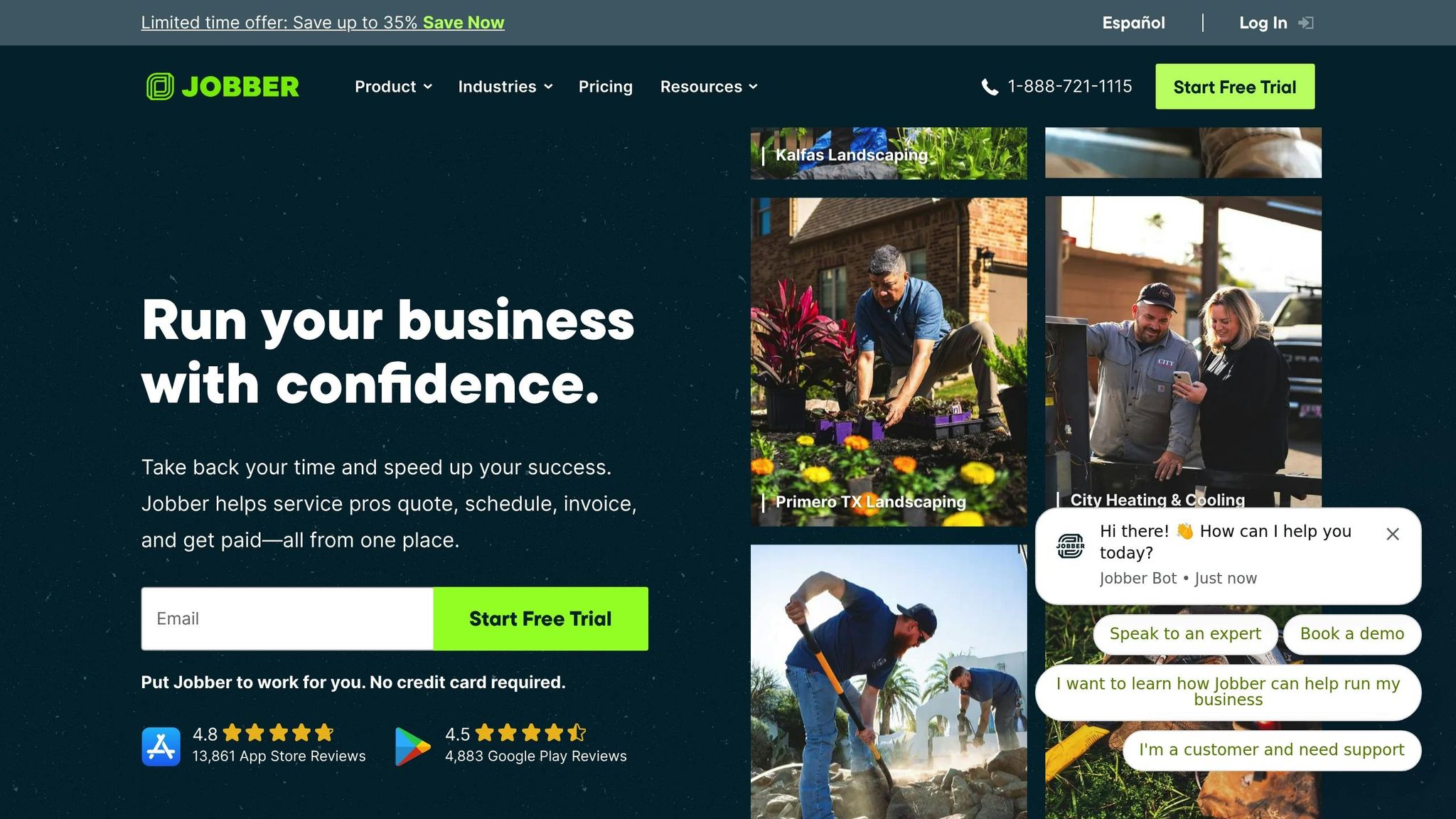
Jobber is a field service management tool designed for home-service contractors like lawn care specialists, HVAC technicians, plumbers, and remodeling pros. It’s particularly useful for those juggling multiple smaller jobs rather than focusing on large-scale projects. Unlike platforms like Contractor Foreman and Buildertrend, Jobber simplifies communication and job management with features like a client hub. This hub lets customers easily view quotes, approve work, pay invoices, and request services – all without needing to create accounts or remember passwords.
Client Communication and File Sharing
Jobber keeps communication straightforward with email and SMS messaging, including automated reminders to minimize no-shows and reduce the need for constant phone calls. Contractors can send appointment reminders, follow up on quotes, and notify clients when they’re en route with “on-my-way” texts.
Each email includes a direct link to the client hub, giving customers instant access to their project details with a single click. This eliminates the hassle of juggling logins and passwords, presenting contractors as professional and organized. By centralizing communication, Jobber helps maintain smooth workflows and builds trust with clients.
Handling Change Orders and Approvals
Jobber simplifies change orders through its online quoting system. If the scope of a project shifts or pricing needs an update, contractors can make adjustments directly in the quote, update line items, and resend it for client approval – all digitally.
Clients can approve or request changes through the client hub, and once approved, quotes are automatically converted into scheduled jobs. While this system works well for smaller jobs and service tasks, it doesn’t offer the more complex change-order tracking found in enterprise-level construction software.
Financial Clarity for Clients
Jobber provides clients with clear, detailed quotes that break down costs, taxes, discounts, and total amounts due. Through the client hub, customers can review payment history, check invoices, and see exactly what they’re being charged for.
The platform integrates with payment processors like Stripe and PayPal, enabling clients to pay online as soon as work is completed. This speeds up the payment process and improves cash flow for contractors. Automated invoice reminders help ensure that outstanding balances don’t fall through the cracks.
Jobber also includes automated quote follow-ups, prompting clients to approve estimates online. This feature helps contractors turn more quotes into confirmed jobs, saving time and boosting efficiency by streamlining the entire quoting-to-payment process.
Mobile App Functionality
Jobber’s mobile apps for iOS and Android give contractors the flexibility to manage their business on the go. Field crews can access schedules, quotes, invoices, photos, and messages directly from the app, ensuring real-time updates.
While on-site, contractors can take before-and-after photos and add notes, which are automatically included in invoices and visit summaries. This real-time documentation not only keeps things organized but also provides clients with visible proof of completed work – no extra admin work required.
For clients, the mobile-friendly hub allows them to approve quotes, check appointment details, and make payments from their smartphones or tablets. This mobile-first approach enhances communication and convenience for both contractors and their customers.
Pricing Details
Jobber’s pricing starts at $69/month for the Core plan, which supports one user and includes quoting, invoicing, the client hub, and basic automations – ideal for solo contractors. The Connect plan, priced at $169/month, accommodates up to seven users and offers advanced automations, online booking, and enhanced reporting features.
Jobber also provides a 14-day free trial with no credit card required, letting contractors explore its tools before making a commitment. This makes it a practical choice for small to medium-sized businesses managing frequent, smaller service jobs rather than large, complex projects.
4. Procore

Procore is a construction management platform tailored for mid-sized and large contractors handling intricate projects. It offers a cloud-based workspace where clients, architects, subcontractors, and general contractor teams can collaborate in real time. Unlike basic service management tools, Procore delivers construction-specific workflows that provide detailed insights into project progress, costs, and documentation.
The platform acts as a central hub for project information, making it especially useful for contractors managing large-scale commercial builds, multi-family developments, or industrial projects where transparency and meticulous record-keeping are essential.
Client Communication and File Sharing Capabilities
Procore simplifies client communication with a centralized project dashboard. This dashboard allows clients to access timelines, milestones, and critical documents without needing to request updates. Contractors can upload and organize documents, enabling clients to view, download, and comment on them. This creates a clear audit trail for all project interactions.
The platform’s communication module ensures seamless updates. Contractors can send project announcements and messages, all of which are logged and searchable, minimizing risks tied to miscommunication or misplaced information.
With role-based access controls, contractors can tailor what clients see. For example, they can share relevant documents, progress photos, and financial reports while keeping sensitive details like cost codes or margins private. This balance of transparency and discretion helps maintain professionalism while meeting client expectations.
Change Order and Approval Tracking
Procore’s change order management integrates directly with budgets and contracts, streamlining the process of handling project modifications. Contractors can create and submit change orders within the platform, including detailed descriptions, cost impacts, and supporting documentation.
These change orders are routed and approved through the portal, automatically linking each modification to the corresponding budget line item. Clients are notified and can review the details to approve or request changes.
This workflow not only reduces disputes but also enhances cost control and provides a polished, professional experience for clients.
Budget and Financial Visibility for Clients
Procore offers robust budget and financial tools that contractors can share with clients through its portal. Clients gain access to project budgets, cost codes, and actual-vs-budget reports, giving them a real-time view of project spending. They can also review line-item budgets, approved change orders, and current commitments, making it clear where funds are being allocated.
The platform’s financial dashboards highlight key metrics, such as total project cost, remaining budget, and upcoming payments. Contractors can configure client-facing reports summarizing budget versus actuals, committed costs, and forecast-to-complete figures. These reports can be scheduled for regular sharing – weekly or monthly – via Procore’s reporting tools.
This level of transparency not only prevents budget surprises but also supports informed decision-making. It positions contractors as organized and reliable partners while reducing the time spent on manual financial reporting. These tools are fully accessible through Procore’s mobile app, ensuring real-time updates on the go.
Mobile App Support (iOS/Android)
Procore’s mobile apps for iOS and Android provide full access to client portal features, including offline capabilities and real-time synchronization. Contractors can manage projects, upload photos and documents, submit RFIs, and track change orders directly from the field.
Clients can use the mobile app to stay informed, review documents, and approve change orders anytime, anywhere. The offline mode is particularly handy for remote job sites with limited connectivity, allowing users to capture data and sync it once back online.
Field teams can also review drawings, photos, and RFIs during site visits, cutting down on follow-up emails and offline note-taking. This mobility ensures clients are always in the loop and can respond promptly to approval requests, improving project communication and efficiency.
Pricing Details
Procore doesn’t list standardized pricing on its website. Instead, pricing is custom-quoted annually based on factors like company size, selected modules, and project volume. Contractors interested in Procore’s client collaboration features need to request a demo and custom quote from the sales team.
This pricing approach reflects Procore’s focus on serving mid-sized to large general contractors who require advanced client collaboration tools, detailed cost controls, and workflows designed for complex projects.
5. CoConstruct
CoConstruct is a construction management platform tailored for custom home builders and remodelers in the United States. It’s designed to simplify residential projects and ensure smooth communication between contractors and homeowners. Here’s a closer look at two standout features that make CoConstruct a valuable tool:
Change Order and Approval Tracking
CoConstruct allows contractors to create detailed change orders that outline the scope, cost impact, and scheduling adjustments. Once these are uploaded to the client portal, homeowners can review and either approve or decline them online. Each decision is timestamped, automatically updating the project’s budget and timeline. This process reduces misunderstandings and helps avoid disputes over additional work or upgrades by keeping everything clearly documented.
Budget and Financial Transparency for Clients
Through the client portal, homeowners gain access to real-time financial updates. They can see how the original contract compares to approved change orders, allowances, and cost projections. By linking supporting documents – such as quotes, invoices, and receipts – CoConstruct fosters trust and clarity. This comprehensive view of the budget helps homeowners understand how their choices impact overall costs, making for smoother and more informed conversations throughout the project.
sbb-itb-5eea312
6. JobNimbus
JobNimbus is a cloud-based CRM and project management tool tailored for contractors in roofing, siding, solar, and similar home-service industries across the United States. It’s designed to streamline workflows, improve client communication, and simplify managing everything from leads to final invoices. By keeping homeowners informed, it also helps reduce the constant back-and-forth of calls and messages.
Streamlined Client Communication and File Sharing
JobNimbus makes it easy to keep all client conversations organized under each job record. With in-app messaging and integrated email, contractors can track emails, texts, and calls in one place. For instance, if a contractor updates a job status from “Estimate Sent” to “Approved”, the system automatically notifies the homeowner.
The platform includes standardized email templates for common updates like “Appointment Reminder”, “Material Arrival Notice”, or “Job Complete.” This ensures consistent, professional communication. It also simplifies file sharing – contractors can attach PDFs, photos, or signed contracts directly to job records. Homeowners can securely access these documents through the client portal or via secure links, keeping everything organized and accessible.
Managing Change Orders and Approvals
Handling change orders is straightforward with JobNimbus. Contractors can create updated estimates or work orders that function as formal change orders. For example, if a homeowner requests premium shingles or additional repairs, the contractor can add these as new line items and send them for electronic approval. This process helps avoid misunderstandings and keeps billing disputes to a minimum. Task stages like “Created → Sent → Approved → Scheduled” make it easy to track and document changes, ensuring everyone stays on the same page.
Clear Financial Visibility for Homeowners
JobNimbus provides tools to create detailed estimates and invoices that homeowners can view through the client portal. These records include original estimates, approved change orders, and payment histories. For projects involving insurance claims, this transparency helps homeowners reconcile payments, deductibles, and other costs, fostering trust and reducing confusion about billing.
Mobile App for On-the-Go Updates
With native apps for iOS and Android, JobNimbus ensures contractors can manage projects from anywhere. Field crews can capture photos of roof damage, upload documents, and update job details directly from their mobile devices. These updates are instantly attached to the job record, and homeowners receive notifications to review them quickly. Push notifications also help team members respond promptly to client messages, approvals, or scheduling changes, keeping projects moving efficiently.
JobNimbus users report saving an average of 8 hours per week and achieving 43% revenue growth.
7. 123worx
123worx is a cloud-based construction management platform built on Microsoft Azure, tailored for small and mid-sized U.S. contractors, builders, and remodelers. It combines project management, CRM, estimating, and a built-in client portal to centralize project data. This allows team members, subcontractors, and clients to access up-to-date information in one place. By integrating seamlessly with Microsoft 365 tools like Outlook, Excel, and Word, it fits naturally into the everyday workflows of contractors.
The platform features role-based access control, giving contractors the ability to decide who sees what – whether it’s clients, subcontractors, or internal staff. This approach ensures sensitive details like pricing and cost codes remain protected while still providing transparency where needed. For instance, a residential remodeler could share progress photos, finish schedules, and approved change orders with homeowners while keeping supplier quotes and internal notes private.
Client Communication and File Sharing Capabilities
The web-based client portal in 123worx simplifies communication by securely sharing project documents, photos, drawings, schedules, and updates – all in one place. This eliminates the need for separate file-sharing tools. Messages, comments, and notifications are tied directly to specific jobs, documents, or change orders, creating a clear, chronological record of project communications. Notifications – via email or the app – alert clients when new documents are uploaded, change orders need approval, or schedules are updated.
For example, when a finish schedule is posted, the system notifies the client and logs when they view it, providing proof that the latest information was shared. A custom home builder working with out-of-state clients can use the portal to share updated schedules, inspection reports, and draw requests, while tracking approvals and payments. Similarly, a small commercial contractor can coordinate with property managers by posting RFQ responses, approved changes, and phased schedules, creating an audit trail for lease-driven timelines. This centralized approach streamlines communication and minimizes misunderstandings.
Change Order and Approval Tracking
123worx excels in managing change orders, allowing contractors to create, price, and submit them directly through the system. Clients can review and approve these changes online, with each order detailing scope modifications, labor and material breakdowns, and impacts on the budget and schedule. Once approved, the system logs the date, approver, and any comments, creating a time-stamped record that protects all parties in case of disputes.
For instance, a contractor can draft a change order for recessed lighting, send it for digital approval, and have the system automatically update the project’s budget and timeline. This process reduces the risk of misunderstandings and keeps billing disputes to a minimum. By tracking approved changes within the project, 123worx ensures clear documentation and fewer questions about agreements and timelines.
Budget and Financial Visibility for Clients
123worx gives contractors the option to share selected financial details with clients through the portal, such as approved contract values, change orders, unpaid invoices, and high-level budget categories like framing, finishes, and MEP (mechanical, electrical, plumbing). At the same time, internal cost details remain private. Clients can see how change orders affect the overall project cost and balance due, reducing billing surprises and fostering trust.
The system aligns with U.S. billing practices, such as percentage-of-completion or milestone-based invoicing, and displays amounts in USD (e.g., $125,000.00) using standard formatting. This clarity helps clients understand draw requests and how they connect to previously approved changes and completed work. For longer, high-value projects, this level of transparency can significantly cut down on billing-related questions and strengthen client relationships.
Mobile App Support (iOS/Android)
123worx offers both a responsive web platform and dedicated mobile apps for iOS and Android, enabling real-time updates, photo uploads, and document sharing from the field. Field staff can use their smartphones to capture job-site conditions and instantly post photos to the client portal.
Clients can also use their phones to check schedules, view progress photos, and approve change orders without needing to visit the job site – ideal for out-of-state or busy property owners. This mobile functionality aligns with the fast-paced nature of U.S. construction projects, where superintendents and project managers often work on-site and require real-time collaboration tools. The mobile apps complement the platform’s desktop features, keeping all stakeholders informed.
Contractors using 123worx report cutting administrative work by 30–40% thanks to centralized processes and automation. The platform consistently earns ratings of 4+ out of 5 on major review sites, with users praising its ease of use for small and medium contractors, as well as responsive support. Common highlights include streamlined project data management and improved communication with clients and subcontractors, though some users mention a learning curve when setting up workflows.
Comparison Table
Choosing the right client portal depends on the size of your business, the scope of your projects, and your budget. Below is a comparison of seven platforms, highlighting key features contractors care about most: portal customization, ideal contractor profile, client-facing capabilities, mobile access, and pricing in USD.
| App | Portal Type | Ideal Contractor Profile | Key Client Features | Mobile Support | Pricing (USD) |
|---|---|---|---|---|---|
| Contractor Foreman | White-labeled branded portal | Small to mid-sized residential and commercial contractors | Project tracking, daily logs, document sharing, direct call/email from app, financial visibility, change order tracking | Web, iOS, Android | Starts at $49/month; up to $249/month for unlimited users |
| Buildertrend | White-labeled branded portal | Residential home builders and remodelers | Project scheduling, photo sharing, budget tracking, selection management, client messaging, change order approvals | Web, iOS, Android | Starts around $199/month; custom pricing for larger firms |
| Jobber | Standard portal | Service contractors (e.g., HVAC, plumbing, electrical) | Quote approvals, invoice payments, appointment scheduling, service history, automated reminders | Web, iOS, Android | Starts at $49/month; pricing scales with team size |
| Procore | White-labeled branded portal | Commercial general contractors and larger firms | RFI management, submittal tracking, drawing access, budget visibility, punch list coordination, multi-project dashboards | Web, iOS, Android | Custom pricing; typically starts at several hundred dollars/month |
| CoConstruct | White-labeled branded portal | Custom home builders and remodelers | Selection tracking, budget updates, schedule visibility, photo galleries, messaging, change order approvals | Web, iOS, Android | Custom pricing; considered a mid-to-higher-tier option |
| JobNimbus | Standard portal | Roofing, siding, and specialty contractors | Job tracking, estimate approvals, document access, task updates, CRM integration | Web, iOS, Android | Starts at $49/month per user |
| 123worx | Standard portal | Small to mid-sized U.S. contractors, builders, and remodelers | Document sharing, change order approvals, budget visibility, schedule updates, role-based access control | Web, iOS, Android | Custom pricing; aimed at small to mid-sized firms |
The table highlights essential differences, but let’s dig deeper into some of these aspects for a clearer understanding.
White-labeled portals let you tailor the interface with your logo, colors, and domain, helping you reinforce your brand identity. In contrast, standard portals keep the focus on core features without offering extensive branding options.
Every platform here delivers a strong suite of client features. For instance, Contractor Foreman stands out with tools like project tracking, daily logs, and built-in communication options such as direct calls or emails. Other platforms shine in specific areas: Buildertrend emphasizes selection management and budget tracking, while Procore caters to enterprise-level needs with robust workflow management tools.
All seven platforms support web access alongside dedicated apps for iOS and Android, ensuring seamless project management from any device. Pricing varies widely, reflecting the range of features and target audiences. Check the table for detailed pricing information.
User ratings also shed light on satisfaction levels. For example, Contractor Foreman holds a 4.5/5 rating on GetApp from 758 reviews, while Buildertrend scores 4.5/5 from over 2,300 reviews. Jobber, Procore, and JobNimbus each achieve 4.6/5, and both CoConstruct and 123worx come in at 4.3/5. These scores suggest that most contractors find these tools valuable, though individual experiences may differ based on specific needs.
All these platforms aim to simplify communication, streamline document sharing, and manage change orders effectively. With this comparison, you can align your business requirements with the right client portal, helping you move closer to a well-informed decision.
Conclusion
Choosing the best client portal app isn’t about picking the one with the longest list of features – it’s about finding a tool that fits your business size, project type, and client expectations. A small residential remodeler handling a few projects will need something entirely different from a commercial contractor managing multi-million-dollar jobs with numerous subcontractors. What works perfectly for one business might feel excessive or insufficient for another.
Start by mapping out your workflow using the criteria we’ve discussed. If your work involves homeowners and frequent selections, allowances, or change orders, focus on portals that make approvals straightforward and visual. For those managing commercial tenant improvement projects, look for tools with robust document management, RFI tracking, and role-based permissions to ensure smooth collaboration with owners, architects, and subcontractors. Service contractors handling maintenance or recurring work orders should prioritize scheduling features, quick quotes, and online payment options to streamline client interactions.
Ease of use is critical – for both your team and your clients. Even the most feature-packed portal won’t help if your crew avoids it or if clients find it confusing. Look for tools that offer free training, onboarding support, and clear documentation to make adoption easier. For instance, Contractor Foreman provides free training and support, helping contractors get started without a steep learning curve.
Planning your implementation is just as important as selecting the right tool. Designate someone on your team as the internal portal champion to manage setup, establish file-naming conventions, and lead training for both office and field staff. Start with a pilot project to test and refine workflows before rolling it out across your entire company. Provide clients with simple guides or videos to teach them how to log in, check updates, and communicate through the portal, reducing reliance on scattered texts and emails.
Finally, think about the total cost of ownership. Consider the hidden costs of not having a portal – missed messages, disputes over undocumented changes, and wasted time chasing follow-ups. Look for tools that integrate with your existing systems like QuickBooks, support unlimited projects as your business expands, and offer mobile access for your field team. A well-chosen client portal becomes your project’s single source of truth, cutting down on miscommunication, guarding your profits, and keeping clients informed and happy – from the initial estimate to the final invoice. By aligning your portal with your workflow and client needs, you can streamline communication and set your projects up for success.
FAQs
How do client portal apps improve communication and transparency in construction projects?
Client portal apps make a big difference in how contractors and clients collaborate during construction projects. By providing a single, centralized platform, these apps allow real-time updates, seamless document sharing, and efficient communication. This setup helps keep everyone aligned, cutting down on miscommunication and potential delays.
Key features like financial tracking, project management tools, and document sharing give clients a clear view of project progress and budgets. This transparency not only keeps clients informed but also builds trust and encourages smooth teamwork throughout the entire project.
What should contractors look for in a client portal app?
When picking a client portal app, contractors should zero in on user-friendliness, essential features, and integration options. The right tool should make managing projects easier, improve communication, and handle critical tasks like tracking finances, scheduling, and maintaining daily logs.
For instance, some contractor-focused platforms come equipped with features like client portals, support for unlimited projects, and smooth integration with tools like QuickBooks. It’s also smart to choose apps that offer mobile access, free training, and dependable customer support to ensure they align well with your business requirements.
What are the benefits of connecting a client portal app with tools like QuickBooks for contractors?
Integrating a client portal app with tools like QuickBooks can make managing your business a whole lot easier. By automatically syncing financial data, it cuts out the need for duplicate data entry, reduces the chances of errors, and frees up your time to focus on running your projects more efficiently.
For contractors, this kind of integration means you can keep tabs on expenses, invoices, and payments all in one spot. It ensures your financial records stay accurate and helps you manage project costs more effectively. It’s a straightforward way to keep your operations organized and hassle-free.







