
To-Do’s
Simple tasks. Clear ownership. No follow-ups.
To-Do’s keep work moving by making expectations obvious. Assign tasks to your team or your clients, track progress in real time, and know exactly when something is done — without chasing people down.
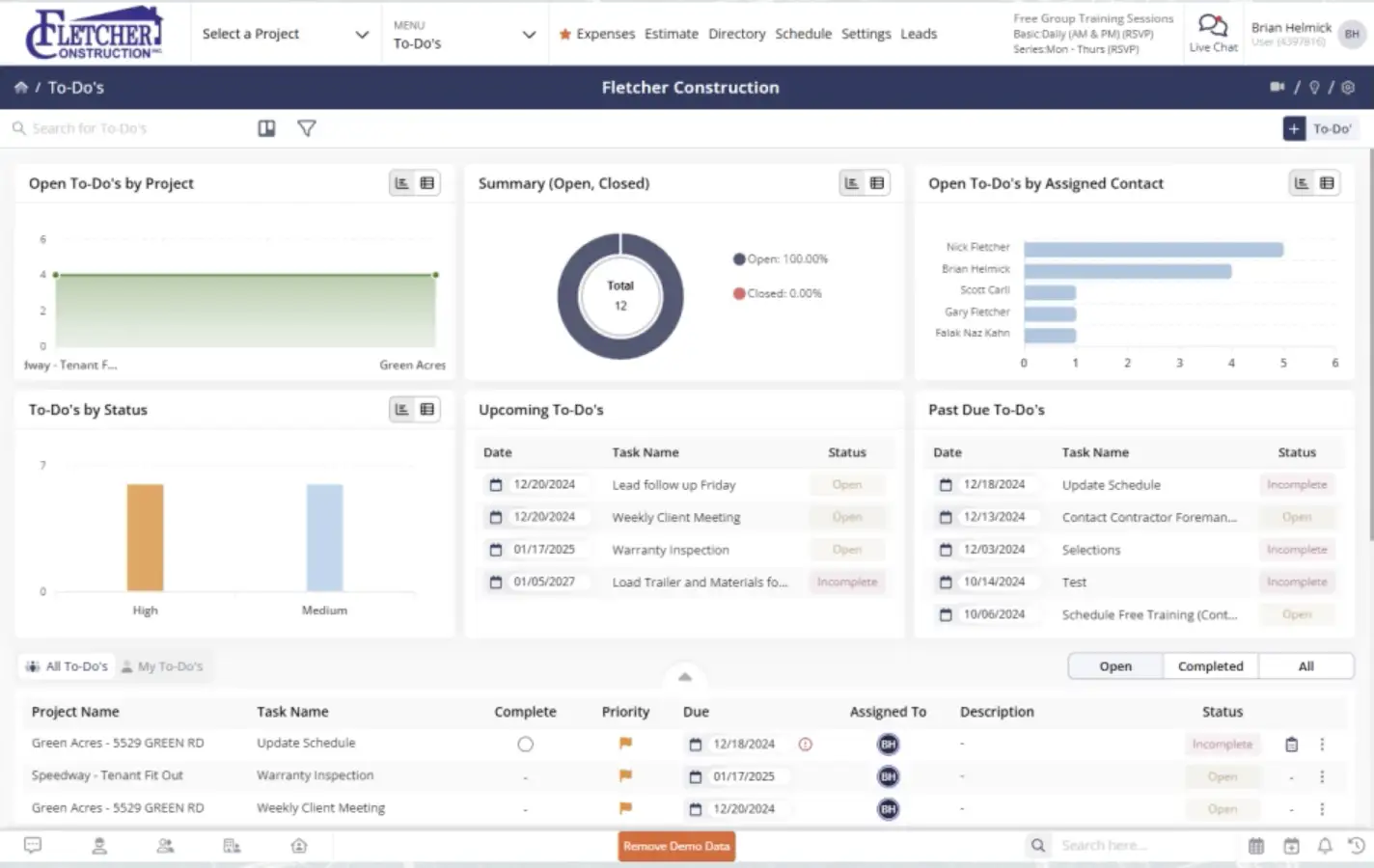
The easiest way to keep work from stalling
To-Do’s give everyone a short, clear list of what’s needed next. When tasks are visible and owned, projects move faster, and fewer things fall through the cracks.

Clear assignments, fewer questions
Assign tasks to employees or clients so everyone knows what they’re responsible for.

Instant visibility when work is finished
Get notified the moment a task is completed so you’re never guessing what’s still outstanding.

Manage tasks from anywhere
Create, update, and complete To-Do’s from your phone or computer — wherever the day takes you.
Check out these To-Do’s features
These individual features are tailor-made to meet your specific needs and preferences.
Work Assignment
Assign and manage tasks with clear ownership and visibility. Keep work moving across the team with simple tracking and mobile access from anywhere.
Task management
Create and assign tasks to team members or clients. Once completed, tasks can be checked off instantly, so progress is easy to see.
Mobile management
Manage To-Do’s directly from your phone so work keeps moving even when you’re not in the office.
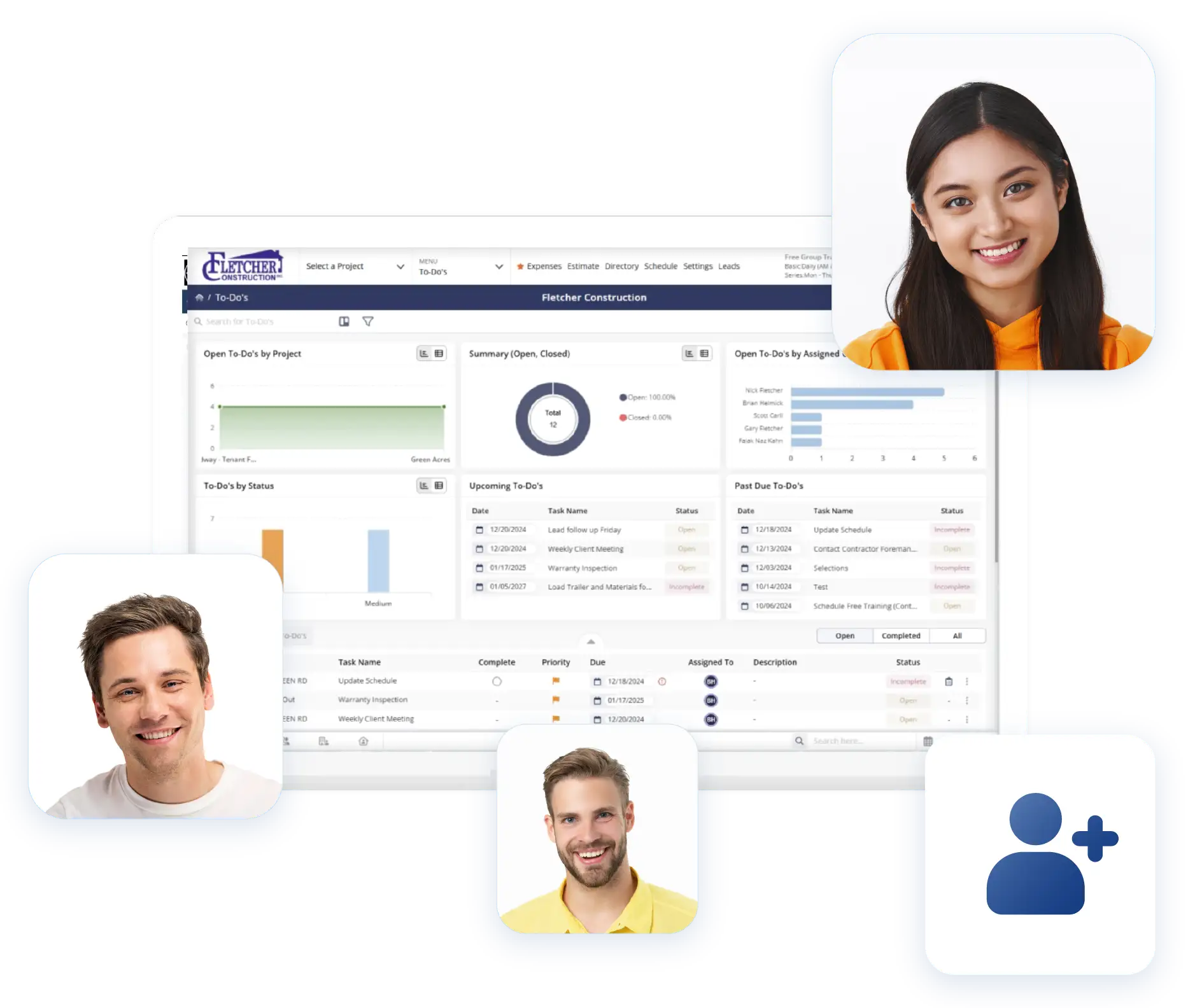
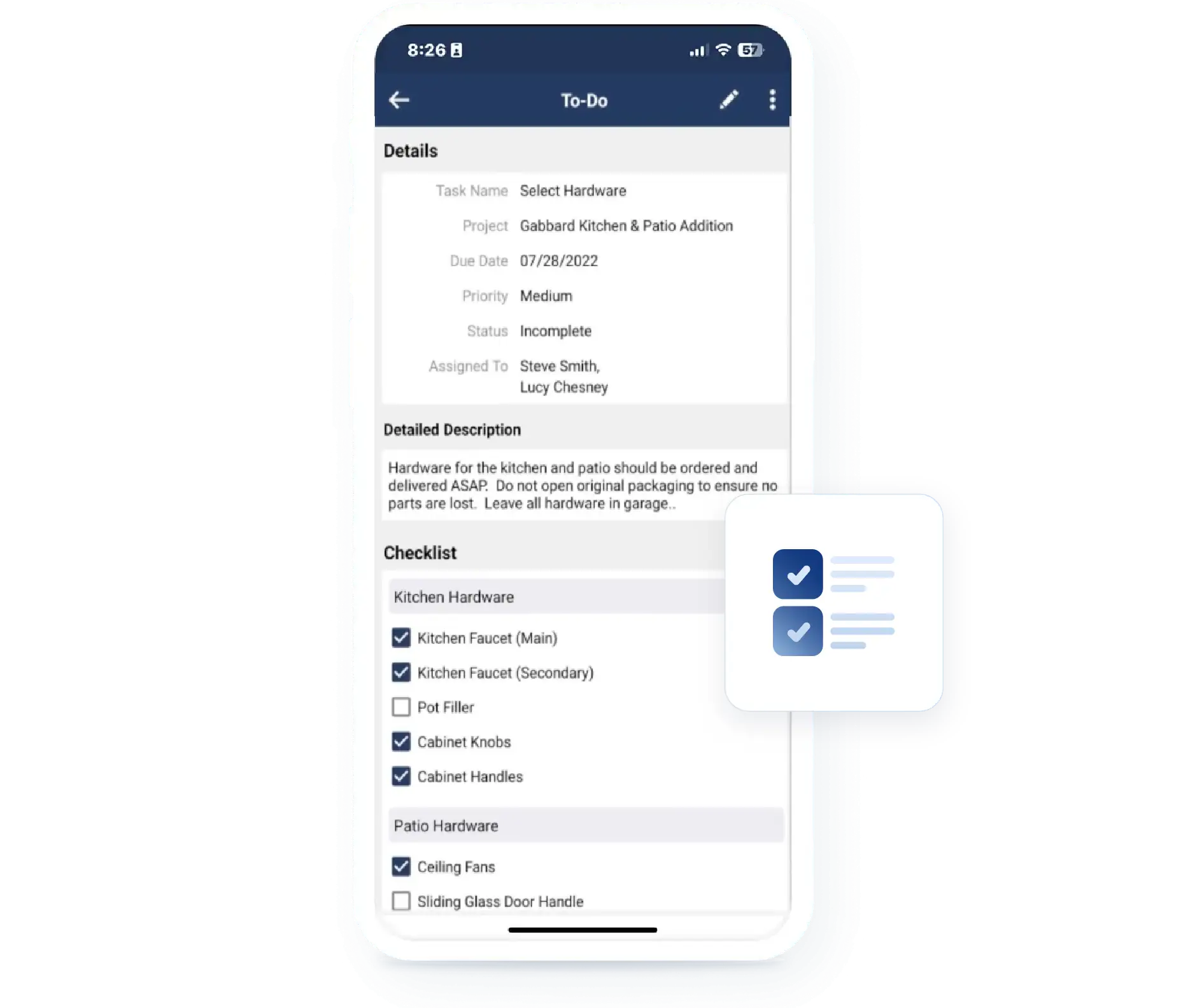
Progress Visibility
Stay on top of task progress as work gets completed. See status updates in real time and focus on what still needs attention without digging through lists.
Completed task notifications
Receive real-time notifications when tasks are finished, helping you stay on top of what’s done and what still needs attention.
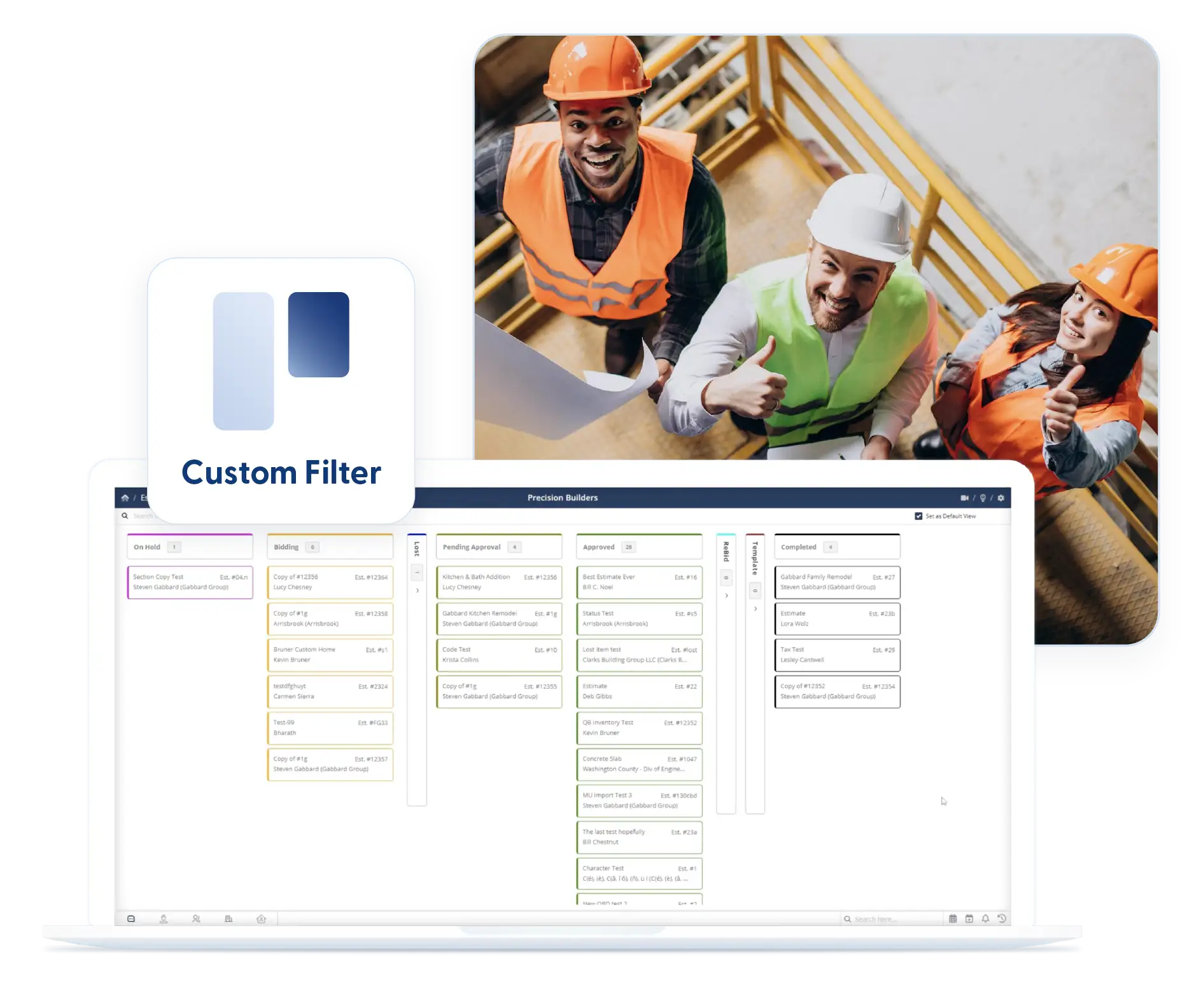
Kanban views and filters
Use Kanban boards or filtered lists to view tasks by status and focus on what matters right now.
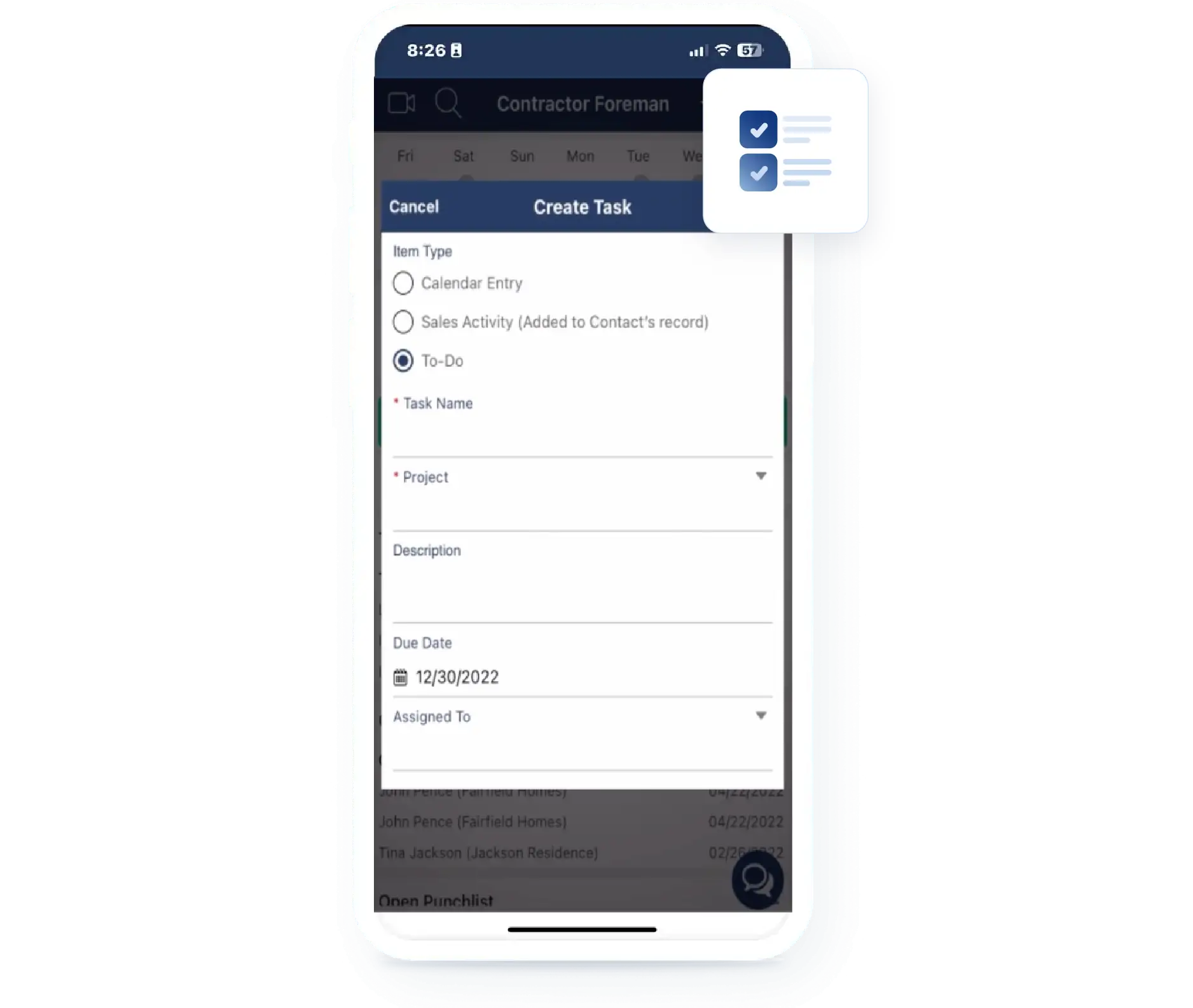
Workflow Customization
Adapt task workflows to fit your team’s way of operating. Capture the details you need and reuse proven setups so repeat work stays consistent and efficient.
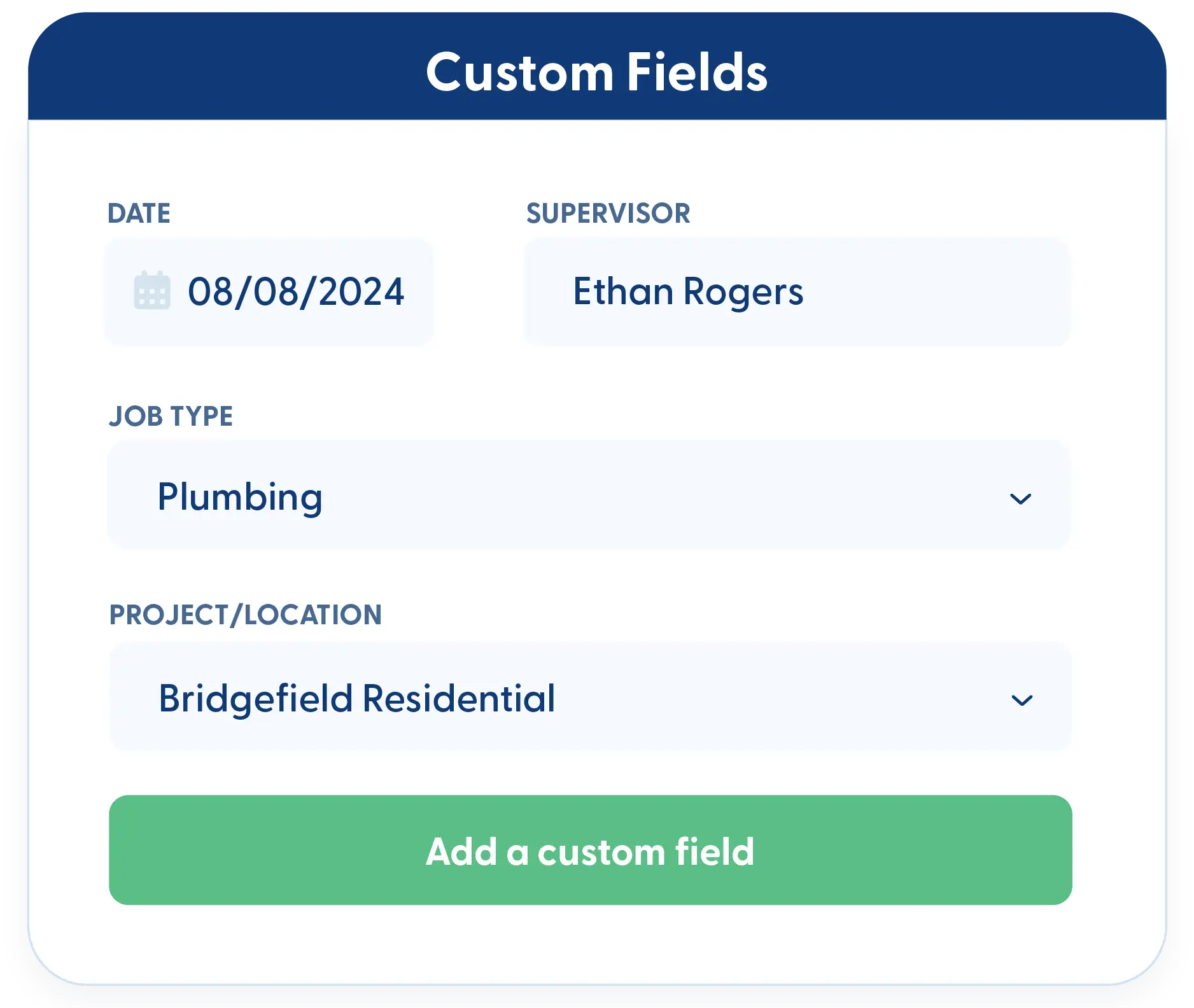
Custom fields
Add custom fields to track priority, notes, or any details your workflow requires. To-Do’s adapt to how you work.
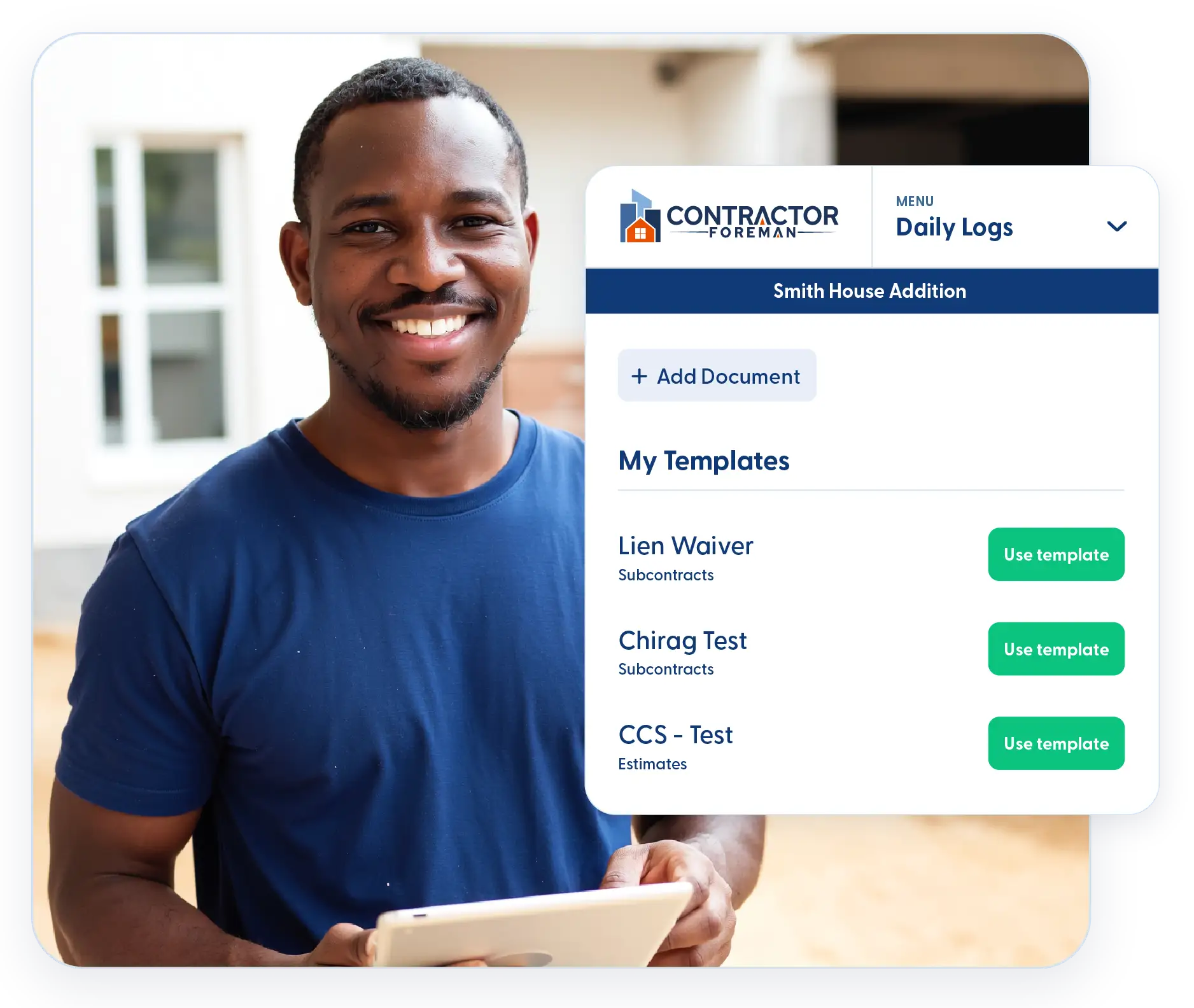
Reusable templates
Create To-Do templates for repeat workflows so common tasks don’t have to be recreated every time.
Frequently Asked Questions
Have a Question? Click the LiveChat icon. After hours? Email support@contractorforeman.com.
Contractor Foreman offers simple, transparent pricing with unlimited users, projects, and features. There are no hidden fees or per-user charges. See our pricing page for more details.
Some companies offer a 7-day refund policy… maybe 30 days. We are so confident in Contractor Foreman that we give you up to 100-days to request a refund if you are not satisfied and no longer wish to use it. See the Refund Policy for details and requirements.
They work alongside them. Many teams use Forms & Checklists for documentation and To-Do’s for accountability and follow-through.
Yes. Visibility is tied to assignment and project access, so people only see what’s relevant to them.
Yes. Templates allow you to reuse common To-Do lists across projects.

Sign up for a free demo and see it in action!
Let us show you how Contractor Foreman can start saving you and your company a lot of time and money. Schedule a free demo for yourself or your crew.
Start a Free Trial
We have plans starting at $49/month

Have a question? See our Frequently Asked Questions or give us a call (828) 375-8042 or click Live Chat.






