
Calendar
A clearer view of everything that’s happening
Calendars with amazing filters lets you easily see what’s going on, many views, many filters keeps you up to speed and informed. Your sales rep, estimators, and bookkeepers all have different needs – let them also have different calendar views. Sync with Google or Outlook.
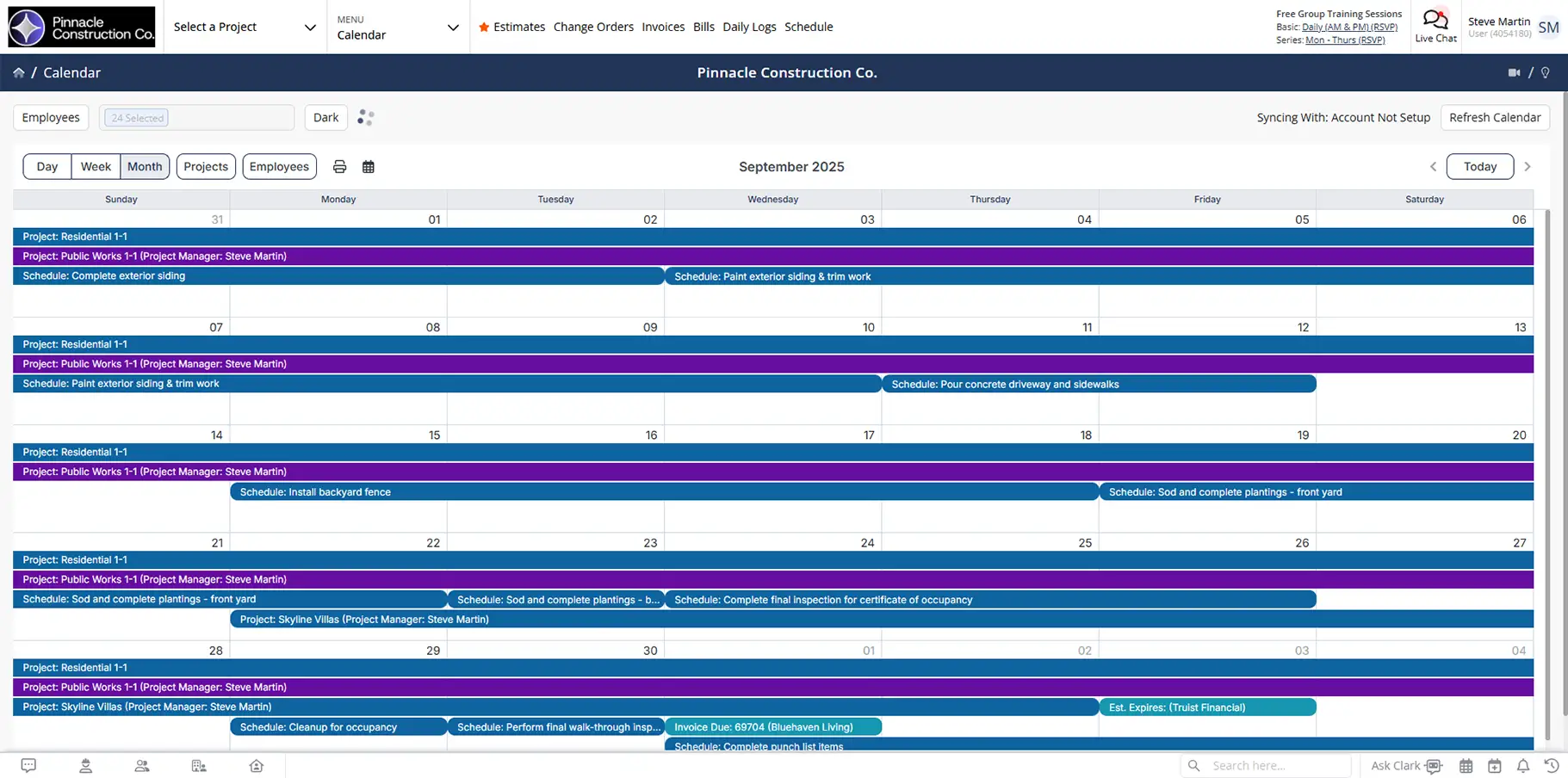
See the right information at the right time
A flexible calendar that adapts to different roles, responsibilities, and workflows.

View schedules from any angle
Switch between employee, day, week, month, or project views to match how you plan your work.

Keep calendars personal or shared
Choose what’s private, what’s shared, and who sees what across your team.

Stay aligned with fewer reminders
Tasks, deadlines, and approved time off all show up where they belong.
Check out these Calendar features
These individual features are tailor-made to meet your specific needs and preferences.
Calendar Visibility
View schedules in the format that fits your needs. Control what’s visible and filter by role, project, or timeframe so the right information is always in focus.
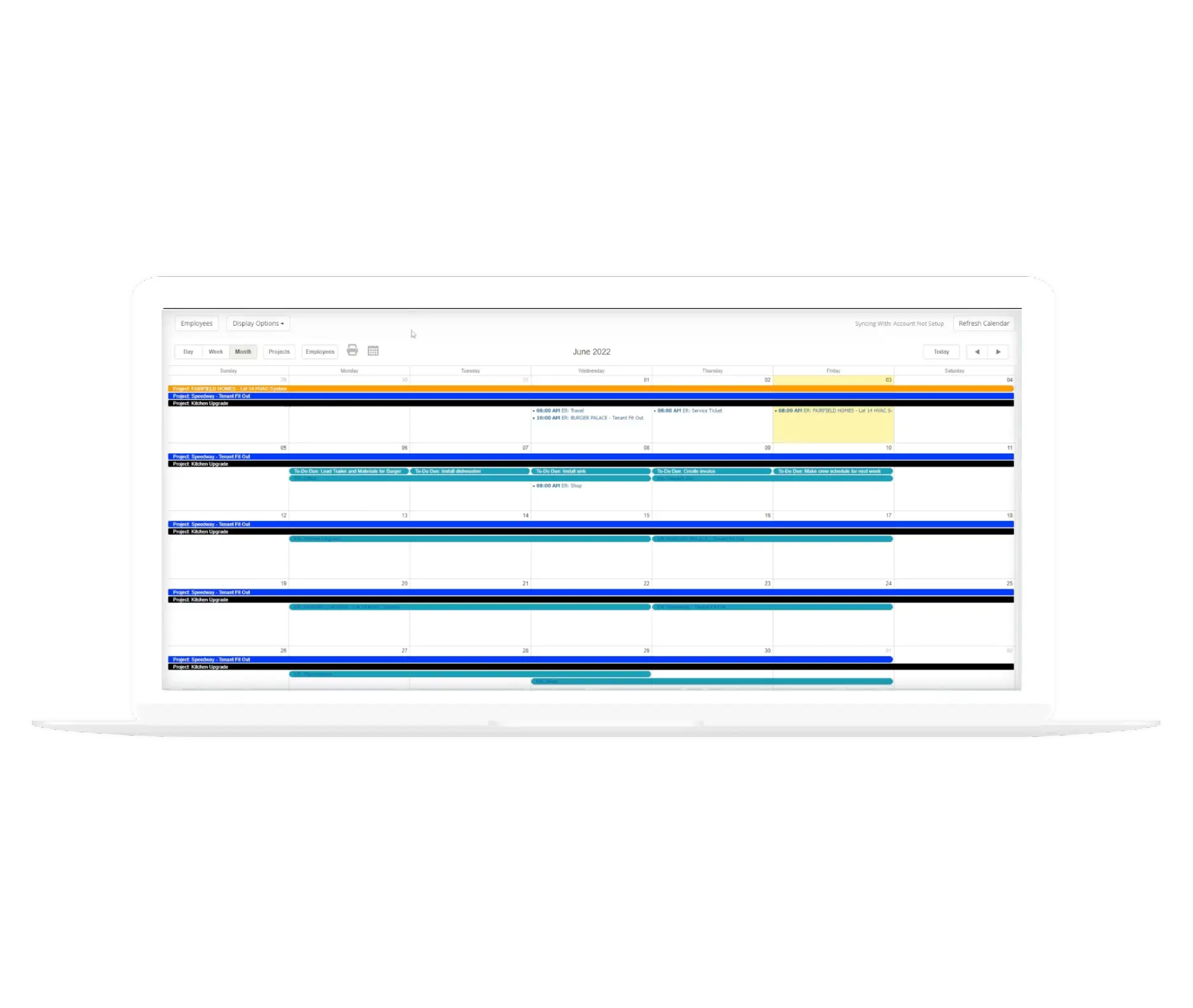
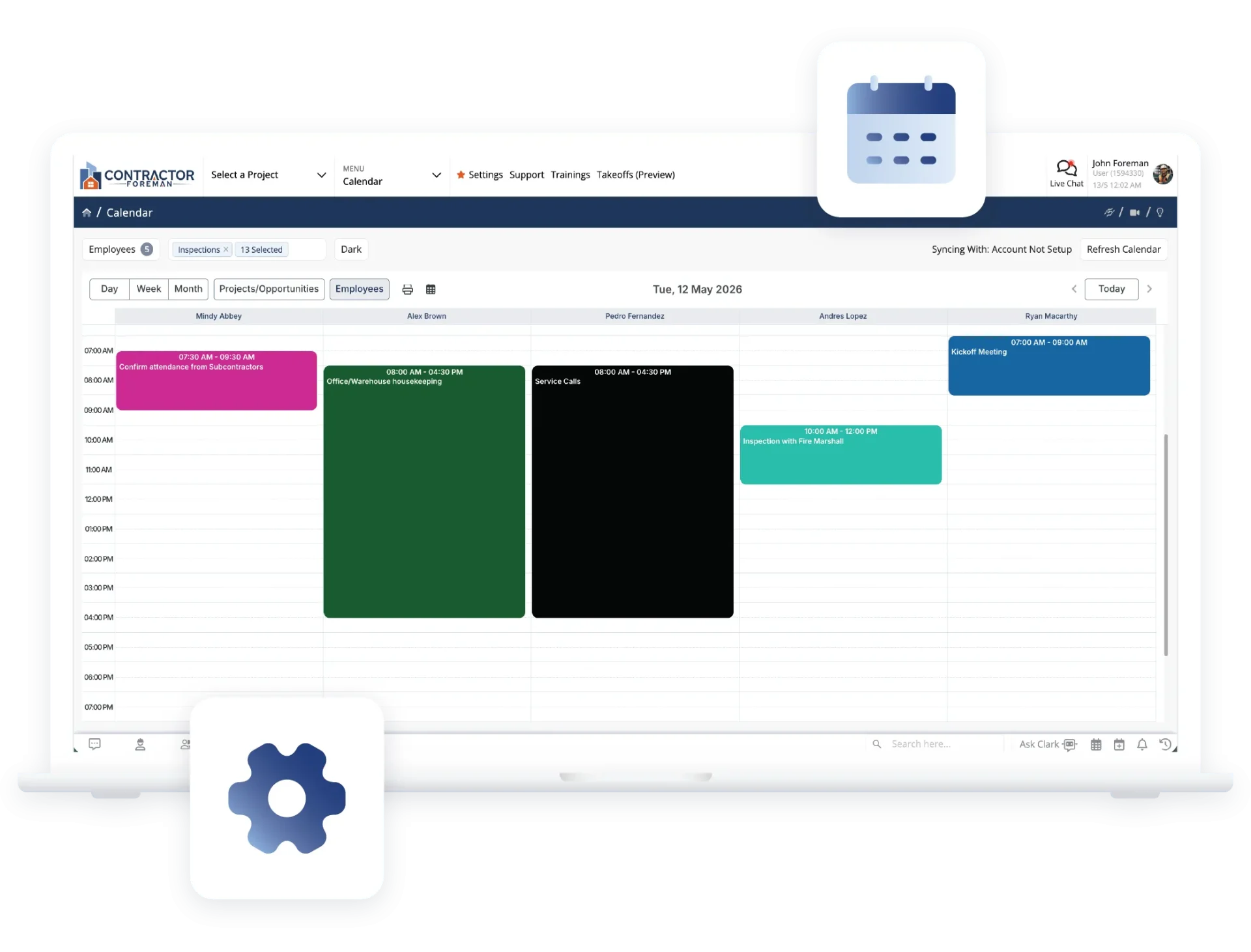
Multiple Calendar Views
View the calendar by employee, day, week, month, or project. Filters help narrow focus so you see only what’s relevant to your role.
Private and Shared Calendars
Use a shared company calendar or allow individuals to manage their own private calendars. Visibility is always your choice.
Schedule Coordination
Keep schedules accurate as changes happen. Add tasks quickly and manage time off to keep availability and assignments aligned.
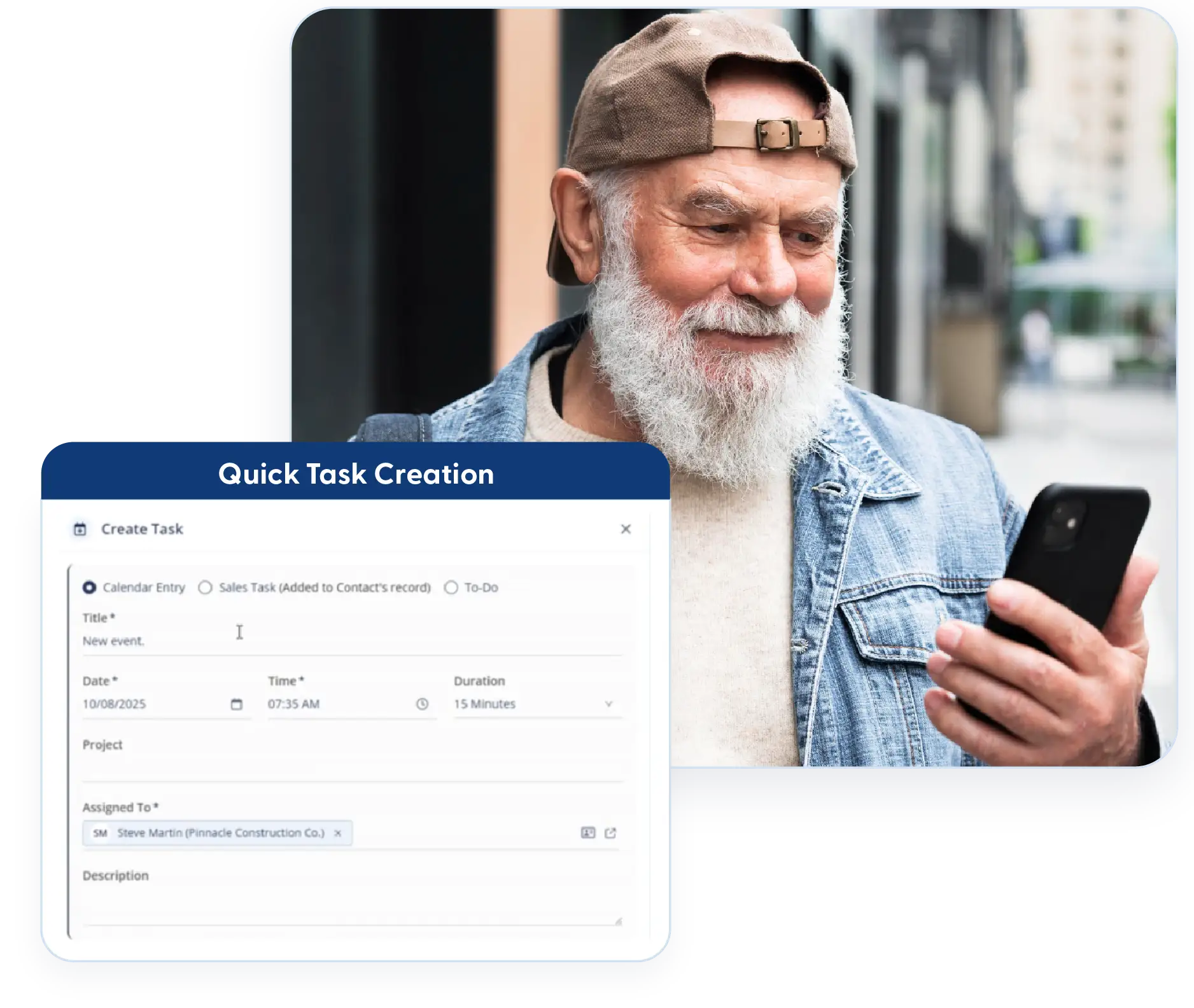
Quick Task Creation
Create a new task from any screen with a single click. Tasks appear instantly on the calendar without interrupting your workflow.
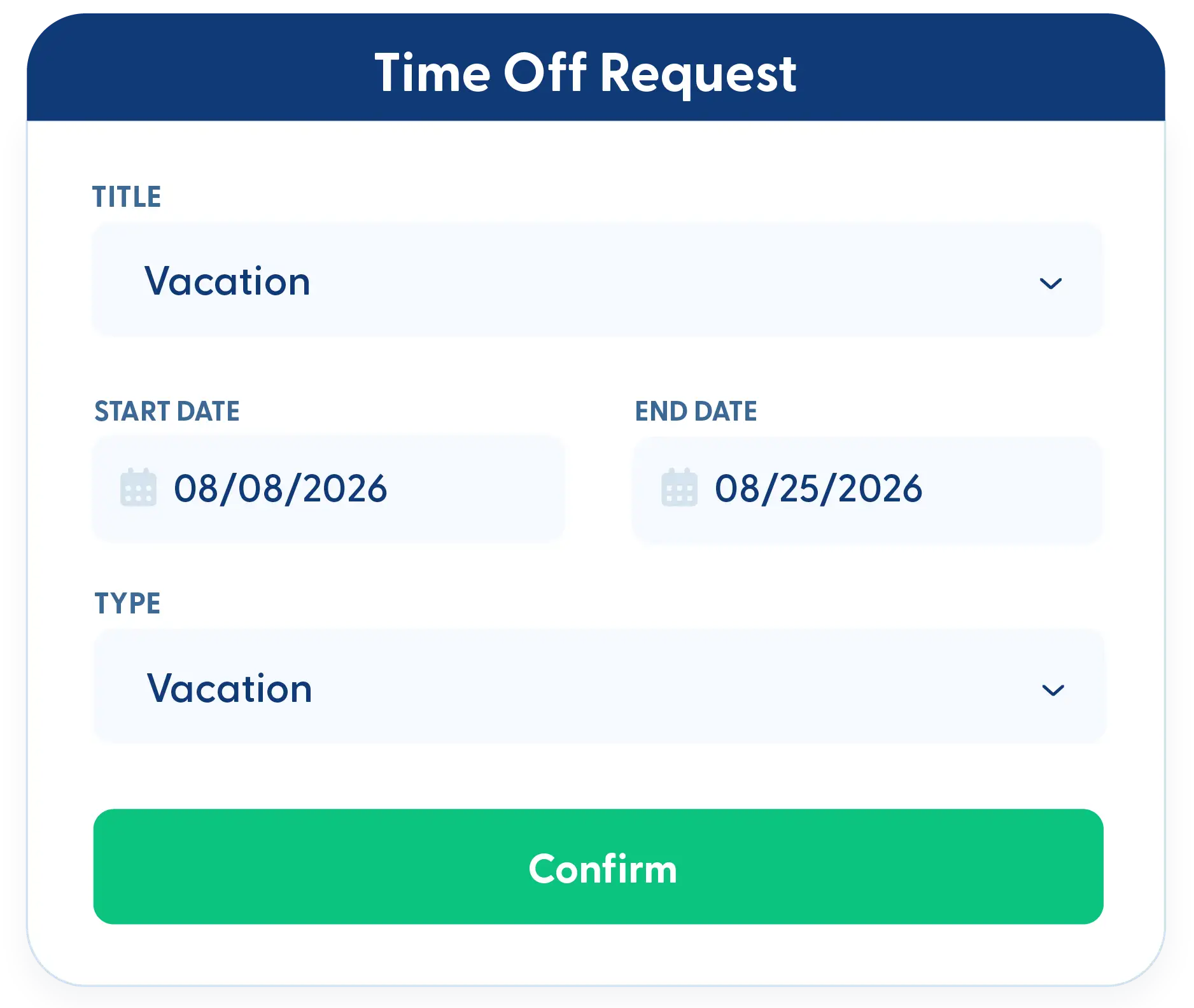
Time Off Requests and Approvals
Employees can request time off directly in the system. Approved requests automatically appear on the calendar, so schedules stay accurate.
System Sync
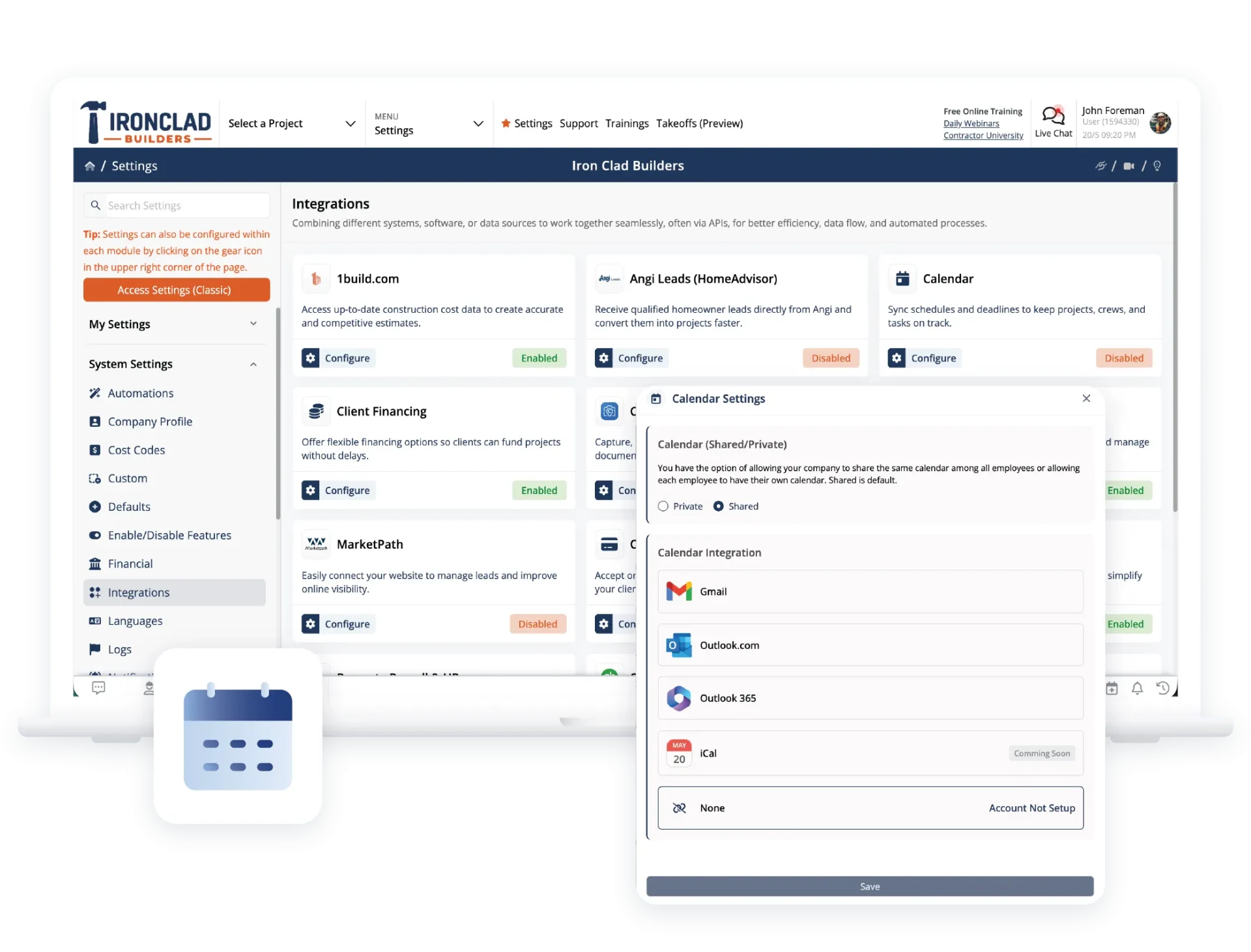
Keep schedules and key dates aligned across systems. Sync calendars and surface important reminders automatically so nothing gets missed.
Google and Outlook Sync
Sync your Contractor Foreman calendar with Google or Outlook to keep schedules aligned across systems.
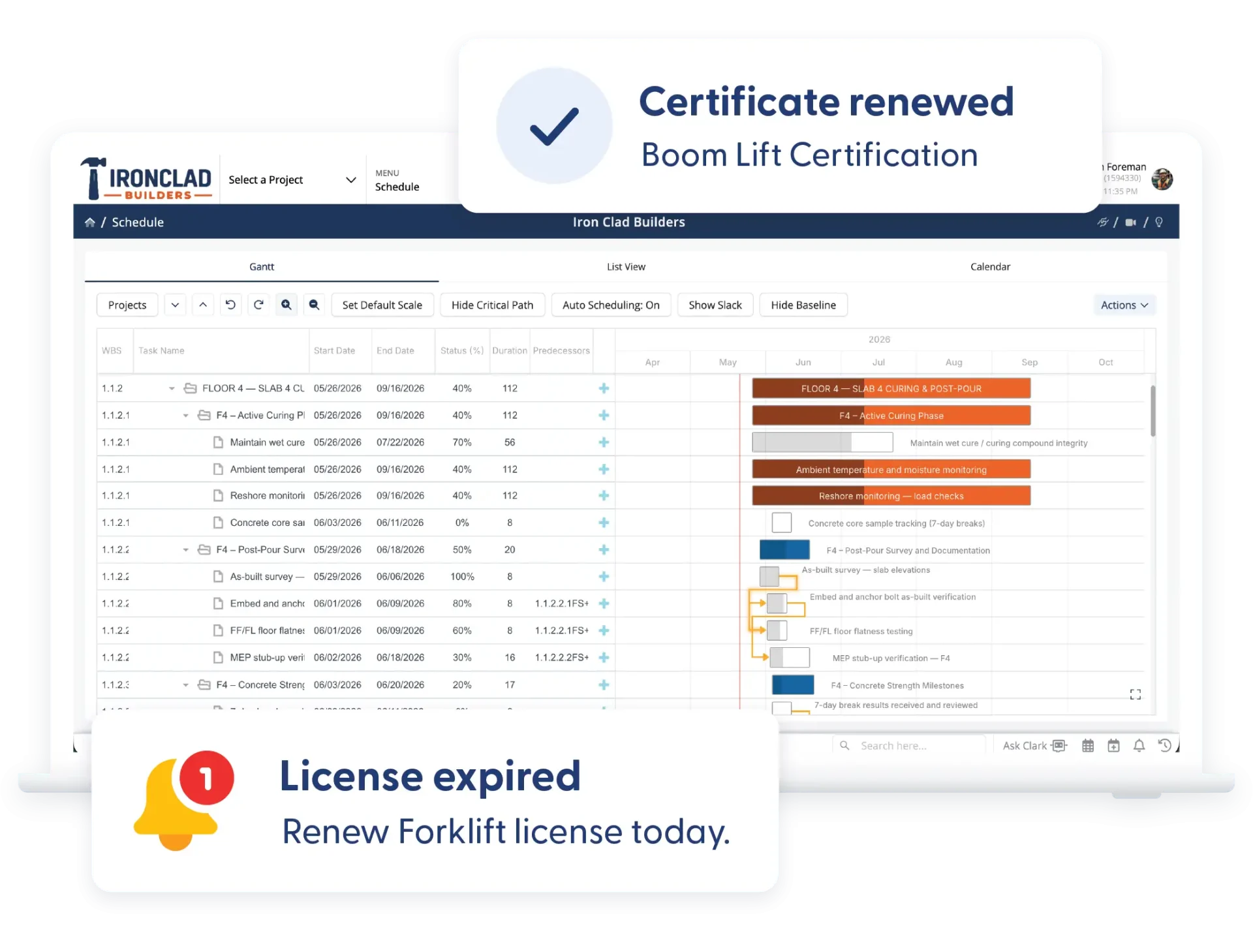
Automatic Compliance Reminders
License, insurance, and certification expirations automatically populate on the calendar, so important dates don’t get overlooked.
Frequently Asked Questions
Have a Question? Click the LiveChat icon. After hours? Email support@contractorforeman.com.
Contractor Foreman offers simple, transparent pricing with unlimited users, projects, and features. There are no hidden fees or per-user charges. See our pricing page for more details.
Some companies offer a 7-day refund policy… maybe 30 days. We are so confident in Contractor Foreman that we give you up to 100-days to request a refund if you are not satisfied and no longer wish to use it. See the Refund Policy for details and requirements.
Yes. Each user can customize views and filters to match their role and responsibilities.
Yes. Items like approved time off and compliance-related expirations automatically appear on the calendar.
Yes. The calendar can sync with Google and Outlook.

Sign up for a free demo and see it in action!
Let us show you how Contractor Foreman can start saving you and your company a lot of time and money. Schedule a free demo for yourself or your crew.
Start a Free Trial
We have plans starting at $49/month

Have a question? See our Frequently Asked Questions or give us a call (828) 375-8042 or click Live Chat.






