
Scheduling
Set schedules that can bend without breaking
Scheduling shouldn’t require expensive software or a full-time scheduler. Contractor Foreman gives you an easy-to-use Gantt chart scheduler that keeps projects moving and makes schedule changes painless when real life happens.
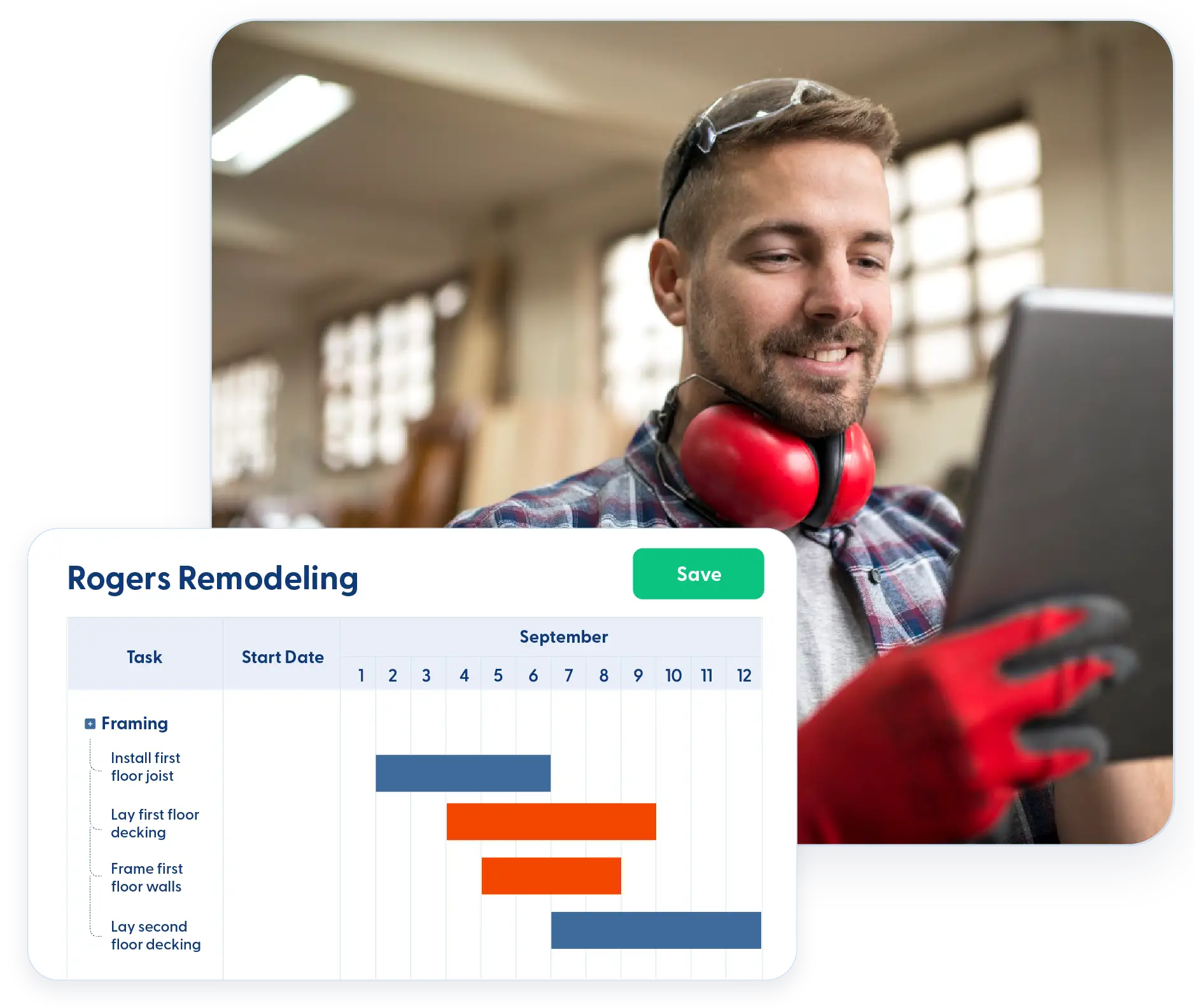
Plan it once. Adjust it fast.
Build schedules that reflect how your crews work — and update them without breaking everything else.

Built for change
Rain delays, material issues, and crew availability are part of the job. Your schedule should adapt just as easily.

Clear timelines that everyone understands
Field crews, office staff, and clients can all see where the project stands without needing training or extra tools.

Take schedules anywhere
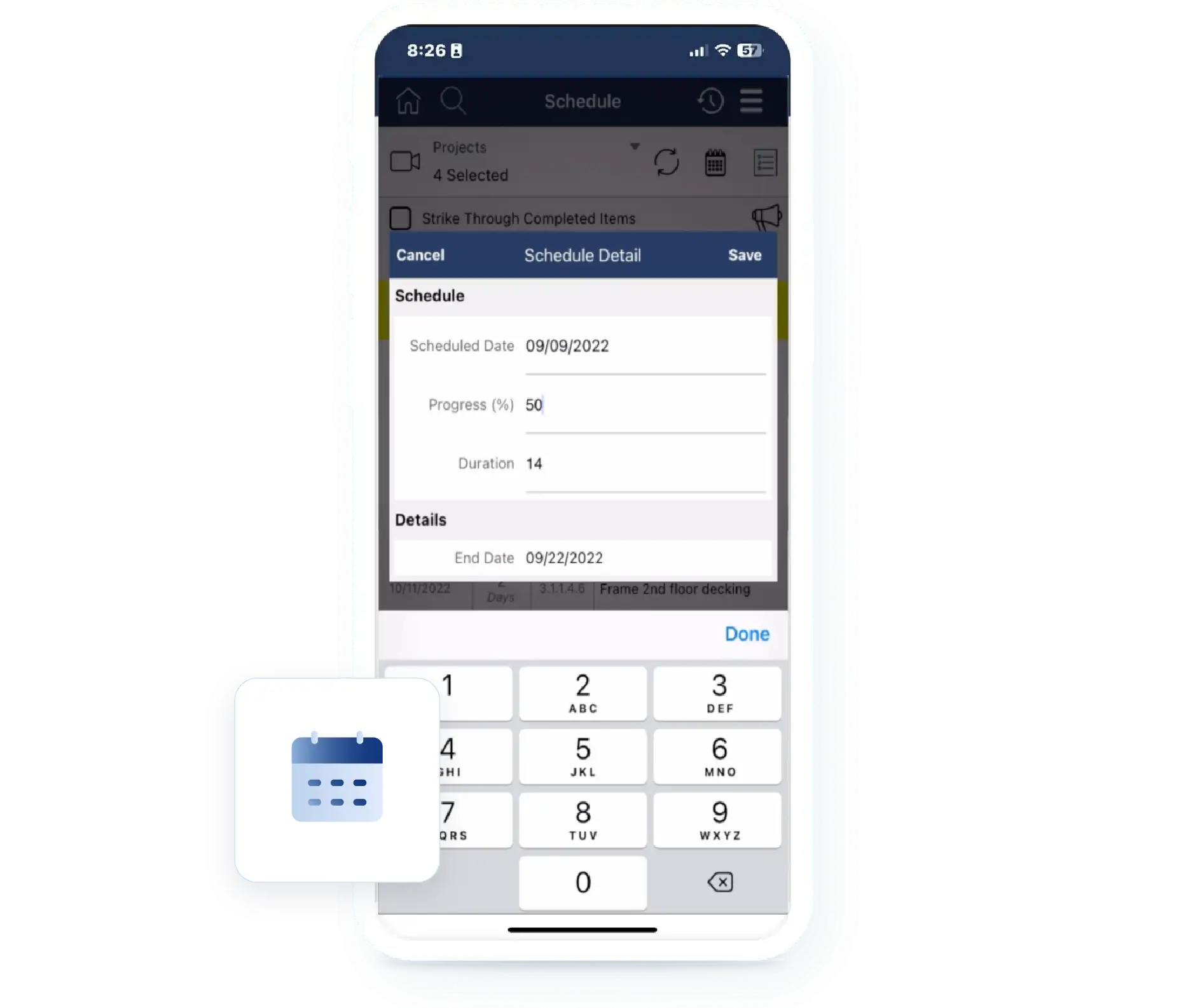
View and update schedules from the office, the field, or wherever the day takes you.
Check out these Scheduling features
These individual features are tailor-made to meet your specific needs and preferences.
Schedule Building & Planning
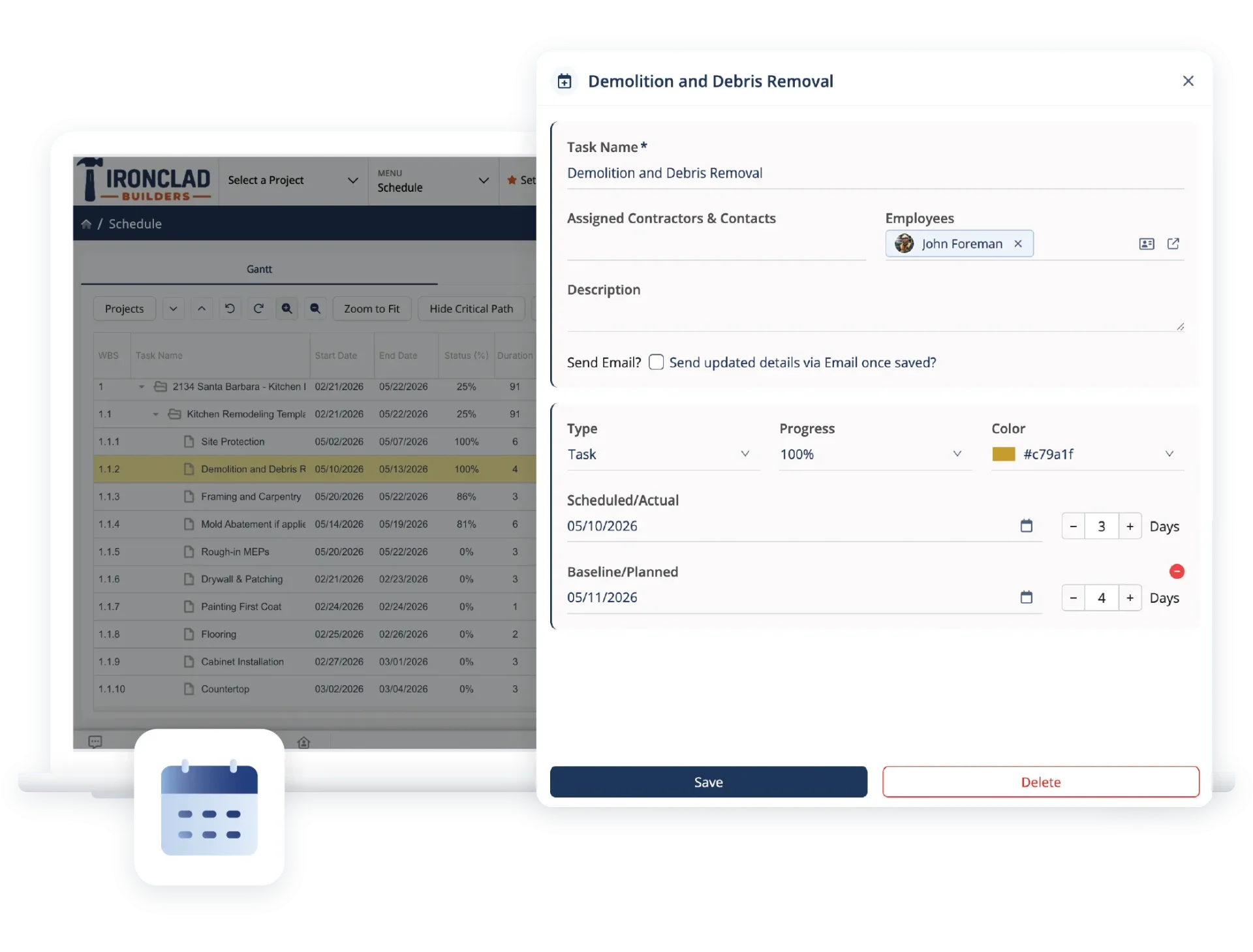
Create schedules that adjust as projects change. Build timelines, manage dependencies, and account for real-world constraints so plans stay accurate, and timelines stay on track.
Auto Scheduling & Dependencies
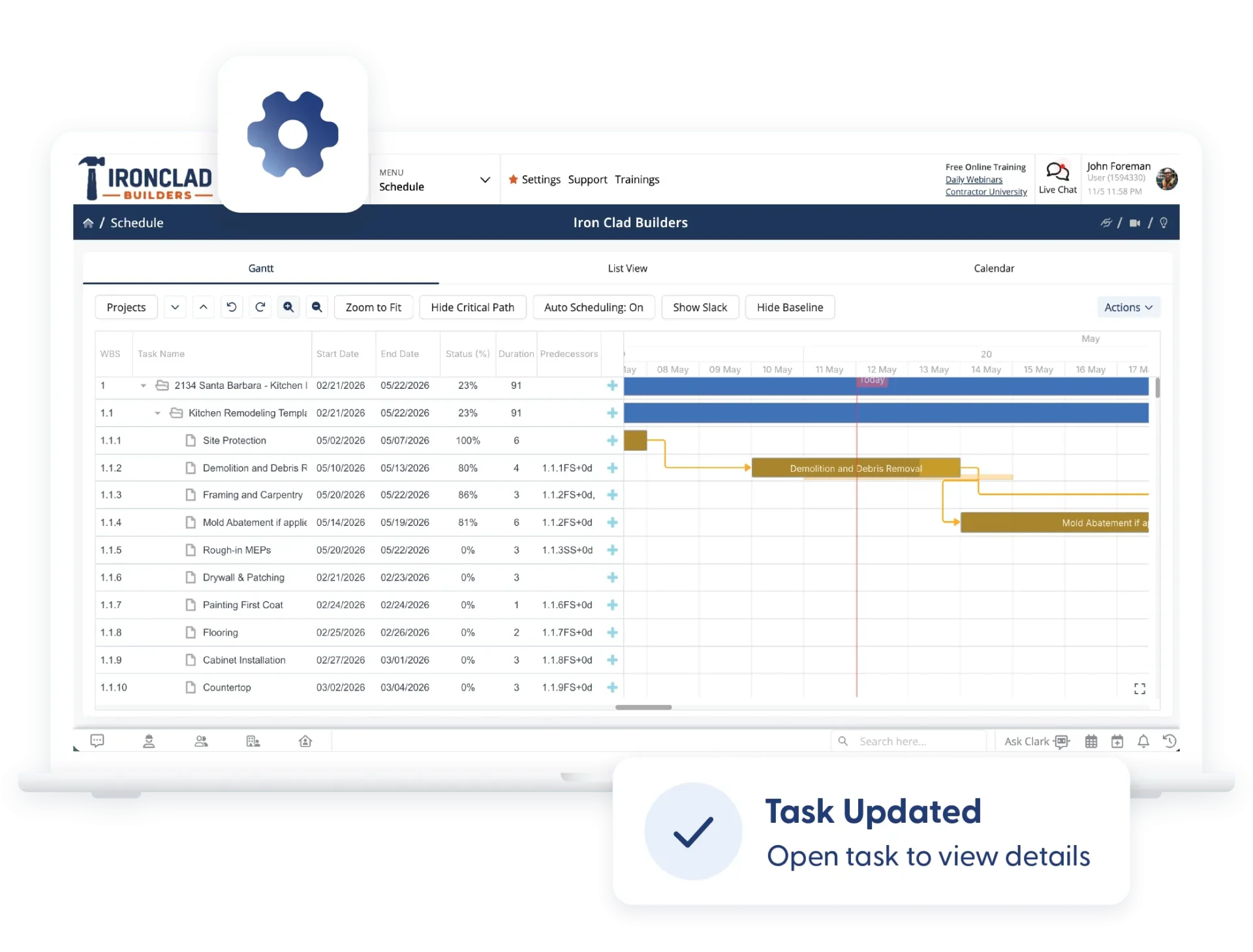
Move one task, and all dependent tasks are automatically adjusted. Schedule changes ripple through the plan without manual rework.
Gantt Charts & Critical Path Method
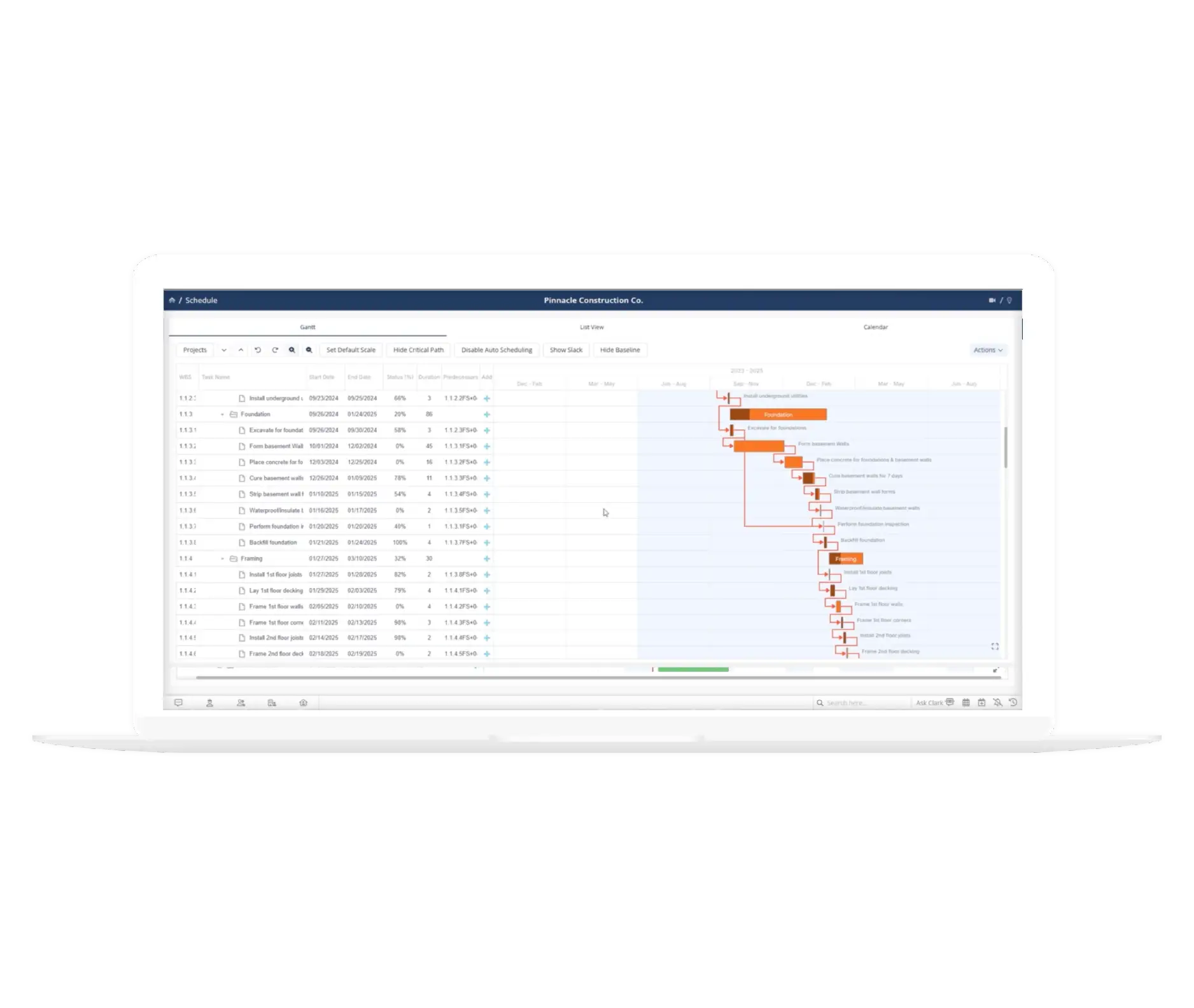
Build or import Gantt charts and use CPM to see which tasks directly impact your completion date. Focus attention where delays actually matter.
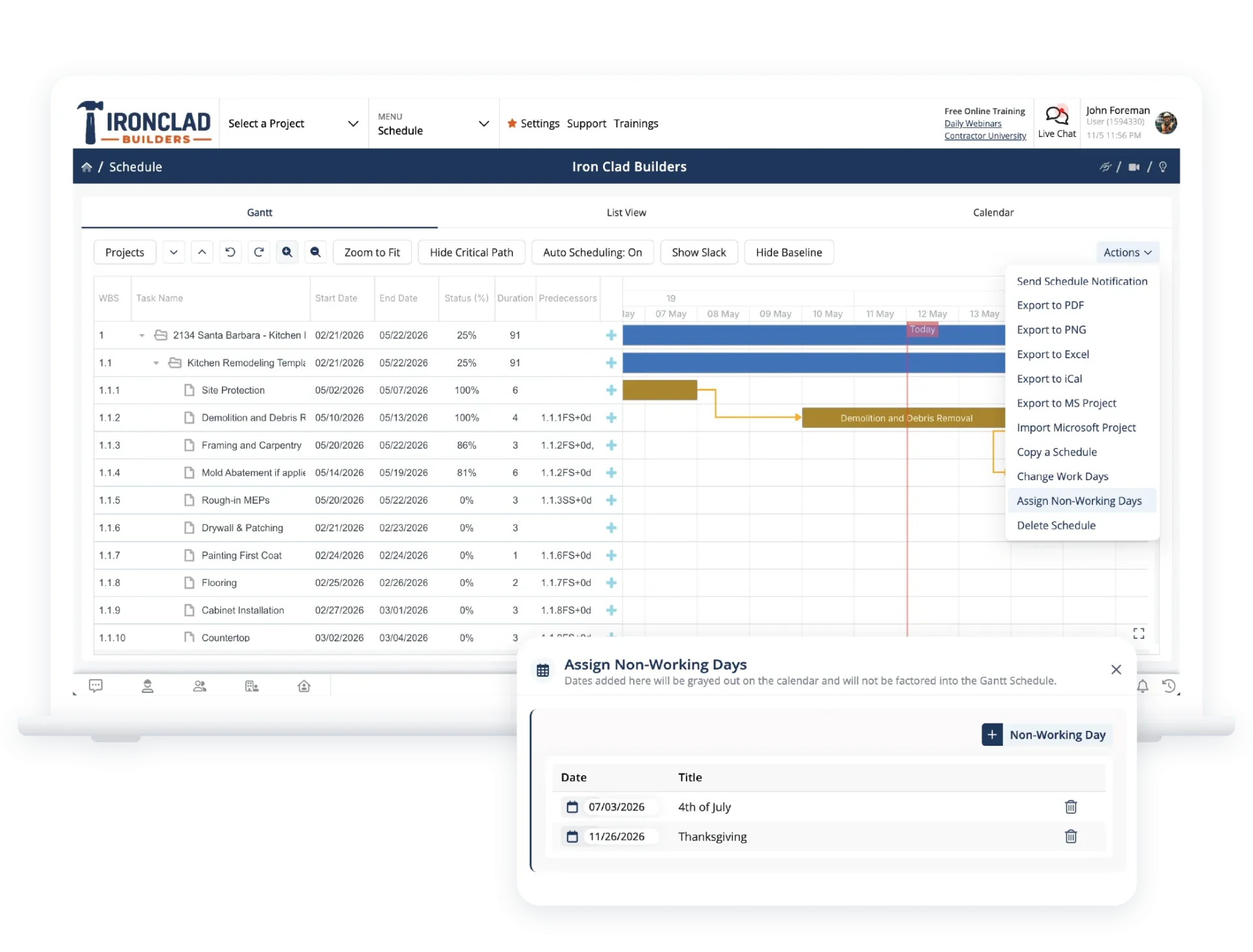
Non-Working Days
Add holidays and non-working days so schedules reflect reality. Start and finish dates stay accurate without constant recalculation.
Schedule Monitoring & Progress Tracking
Share schedule updates clearly and keep everyone aligned. Push changes to the team, view timelines in the format you need, and connect with external scheduling tools without losing visibility.
Baseline Tracking
Compare planned schedules against actual progress. See where work is taking longer or finishing early so adjustments can be made sooner.
Percent Complete Tracking
Update task progress from the field or office. Real-time percent complete keeps the schedule up to date without chasing updates.
Schedule Communication & Visibility
Task Notices
When schedules change, send updated task assignments and timelines to employees and contractors with a click. Everyone stays aligned without follow-up calls.
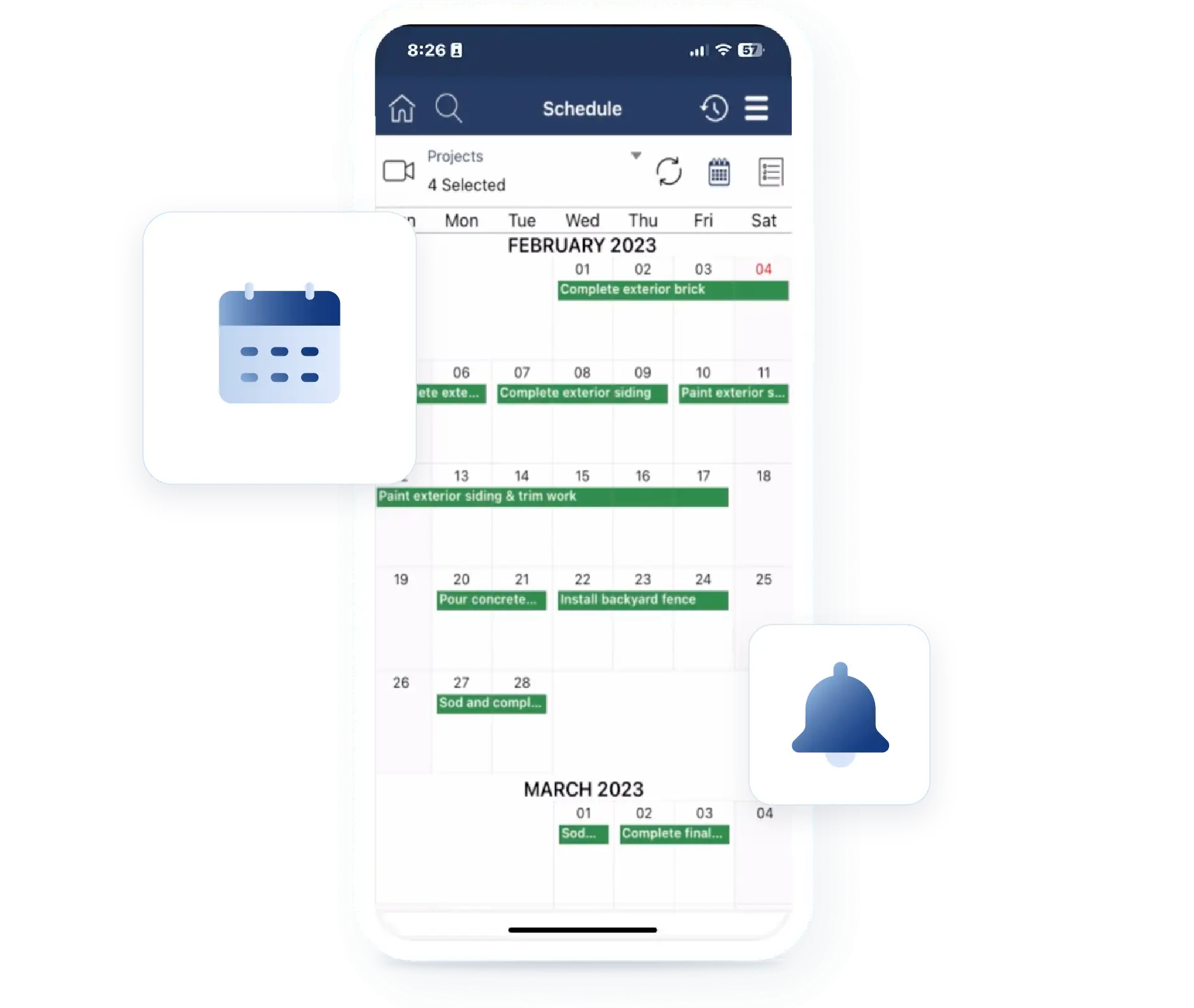
Month and List Views
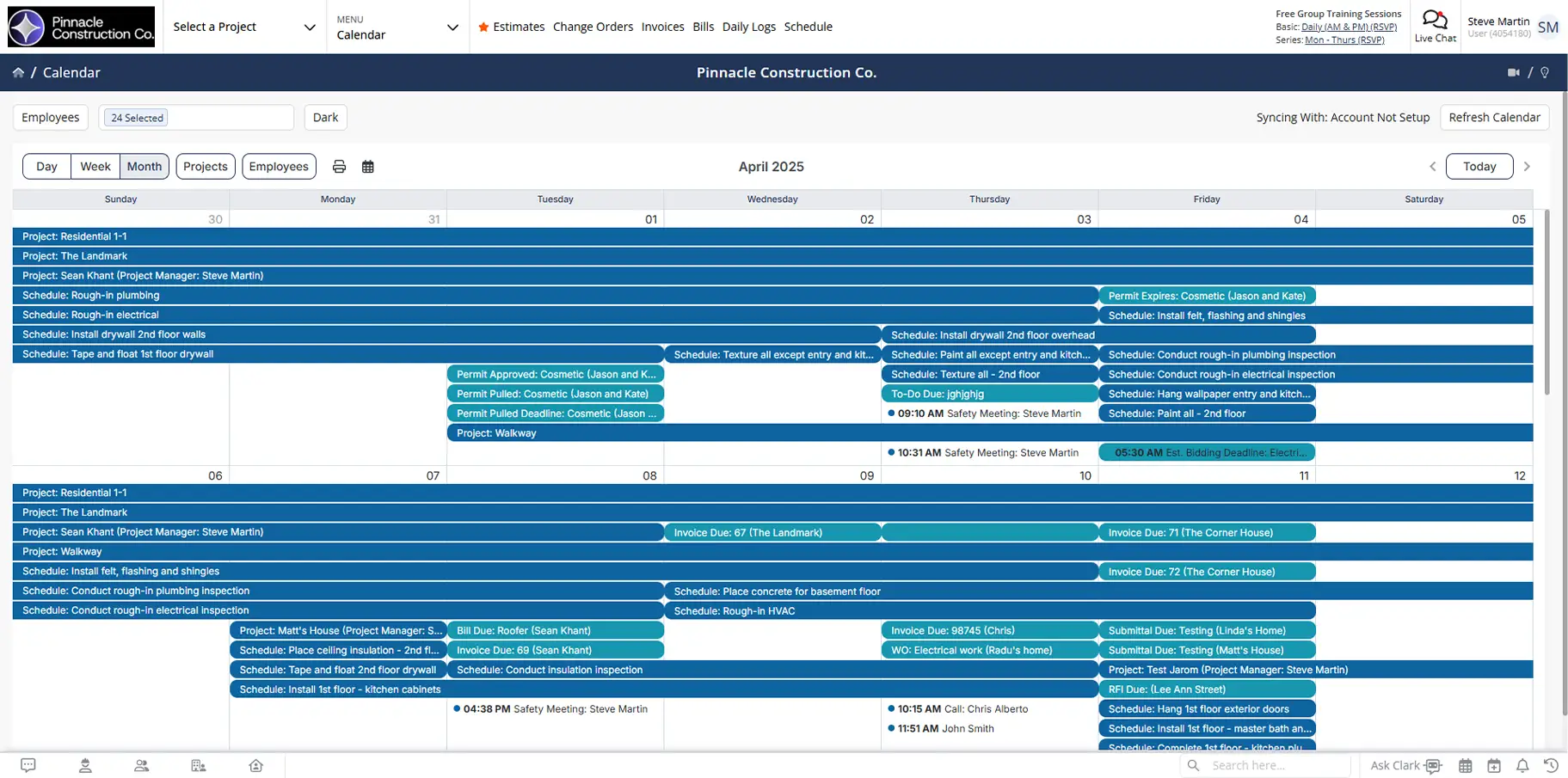
Switch between Gantt, calendar, and list views depending on what you need to see. Export task lists or scan the month for scheduling gaps.
MS Project Integration
Import schedules from Microsoft Project or export them back out. Build detailed schedules where you prefer and share them with your team in Contractor Foreman.
Frequently Asked Questions
Have a Question? Click the LiveChat icon. After hours? Email support@contractorforeman.com.
Contractor Foreman offers simple, transparent pricing with unlimited users, projects, and features. There are no hidden fees or per-user charges. See our pricing page for more details.
Some companies offer a 7-day refund policy… maybe 30 days. We are so confident in Contractor Foreman that we give you up to 100-days to request a refund if you are not satisfied and no longer wish to use it. See the Refund Policy for details and requirements.
Dependent tasks automatically adjust based on the updated timeline, reducing manual rescheduling.
Yes. Project schedule templates allow you to reuse proven schedules or import existing ones.
Yes. Schedules can be shared through the client portal if you choose.

Sign up for a free demo and see it in action!
Let us show you how Contractor Foreman can start saving you and your company a lot of time and money. Schedule a free demo for yourself or your crew.
Start a Free Trial
We have plans starting at $49/month

Have a question? See our Frequently Asked Questions or give us a call (828) 375-8042 or click Live Chat.






