
Opportunities
Know what you’re bidding and where it stands
Opportunities give you a place to manage bids with the same level of organization as a project—without jumping the gun. Track who the work is coming from, what’s being bid, and where each opportunity stands, all before a shovel hits the ground.
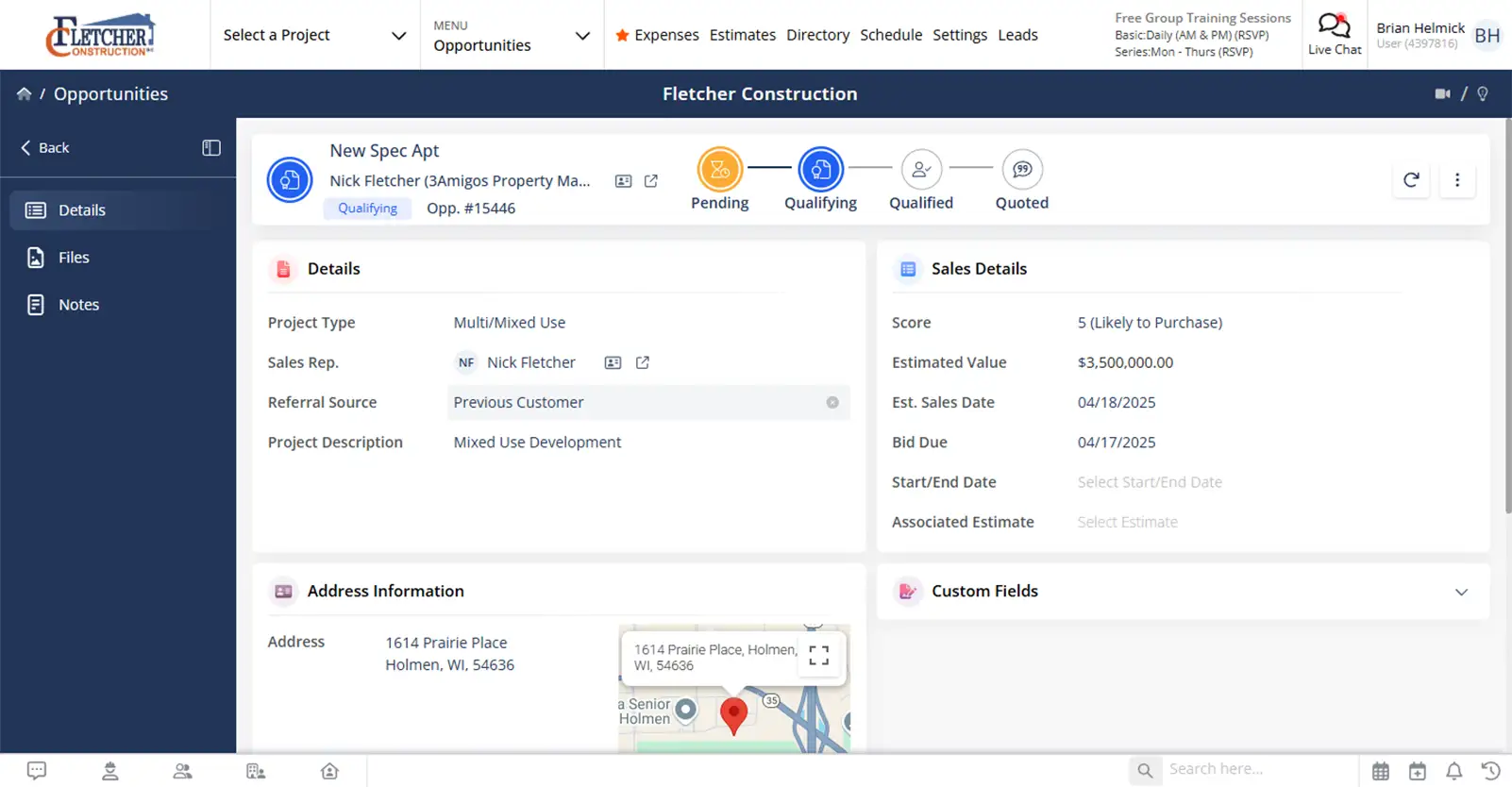
A better way to manage what’s coming next
Keep bids organized, deadlines visible, and estimators focused on the right work.

Keep bids from slipping through the cracks
Track due dates, stages, and notes so nothing gets missed.

Separate jobs, even with the same client
Multiple bids for one customer stay clearly organized.

Move from bid to project without rework
Convert an opportunity into an estimate or project with a single click.
Check out these Opportunities features
These individual features are tailor-made to meet your specific needs and preferences.
Bid Planning
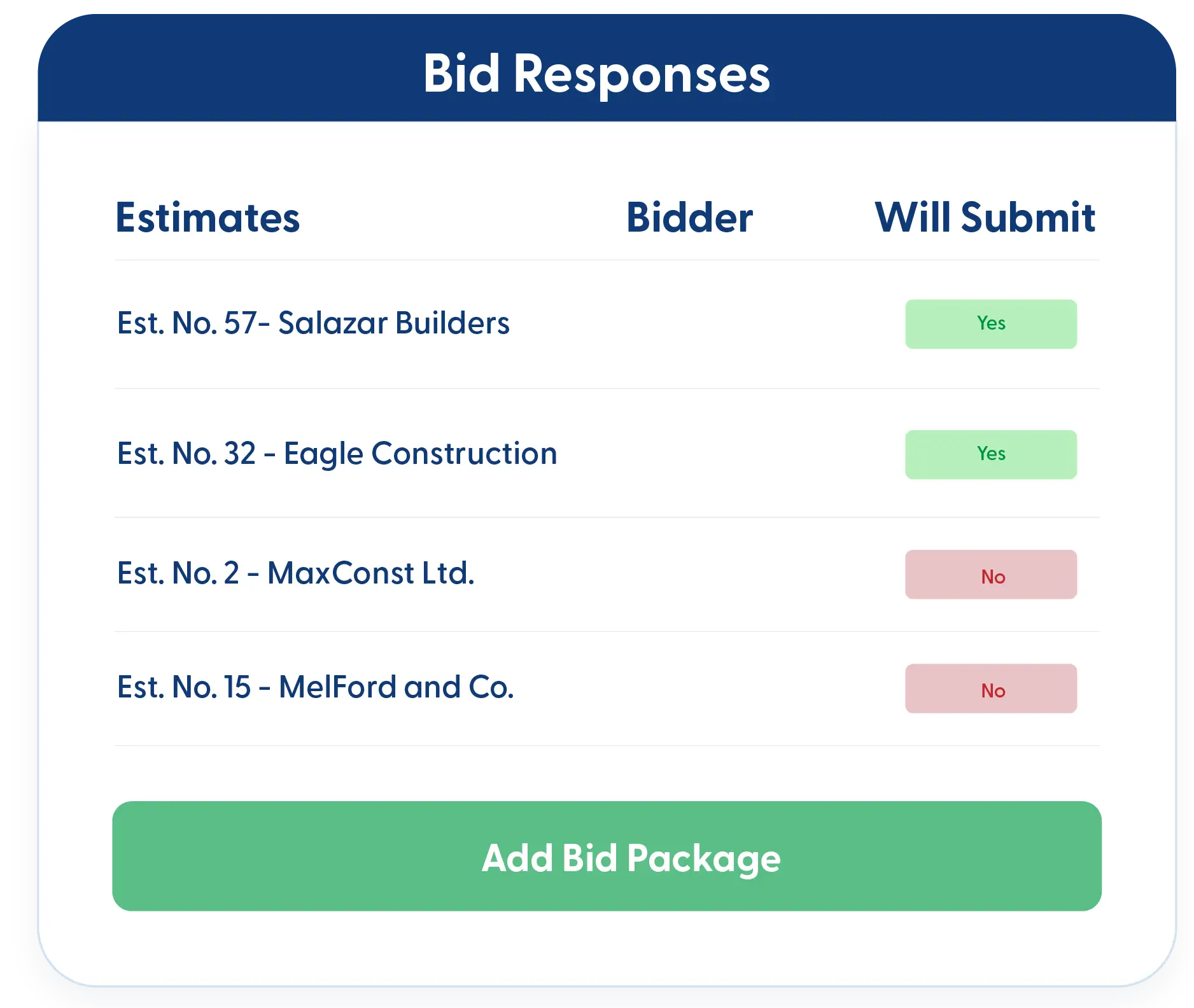
Stay organized from the first opportunity to the final submission. Track key dates, manage incoming bids, and keep visibility into your pipeline so estimating efforts stay focused and deadlines don’t slip.
Critical Date Tracking
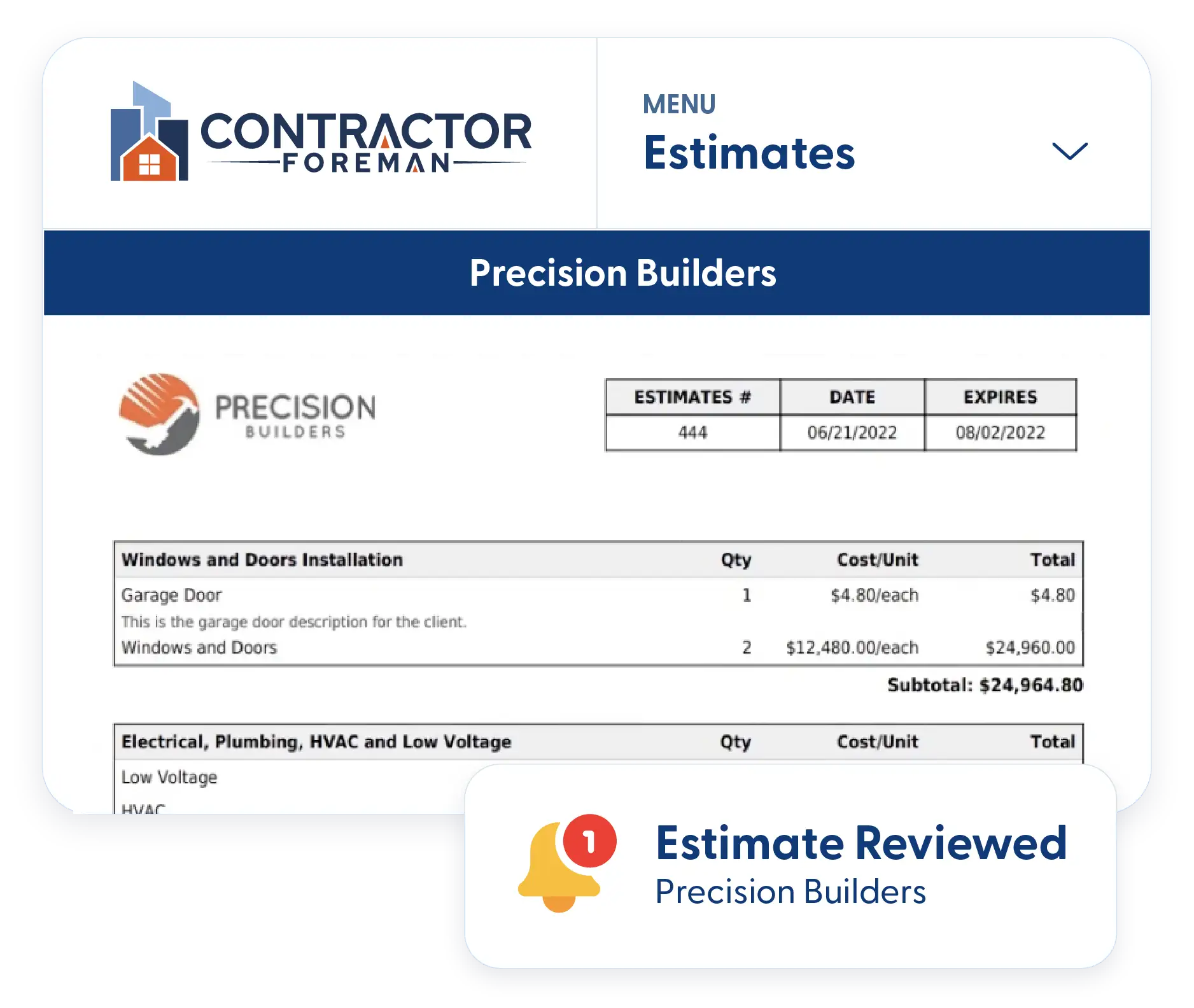
Track bid due dates and other critical milestones by stage and project type. Estimators and management stay aligned on what’s due and what needs attention next.
Opportunities by Project Type
Categorize opportunities by project type to see what’s coming into your pipeline. Identify trends, understand where your most profitable work comes from, and feed better data back into marketing and estimating decisions.
Job Records
Keep every opportunity organized and easy to manage. Store notes, documents, and key details at the job level so information stays clean, searchable, and tied to the right project.
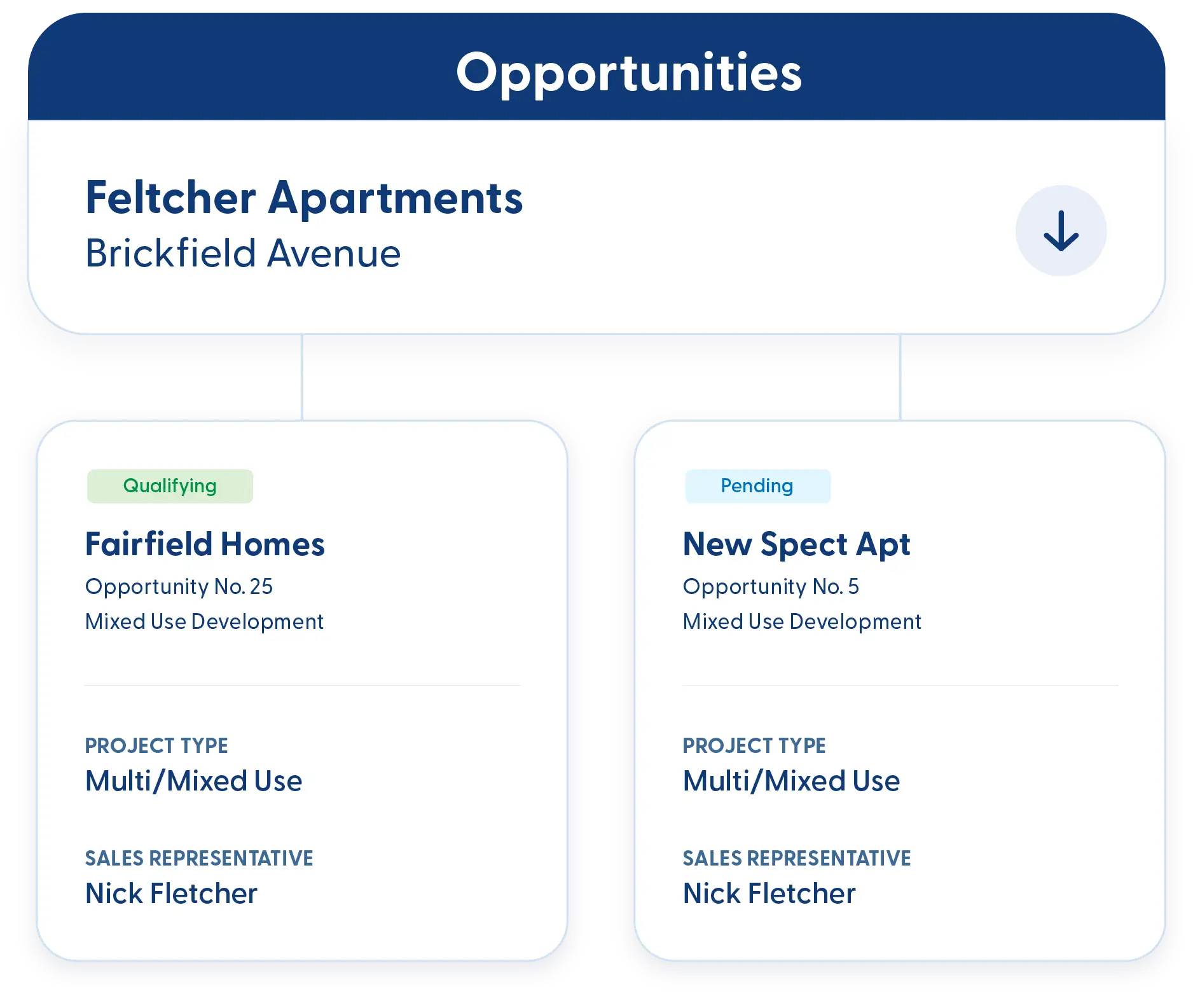
Job Distinction
Keep multiple opportunities for the same client separated and organized. Notes, documents, and details stay tied to the correct job, so nothing gets mixed together.
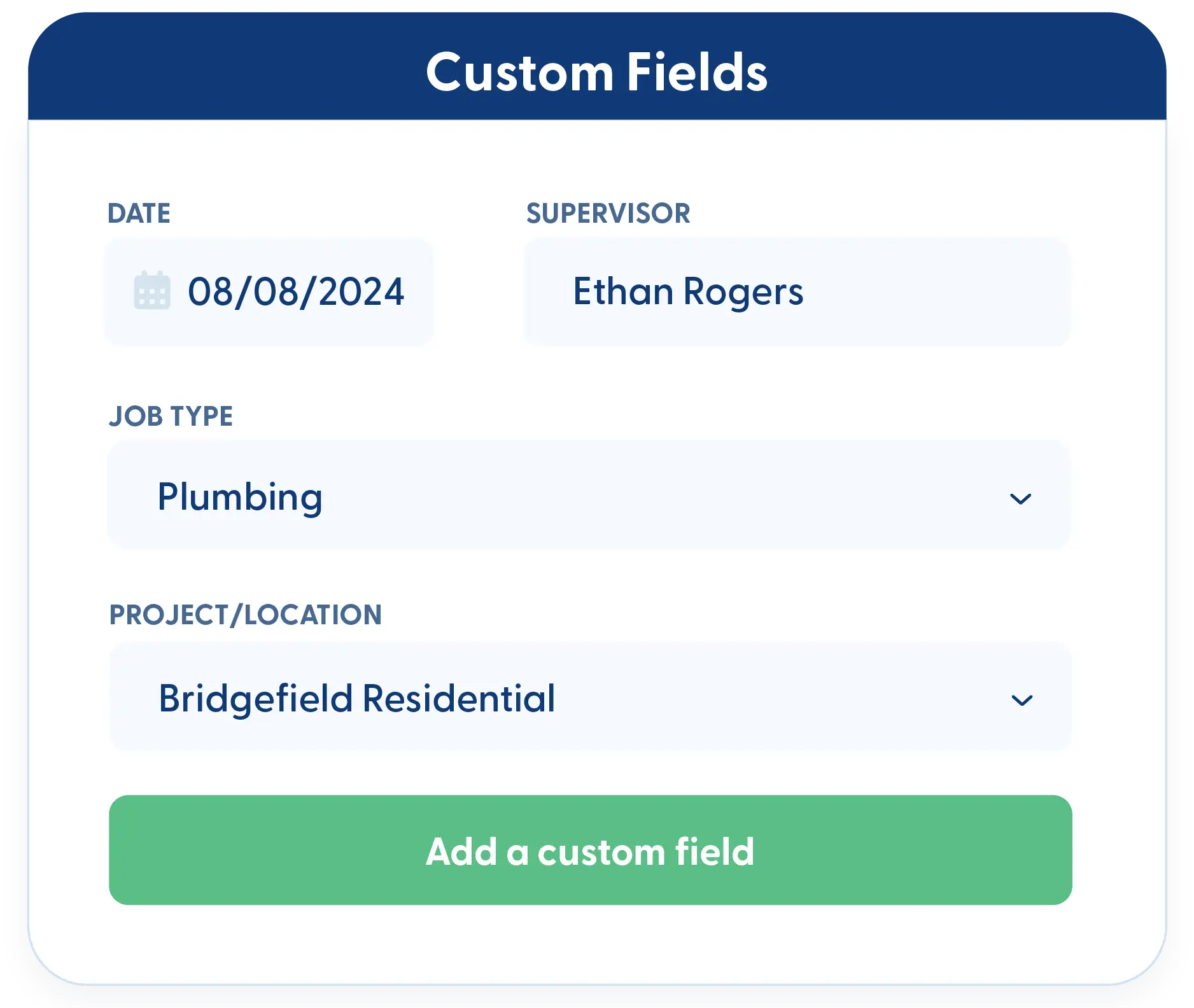
Custom Fields
Capture opportunity details that matter to your business. Add custom fields to track anything from referral sources to internal scoring and reporting needs.
Workflow Progress
Move opportunities forward without losing momentum. Track each stage, convert bids into active work, and keep everything visible so nothing stalls or falls through the cracks.
Create Estimates and Projects from Opportunities
When a bid is ready to move forward, convert the opportunity into an estimate or full project without re-entering information. Notes, details, and context stay intact.
Kanban Views & Filters
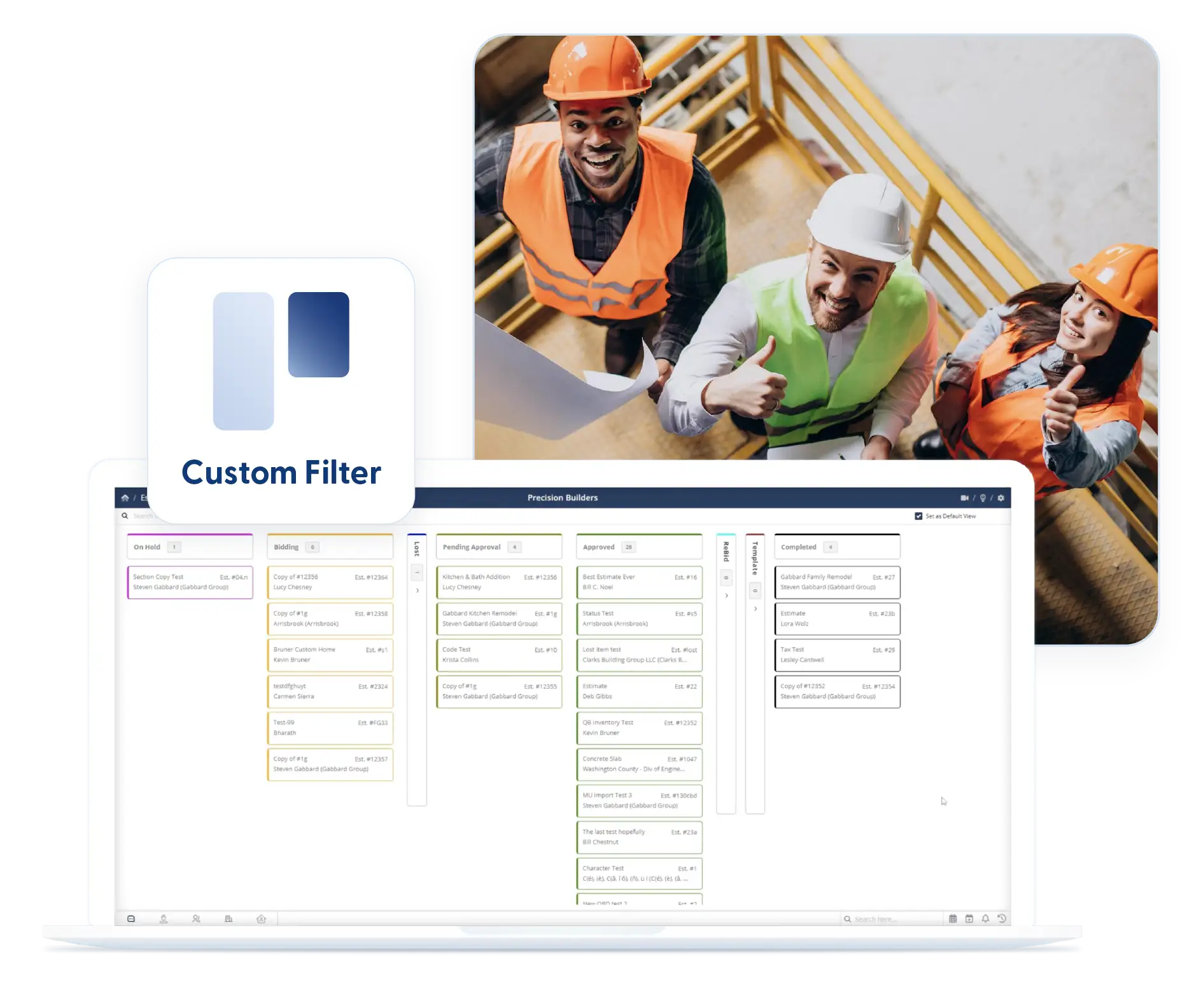
Use Kanban boards or list views to visualize where opportunities stand. Apply filters to focus on what matters and keep them in place when you return.
Frequently Asked Questions
Have a Question? Click the LiveChat icon. After hours? Email support@contractorforeman.com.
Contractor Foreman offers simple, transparent pricing with unlimited users, projects, and features. There are no hidden fees or per-user charges. See our pricing page for more details.
Some companies offer a 7-day refund policy… maybe 30 days. We are so confident in Contractor Foreman that we give you up to 100-days to request a refund if you are not satisfied and no longer wish to use it. See the Refund Policy for details and requirements.
Yes. Opportunities support shared access so estimators and managers can collaborate without overwriting each other’s notes or details.
Project types, stages, and due dates make it easy to see which opportunities need attention first and which ones align best with your business goals.
Yes. Opportunities can hold notes, photos, RFIs, and other documents so all context stays in one place.
Project Management Tools
These individual features are tailor-made to meet your specific needs and preferences.
 Angi Leads (HomeAdvisor)
Automatically import leads from Angi into your Contractor Foreman CRM—no more manual copying means faster response times and fewer missed opportunities.
CRM
Client Portal
Give clients controlled access to project schedules, documents, approvals, invoices, and updates so communication stays organized without endless emails and phone calls.
CRM
Dashboard
Contractor Foreman lets you shape your dashboard around the information you need, so you can get oriented quickly and get to work.
CRM
Directory
Organize all contacts by type (customers, vendors, subs, employees) with certification tracking, insurance expiration alerts, and complete activity history—find anyone in seconds.
CRM
Document Management
Keep your documents organized, searchable, and tied to the job, so you always know where things live and who last touched them.
CRM
Ease of Use
Contractor Foreman is designed to be simple to learn, fast to navigate, and flexible enough to fit your team's existing workflow — in the office and in the field.
CRM
Integrations
Connect your favorite tools without the double-entry headache
CRM
Opportunities
Capture every detail of potential projects, including notes, photos, RFIs, and bid information—turning inquiries into actionable opportunities that don't fall through the cracks.
CRM
 QuickBooks
Two-way sync with QuickBooks Online and QuickBooks Desktop eliminates double-entry while maintaining accurate job costing—invoices, bills, payments, and expenses flow automatically between systems.
CRM
 Stripe
Connect to hundreds of apps including MailChimp, Zoho, Constant Contact, Dropbox, and Google Drive—automate lead capture, document backup, email campaigns, and more without coding.
CRM
 Xero (Coming mid-2026)
Improve efficiency by syncing data automatically
CRM
 Zapier
Connect to hundreds of apps including MailChimp, Zoho, Constant Contact, Dropbox, and Google Drive—automate lead capture, document backup, email campaigns, and more without coding.
CRM

Sign up for a free demo and see it in action!
Let us show you how Contractor Foreman can start saving you and your company a lot of time and money. Schedule a free demo for yourself or your crew.
Start a Free Trial
We have plans starting at $49/month

Have a question? See our Frequently Asked Questions or give us a call (828) 375-8042 or click Live Chat.






