
Leads Manager
Turn new leads into scheduled work
Leads only matter if they get followed up. Contractor Foreman’s Leads Manager keeps every inquiry organized, visible, and moving forward so nothing slips through the cracks. Track where leads come from, see their current stage, and schedule next steps without juggling spreadsheets or inboxes.
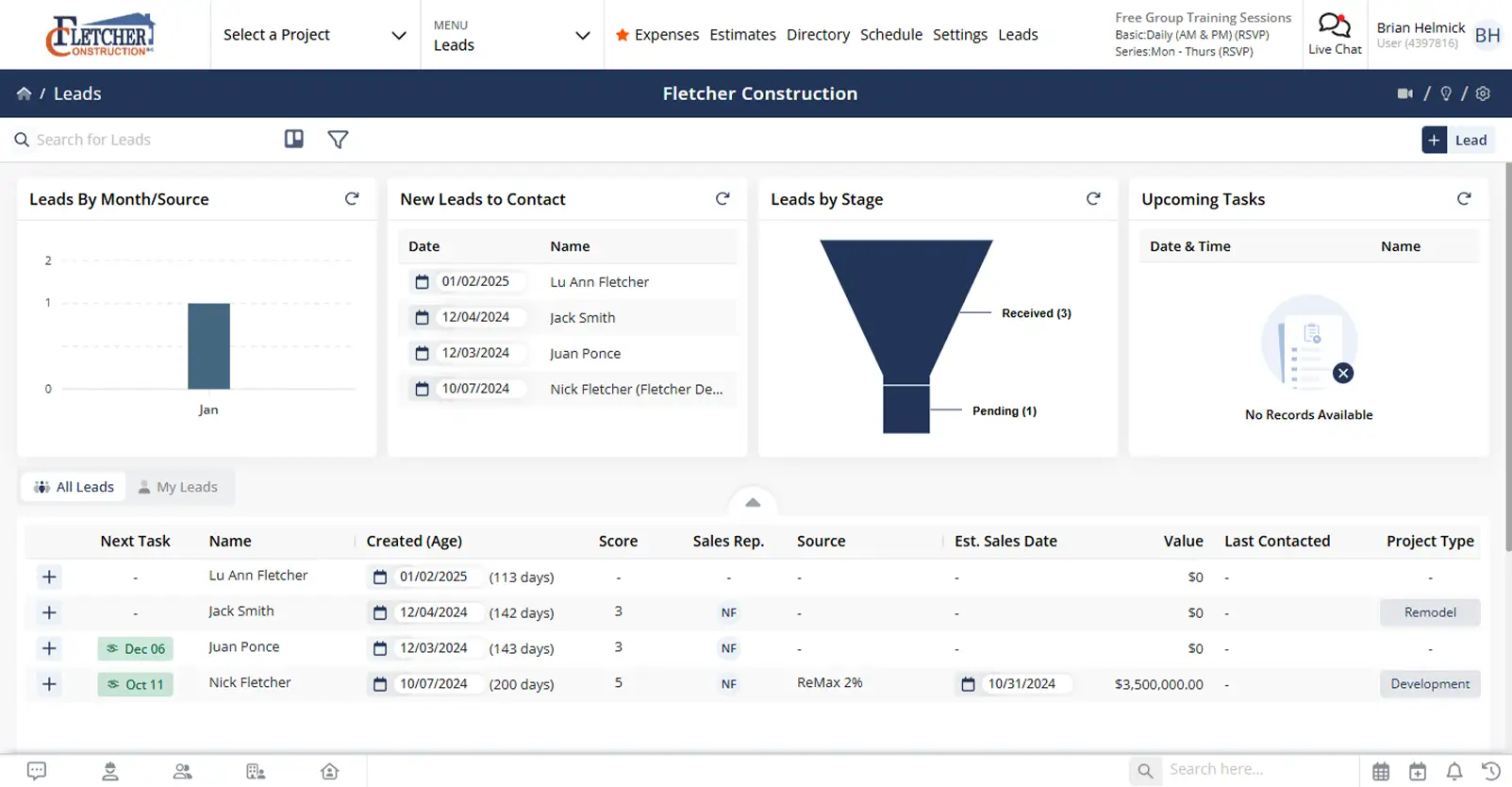
Stay on top of every opportunity
Clear lead tracking that helps you respond faster, stay organized, and understand what’s driving new work.

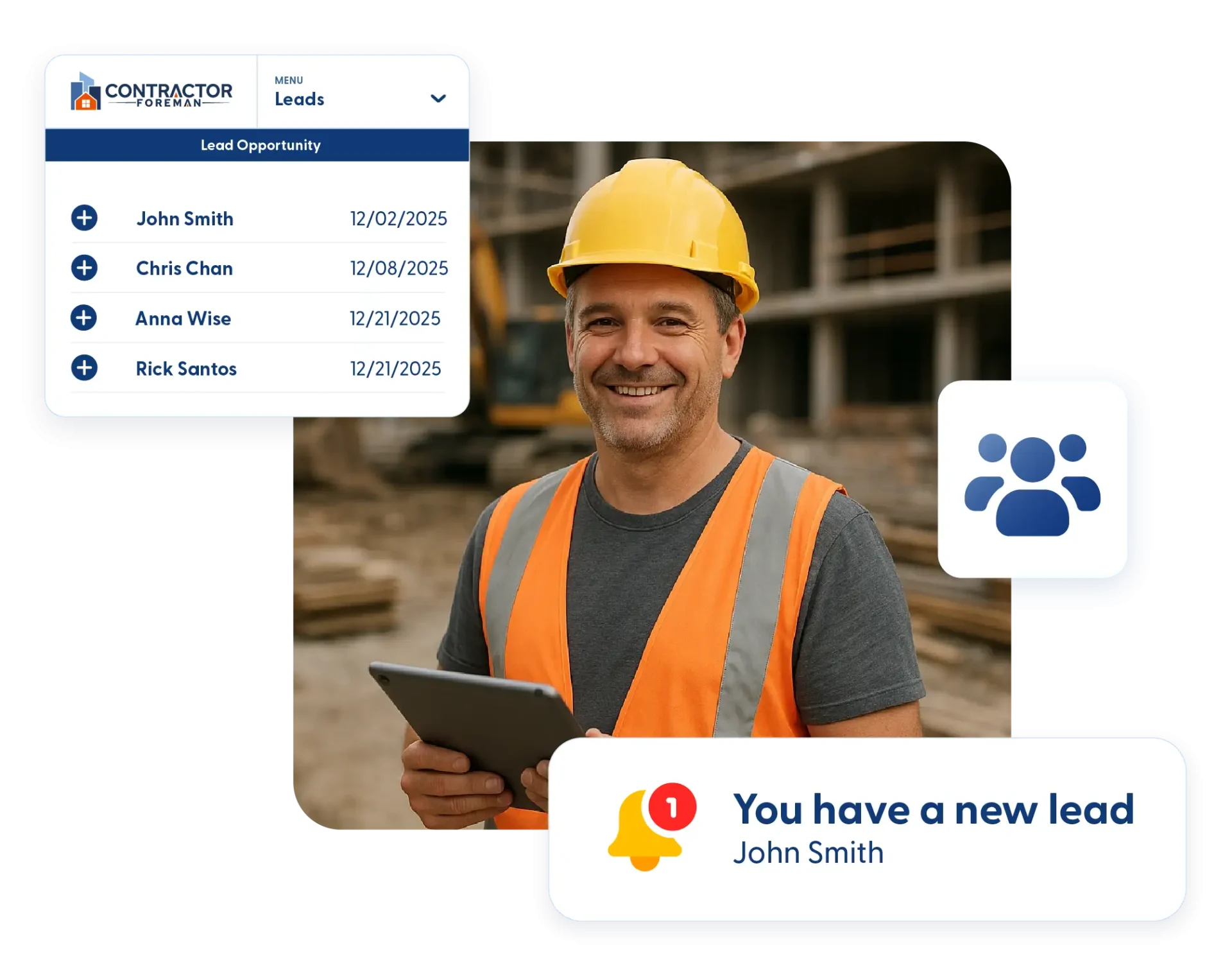
Capture leads as they come in
Website inquiries flow directly into your system so new leads are ready for follow-up right away.

See where leads stand at a glance
Kanban and list views make it easy to spot which leads need attention and which are moving forward.

Understand what’s working
Lead stats break down sources, stages, and timing so you can see where business is actually coming from.
Check out these Leads Manager features
These individual features are tailor-made to meet your specific needs and preferences.
Lead Intake
Capture and organize new leads without manual entry. Bring inquiries in automatically and track the details that matter, so follow-up stays fast and consistent.
Lead Capture Form and Website Integration
Add a lead capture form to your website using the provided code. New inquiries automatically create lead records so you can respond quickly without manual entry.
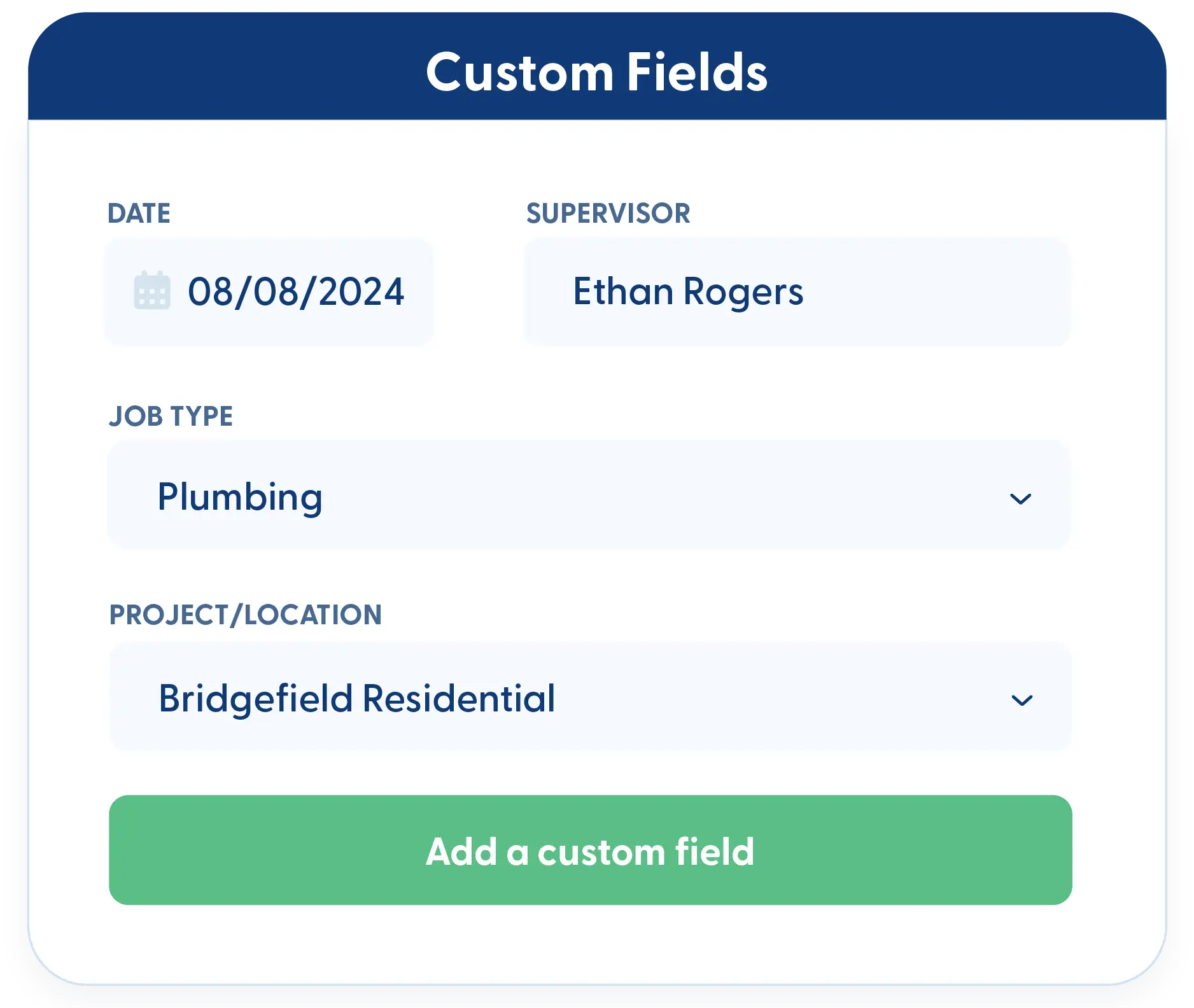
Custom Fields for Leads
Every business tracks leads differently. Add custom fields to capture the information that matters most to your sales process. All custom data remains reportable.
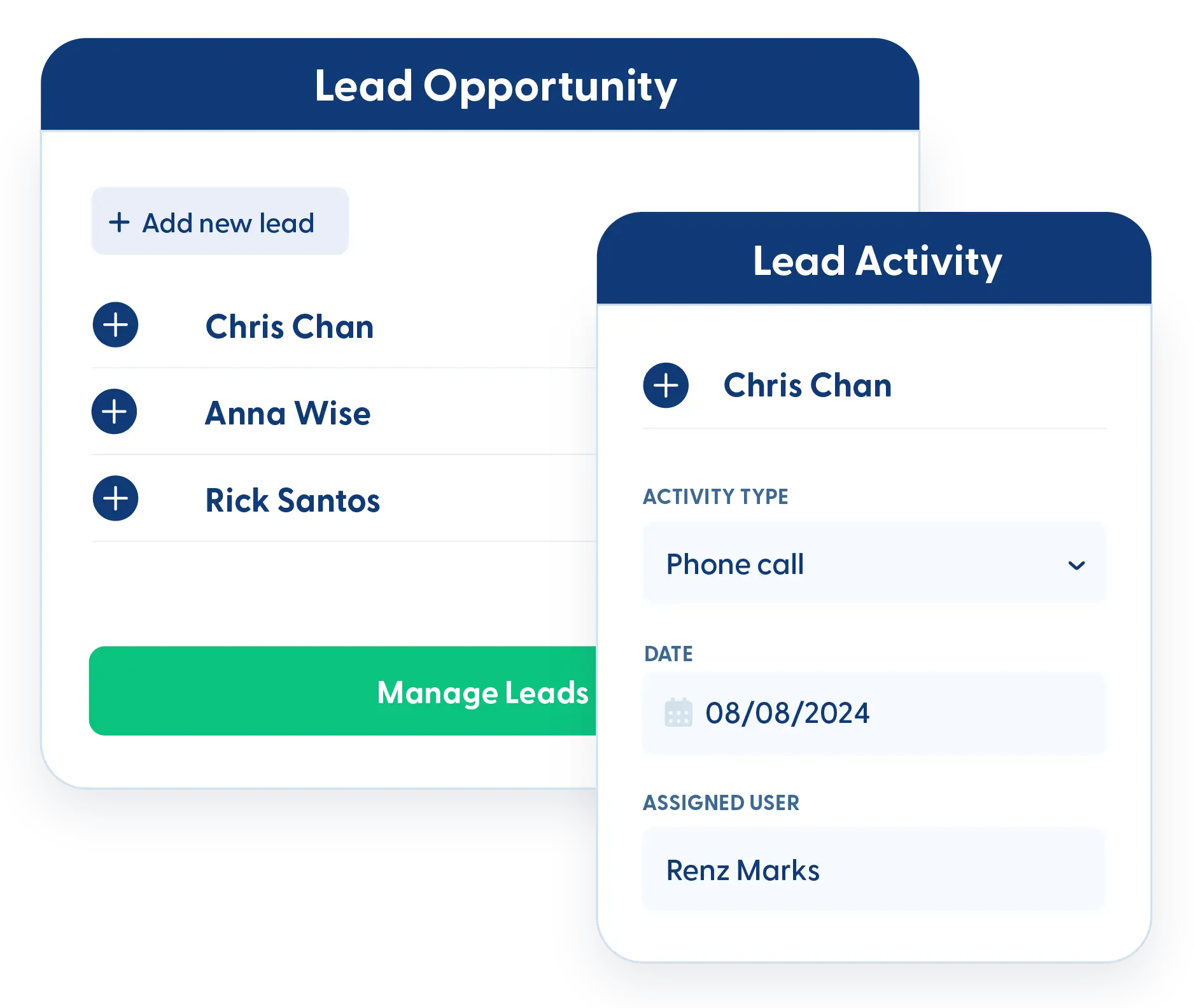
Pipeline Oversight
Track leads through every stage with clear visibility. Monitor sources, spot trends, and keep your pipeline organized so opportunities don’t get overlooked.
Lead Source Tracking by Month and Stage
Track where leads come from and how they move through each stage. Monthly breakdowns help you understand trends and identify what’s generating real opportunities.
Kanban Views and Filters
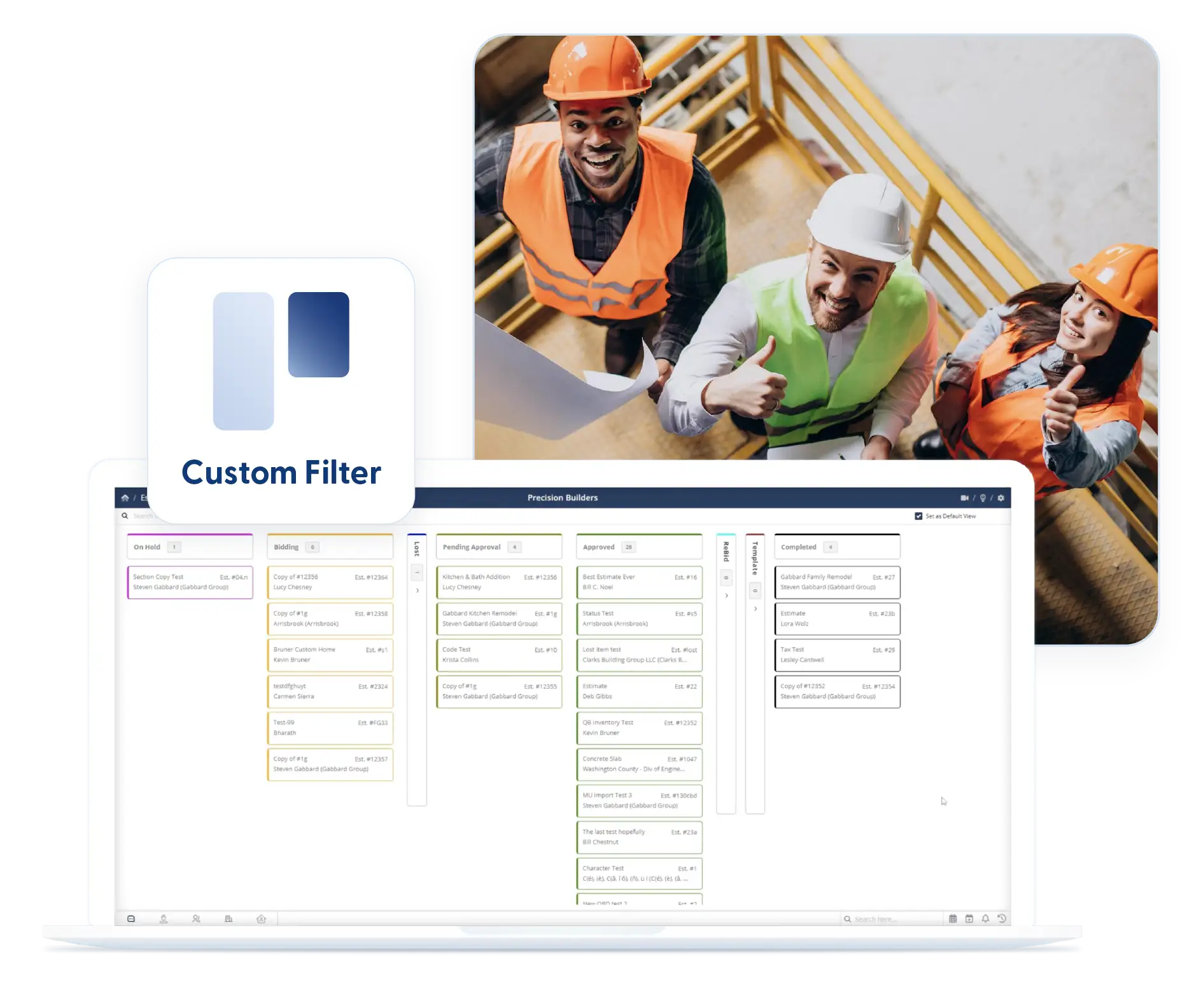
View leads by stage using Kanban or list views. Filters help you focus on specific lead types or sources, and they stay in place when you return.
Frequently Asked Questions
Have a Question? Click the LiveChat icon. After hours? Email support@contractorforeman.com.
Contractor Foreman offers simple, transparent pricing with unlimited users, projects, and features. There are no hidden fees or per-user charges. See our pricing page for more details.
Some companies offer a 7-day refund policy… maybe 30 days. We are so confident in Contractor Foreman that we give you up to 100-days to request a refund if you are not satisfied and no longer wish to use it. See the Refund Policy for details and requirements.
Yes. Leads can be tracked by source, so you can see which channels are generating inquiries.
Yes. Leads can be viewed and updated by your team so follow-ups stay coordinated.
Yes. Lead data can be reviewed and analyzed to understand performance over time.

Sign up for a free demo and see it in action!
Let us show you how Contractor Foreman can start saving you and your company a lot of time and money. Schedule a free demo for yourself or your crew.
Start a Free Trial
We have plans starting at $49/month

Have a question? See our Frequently Asked Questions or give us a call (828) 375-8042 or click Live Chat.






