
Forms and Checklists
Turn your processes into repeatable, reliable workflows
Every job has the same moments where things can go sideways. Contractor Foreman helps you lock down those moments with digital forms and checklists you can build in minutes. Use pre-built templates, customize your own, or create something from scratch so inspections, RFIs, and daily tasks stay consistent across every project.
Better processes start with better forms
Simple, flexible tools that help teams follow the same steps, capture the right information, and avoid missed details.

Standardize how work gets done
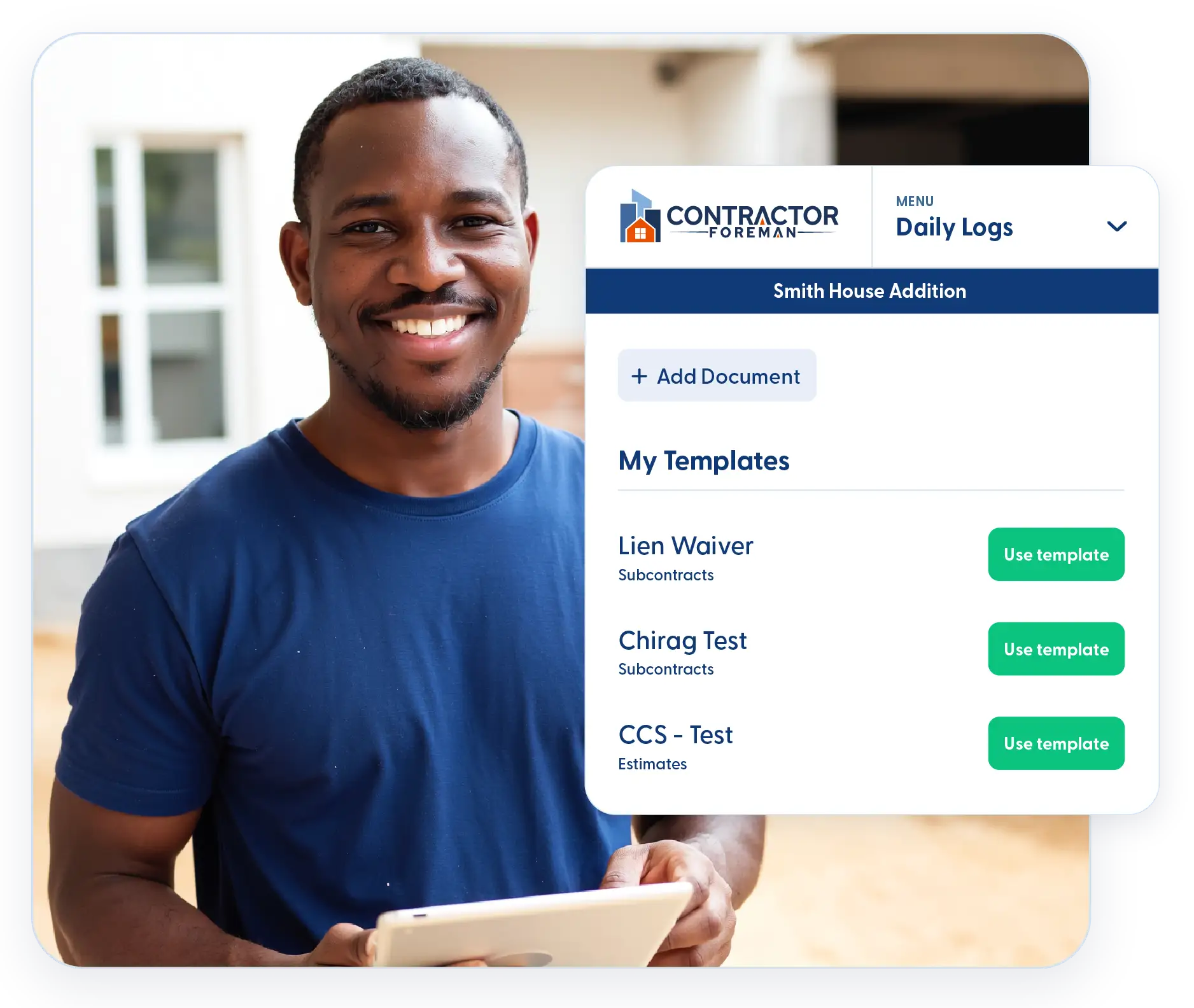
Reusable templates make it easy to apply the same checklists across multiple jobs.

Easy form entry for crews in the field
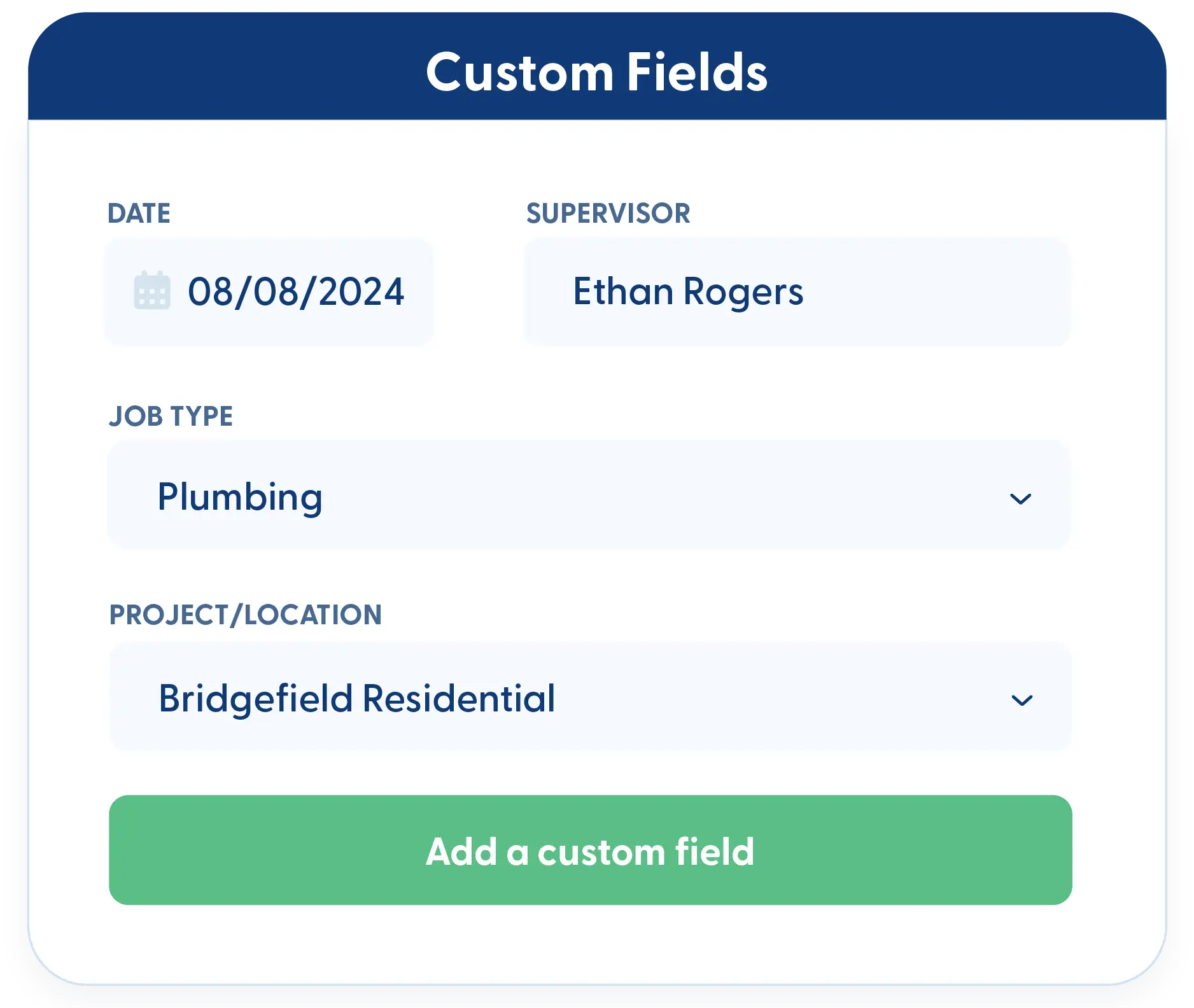
Custom forms with dropdowns and radio buttons keep data clean and quick to enter.

Stay organized as work moves forward
Kanban and list views help track form status without hunting through files.
Check out these Forms & Checklists features
These individual features are tailor-made to meet your specific needs and preferences.
Form Creation
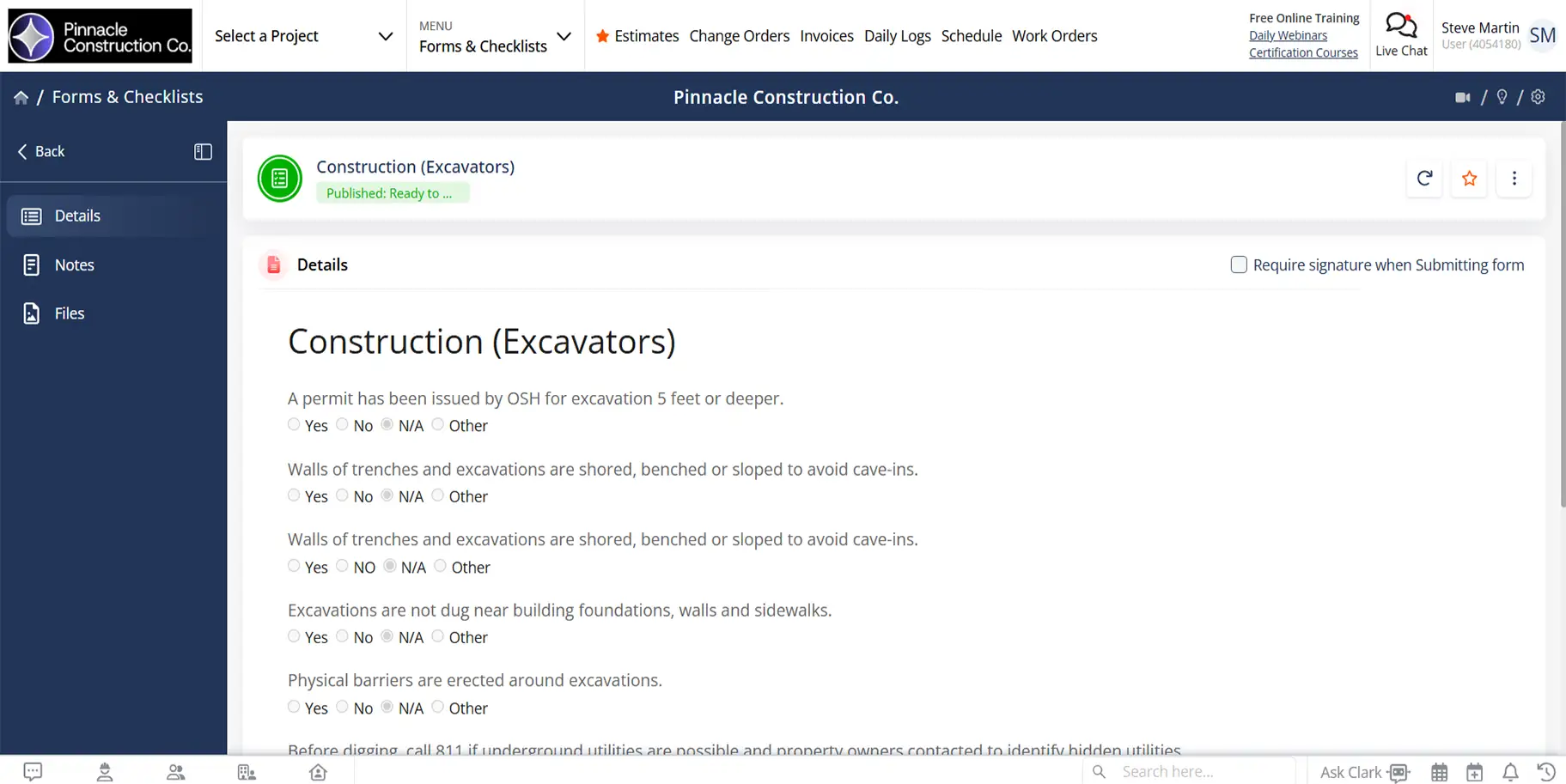
Build and manage forms that fit your workflow. Start with ready-made templates or create your own to capture data consistently without extra setup.
50+ Pre-Built Forms and Checklist Templates
Get started fast with over fifty ready-made forms and checklists. Use them as-is or modify them to match how your company works without starting from scratch.
Custom Forms and Checklists
Create custom forms using simple tools like dropdowns and radio buttons. Start from a template or build your own form in minutes. No coding required.
Form Tracking
Keep forms and responses organized from start to finish. Track status, manage communication, and maintain clear records so nothing gets missed or delayed.
RFI and Correspondence Logs
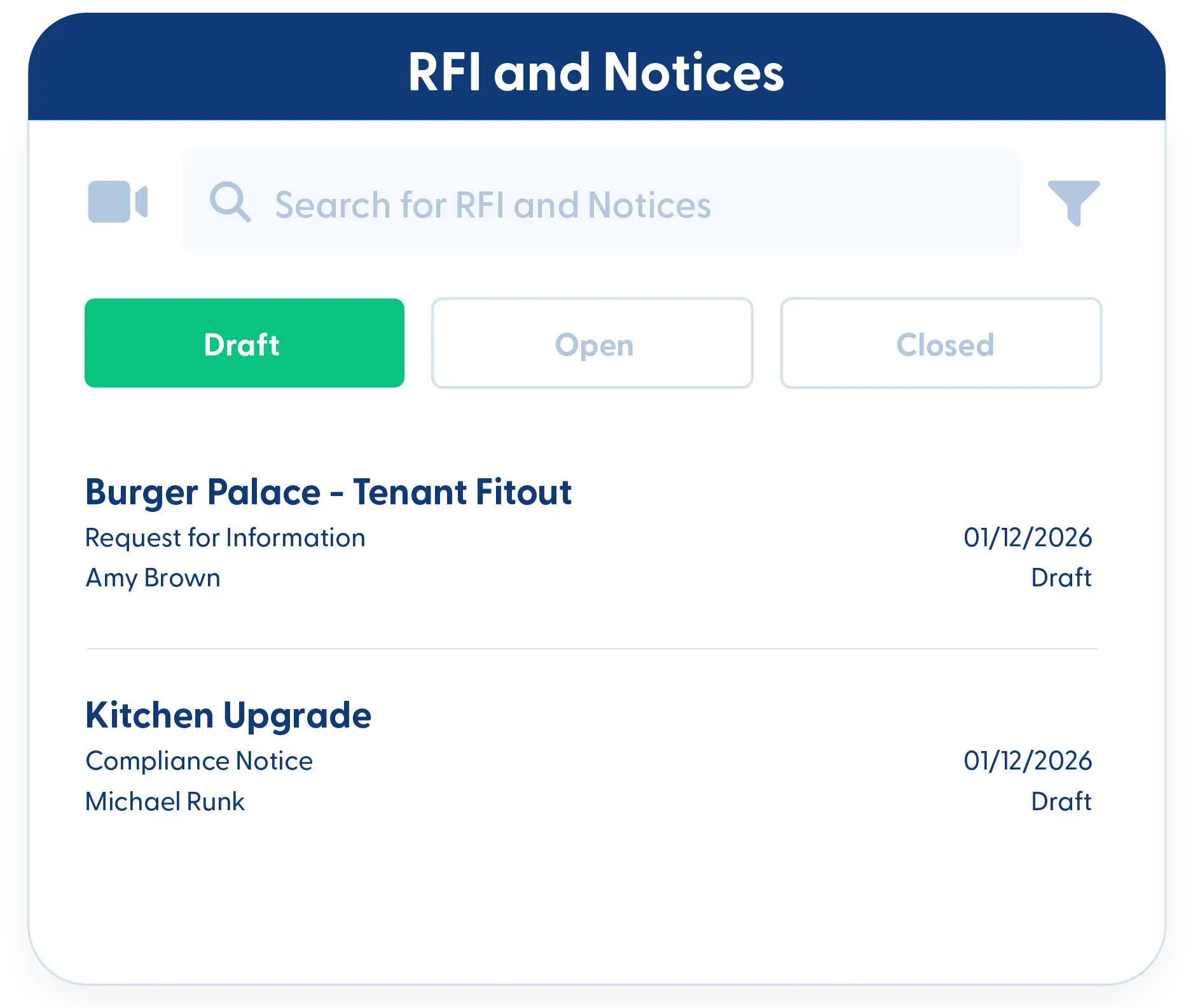
Track RFIs and job correspondence using structured forms that keep questions, responses, and documentation organized in one place.
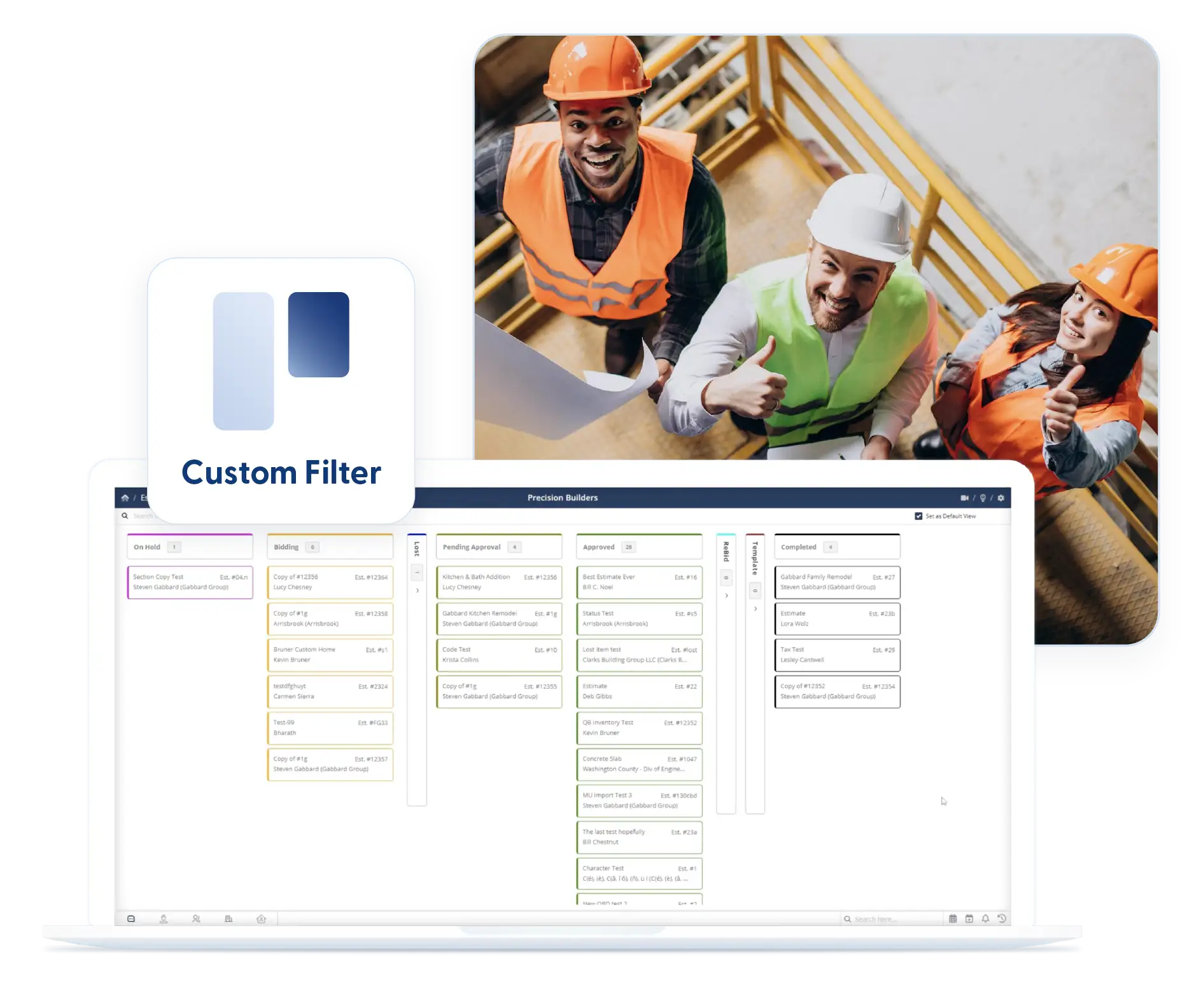
Kanban and List Views with Filters
View forms and checklists by status using Kanban or list views. Apply custom filters to focus on what matters and keep them in place when you return.
Frequently Asked Questions
Have a Question? Click the LiveChat icon. After hours? Email support@contractorforeman.com.
Contractor Foreman offers simple, transparent pricing with unlimited users, projects, and features. There are no hidden fees or per-user charges. See our pricing page for more details.
Some companies offer a 7-day refund policy… maybe 30 days. We are so confident in Contractor Foreman that we give you up to 100-days to request a refund if you are not satisfied and no longer wish to use it. See the Refund Policy for details and requirements.
Yes. Forms and checklists can be edited and reused at any time without affecting previously submitted records.
Yes. Templates can be shared across projects and teams to maintain consistent workflows.
Yes. Submitted form data can be reviewed and reported on to support audits, inspections, and job reviews.

Sign up for a free demo and see it in action!
Let us show you how Contractor Foreman can start saving you and your company a lot of time and money. Schedule a free demo for yourself or your crew.
Start a Free Trial
We have plans starting at $49/month

Have a question? See our Frequently Asked Questions or give us a call (828) 375-8042 or click Live Chat.






