
Ultimate Guide to Construction Client Portals
Construction client portals simplify how contractors and clients manage projects. These web-based platforms centralize communication, provide real-time updates, and securely store documents, reducing delays and miscommunication. They let clients track budgets, timelines, and progress while contractors focus on building, not admin tasks. Key features include live updates, document sharing, role-based access, and workflow automation. Companies using these tools report higher client satisfaction, fewer errors, and smoother project execution. Platforms like Contractor Foreman combine these benefits into one solution, making them a must-have for modern construction management.
Core Features of Construction Client Portals
Construction client portals bring together a range of tools designed to simplify project management and improve communication. These features go far beyond simple file storage, creating a platform that enhances transparency and efficiency at every step.
Live Project Updates
Keeping everyone informed in real time is one of the most valuable aspects of a client portal. These systems send instant notifications about project milestones, schedule adjustments, and overall progress. Whether it’s a completed task or a shift in the timeline, updates are shared immediately with all stakeholders, ensuring no one is left out of the loop.
The importance of real-time communication can’t be overstated. A staggering 91% of construction firms emphasize that adopting digital tools is crucial for their workforce. By bridging the gap between on-site activities and office operations, live updates help teams make quicker, more informed decisions.
“Real-time updates aren’t about doing more – they’re about making smarter, faster decisions based on the most current information available.” – PropertyWire
Beyond keeping everyone informed, live updates promote accountability. When task statuses and deadlines are visible to everyone, team members are more likely to stay on top of their responsibilities. This level of transparency creates a strong foundation for managing documents effectively, which we’ll explore next.
Document Management
A centralized hub for contracts, blueprints, and other critical documents is another standout feature of client portals. These systems ensure everyone works from the latest version of a file, reducing the risk of errors caused by outdated information.
Security is also a top priority. With encrypted storage and customizable access controls, contractors can share documents with clients while keeping sensitive information protected. For example, clients might view project plans or contracts, but contractors retain control over who sees what and when. Additionally, tracking document views and downloads provides insights into client engagement, helping contractors maintain transparency.
Given that over 45% of construction rework stems from miscommunication and poor data handling, having a reliable document management system is essential for avoiding costly setbacks.
Communication and Collaboration Tools
Effective communication is the backbone of any successful project, and client portals make it easier to keep everyone on the same page. Features like centralized messaging and comment threads allow teams to document project discussions, approvals, and decisions in one easily accessible place. Some portals even integrate photo-sharing tools, which provide visual updates and facilitate targeted discussions about specific tasks or phases.
“When clients see that their builder is on top of the details, it builds trust – and that often leads to better reviews, referrals, and long-term relationships.” – PropertyWire
Having a permanent record of conversations and approvals can be a lifesaver when disputes or questions arise later in the project. This documentation ensures that everyone is aligned and that any changes or agreements are clearly recorded.
User Access Controls
Not everyone involved in a project needs access to the same information, and that’s where user access controls come in. These settings allow contractors to customize what each stakeholder can see. For instance, clients might access budget summaries without viewing detailed cost breakdowns, or subcontractors might only see tasks relevant to their role.
Role-based permissions help streamline the flow of information, ensuring that each person gets what they need without being overwhelmed by unnecessary details. Security features like user authentication, activity tracking, and the ability to revoke access further protect sensitive project data while maintaining transparency for clients.
Workflow Automation
Automation takes care of repetitive tasks, freeing up time for team members to focus on more important work. From sending progress notifications and payment reminders to triggering the next phase of a project when milestones are reached, automation ensures that things keep moving smoothly without constant manual input.
According to Forrester Consulting, automating self-service interactions saved companies over $9.2 million in just three years. These savings come from reducing the time spent on administrative tasks, allowing teams to focus on delivering value.
Automation also reduces the risk of human error. Features like scheduled reports, deadline reminders, and approval workflows help ensure that nothing slips through the cracks. Financial processes can benefit as well – many portals can automatically generate invoices based on project milestones and send timely payment reminders, improving cash flow and minimizing billing delays.
Benefits of Construction Client Portals
Client portals bring a host of advantages that reshape how construction companies operate and engage with their clients. These tools go beyond mere convenience, driving efficiency, transparency, and stronger partnerships.
Greater Transparency and Trust
Trust is the cornerstone of any successful construction project. Client portals enhance trust by offering real-time access to budgets, timelines, and milestones. For instance, 75% of clients consider transparency a top priority when working with construction firms, and 81% are more likely to stay loyal to companies that prioritize clear communication.
With features like online financial summaries, clients can monitor expenses as they happen, reducing misunderstandings and building stronger relationships. When clients know exactly where their money is going, it limits disputes and fosters confidence.
Take Skanska USA as an example. After adopting a system for real-time project updates, they saw a 20% boost in client satisfaction scores. This improvement not only strengthened relationships but also helped secure repeat business and referrals.
This level of transparency also sets the stage for smoother operations.
Increased Efficiency
Client portals streamline workflows, leading to noticeable time savings and better project performance. In fact, 67% of construction companies using digital communication tools report higher client satisfaction. Automated updates replace lengthy meetings and phone calls, allowing teams to focus on more critical tasks.
Features like in-portal approvals and change order management eliminate delays, while real-time budget tracking helps avoid billing disputes before they arise. These tools ensure projects stay on track without unnecessary back-and-forth.
Easier Document Sharing
Managing the vast number of documents involved in construction projects can be challenging. Client portals simplify this process by offering centralized, encrypted storage. This eliminates the risks of outdated or lost email attachments, ensuring everyone has access to the latest file versions. Research shows that client portals outperform email-based systems by 29.7% in managing documents effectively.
Permission settings further enhance security, allowing only authorized users to view or edit files. Audit trails provide a clear record of who accessed or modified documents, adding an extra layer of accountability.
Improved Collaboration
Collaboration is critical to the success of any construction project, and client portals play a vital role in keeping all stakeholders on the same page. Acting as a centralized hub, these platforms enable contractors, clients, subcontractors, and suppliers to access consistent project information and communicate seamlessly. This approach reduces the miscommunications responsible for 45% of rework caused by poor data handling.
Visual tools, such as photo sharing, allow teams to document progress and address issues in real time with clear visual context. Additionally, features like comment threads and messaging create a detailed record of discussions, decisions, and approvals. This level of collaboration minimizes delays and ensures everyone remains aligned with the project’s objectives.
sbb-itb-5eea312
How to Choose and Set Up a Construction Client Portal
To make the most of a client portal, it’s essential to choose one that aligns with your business needs and set it up effectively. The process involves assessing your requirements, selecting the right software, and following a structured implementation plan to ensure everything runs smoothly.
Evaluating Your Business Needs
Start by identifying the challenges you face and the goals you want the portal to achieve. For example, if your projects are large and complex, you may need advanced features like detailed budget tracking and multi-user access. On the other hand, if your clients primarily want progress updates, simpler tools may suffice.
Pinpoint common issues – such as frequent status inquiries or disorganized paperwork – and focus on features that address these directly. Real-time updates, automated notifications, and strong file management capabilities can be game-changers for many construction businesses.
Next, consider how the portal will fit into your current workflow. If you’re already using tools like QuickBooks, scheduling apps, or CRMs, look for a platform that integrates with them. This avoids double data entry and reduces the likelihood of errors.
Scalability is another key factor. A system that works for a few clients might not handle the demands of multiple projects as your business grows. Choose a platform that can expand with your needs without compromising performance.
Finally, make sure the portal is easy for everyone to use – whether it’s your field crews, office staff, or clients. Once you’ve outlined your needs, start exploring software options that meet these criteria.
Reviewing Software Options
When comparing software, focus on platforms designed for construction businesses rather than generic project management tools. Construction-specific features like progress photo documentation and integration with accounting software can make a big difference in daily operations.
Look for platforms that offer a wide range of features, such as customizable project views, time tracking, and team collaboration tools. Being able to brand the portal with your logo, company colors, and messaging adds a professional touch that enhances client trust.
Mobile access is crucial, especially for teams working in the field. Ensure the software works seamlessly on mobile devices and integrates with your existing tools like accounting and scheduling systems.
Customer support is another important consideration. Construction projects often extend beyond regular business hours, so choose a provider that offers responsive support and comprehensive training resources to address issues whenever they arise.
One example is Contractor Foreman, a platform tailored specifically for the construction industry. It offers features designed to meet the unique needs of construction businesses, making it a strong contender for your portal solution.
Implementation Best Practices
Once you’ve selected your portal, follow these steps to implement it effectively. Start by defining your goals. Whether you’re aiming for better communication, smoother document sharing, or improved project visibility, having clear objectives will guide the setup process and help measure success.
Customize the portal to reflect your business. Add your company logo, choose a color scheme, and set up messaging to create a professional appearance. Configure templates, project statuses, and workflows to match your team’s processes. Also, set up secure logins, authentication protocols, and data encryption to protect sensitive information.
Integrate the portal with your existing systems early in the process to avoid disruptions. Then, test everything thoroughly before launch. Check that real-time updates work correctly, document uploads are smooth, and the platform functions well on mobile devices. Ensure budget tracking features are accurate and up-to-date.
For instance, one management consulting firm reduced administrative tasks by 30% and boosted client satisfaction after implementing a custom portal with real-time updates, secure document sharing, and integrated billing.
Train your team on how to use the portal effectively – covering tasks like uploading documents, updating statuses, and using mobile features – before introducing it to clients. When inviting clients, provide clear, step-by-step instructions and offer personal support during their first login. To minimize hiccups, start with a small group of trusted clients as beta testers.
After launch, monitor how the portal is being used and collect feedback regularly. This will help you identify which features are most valuable, where users encounter challenges, and what additional tools could improve the experience further.
Getting the Most from Contractor Foreman‘s Client Portal
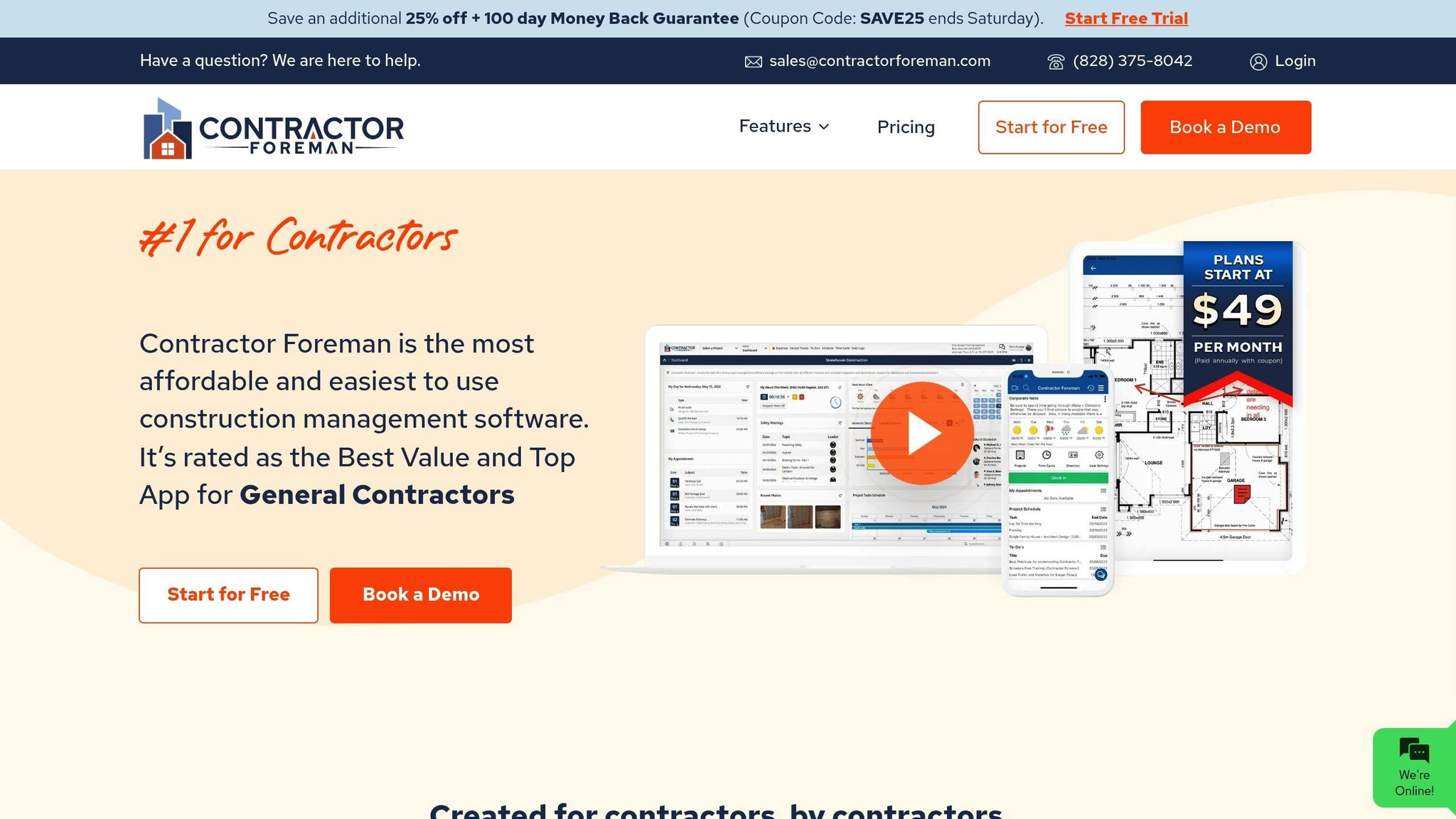
Contractor Foreman’s client portal redefines how construction businesses handle projects and interact with clients. By combining essential project management tools with client-friendly features, it simplifies operations and builds trust throughout the construction process. Let’s explore what makes this platform stand out.
Contractor Foreman Client Portal Features
This portal brings all key project elements into one place, eliminating the chaos of scattered emails and phone calls. Here’s what it offers:
- Automated Updates and Notifications: Keeps everyone informed without extra effort.
- Real-Time Schedule Access: Clients can check the project timeline anytime, with instant updates for changes – cutting down on repetitive questions.
- Centralized Client Chat: Organizes all conversations, so nothing gets lost.
- Daily Progress Logs: Share updates on crew activities, material deliveries, and even weather delays.
- File Sharing: Clients can view and upload plans or specifications directly, avoiding email back-and-forth.
- To-Do Dashboard: Highlights tasks requiring client input, helping prevent delays.
- Online Payments and Financial Summaries: Simplifies billing and reduces disputes.
- Customizable Access Controls: Ensures sensitive information stays protected while maintaining transparency.
- Photo Gallery: Share progress photos to keep clients visually engaged and informed.
- Multi-Project Login: Enables clients to manage multiple projects through one account, enhancing convenience.
Tips for Effective Use
Once you’re familiar with these features, here are ways to make the most of them:
- Tailor Client Access: Customize dashboards for each client’s needs. For instance, a residential client may require different details than a commercial one.
- Leverage the Photo Gallery: Regularly upload progress photos from consistent angles to create a clear visual timeline. Before-and-after shots work especially well.
- Share Schedules Proactively: Keeping clients informed about timelines helps them make timely decisions and approvals.
- Use Training Resources: Contractor Foreman offers free support to help your team and clients master the portal.
- Set Up Automated Workflows: Configure notifications for milestones, payment reminders, and approvals early in the project to reduce manual tasks.
- Customize Fields: Adjust the portal to match your specific workflows for maximum efficiency.
- Focus on User Experience: A well-set-up portal improves client satisfaction. Studies show that 88% of users won’t return after a poor experience.
Projects with clear communication and strong client interaction perform better: 71% finish on time, 76% stay within budget, and 80% meet their goals. The portal plays a key role in achieving these outcomes.
“Contractor Foreman makes my day so much easier! The program is easy and quick to use. If I do have a question, customer service is always very helpful!”
– James M., Nickel City Remodeling
“This software has everything you need to stay organized and on top of your projects for considerably less money than the competition. The support has been amazing so far and helped get me started and continues to be there if needed. I have nothing to say that is negative about Contractor Foreman.”
– Kevin R., All Detainment Solution
Client Portals vs. Traditional Methods
How does Contractor Foreman’s client portal stack up against traditional methods? Let’s compare:
| Feature | Client Portals | Traditional Methods |
|---|---|---|
| Real-Time Updates | Available | Not Available |
| Document Sharing | Centralized and Secure | Scattered and Manual |
| Workflow Automation | Automated | Manual |
| Transparency | High | Limited |
| Collaboration | Streamlined | Fragmented |
Traditional methods often involve juggling multiple tools, manually updating spreadsheets, and chasing approvals through endless emails and calls. The portal simplifies this by consolidating everything into one system.
For businesses managing several projects at once, traditional methods demand constant manual coordination. The portal, on the other hand, automates routine updates and notifications, saving time and effort.
Financial clarity is another standout feature. Unlike traditional invoicing, which can confuse clients and lead to disputes, the portal offers clear summaries and easy payment options that improve cash flow.
When it comes to document management, traditional methods rely on email attachments and shared drives, which can get messy quickly. The portal ensures everyone accesses the latest files in a secure, centralized location.
“My company is growing and we needed a management app to do more than our current one. We found Contractor Foreman and gave it a shot. The support team has been awesome training us on all the features within the app. This app has everything you need to run your projects, no need to have multiple apps anymore. I highly recommend giving Contractor Foreman a try for any business small to big.”
– Brian M., Morrell Electric
The portal’s mobile accessibility also sets it apart. Field teams can update project statuses, share photos, and communicate with clients directly from job sites, eliminating delays caused by relaying information through office staff.
Conclusion
Construction client portals have transitioned from being a nice-to-have feature to becoming a critical resource for modern construction companies. Those who integrate these digital tools into their operations often experience smoother workflows, happier clients, and better overall performance.
By enabling real-time updates and centralized communication, these portals help build trust and simplify collaboration. Moving away from outdated methods to a digital platform isn’t just about keeping up with technology – it’s about giving clients the transparency they need. When clients can check progress updates or review budgets anytime, they feel more involved and confident in their investment.
As mentioned earlier, features like instant notifications and secure document sharing are game-changers, and platforms like Contractor Foreman bring these advantages together in a single, intuitive solution. This tool addresses the everyday challenges construction companies face, making it easier to stay organized and connected.
The use of client portals is becoming the norm across the construction industry, with adoption rates steadily climbing. Access to digital project information has effectively become a baseline expectation.
For businesses weighing the decision to invest in a client portal, the real question is how soon they can implement one. The advantages – better communication, less paperwork, more transparency, and stronger client relationships – only grow over time. Early adopters often find that these platforms quickly become an indispensable part of their project management toolkit.
FAQs
How do construction client portals improve communication and collaboration between contractors and clients?
Construction client portals enhance communication and teamwork by providing a single platform for sharing updates, documents, and project details instantly. This streamlined approach helps minimize confusion and ensures that everyone involved is aligned throughout the project.
Additionally, these portals support direct messaging and feedback, allowing concerns to be addressed promptly and collaboratively. By simplifying interactions and building trust, client portals contribute to smoother project management and happier clients.
What should I consider when selecting a construction client portal for my business?
When selecting a construction client portal, focus on simplicity – it should be intuitive enough for both your team and clients to use without hassle. Pay attention to strong security measures to safeguard sensitive project information and customization capabilities that allow you to adapt the portal to your specific business requirements.
It’s also important to choose a portal that works well with your current tools, like project management software, and has the flexibility to grow with your business. The right portal should make it easier to share documents, provide real-time updates, and streamline communication with clients. This can enhance collaboration and ensure everyone stays on the same page throughout your projects.
How does automation in construction client portals improve efficiency and reduce errors?
Automation in construction client portals transforms efficiency by streamlining workflows and taking care of repetitive tasks automatically. This not only cuts down on human error but also accelerates processes and keeps critical updates accurate and available in real-time.
With features like automated document sharing, project tracking, and communication, teams can shift their focus to more strategic tasks. This approach reduces rework, keeps projects on track, and fosters better collaboration. The outcome? Higher project quality, smoother teamwork, and notable cost savings for construction businesses.







