

Google and Outlook Calendar
Google and Outlook Calendar
Project milestones that stay visible for the whole team
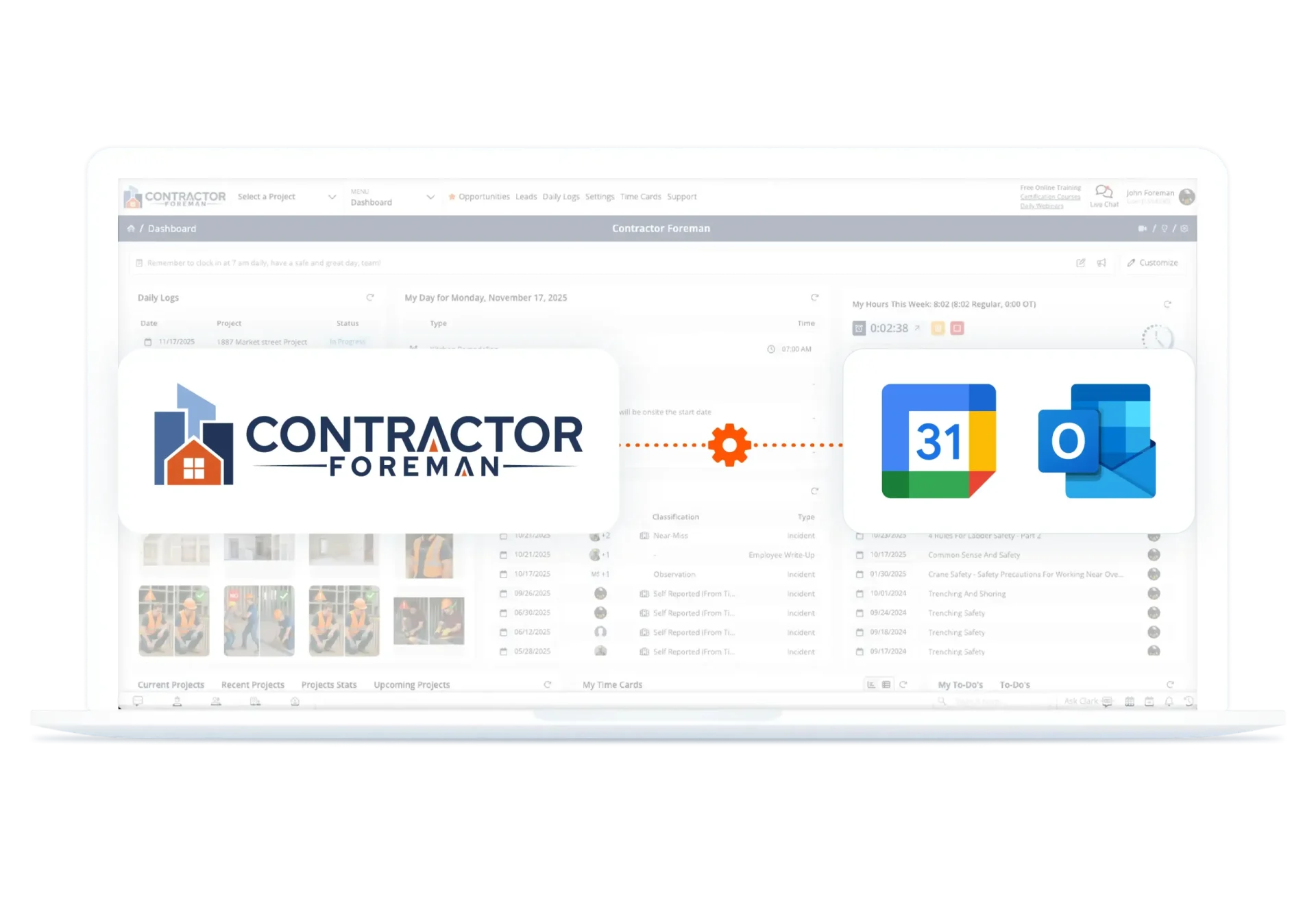
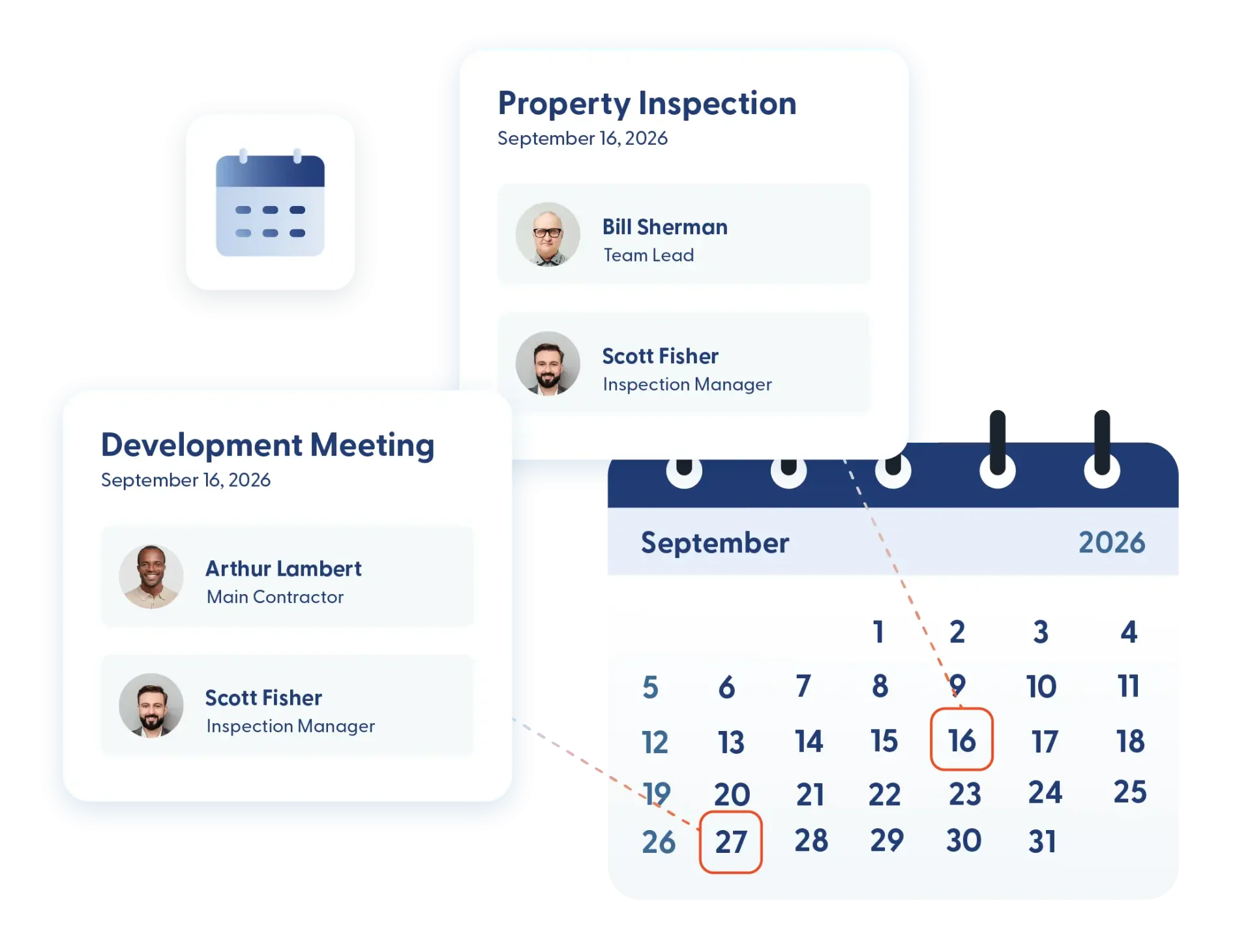
Deadlines move. Inspections get rescheduled. Walkthroughs shift. When those changes don’t show up where your team actually works, things get missed. Contractor Foreman connects with Google and Outlook Calendar so key project dates appear automatically. Milestones, meetings, and deadlines stay visible without re-entering events or chasing updates across platforms.
Clear scheduling across the office and the field
Connect your project timeline to the calendars your team already uses, reduce scheduling confusion, and keep important dates front and center from start to finish.

Automatic calendar sync
Project events created inside Contractor Foreman can sync to Google or Outlook. Your team sees important dates inside the calendar that they check every day.

Real-time schedule updates
When a milestone changes inside a project, the updated date is reflected in connected calendars. Fewer “I didn’t see that” moments. Fewer missed appointments.

Shared visibility across the team
Project managers, office staff, and field supervisors all work from the same timeline. Everyone knows what’s coming up and what’s due next.
Check out these Google & Outlook Calendar Integration features
These individual features are tailor-made to meet your specific needs and preferences.
Calendar Sync & Scheduling Alignment
Keep project timelines and calendars in sync without extra steps. Automatically align milestones and meetings, so schedules stay connected and easy to manage.
Sync project milestones automatically
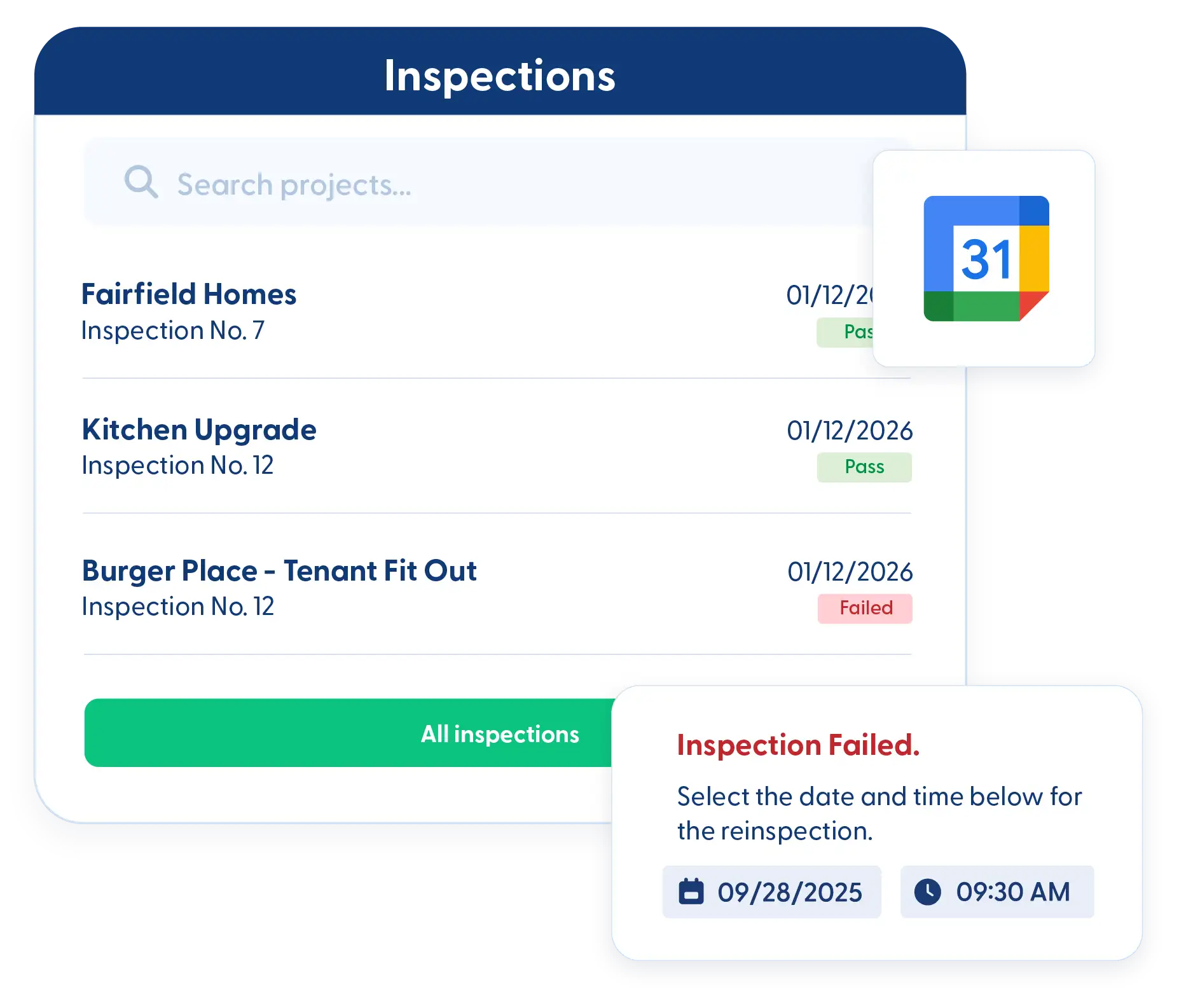
Important deadlines, inspections, and walkthroughs appear in Google or Outlook without duplicate entry. Your schedule stays connected without extra effort.
Keep meetings aligned with project timelines
Tie meetings to project events so conversations and deadlines stay organized together. It’s easier to prepare when everything lives on the same timeline.
Schedule Visibility & Accountability
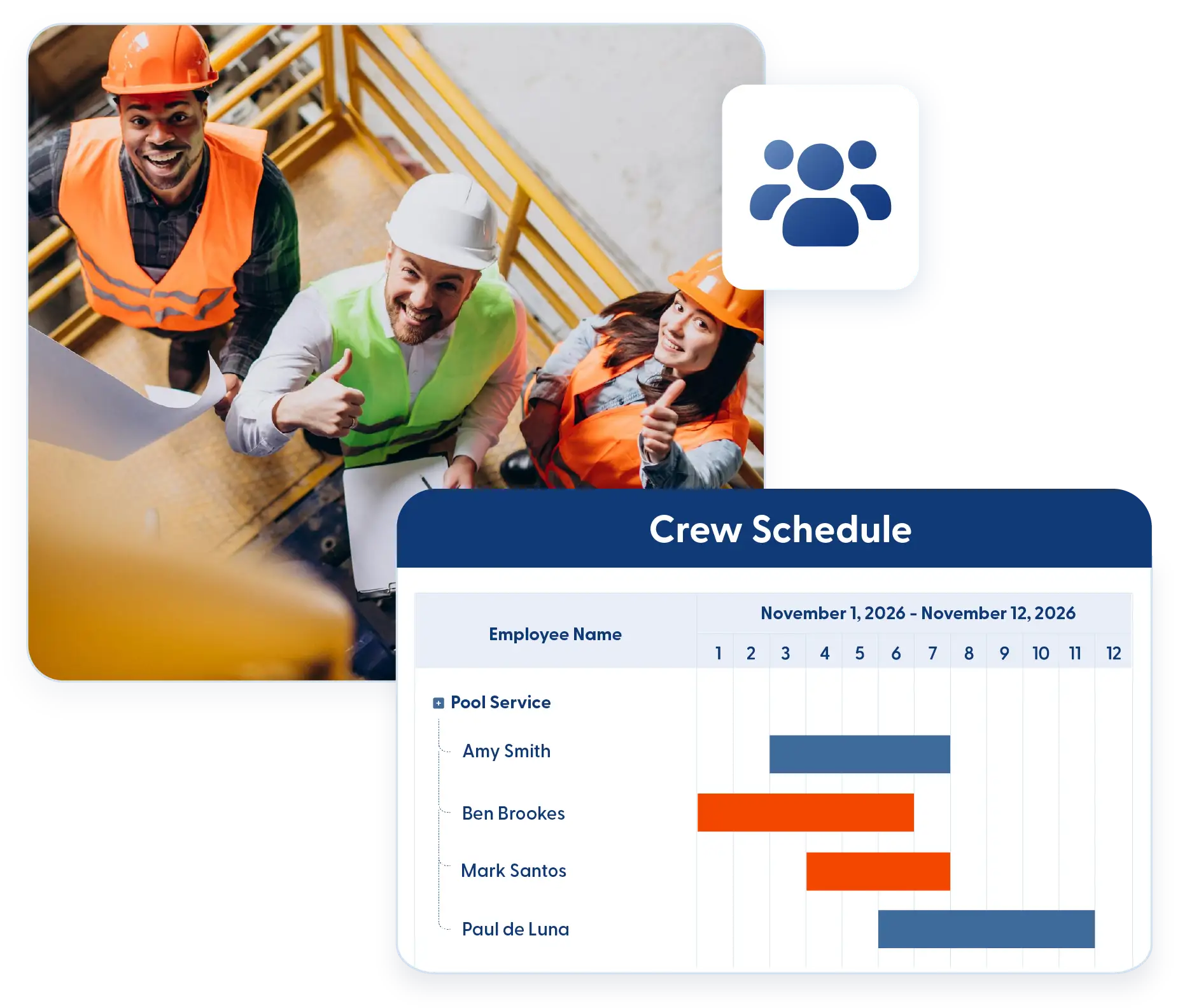
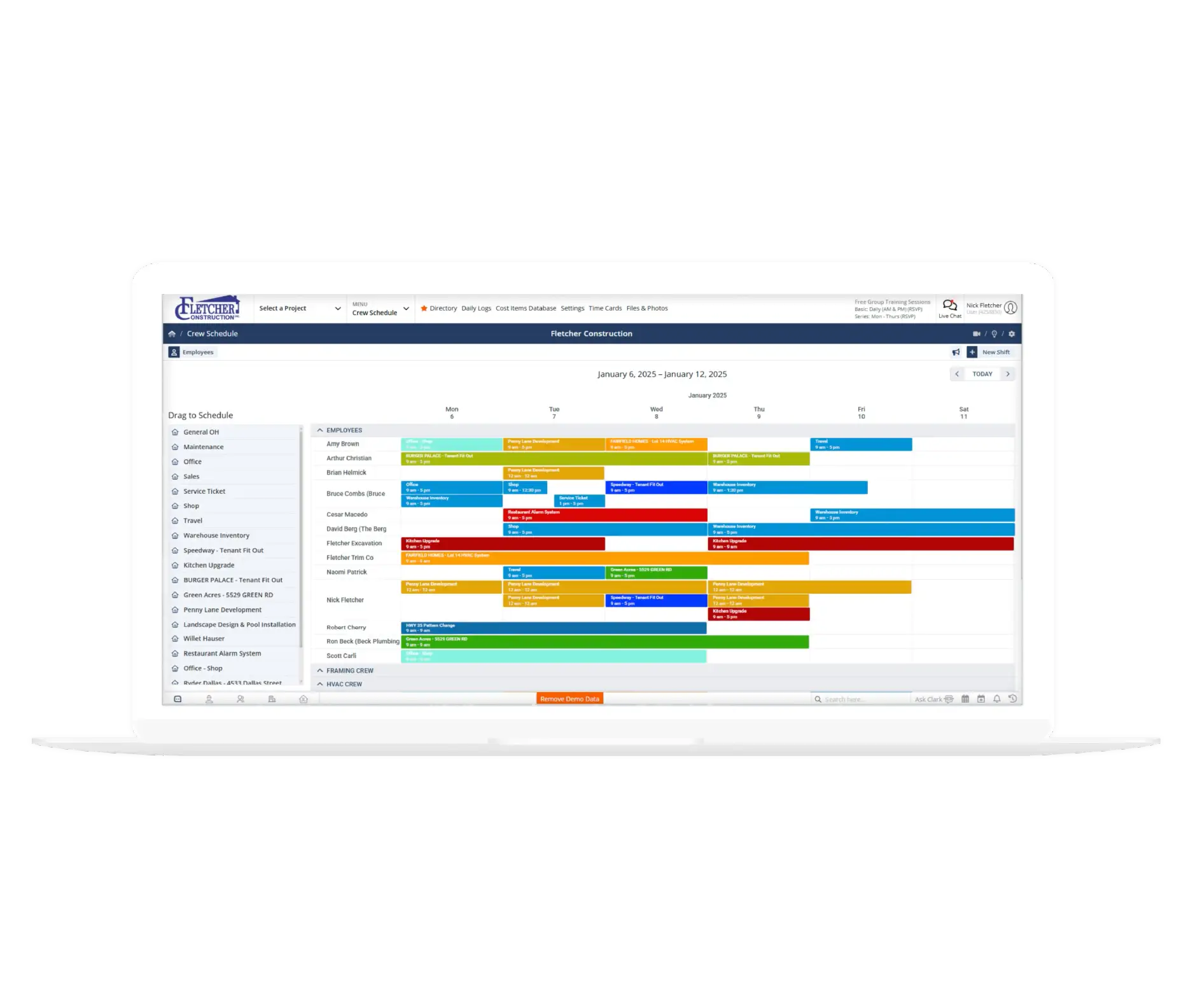
Keep schedules clear and reliable across the team. Reduce conflicts and reinforce ownership so deadlines are met and work stays on track.
Reduce scheduling conflicts
When calendars reflect real project changes, double-booking and missed site visits become far less common
Improve accountability
Visible deadlines help everyone stay responsible for their part. Clear scheduling keeps projects moving and expectations aligned.
Frequently Asked Questions
Have a Question? Click the LiveChat icon. After hours? Email support@contractorforeman.com.
Contractor Foreman offers simple, transparent pricing with unlimited users, projects, and features. There are no hidden fees or per-user charges. See our pricing page for more details.
Some companies have a refund policy for 7 days… maybe 30 days. We are so confident in Contractor Foreman that we give you up to 100-days to request a refund if you are not satisfied and no longer wish to use it. See the Refund Policy for details and requirements.
Yes. Google and Outlook Calendar integrations are included within your Contractor Foreman subscription.
Calendar events created or updated inside Contractor Foreman can sync to connected Google or Outlook accounts, helping ensure your team sees accurate project dates.
Yes. Team members can connect their Google or Outlook calendars so that project-related events appear directly in their personal schedules.
Integration Tools
These individual features are tailor-made to meet your specific needs and preferences.
 Angi Leads (HomeAdvisor)
Automatically import leads from Angi into your Contractor Foreman CRM—no more manual copying means faster response times and fewer missed opportunities.
CRM
 Client Financing with SweetPay
Offer financing options directly from estimates to close larger residential projects faster—customers who finance spend more, and you get paid upfront while they make payments.
Integrations
 CompanyCam
Sync photos and documents from CompanyCam automatically into project files—combine CompanyCam's speed with Contractor Foreman's job costing and project management in one seamless workflow.
Integrations
Google and Outlook Calendar
Two-way calendar sync keeps your team aligned across platforms—project milestones, meetings, and deadlines appear automatically in the calendars your team already uses daily.
Integrations
 Gusto Integration
Export time card data directly to Gusto with one click—accurate hours by employee, project, and cost code flow seamlessly into payroll processing without manual entry.
Integrations
 MS Project
Import detailed schedules from MS Project or export Contractor Foreman schedules for advanced planning—perfect for teams that build complex timelines but need simple field tracking.
Integrations
 QuickBooks
Two-way sync with QuickBooks Online and QuickBooks Desktop eliminates double-entry while maintaining accurate job costing—invoices, bills, payments, and expenses flow automatically between systems.
CRM
 Stripe
Connect to hundreds of apps including MailChimp, Zoho, Constant Contact, Dropbox, and Google Drive—automate lead capture, document backup, email campaigns, and more without coding.
CRM
 Xero (Coming mid-2026)
Improve efficiency by syncing data automatically
CRM
 Zapier
Connect to hundreds of apps including MailChimp, Zoho, Constant Contact, Dropbox, and Google Drive—automate lead capture, document backup, email campaigns, and more without coding.
CRM

Sign up for a free demo and see it in action!
Let us show you how Contractor Foreman can start saving you and your company a lot of time and money. Schedule a free demo for yourself or your crew.
Start a Free Trial
We have plans starting at $49/month

Have a question? See our Frequently Asked Questions or give us a call (828) 375-8042 or click Live Chat.






