
Punchlists
Close out jobs without the chaos
Punchlists are where projects either wrap cleanly or drag on longer than they should. Contractor Foreman keeps every item clear, assigned, and moving so nothing slips through the cracks at the finish line. Track what’s left, who owns it, and when it’s done — all in one place.
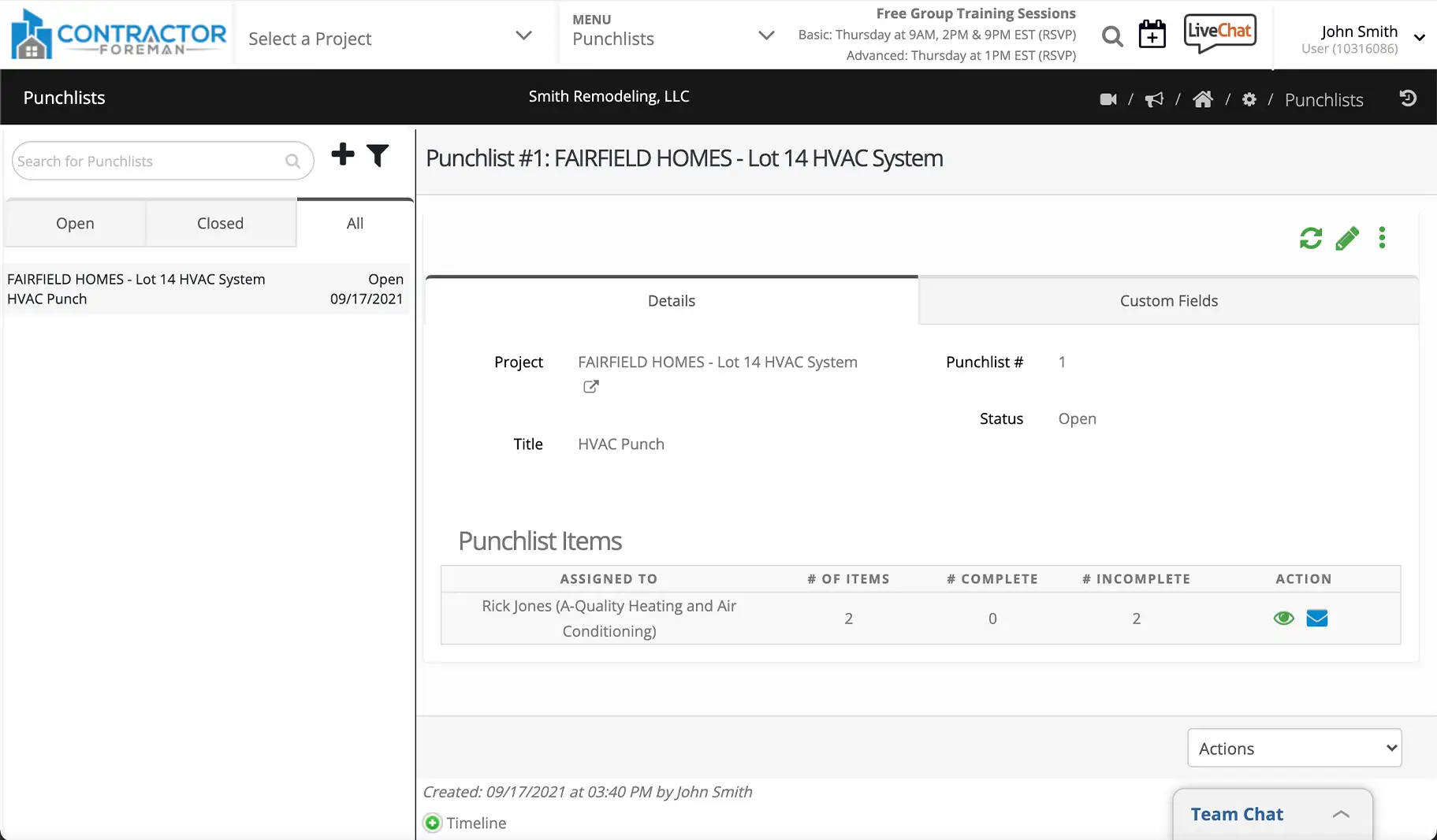
Keep projects moving to the finish line
Punchlists help you reduce delays, speed up closeout, and get paid sooner by keeping final work visible, assigned, and easy to manage.

Assign and track closeout work
Create punchlist items, assign them to the right people, and track progress without chasing emails or texts. Everyone knows what needs to be done and who owns it.

Speed up approvals and payments
Clear punchlists mean fewer delays during final walkthroughs. Close items faster, reduce rework, and move projects to completion without unnecessary hold-ups.

Keep everyone accountable
Internal teams, subcontractors, and external parties stay aligned with shared visibility into open and completed items.
Check out these Punchlists features
These individual features are tailor-made to meet your specific needs and preferences.
Responsibility Management
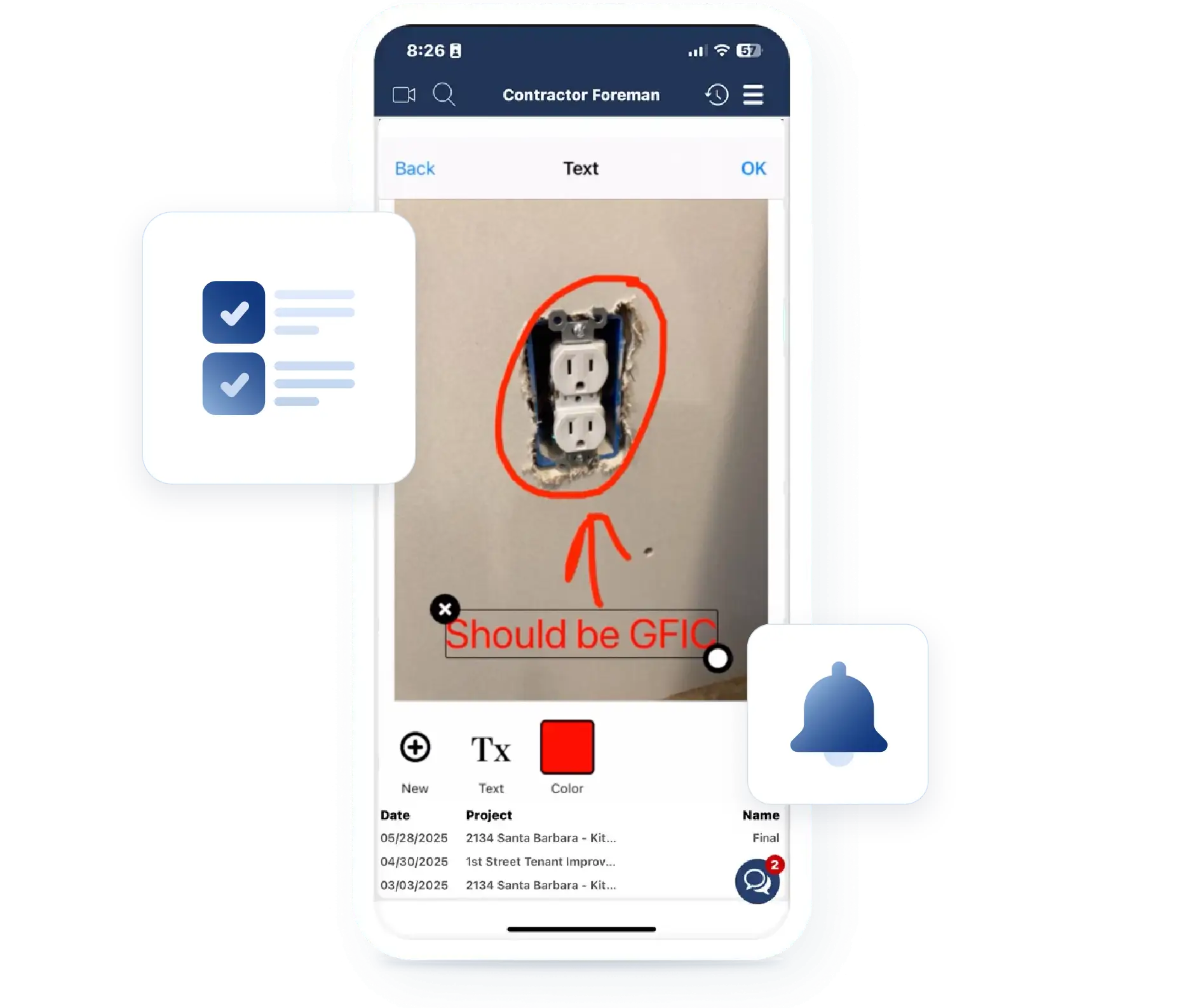
Keep punchlist items assigned and on track. Delegate tasks to the right people and track deadlines automatically so nothing is overlooked or left unresolved.
Assign tasks to internal and external parties
Assign punchlist items to employees, subcontractors, or outside parties. Assignees receive notifications or a PDF attachment, even if they don’t have system access, keeping everyone in the loop.
Automatic calendar tracking
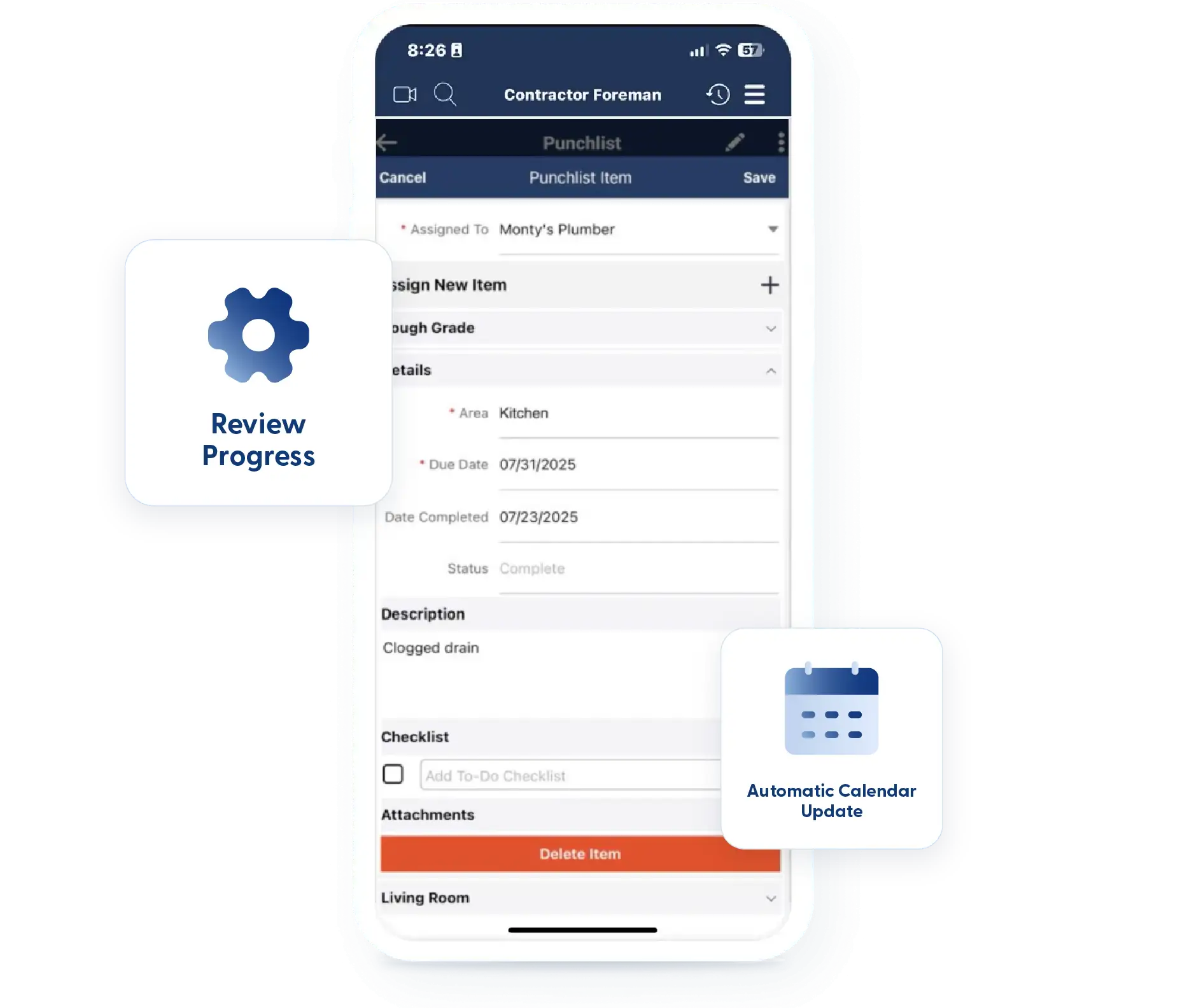
Each punchlist item is added to your calendar as a separate, trackable task. Stay aware of deadlines without manually updating schedules.
Closeout Tracking
Track punchlist progress through to completion with clear visibility. Monitor status, capture key details, and keep closeout work organized to avoid delays in final sign-off.
Kanban Views & Filters
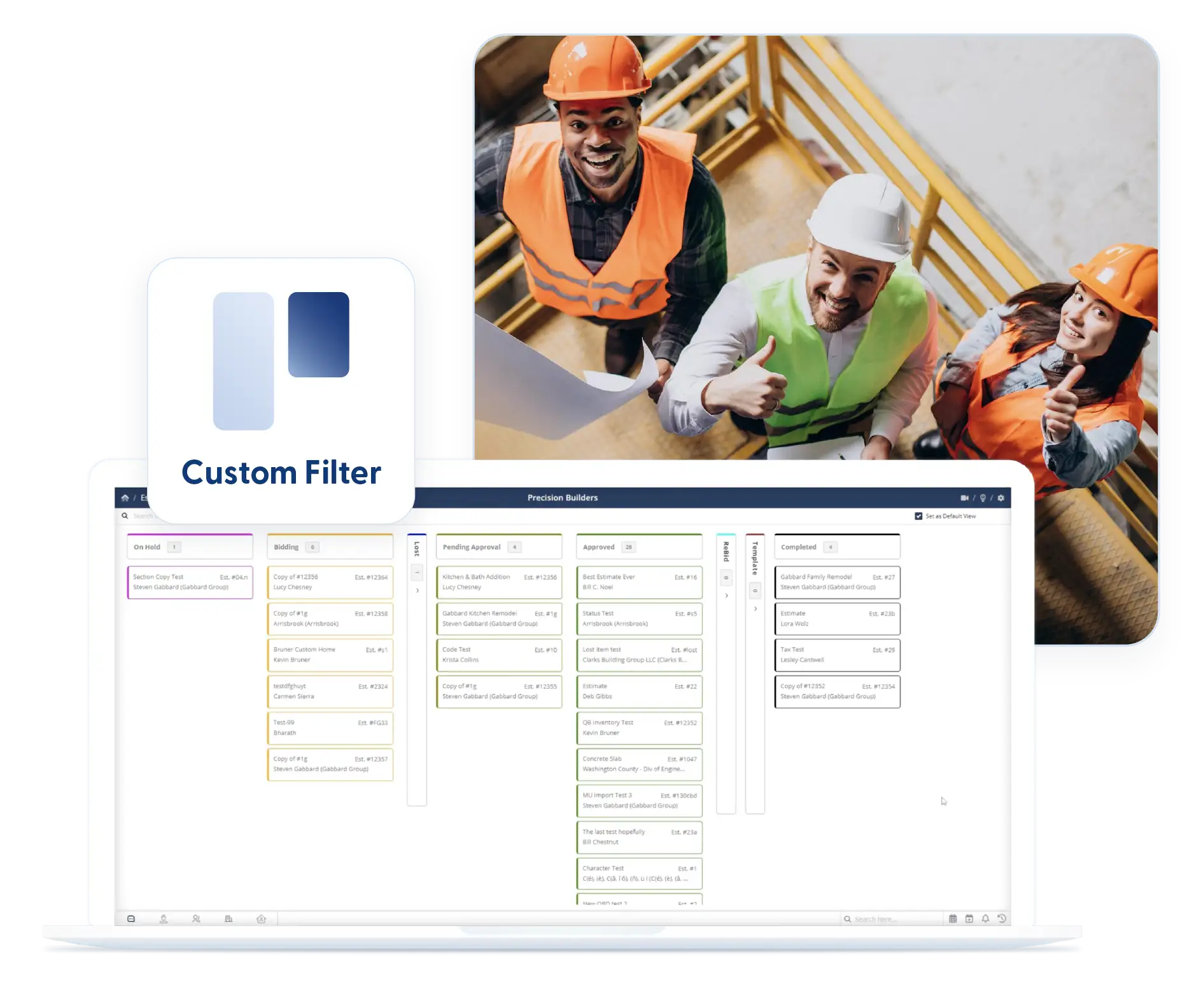
Sort punchlist items by status using Kanban or list views. Quickly see what’s open, in progress, or complete without digging through clutter.
Custom Fields
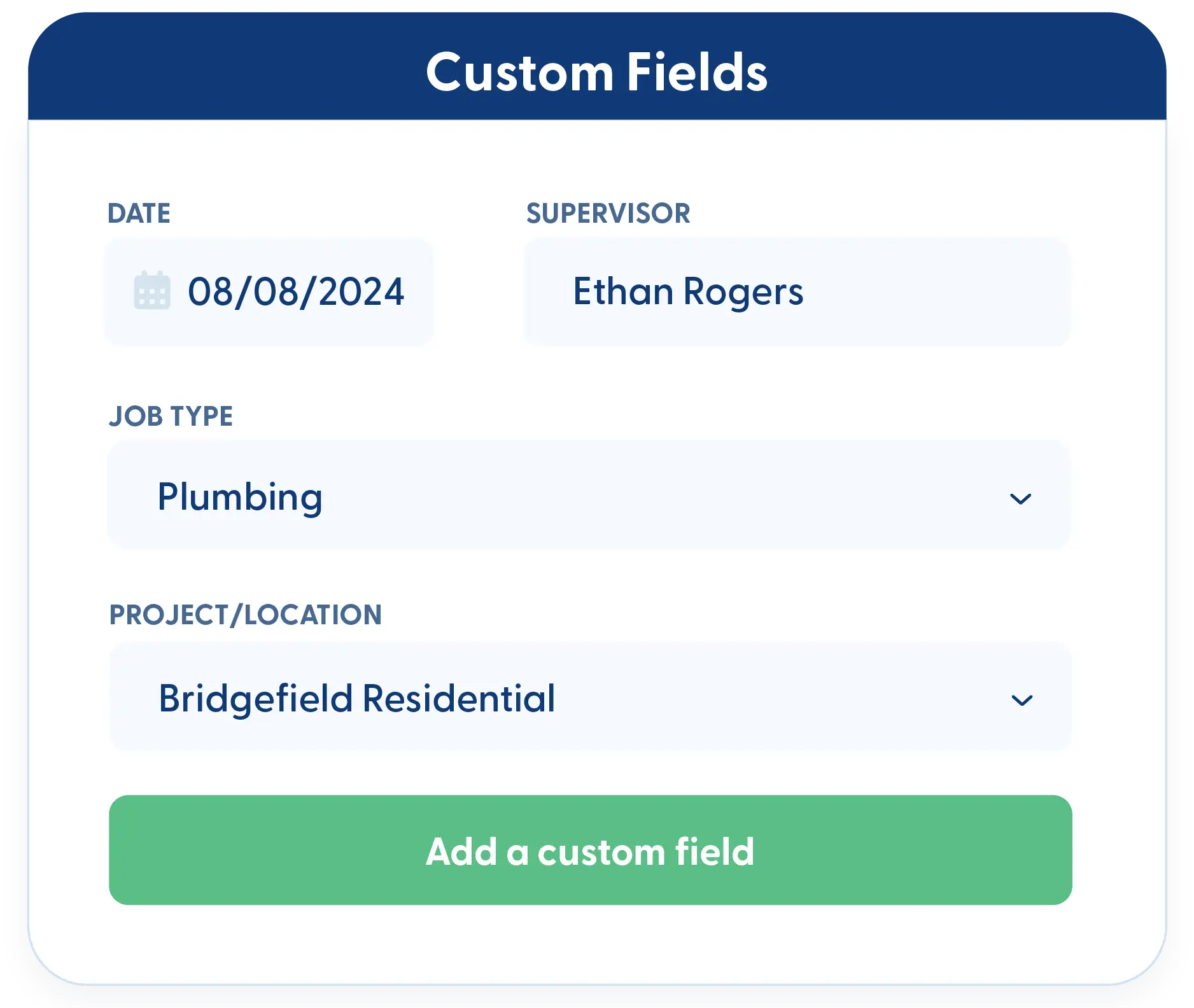
Track the exact details that matter for closeout. Add custom fields to capture notes, requirements, or special instructions that keep work moving.
Frequently Asked Questions
Have a Question? Click the LiveChat icon. After hours? Email support@contractorforeman.com.
Contractor Foreman offers simple, transparent pricing with unlimited users, projects, and features. There are no hidden fees or per-user charges. See our pricing page for more details.
Some companies offer a 7-day refund policy… maybe 30 days. We are so confident in Contractor Foreman that we give you up to 100-days to request a refund if you are not satisfied and no longer wish to use it. See the Refund Policy for details and requirements.
Yes. External assignees can receive punchlist items via PDF or email notifications without needing a system login.
Yes. Punchlists stay connected to the project and automatically appear on your calendar, so closeout work stays visible.
Absolutely. Custom fields let you track specific closeout details based on your workflow and project requirements.

Sign up for a free demo and see it in action!
Let us show you how Contractor Foreman can start saving you and your company a lot of time and money. Schedule a free demo for yourself or your crew.
Start a Free Trial
We have plans starting at $49/month

Have a question? See our Frequently Asked Questions or give us a call (828) 375-8042 or click Live Chat.






