
Daily Logs
Lose the yellow notepad for good
Daily Logs answer the questions that always come later. Who was on site? What work happened? What materials showed up? What were the conditions? Contractor Foreman keeps everything documented in one place, so the full story is always available when you need it.
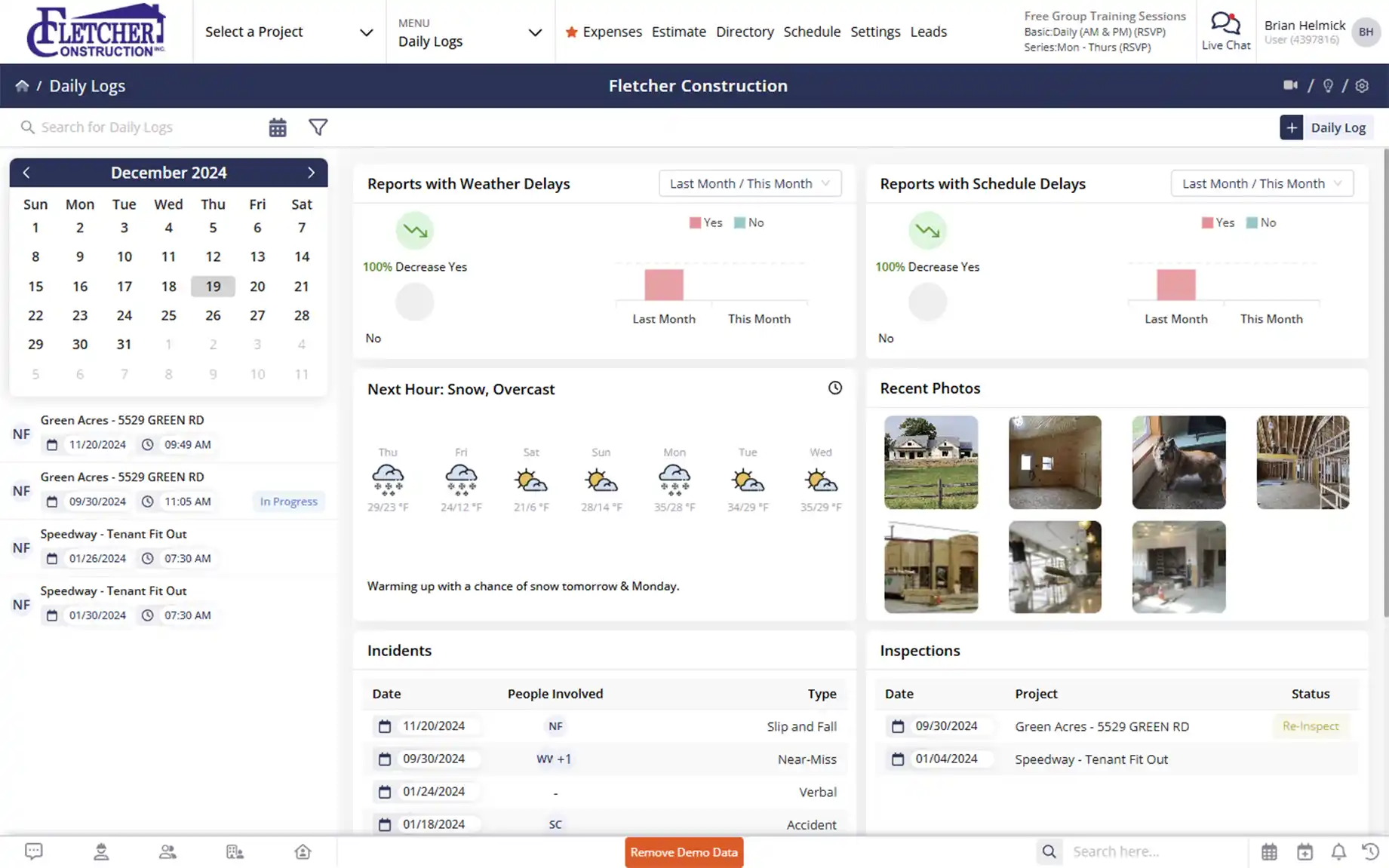
No more guessing what happened yesterday
Capture daily activity once and keep it organized automatically.

No more scattered notes
Stop digging through notebooks, phones, and email threads to remember what happened.

Everything lands where it belongs
Files, photos, and updates are automatically stored under the project.

Built for real jobsite questions
When delays, changes, or disputes come up, the record is already there.
Check out these Daily Logs features
These individual features are tailor-made to meet your specific needs and preferences.
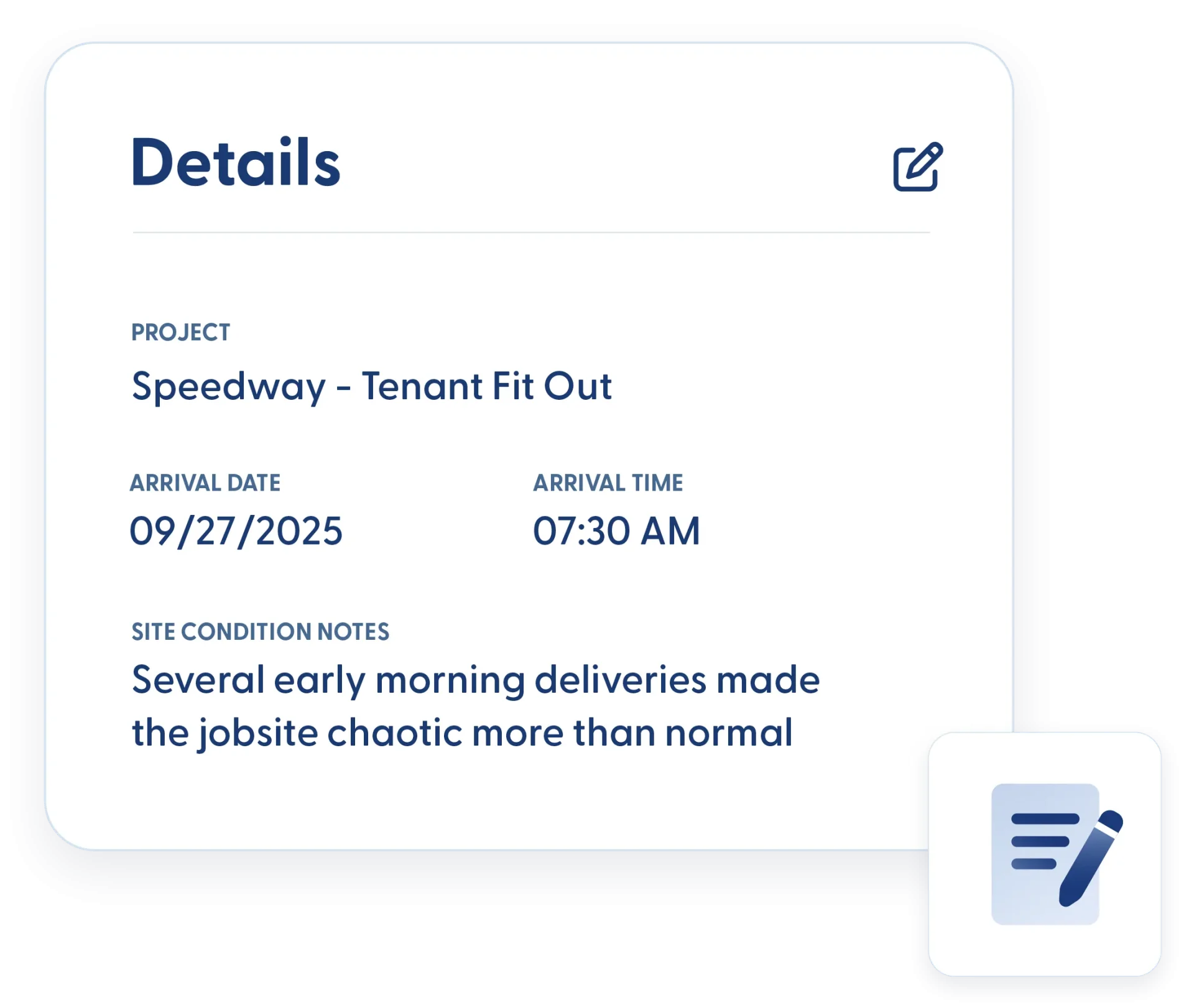
Jobsite Activity Tracking
Keep a clear record of what’s happening on site each day. Track crews, conditions, materials, and deliveries so you have the documentation needed to manage progress, costs, and accountability.
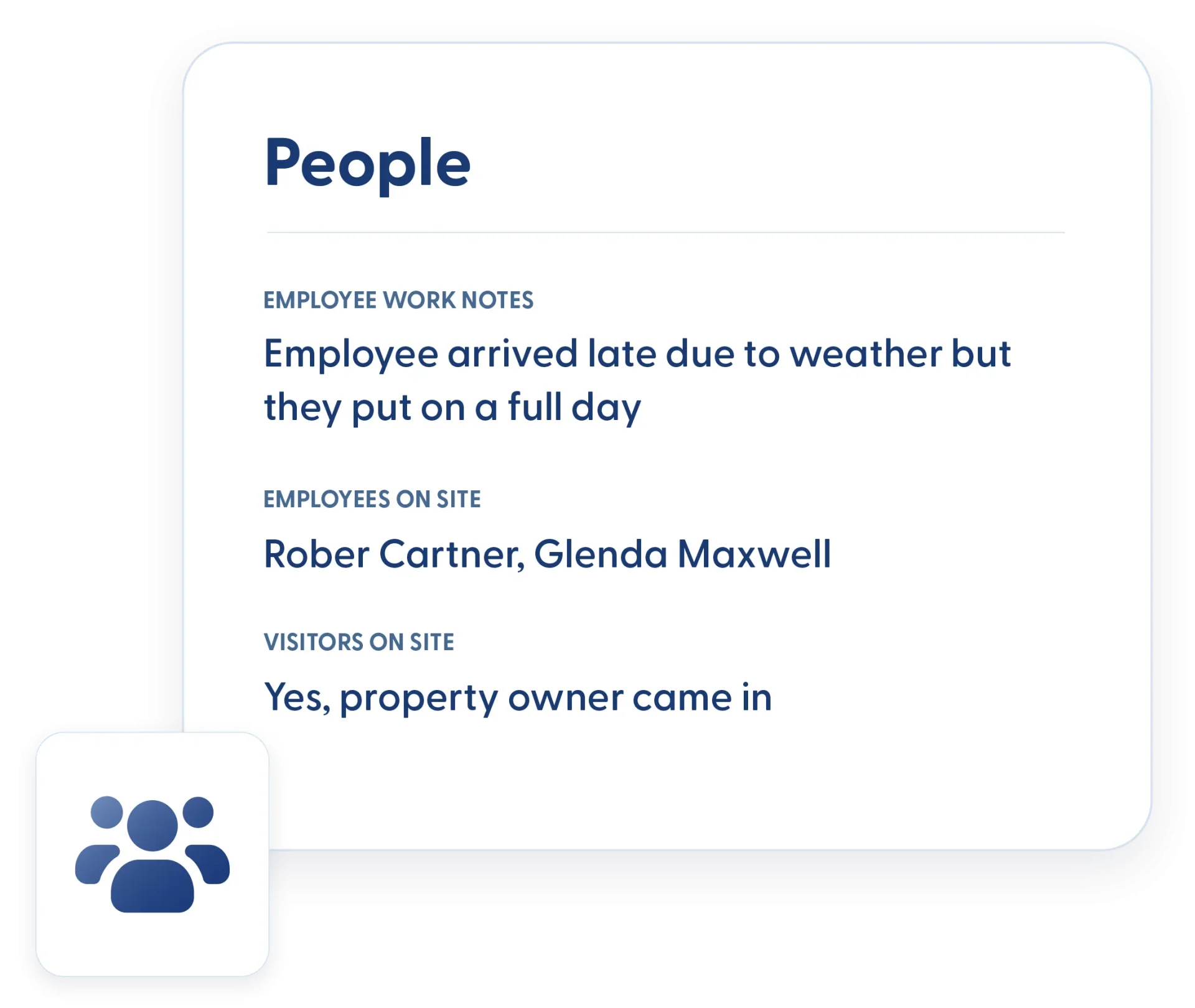
Subs & People on the Jobsite
Track who was on site and what they were doing. Subcontractors, visitors, and crews are all recorded, making it easier to answer delays and productivity questions.
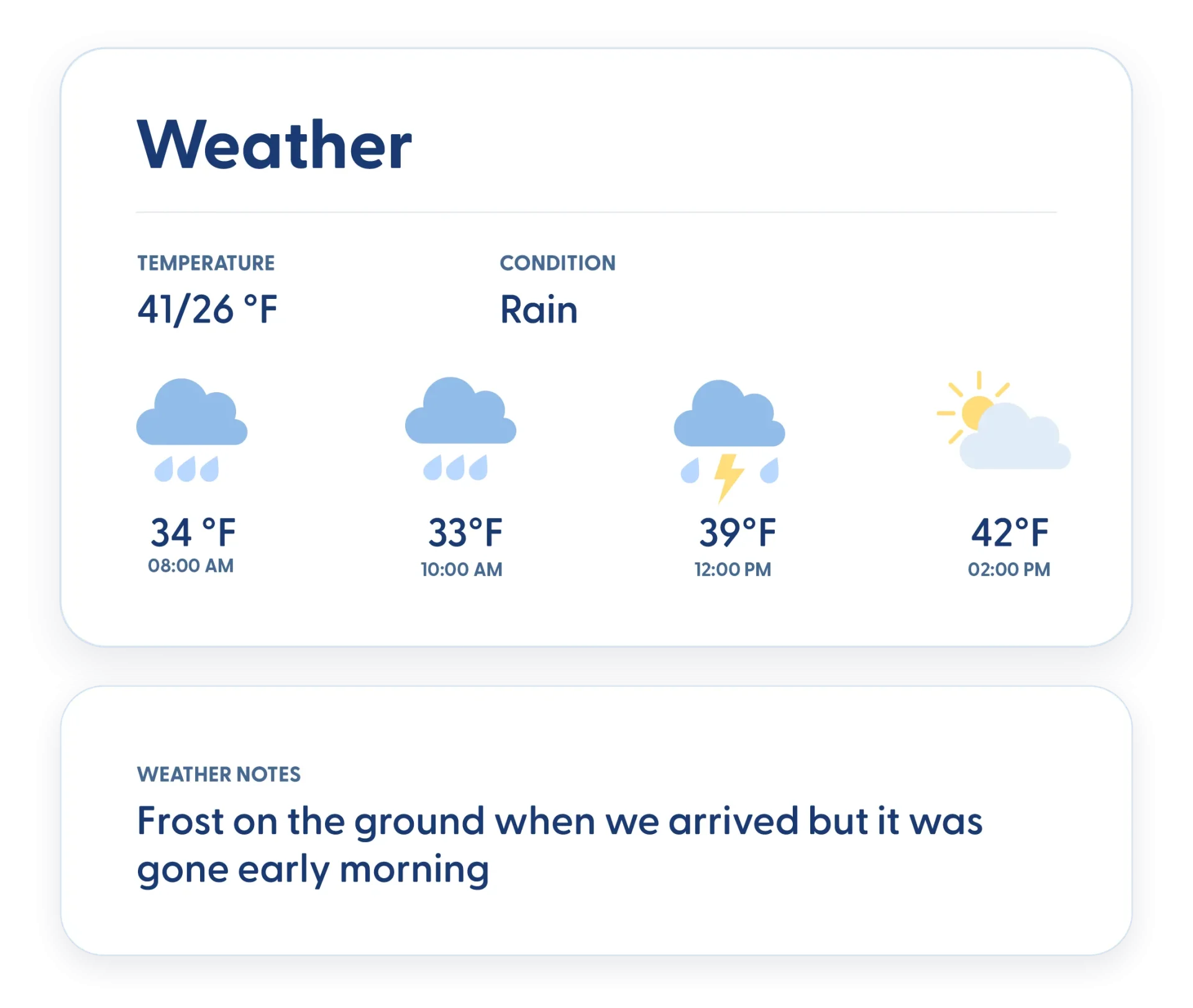
Weather Tracking
Daily weather conditions are automatically recorded, with space for your own notes. When weather impacts progress, you have clear documentation to back it up.
Material & Equipment Usage
Log what materials were delivered and used, along with equipment activity. Know where the inventory went and when it showed up.
Purchase Orders Updated from Deliveries
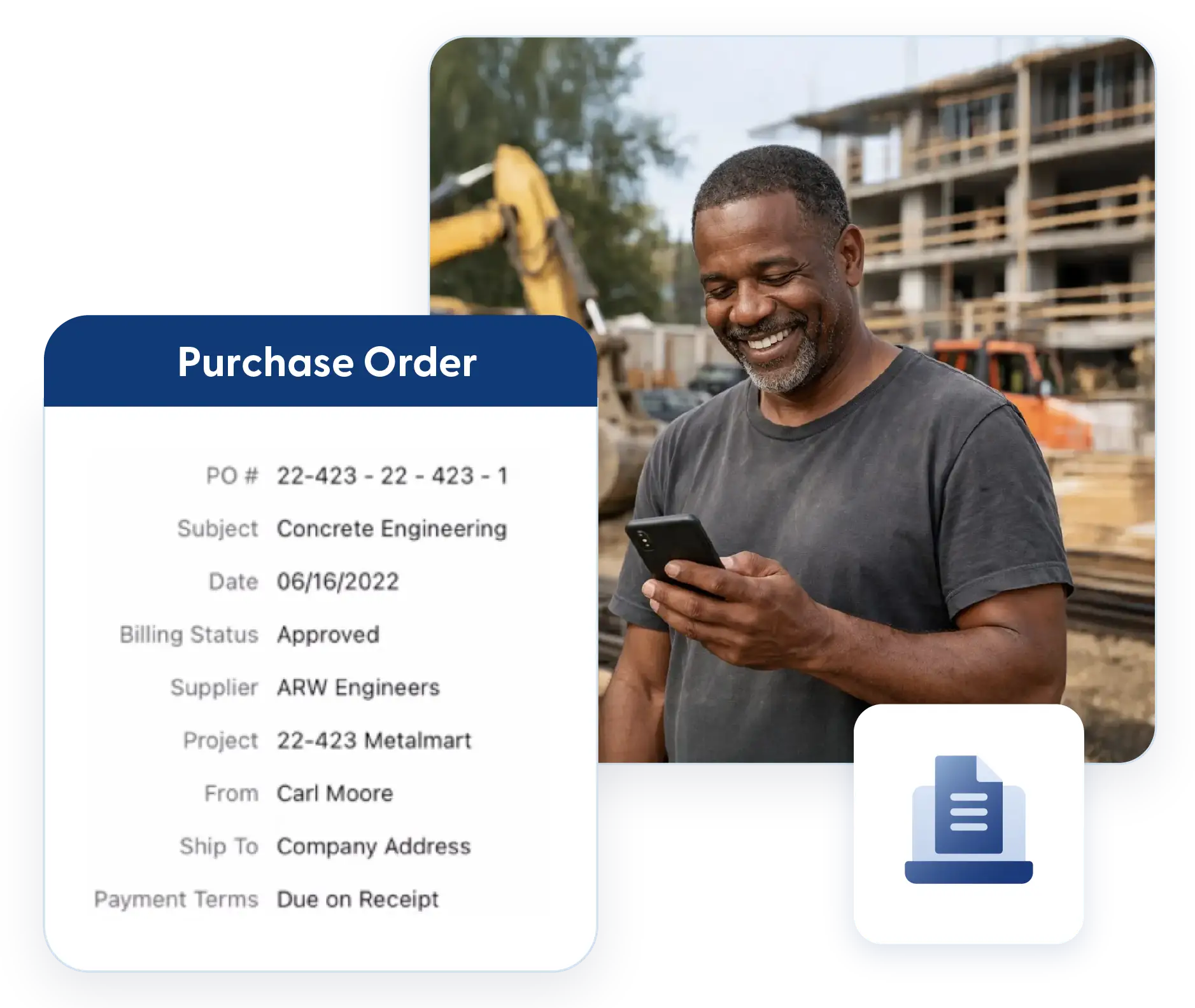
Materials marked as delivered in the Daily Log automatically update related purchase orders. Field activity stays aligned with procurement and costs.
Project Documentation & Records
Build a complete, organized record of every project as work happens. Logs, photos, and files are stored automatically and structured for easy access, giving you reliable documentation without extra admin work.
Complete Project Records
Every Daily Log becomes part of a permanent project history. What happened, when it happened, and who was involved is easy to find long after the job wraps.
Automatic File Organization
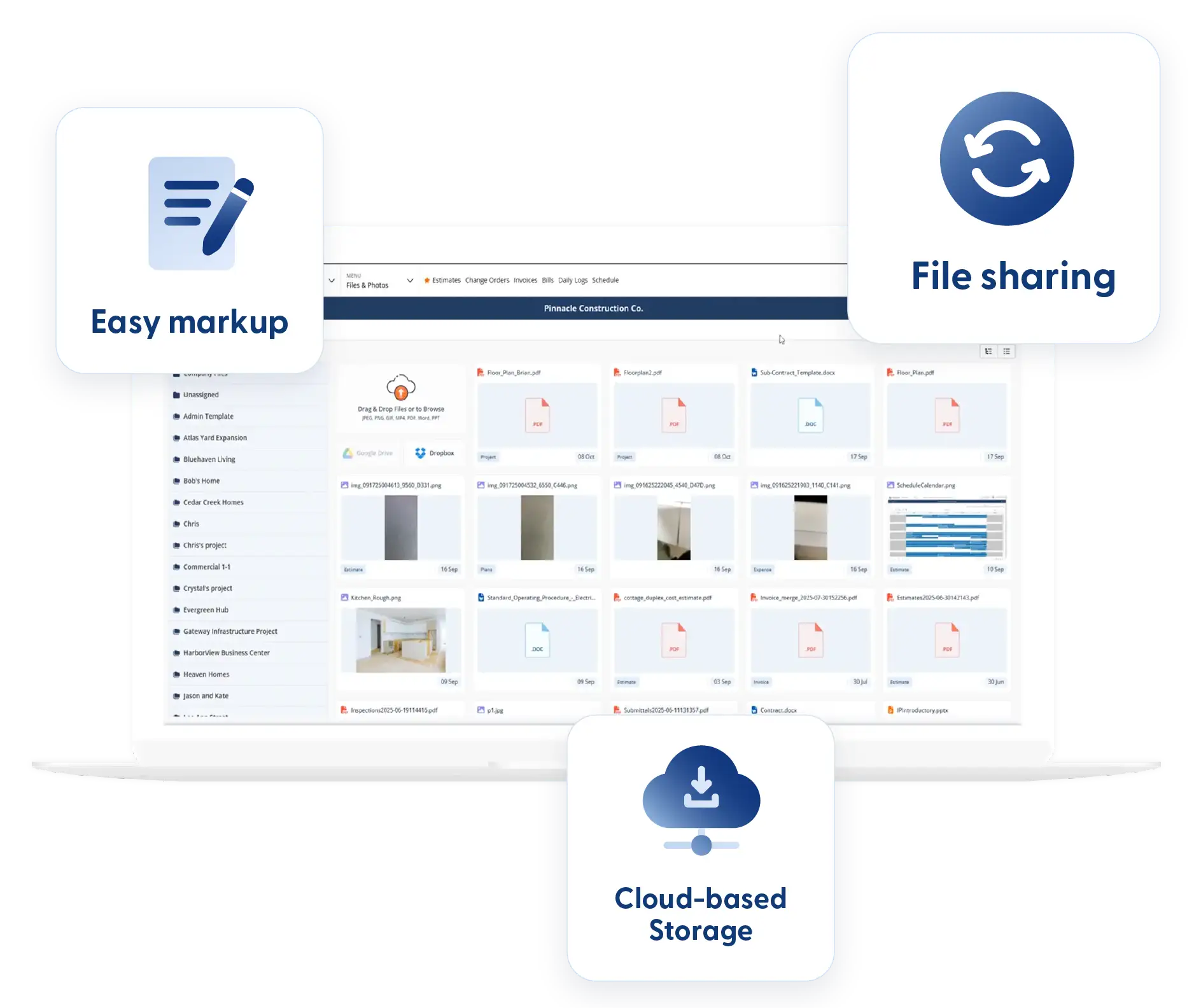
Photos and files added to a Daily Log are automatically uploaded, tagged, and stored in the correct project folder. No sorting. No cleanup later.
Customization & Log Configuration
Structure daily logs around your workflow and reporting needs. Control what gets captured, how it’s organized, and who sees it so every log delivers the right information to the right people.
Custom Fields
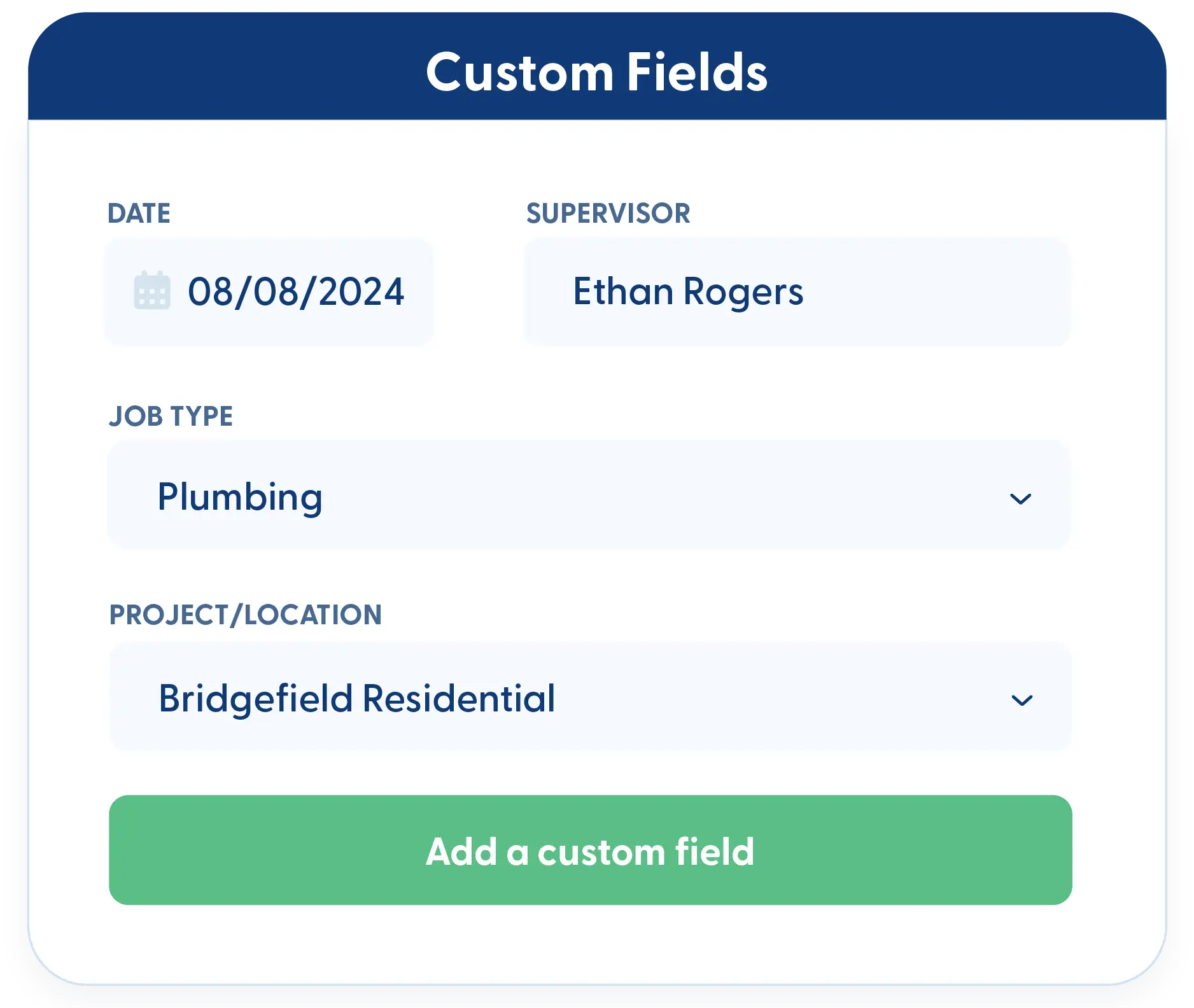
Add the exact fields your team needs. Capture the details that matter to your jobs, not generic placeholders.
Custom Templates
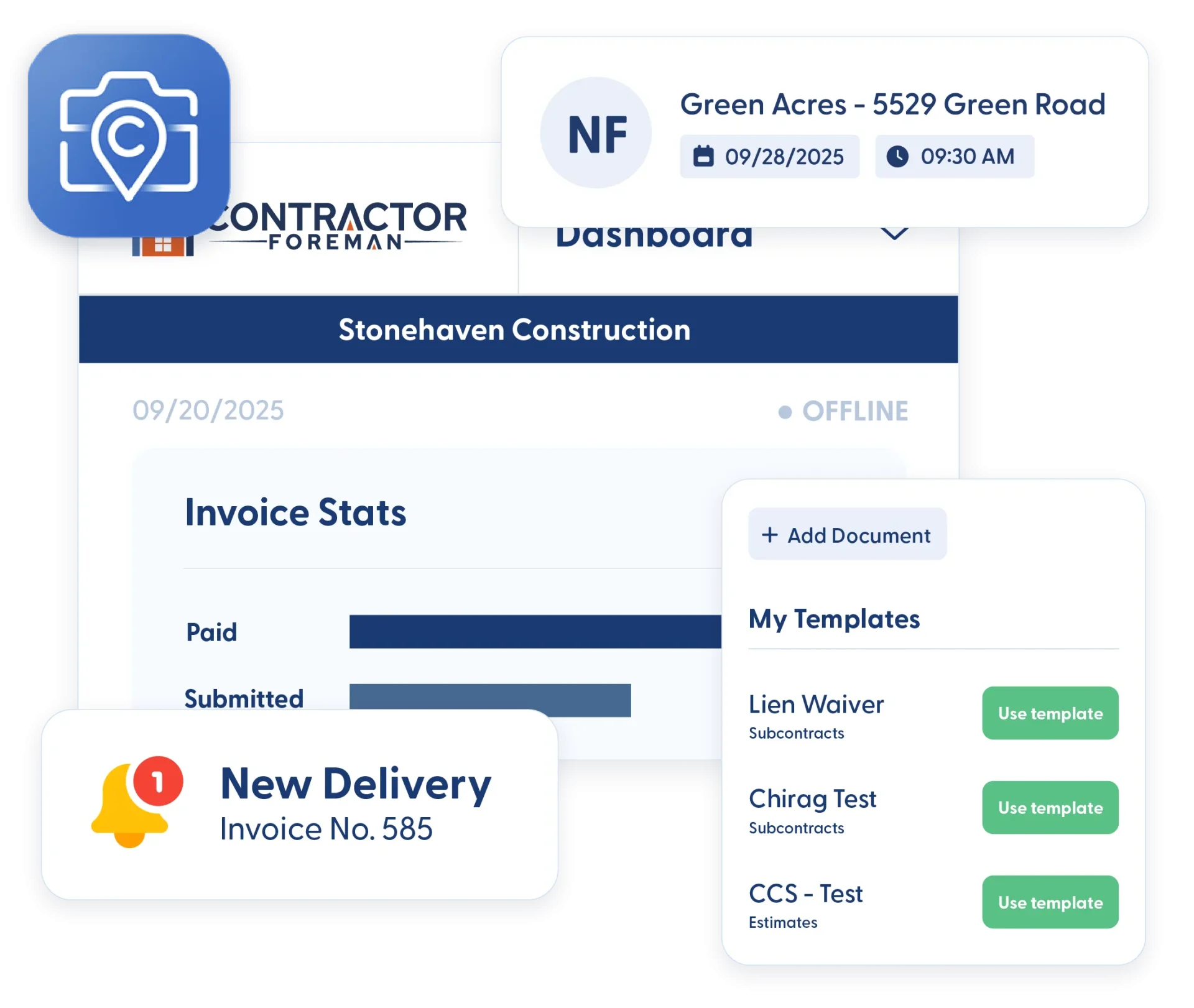
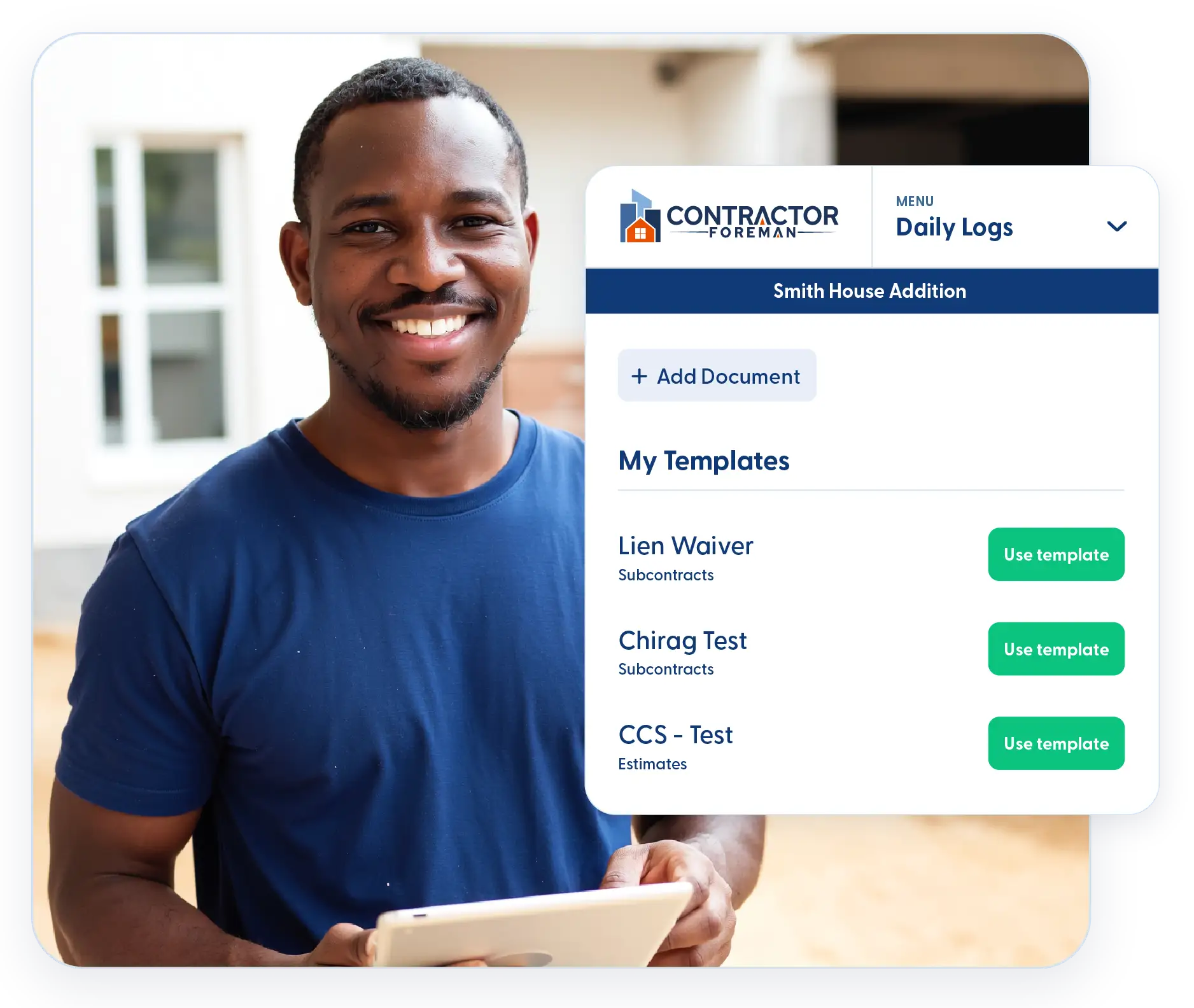
Create multiple Daily Log templates and control what gets shared and with whom. Send only the information you intend to clients, owners, or internal teams.
Frequently Asked Questions
Have a Question? Click the LiveChat icon. After hours? Email support@contractorforeman.com.
Contractor Foreman offers simple, transparent pricing with unlimited users, projects, and features. There are no hidden fees or per-user charges. See our pricing page for more details.
Some companies offer a 7-day refund policy… maybe 30 days. We are so confident in Contractor Foreman that we give you up to 100-days to request a refund if you are not satisfied and no longer wish to use it. See the Refund Policy for details and requirements.
Daily Logs remain with the project and can be referenced years later if questions arise after completion.
Yes. Custom templates let you control exactly which information is shared externally.
They do. Daily Logs tie into projects, purchase orders, materials, and documents so nothing lives in isolation.

Sign up for a free demo and see it in action!
Let us show you how Contractor Foreman can start saving you and your company a lot of time and money. Schedule a free demo for yourself or your crew.
Start a Free Trial
We have plans starting at $49/month

Have a question? See our Frequently Asked Questions or give us a call (828) 375-8042 or click Live Chat.






