
Document Management
Manage everything in one place
Paperwork is an unavoidable side effect of construction work. Contractor Foreman keeps it organized, searchable, and tied to the job, so you always know where things live and who last touched them.
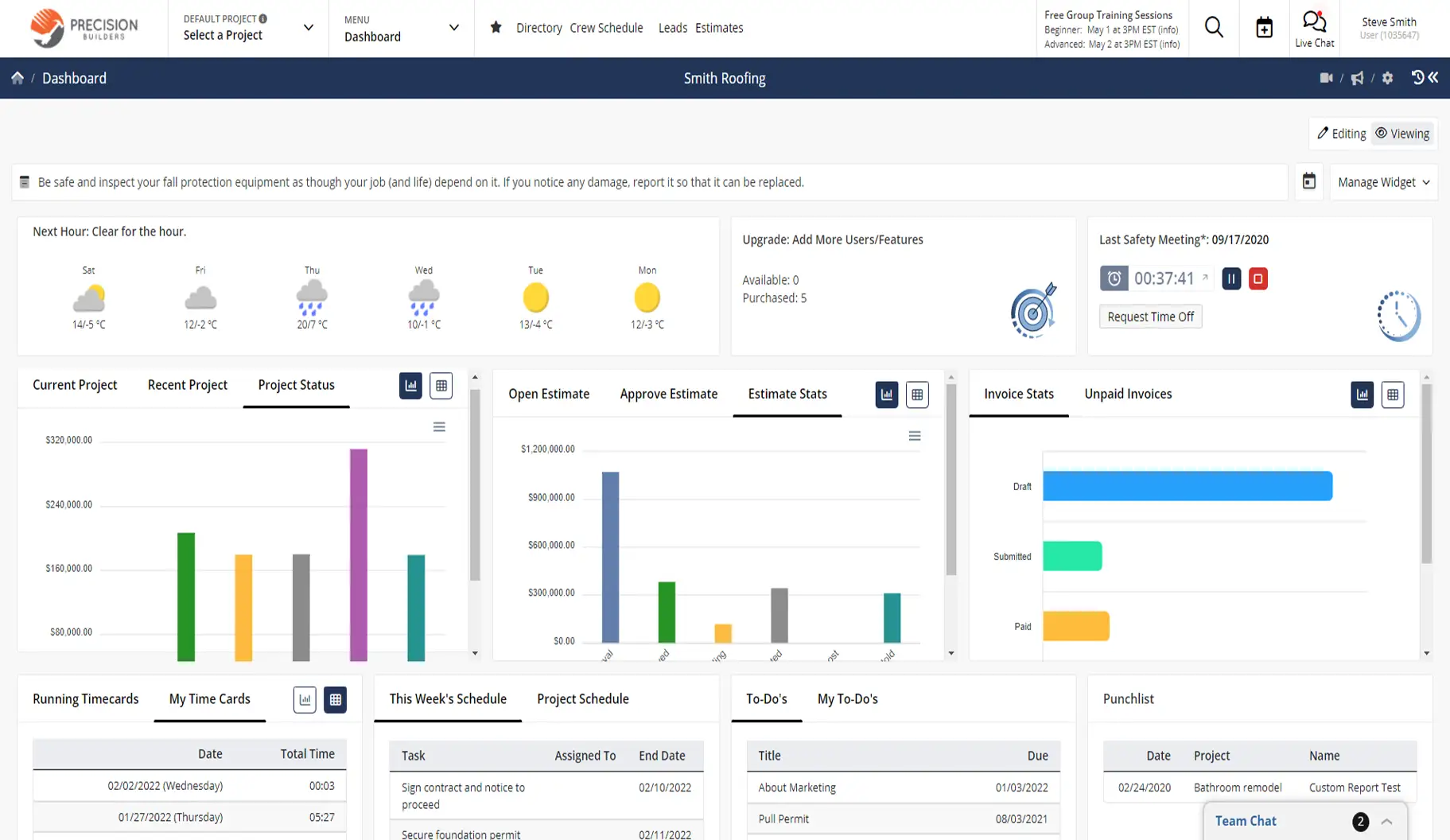
Find what you need fast
From daily logs and forms to signed documents and exports, Document Management keeps your data connected to projects, people, and history. No more hunting through folders or guessing which version is correct.

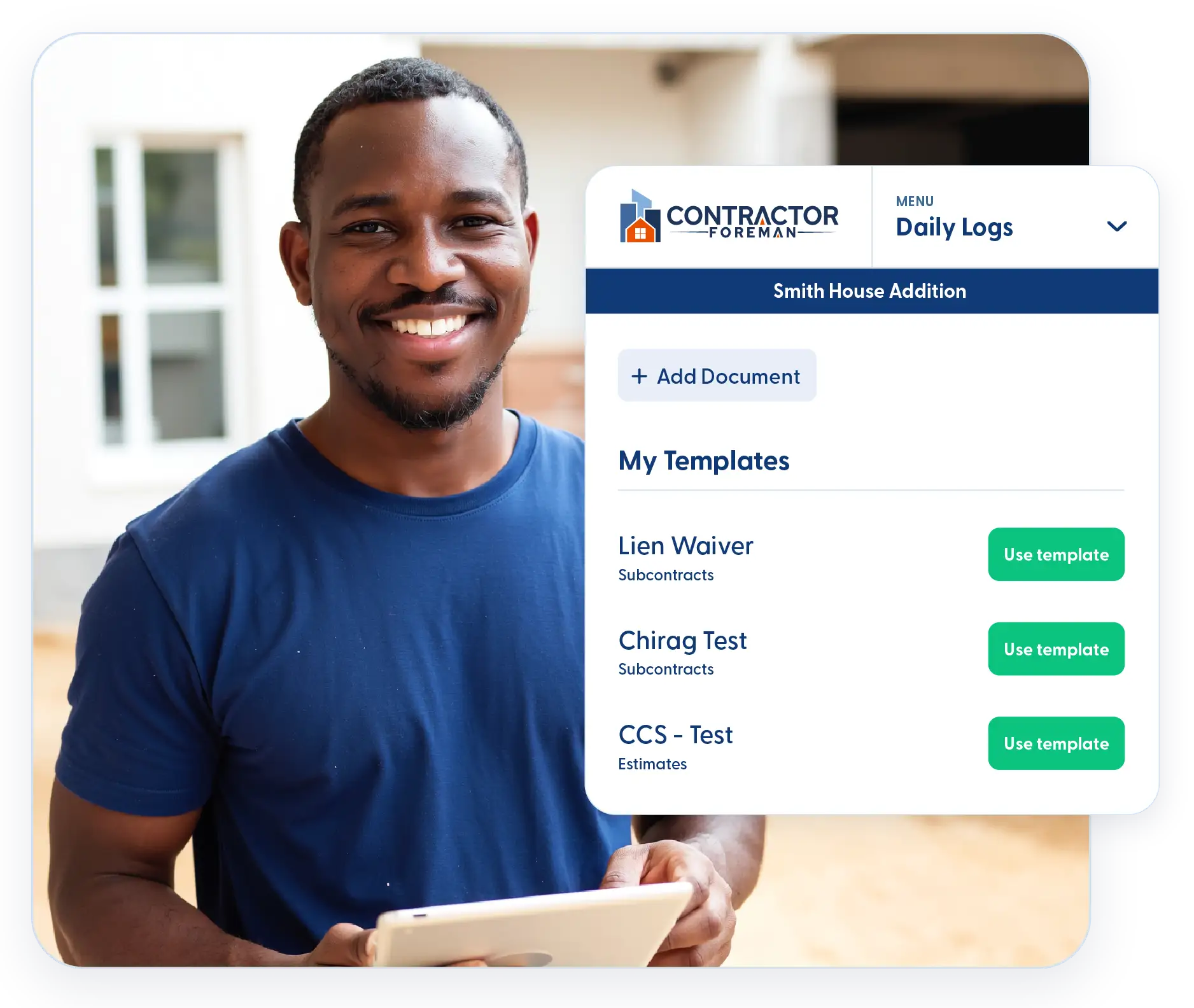
Know what changed and who changed it
Activity and audit logs give you visibility into edits, updates, and actions across the system.

Set up fast and update without headaches
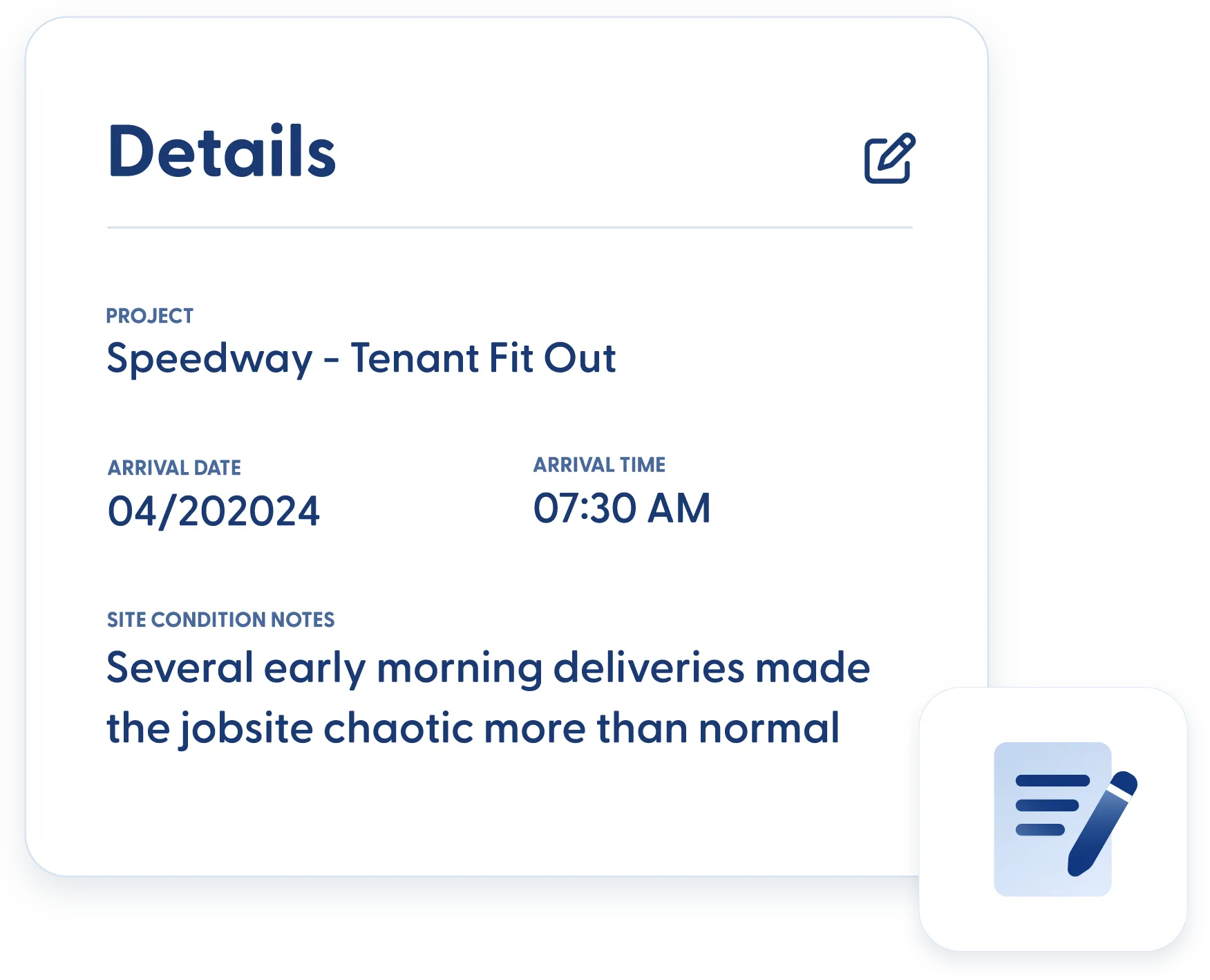
Import and export data in bulk using ready-to-go Excel templates.

Track the details that actually matter
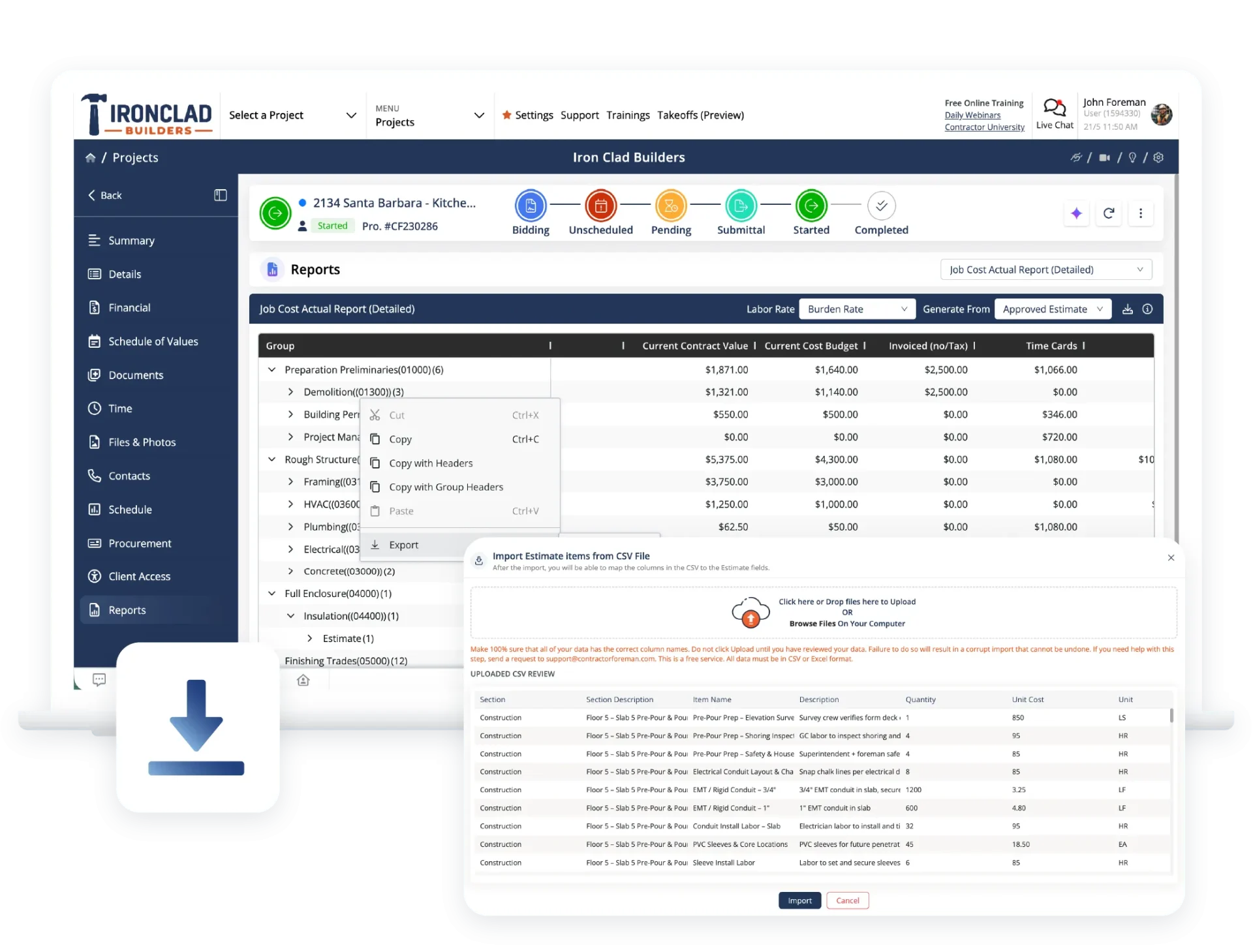
Custom fields let you capture the exact information your business needs — not just what software thinks you should track.
Check out these Document Management features
These individual features are tailor-made to meet your specific needs and preferences.
Activity Tracking & Audit Logs
Maintain a clear record of system activity and changes. Track actions across users and records so every update is visible and accountable.
Audit logs
See who did what, when it happened, and where the action took place — all in one clear log.
Activity logs
Review record-level changes so nothing gets edited without a trail.
Data Import, Export & Reporting
Move data in and out of the system with ease. Import records, generate professional documents, and capture signatures without relying on separate tools.
Excel imports and exports
Use prebuilt templates to quickly import or export contacts, cost items, and other records.
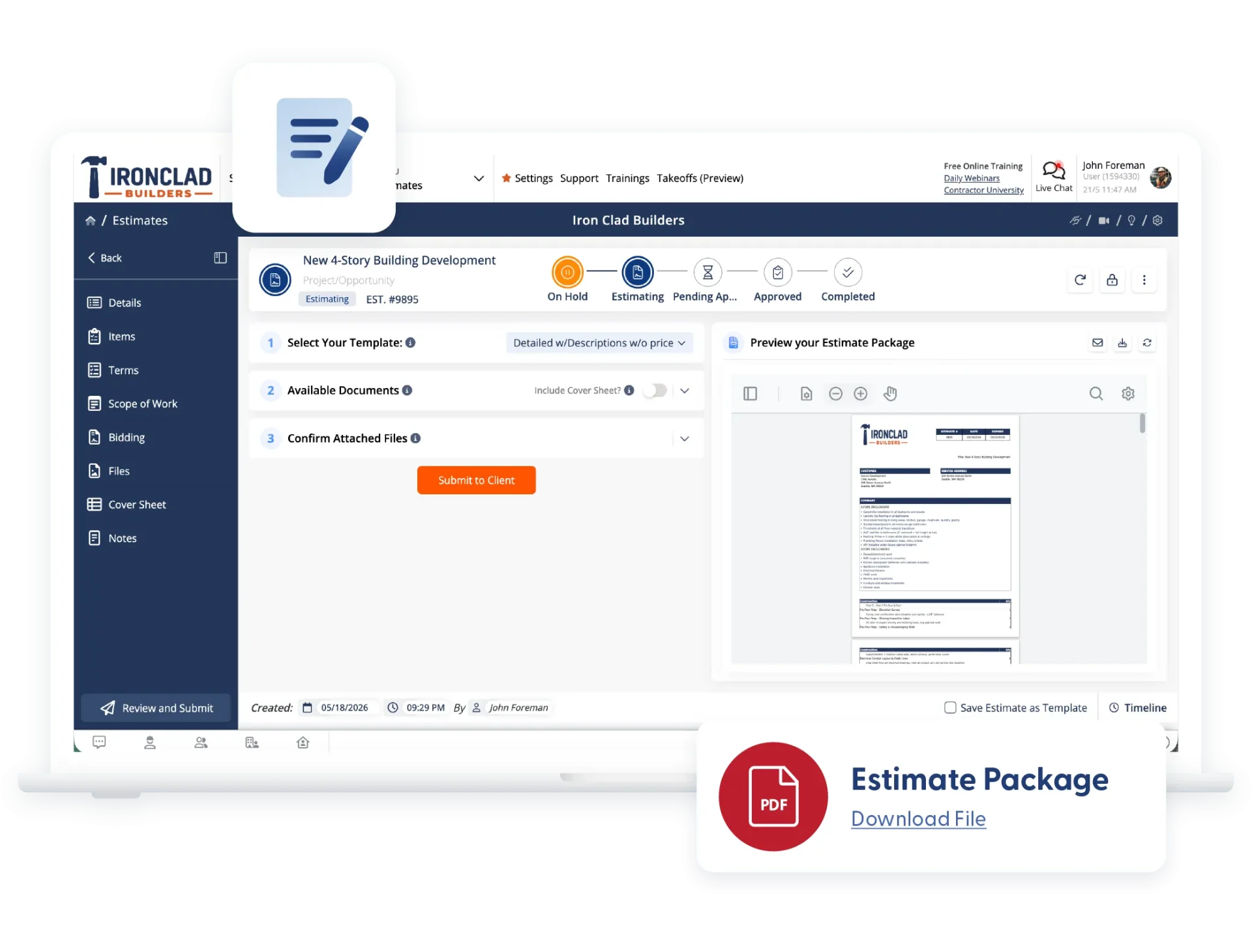
Generate PDFs for email, print, or download
Create professional PDFs in one step. Customize layouts, hide columns, and add branding as needed.
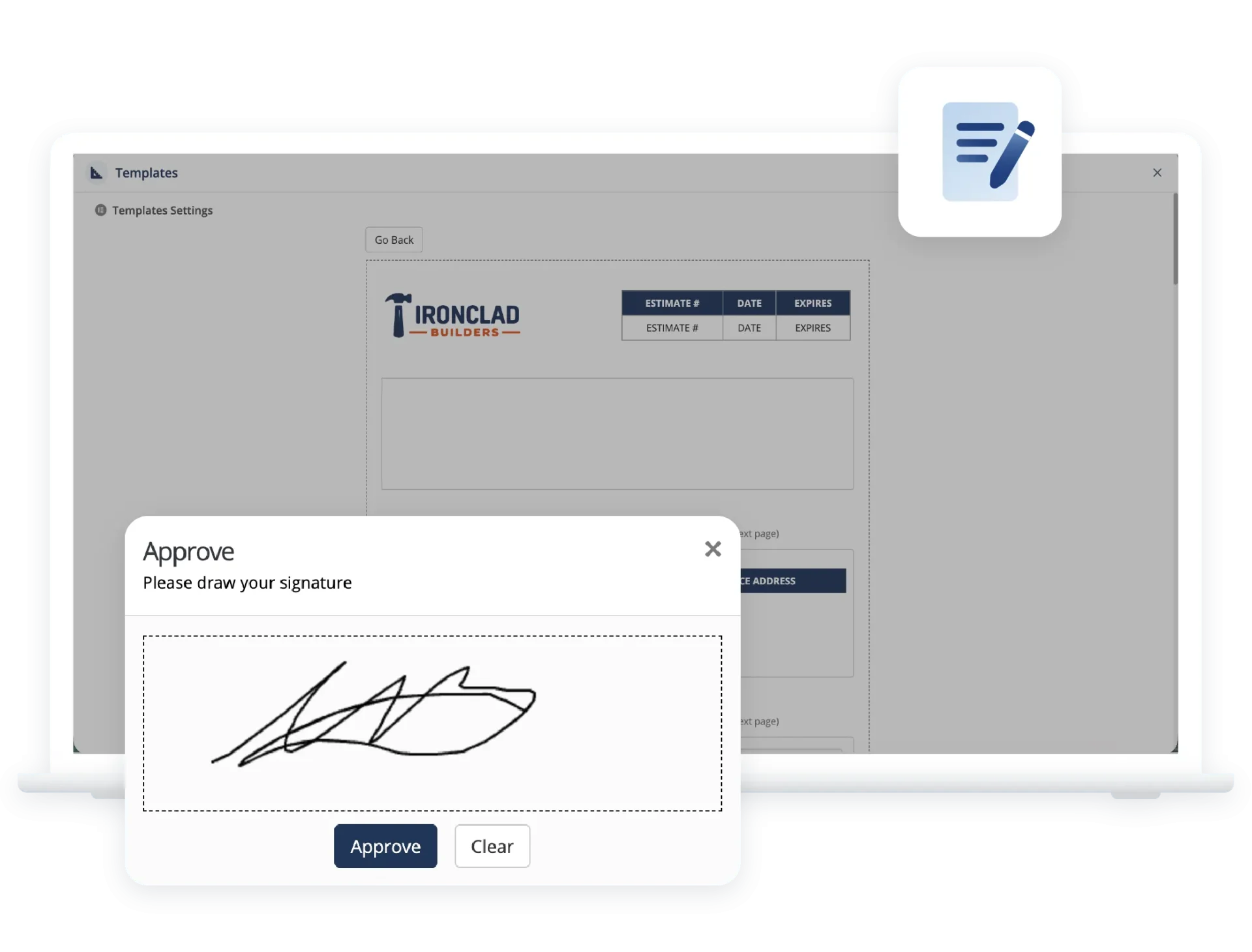
Digital signatures
Collect electronic signatures directly inside Contractor Foreman without third-party tools or extra steps.
System Customization & Data Structure
Structure the system around how your business operates. Define the data you track and organize it in a way that supports accurate estimating, reporting, and project management.
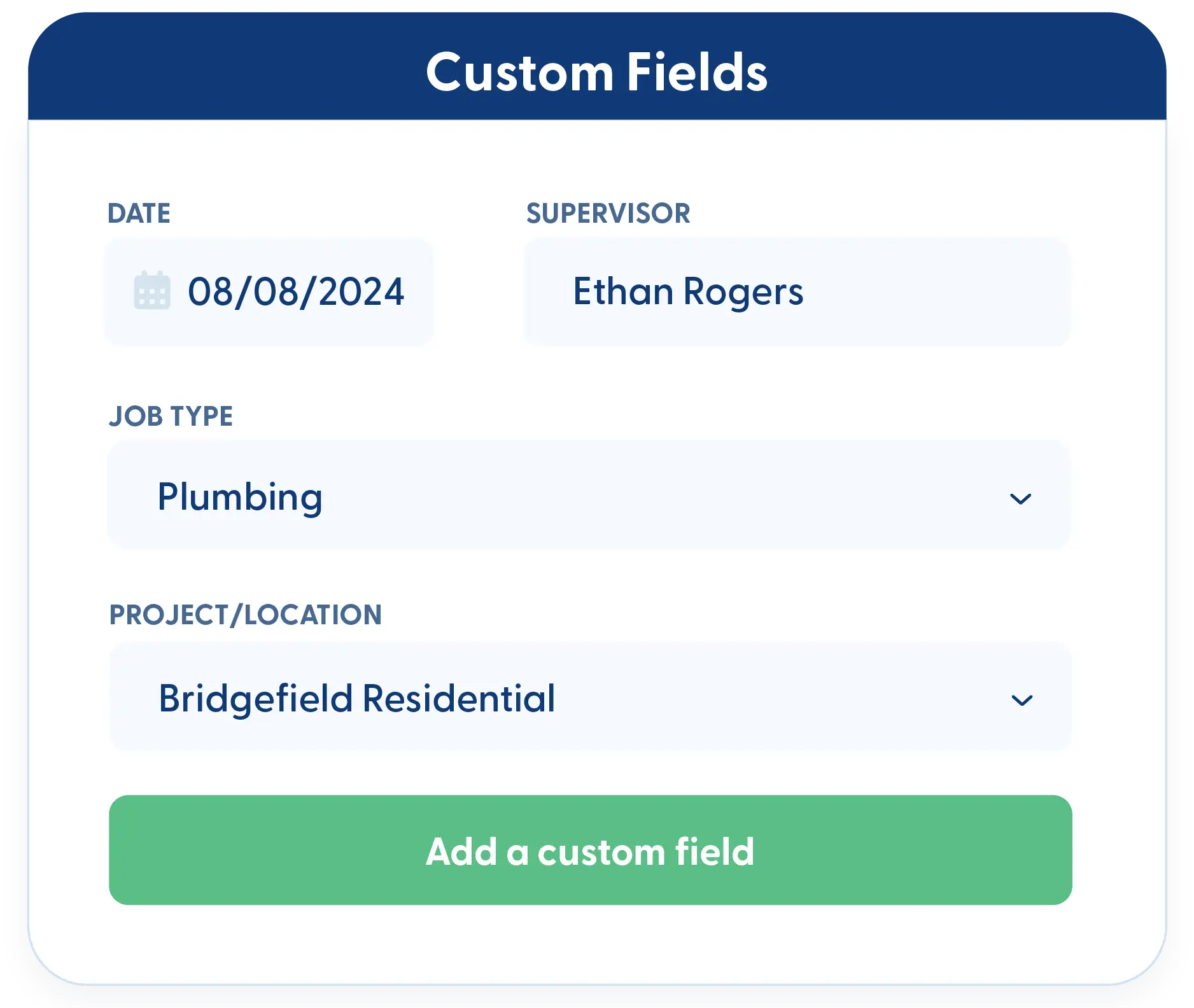
Custom fields for any data type
Add custom fields anywhere you need them to track compliance details, internal checks, or project-specific information.
Cost codes
Use built-in NAHB and CSI cost code databases or create your own custom codes to match how you estimate and track work.
Frequently Asked Questions
Have a Question? Click the LiveChat icon. After hours? Email support@contractorforeman.com.
Contractor Foreman offers simple, transparent pricing with unlimited users, projects, and features. There are no hidden fees or per-user charges. See our pricing page for more details.
Some companies offer a 7-day refund policy… maybe 30 days. We are so confident in Contractor Foreman that we give you up to 100-days to request a refund if you are not satisfied and no longer wish to use it. See the Refund Policy for details and requirements.
Yes. Activity and audit logs record changes so you always have a clear history.
No. Digital signatures are built directly into Contractor Foreman.
Yes. PDFs can be emailed, printed, or downloaded as needed.
CRM Tools
These individual features are tailor-made to meet your specific needs and preferences.
 Angi Leads (HomeAdvisor)
Automatically import leads from Angi into your Contractor Foreman CRM—no more manual copying means faster response times and fewer missed opportunities.
CRM
Client Portal
Give clients controlled access to project schedules, documents, approvals, invoices, and updates so communication stays organized without endless emails and phone calls.
CRM
Dashboard
Contractor Foreman lets you shape your dashboard around the information you need, so you can get oriented quickly and get to work.
CRM
Directory
Organize all contacts by type (customers, vendors, subs, employees) with certification tracking, insurance expiration alerts, and complete activity history—find anyone in seconds.
CRM
Document Management
Keep your documents organized, searchable, and tied to the job, so you always know where things live and who last touched them.
CRM
Ease of Use
Contractor Foreman is designed to be simple to learn, fast to navigate, and flexible enough to fit your team's existing workflow — in the office and in the field.
CRM
Integrations
Connect your favorite tools without the double-entry headache
CRM
Opportunities
Capture every detail of potential projects, including notes, photos, RFIs, and bid information—turning inquiries into actionable opportunities that don't fall through the cracks.
CRM
 QuickBooks
Two-way sync with QuickBooks Online and QuickBooks Desktop eliminates double-entry while maintaining accurate job costing—invoices, bills, payments, and expenses flow automatically between systems.
CRM
 Stripe
Connect to hundreds of apps including MailChimp, Zoho, Constant Contact, Dropbox, and Google Drive—automate lead capture, document backup, email campaigns, and more without coding.
CRM
 Xero (Coming mid-2026)
Improve efficiency by syncing data automatically
CRM
 Zapier
Connect to hundreds of apps including MailChimp, Zoho, Constant Contact, Dropbox, and Google Drive—automate lead capture, document backup, email campaigns, and more without coding.
CRM

Sign up for a free demo and see it in action!
Let us show you how Contractor Foreman can start saving you and your company a lot of time and money. Schedule a free demo for yourself or your crew.
Start a Free Trial
We have plans starting at $49/month

Have a question? See our Frequently Asked Questions or give us a call (828) 375-8042 or click Live Chat.






