
Dashboard
See what matters the moment you log in
Your dashboard should answer questions, not create them. Contractor Foreman lets you shape your dashboard around the information you need, so you can get oriented quickly and get to work.
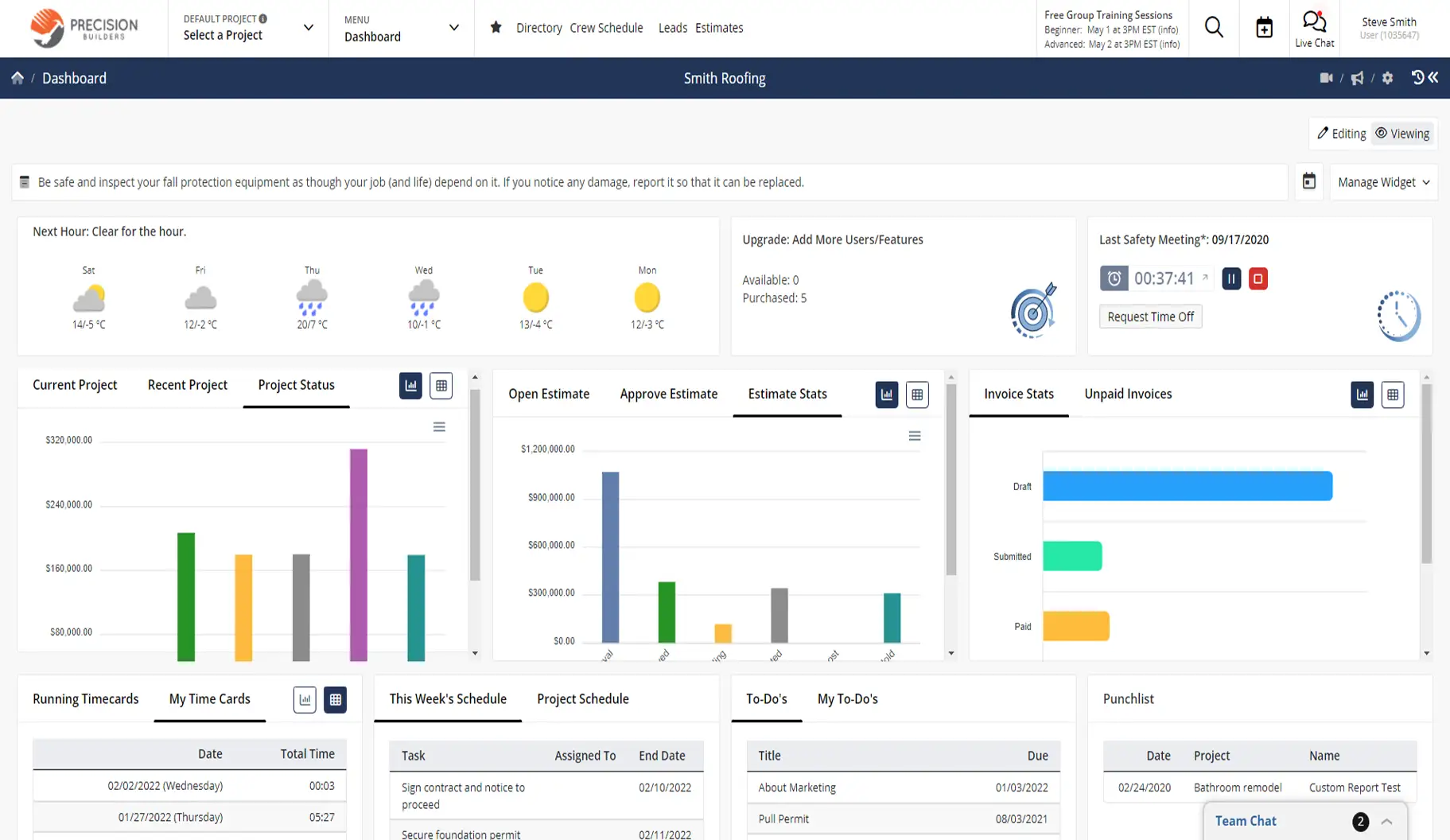
Built for different roles and different days
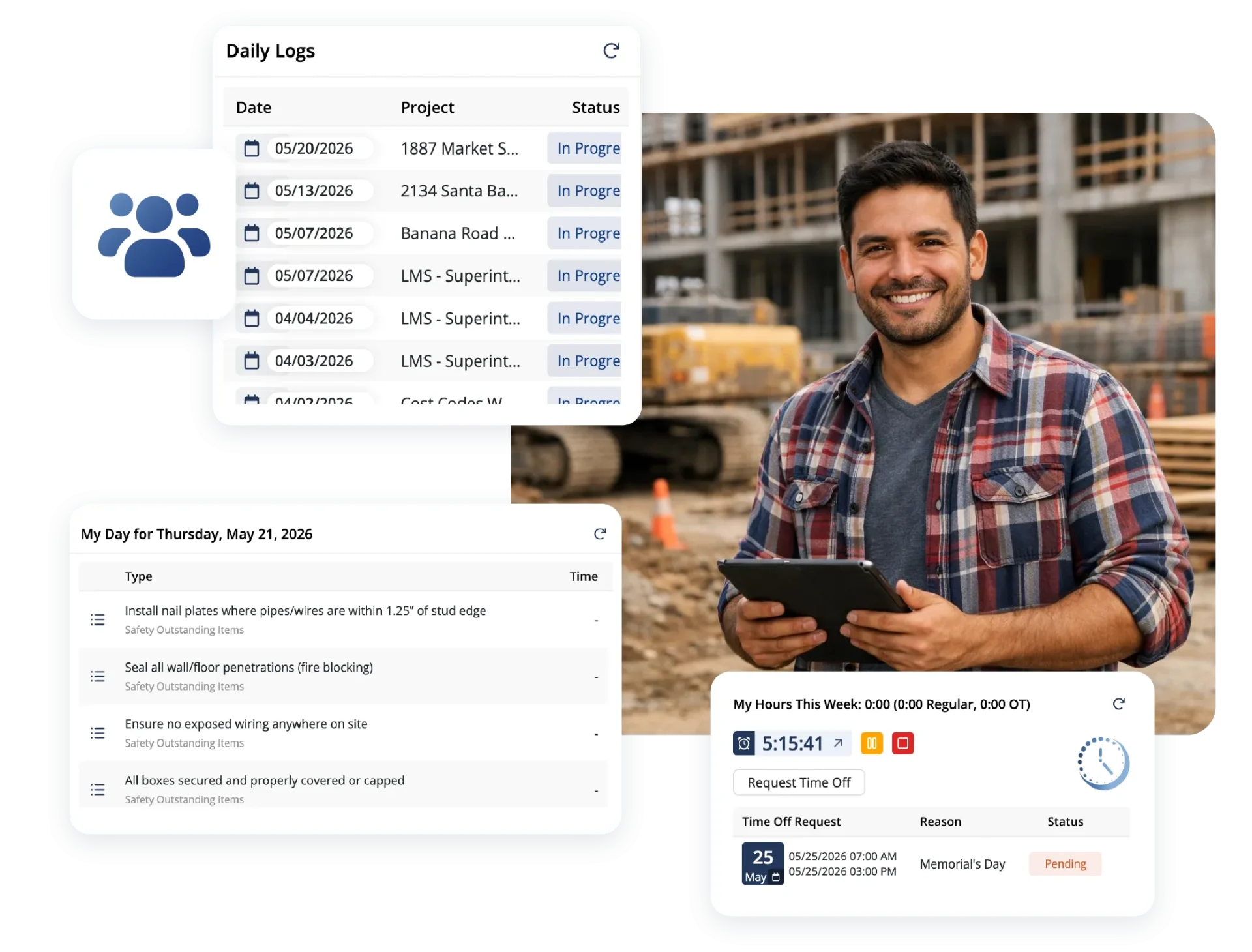
What matters to someone in the field isn’t the same as what matters in the office. Dashboards adapt to each user so everyone sees the information that helps them do their job better.

Information without the hunt
Key data is front and center, so you’re not clicking through menus to find it.

A layout that fits your role
Each user gets a dashboard that reflects how they work, not a one-size-fits-all view.

Faster navigation every day
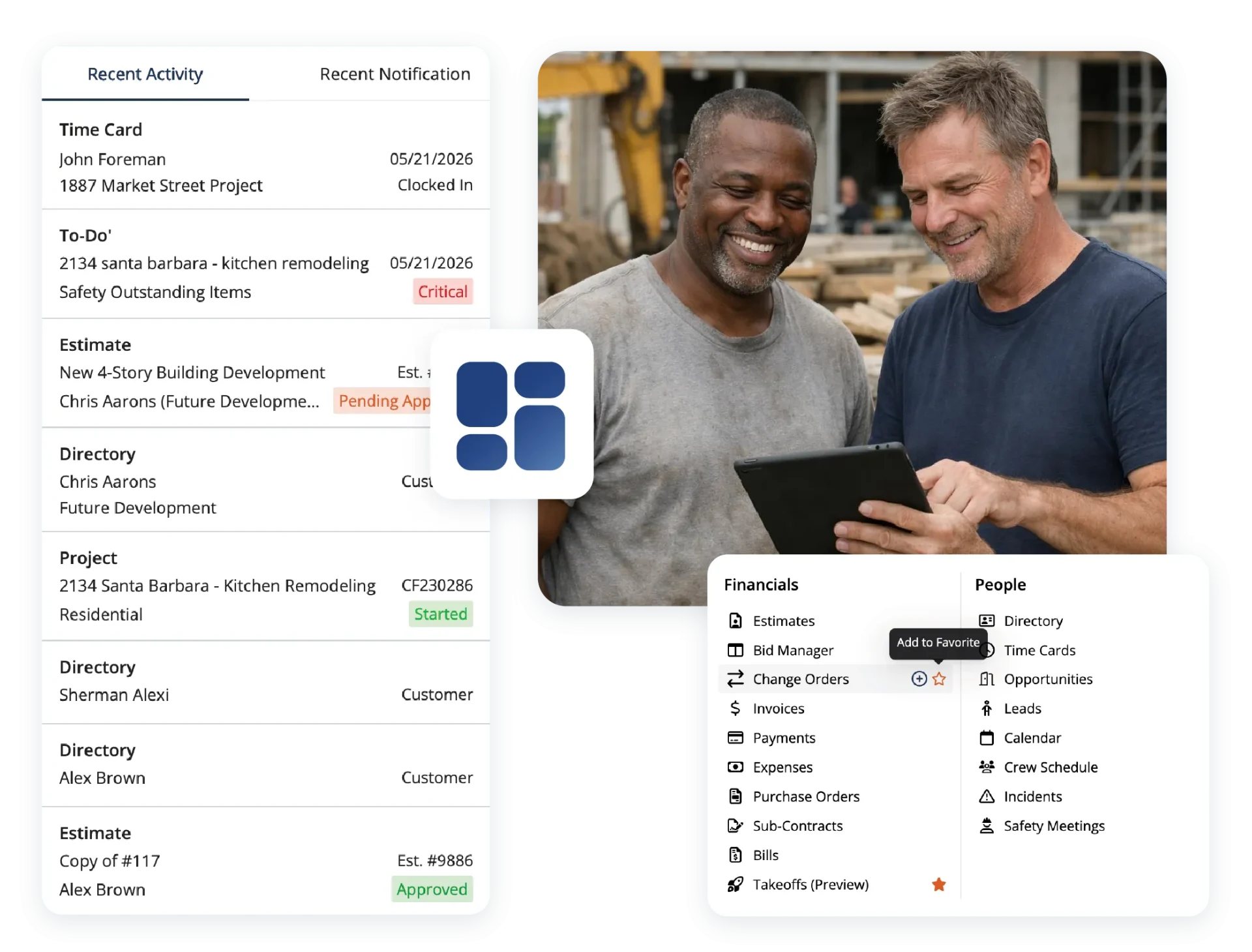
Shortcuts and favorites put common actions one click away.
Check out these Dashboard features
These individual features are tailor-made to meet your specific needs and preferences.
Workspace Personalization
Tailor your workspace to match how you work. Highlight key information, share updates, and create shortcuts so everything you need is easy to access.
Customizable widgets and links
Choose from a wide range of widgets and links to build a dashboard that highlights what’s important to you.
Company announcements
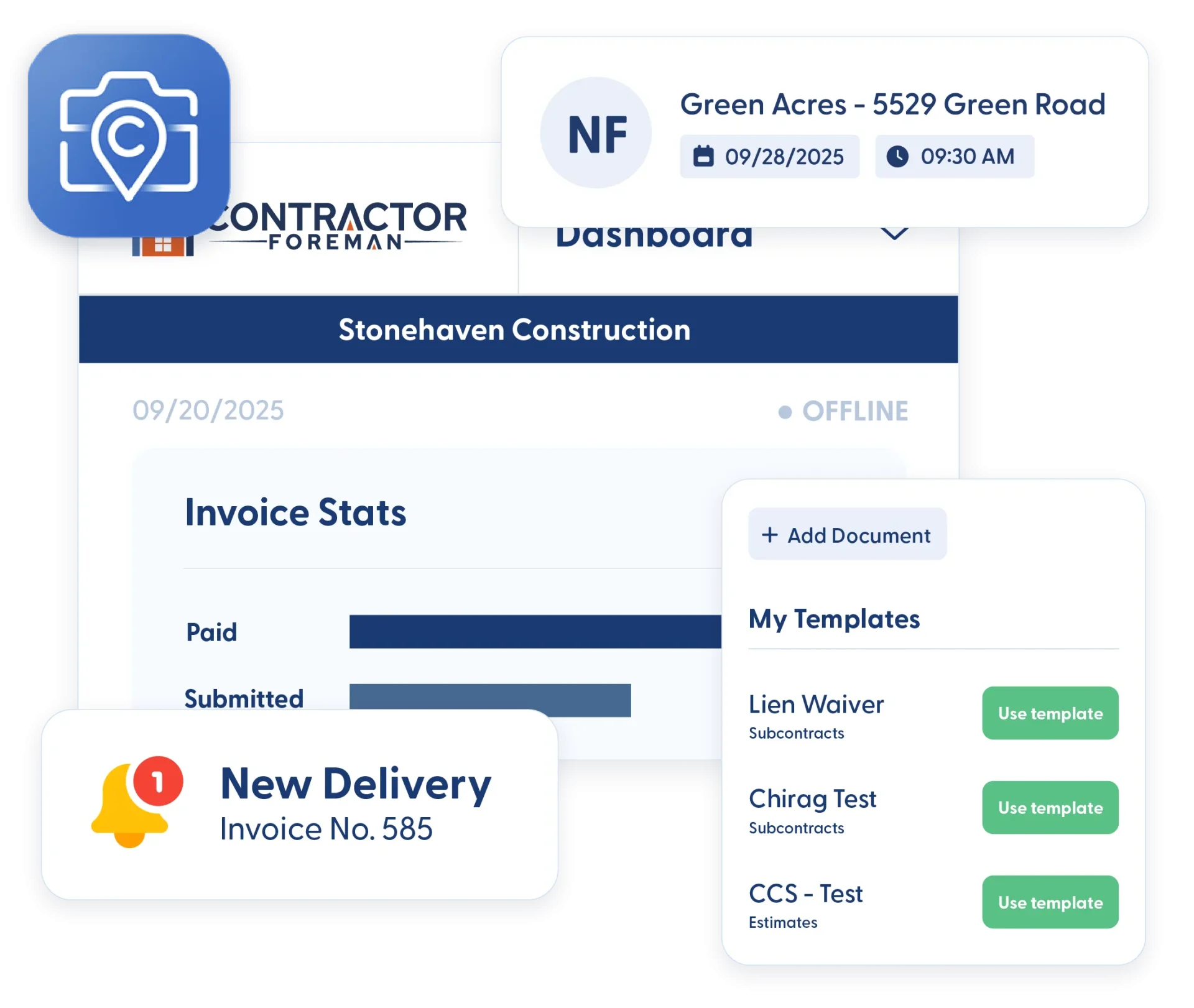
Share company-wide messages, such as safety reminders, training updates, or events, via push notifications, email, or text.
Shortcuts and favorites
Create quick links to your most-used areas so you can move through the system faster.
Frequently Asked Questions
Have a Question? Click the LiveChat icon. After hours? Email support@contractorforeman.com.
Contractor Foreman offers simple, transparent pricing with unlimited users, projects, and features. There are no hidden fees or per-user charges. See our pricing page for more details.
Some companies offer a 7-day refund policy… maybe 30 days. We are so confident in Contractor Foreman that we give you up to 100-days to request a refund if you are not satisfied and no longer wish to use it. See the Refund Policy for details and requirements.
Absolutely. Widgets, links, and shortcuts can be adjusted at any time as needs evolve.
Yes. Dashboards are accessible from both the web and the mobile app.
Announcements can be delivered via push notifications, email, or text, depending on how they’re sent.
CRM Tools
These individual features are tailor-made to meet your specific needs and preferences.
 Angi Leads (HomeAdvisor)
Automatically import leads from Angi into your Contractor Foreman CRM—no more manual copying means faster response times and fewer missed opportunities.
CRM
Client Portal
Give clients controlled access to project schedules, documents, approvals, invoices, and updates so communication stays organized without endless emails and phone calls.
CRM
Dashboard
Contractor Foreman lets you shape your dashboard around the information you need, so you can get oriented quickly and get to work.
CRM
Directory
Organize all contacts by type (customers, vendors, subs, employees) with certification tracking, insurance expiration alerts, and complete activity history—find anyone in seconds.
CRM
Document Management
Keep your documents organized, searchable, and tied to the job, so you always know where things live and who last touched them.
CRM
Ease of Use
Contractor Foreman is designed to be simple to learn, fast to navigate, and flexible enough to fit your team's existing workflow — in the office and in the field.
CRM
Integrations
Connect your favorite tools without the double-entry headache
CRM
Opportunities
Capture every detail of potential projects, including notes, photos, RFIs, and bid information—turning inquiries into actionable opportunities that don't fall through the cracks.
CRM
 QuickBooks
Two-way sync with QuickBooks Online and QuickBooks Desktop eliminates double-entry while maintaining accurate job costing—invoices, bills, payments, and expenses flow automatically between systems.
CRM
 Stripe
Connect to hundreds of apps including MailChimp, Zoho, Constant Contact, Dropbox, and Google Drive—automate lead capture, document backup, email campaigns, and more without coding.
CRM
 Xero (Coming mid-2026)
Improve efficiency by syncing data automatically
CRM
 Zapier
Connect to hundreds of apps including MailChimp, Zoho, Constant Contact, Dropbox, and Google Drive—automate lead capture, document backup, email campaigns, and more without coding.
CRM

Sign up for a free demo and see it in action!
Let us show you how Contractor Foreman can start saving you and your company a lot of time and money. Schedule a free demo for yourself or your crew.
Start a Free Trial
We have plans starting at $49/month

Have a question? See our Frequently Asked Questions or give us a call (828) 375-8042 or click Live Chat.






