
Service Tickets
Everything you need to run service and warranty work
Service work moves fast. Contractor Foreman keeps dispatching, scheduling, time tracking, and documentation in one place so technicians stay productive and customers stay informed.
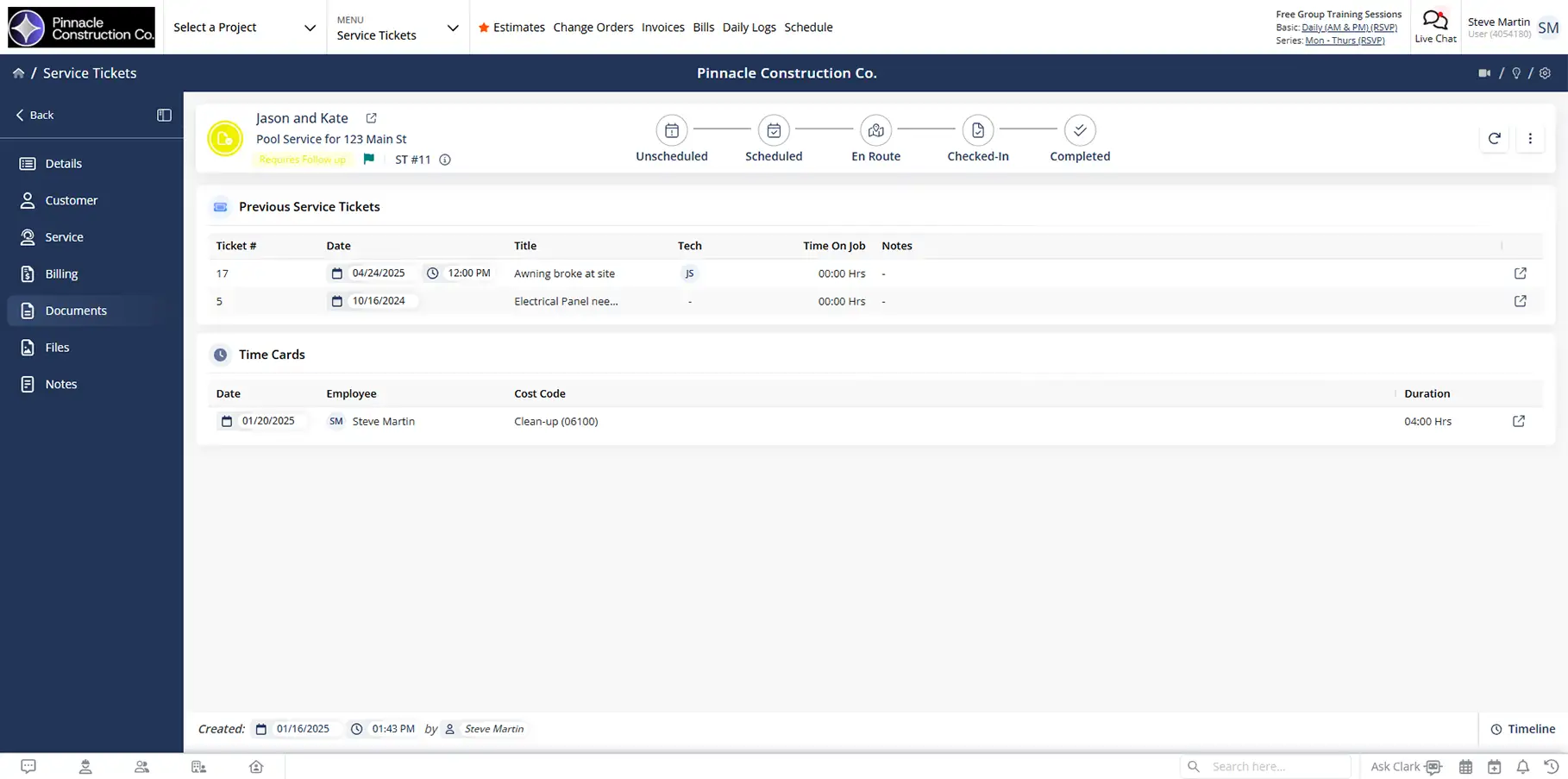
From dispatch to sign-off, all handled in one ticket
Service Tickets bring together scheduling, history, time tracking, and approvals so nothing gets missed and no one has to guess what’s already been done.

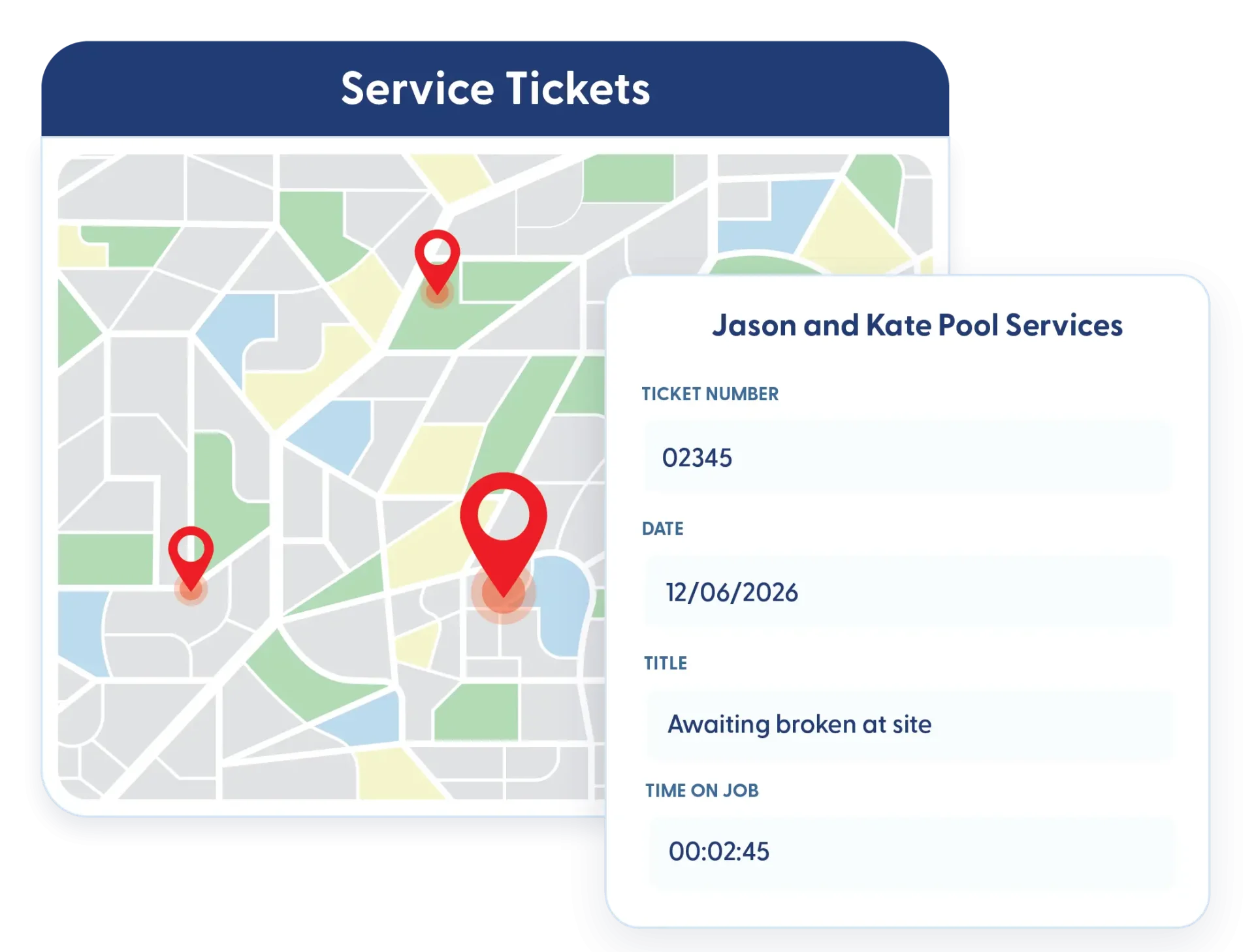
Smarter dispatch, fewer wasted miles
See service ticket locations on a map and assign technicians without bouncing them across town.

Clear records for every visit
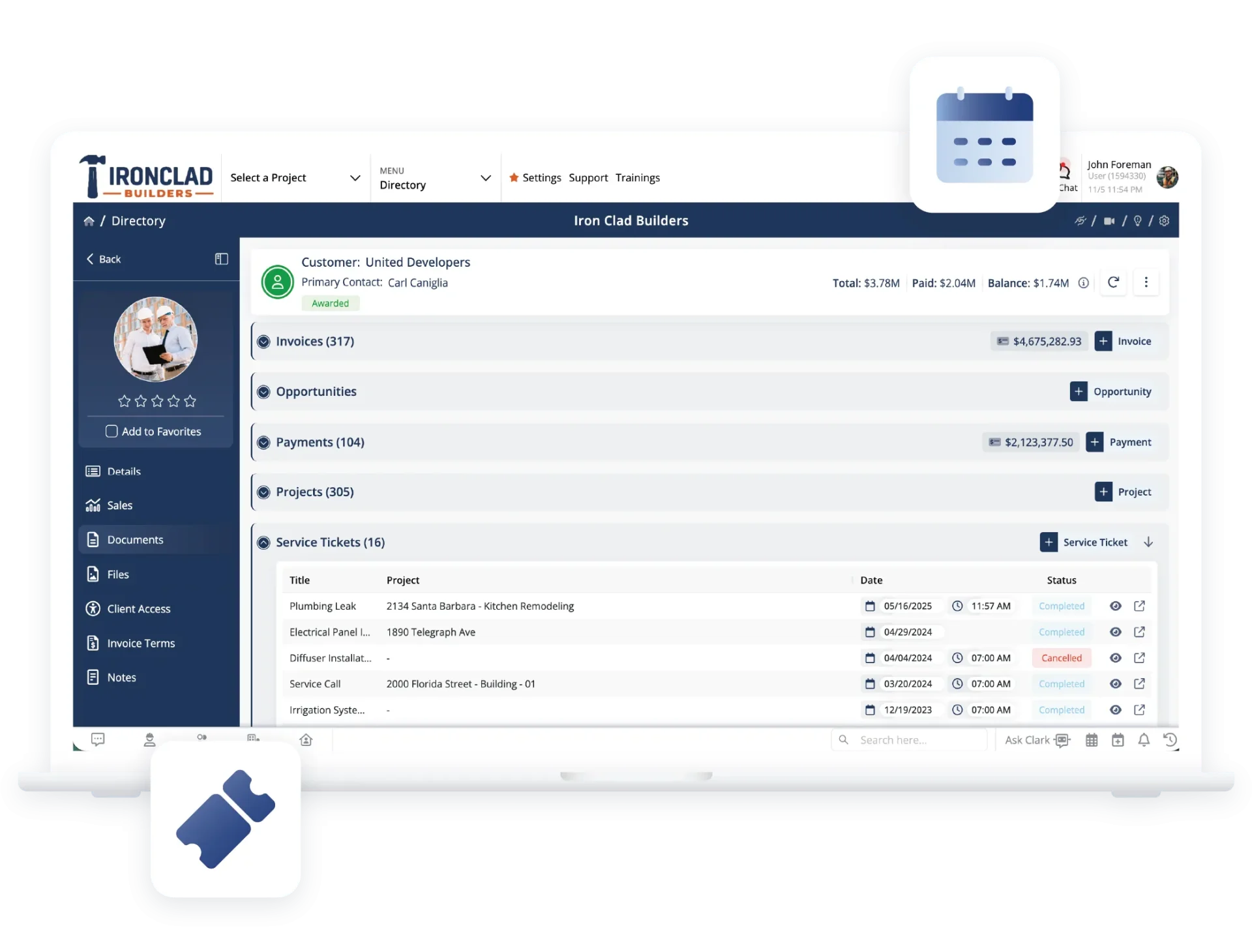
Each ticket builds a full service history so you know what was done, when it happened, and who handled it—especially useful for warranty work.

Faster closeouts in the field
Capture time, notes, and customer signatures directly from the app before leaving the job.
Check out these Service Tickets features
These individual features are tailor-made to meet your specific needs and preferences.
Service Scheduling & Dispatch
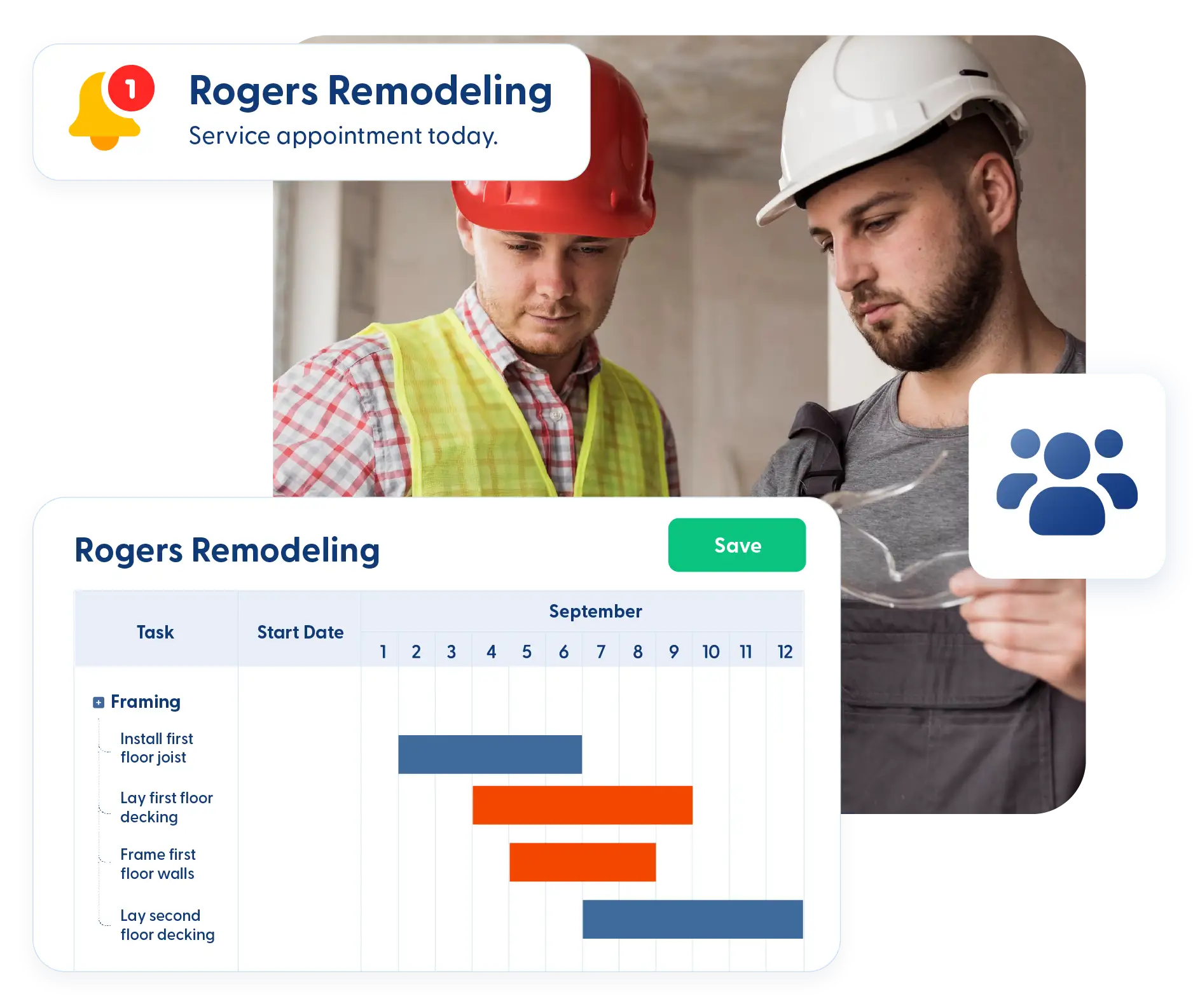
Coordinate service work from assignment to completion. Schedule visits, dispatch technicians efficiently, and keep customers informed to keep appointments on track.
Dispatch & mapping
View all service ticket locations in one place and assign technicians more efficiently.
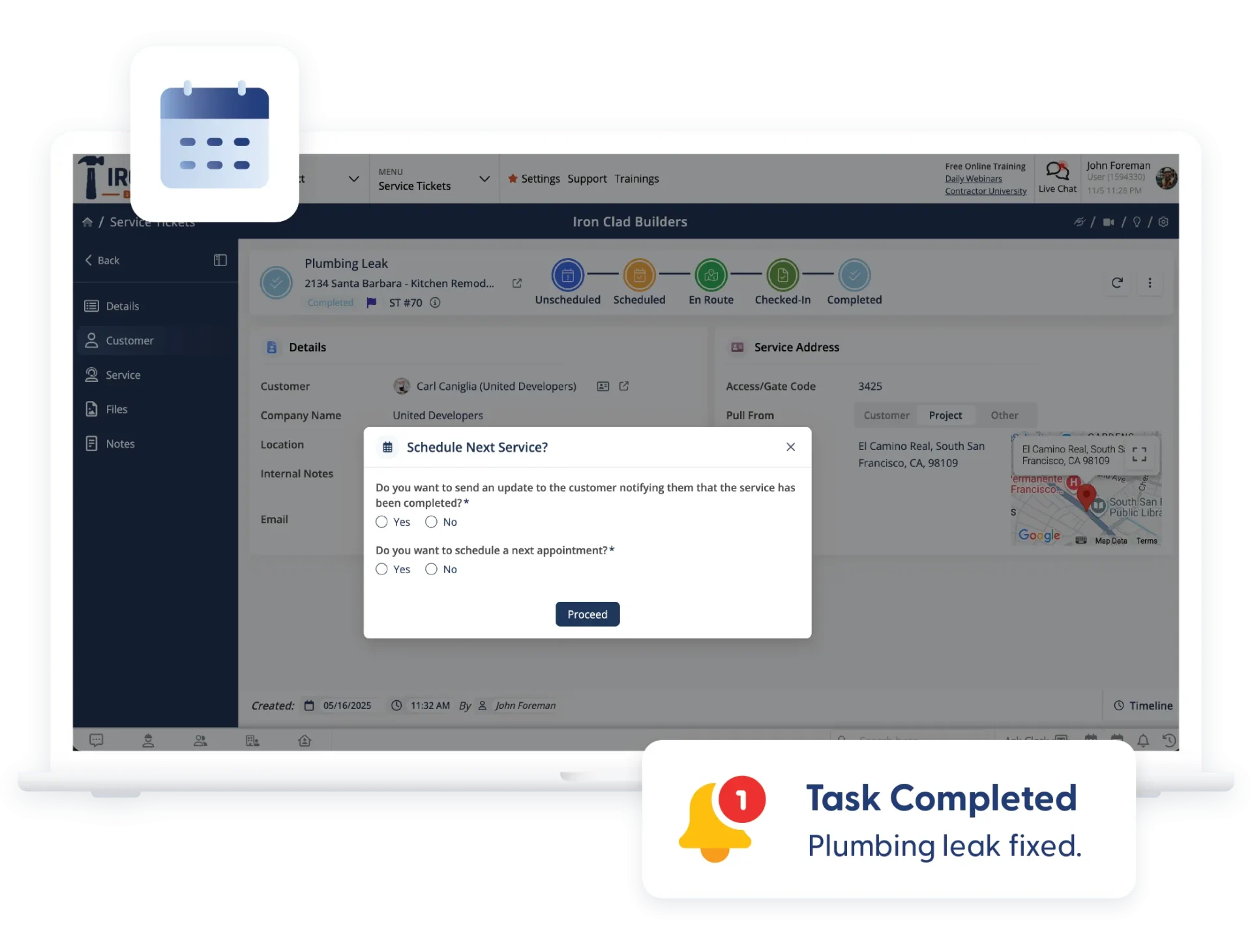
Next appointment scheduling
Schedule follow-up or recurring service visits immediately after closing a ticket and coordinate details with the customer.
In-app signatures
Collect customer signatures directly from the app to confirm work completion without printing paperwork.
Service reminders
Send reminders to employees and customers so appointments aren’t missed and time isn’t wasted on no-shows.
Service History & Time Tracking
Keep a clear record of service work and time spent on each job. Track visit history and labor in one place to support better planning, billing, and follow-up.
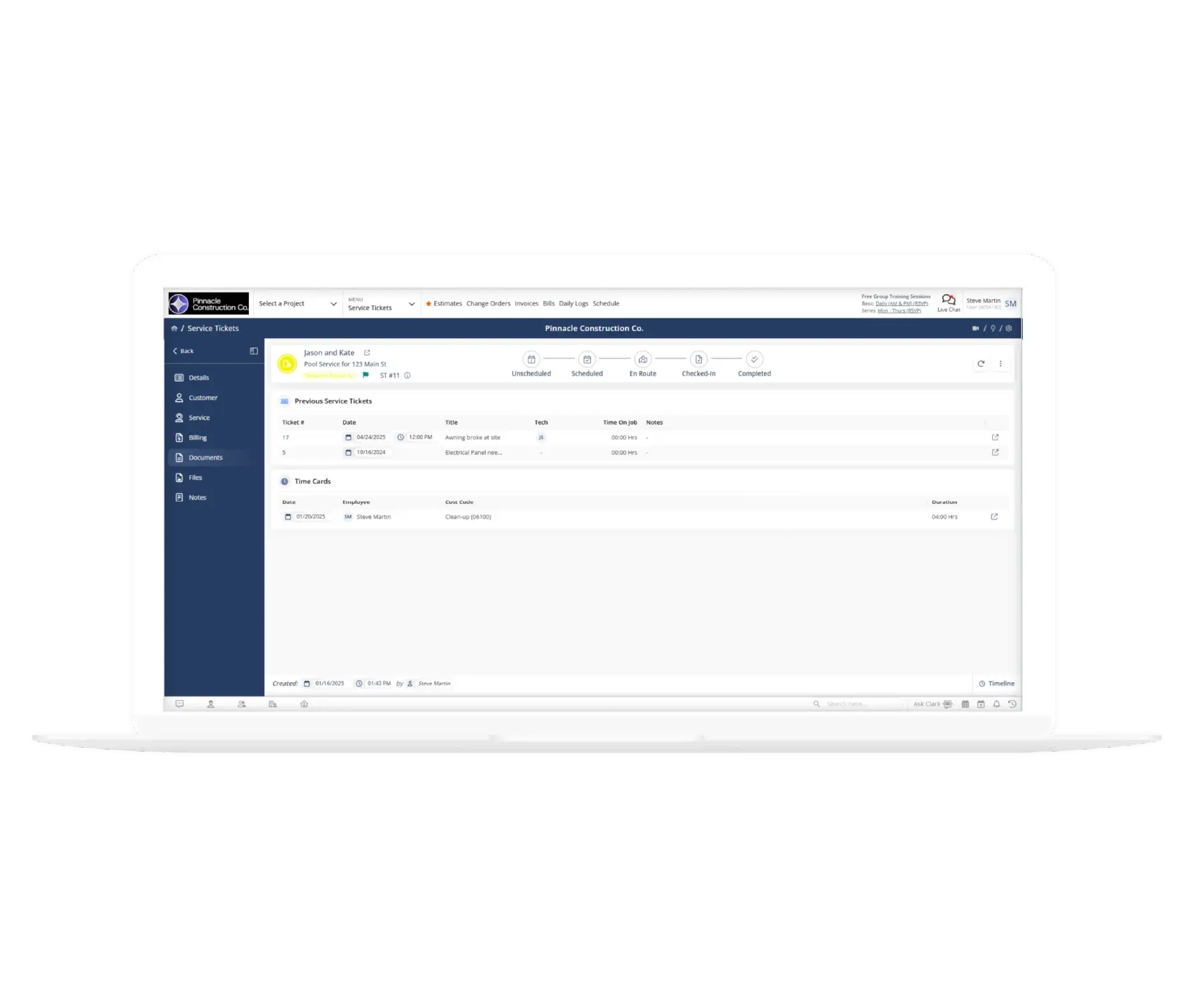
Work & service history
Review past service visits to see what work was performed, by whom, and when—helpful for repeat issues or warranty checks.
Check-in / check-out time tracking
Track time spent per service ticket using check-in timers or timecard entries for more accurate planning and reporting.
Workflow Visibility & Customization
Keep service work organized and easy to track. View ticket status at a glance and capture the details that matter so workflows stay clear and consistent.
Kanban views & filters
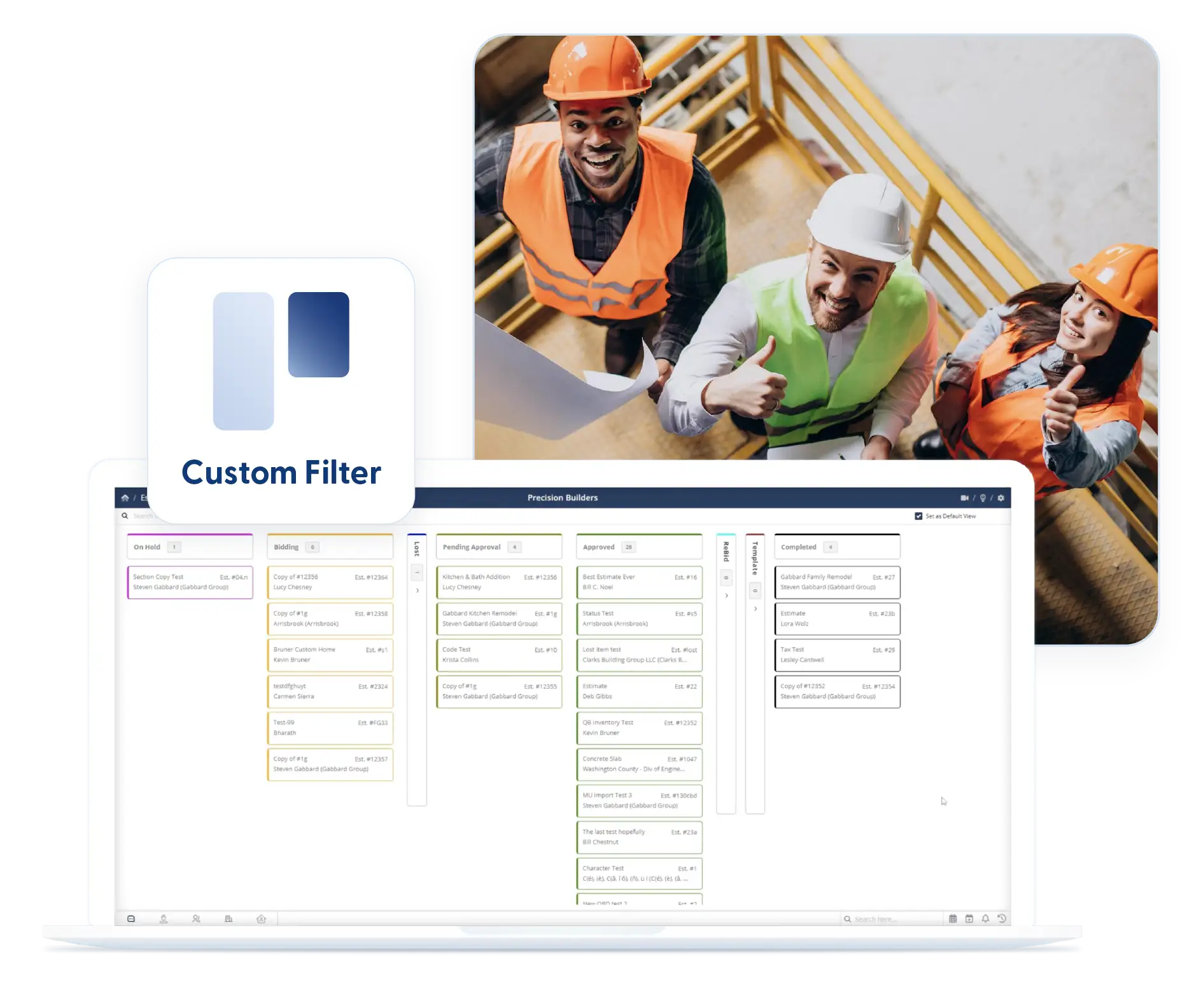
Use Kanban boards or filtered lists to track ticket status and focus on what needs attention.
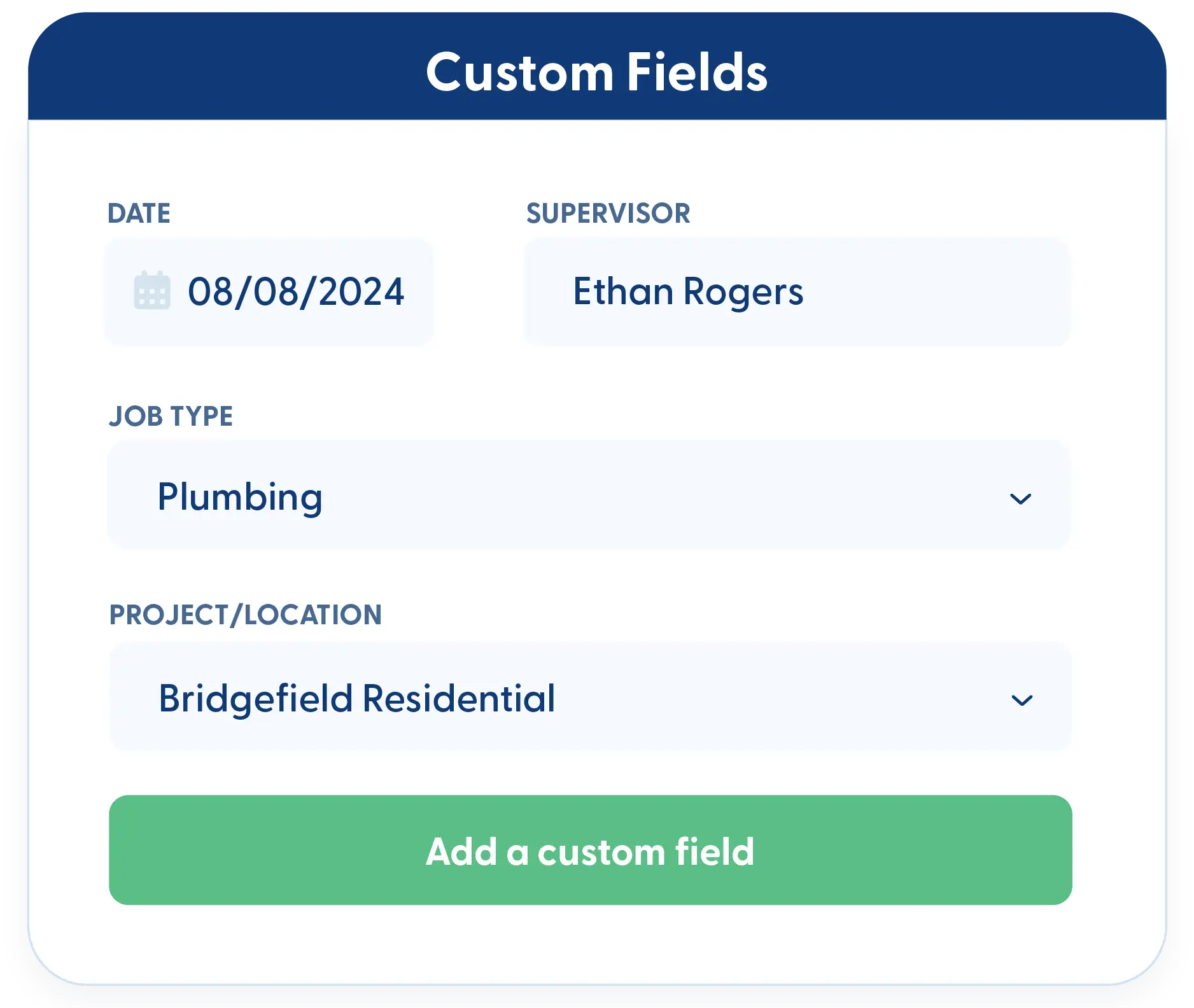
Custom fields
Capture detailed service information with custom fields tailored to your workflow and reporting needs.
Frequently Asked Questions
Have a Question? Click the LiveChat icon. After hours? Email support@contractorforeman.com.
Contractor Foreman offers simple, transparent pricing with unlimited users, projects, and features. There are no hidden fees or per-user charges. See our pricing page for more details.
Some companies offer a 7-day refund policy… maybe 30 days. We are so confident in Contractor Foreman that we give you up to 100-days to request a refund if you are not satisfied and no longer wish to use it. See the Refund Policy for details and requirements.
No. Time tracking, notes, and signatures can all be completed from the app in the field.
Yes. Once a ticket is closed, you can schedule the next appointment or recurring visit.
Service Ticket time tracking lets you see how much time is spent on each ticket to support better planning and analysis.

Sign up for a free demo and see it in action!
Let us show you how Contractor Foreman can start saving you and your company a lot of time and money. Schedule a free demo for yourself or your crew.
Start a Free Trial
We have plans starting at $49/month

Have a question? See our Frequently Asked Questions or give us a call (828) 375-8042 or click Live Chat.






