
Upload plans, ask questions about your drawings in plain language, review quantities and markups, add pricing and notes, then move directly into Contractor Foreman.

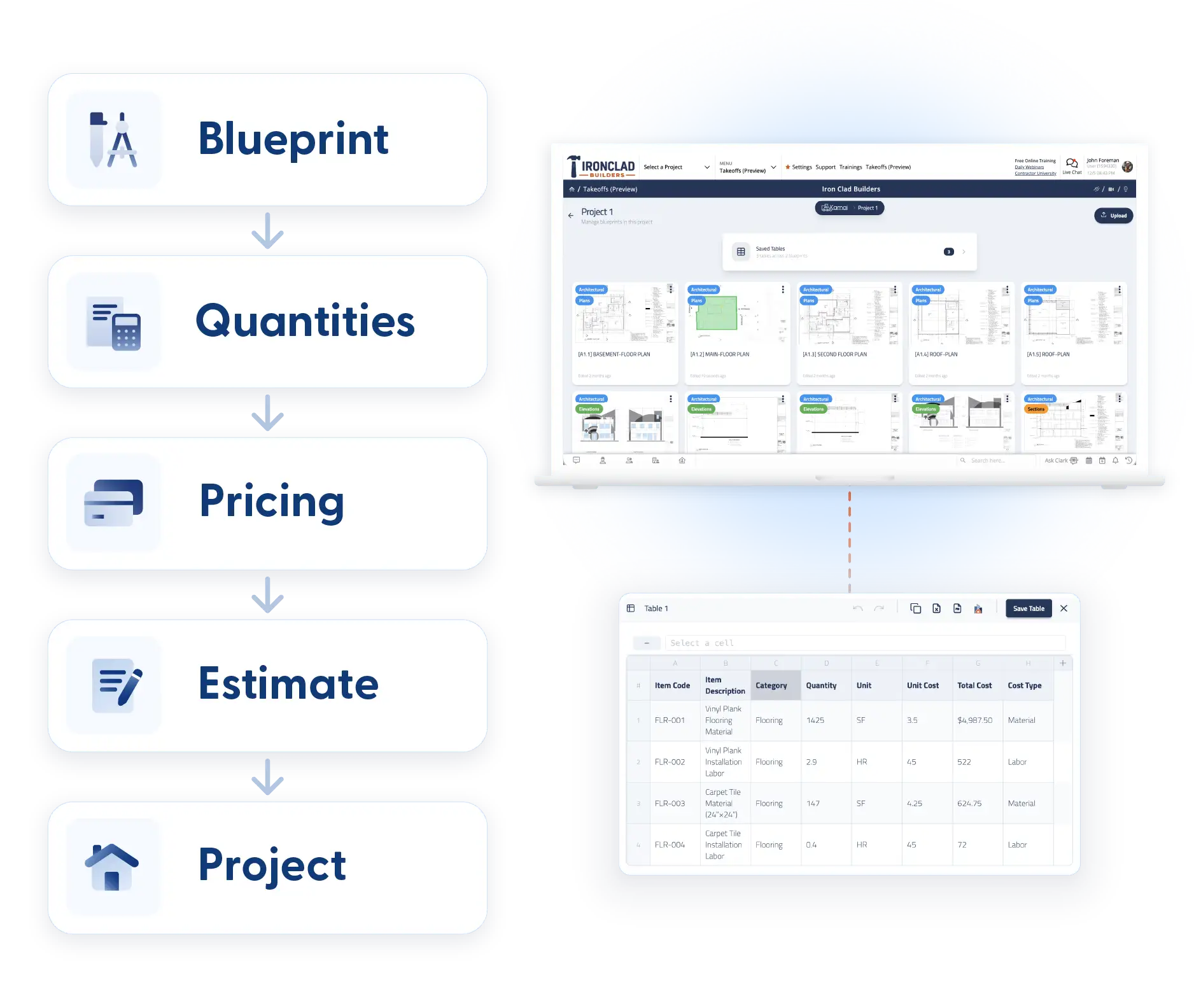
Most takeoff tools stop after the measurement. Contractor Foreman helps your team keep moving from blueprint to estimate to project execution without jumping between disconnected systems. Takeoff helps you work faster—not differently.
Click here to see takeoffs in action.
Estimating shouldn’t feel like a scavenger hunt
Estimators already spend enough time reviewing drawings, checking scope, chasing revisions, and building bids.
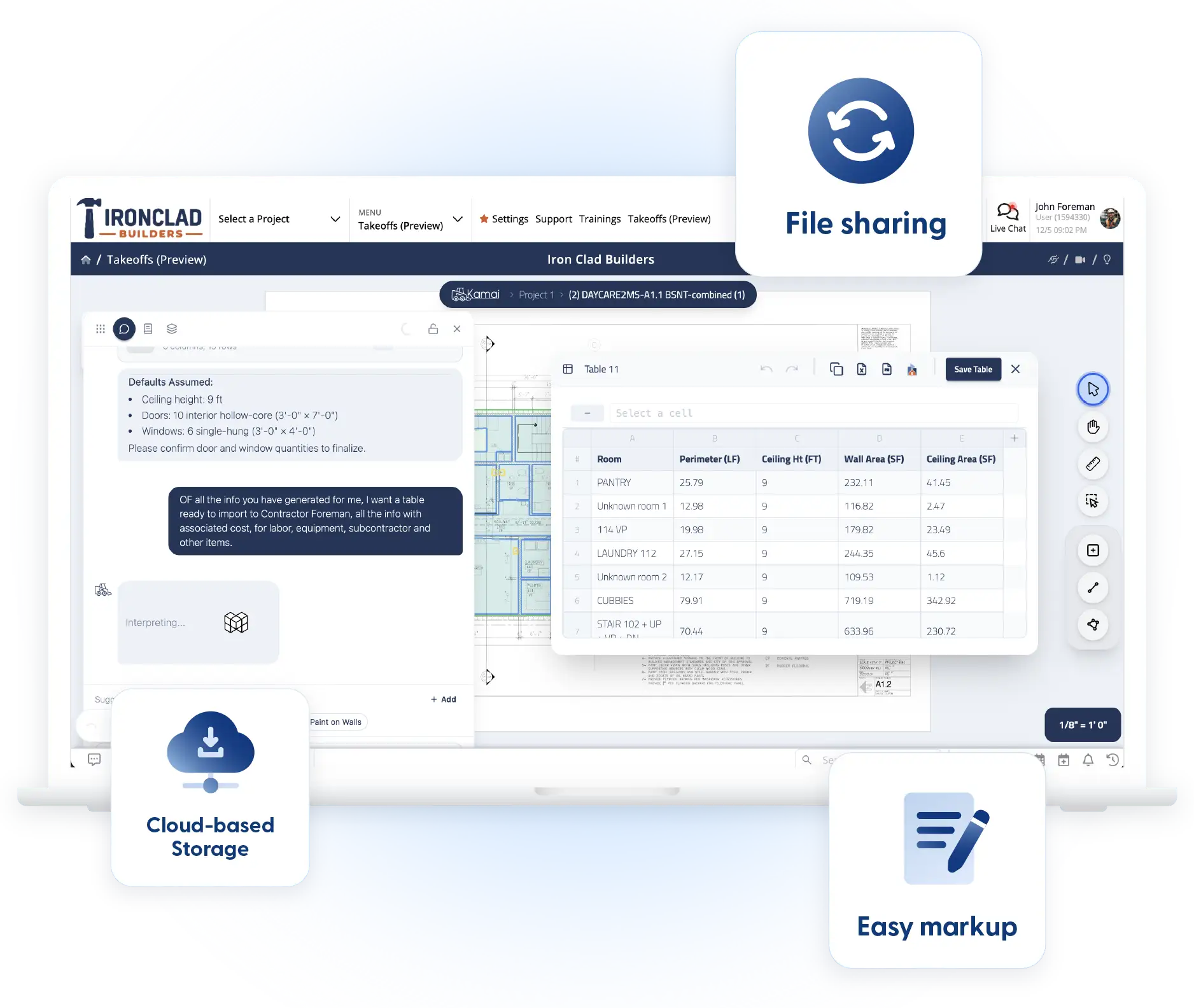
The work gets harder when quantities live in one tool, notes live somewhere else, and pricing ends up in spreadsheets.
That usually means extra clicks, duplicate work, and more opportunities for something to get missed.
Contractor Foreman Takeoffs keeps more of that process together.
Upload drawings, review quantities, connect markups back to plans, add assumptions and pricing, then move directly into the rest of your project workflow. Less switching means fewer gaps between estimating and execution.
Why use separate takeoff tools when it is already built in?
Many takeoff platforms help you measure.
Contractor Foreman helps you keep moving.
Other tools often stop after quantities are created. Estimators still need to transfer information, rebuild pricing, move notes, organize files, and reconnect everything during execution.
Contractor Foreman keeps more of that process together.
Less switching. Less rework. More continuity from bid to build.
Frequently Asked Questions
Takeoffs fit into different estimating workflows, project types, and team structures. Here are some of the questions contractors ask when getting started.
Are takeoffs included in my Contractor Foreman plan?
Plan availability can vary. Book a demo, and we can walk through what is included and which options fit your team.
Can I import PDF drawings?
Yes. Upload plan files and begin reviewing drawings inside the workflow.
Does this work for residential and commercial projects?
Yes. Takeoffs can support residential builders, remodelers, specialty contractors, commercial teams, and larger project workflows.
Can multiple team members review information?
Teams can collaborate around project information, quantities, notes, and workflows inside Contractor Foreman.
How long does setup take?
Getting started is straightforward. Upload plans and begin working through your takeoff process.
Can I export results?
Yes. Export outputs into Contractor Foreman, PDF, or Excel.
Does Takeoffs replace estimator review?
No. Takeoff helps estimators move faster and organize information more efficiently. Estimator experience and judgment still drive the final bid.

Ready to estimate faster?
Takeoffs help your team move from plans to projects with less switching, fewer manual steps, and better visibility into the work behind every estimate.
Upload drawings, organize quantities, connect pricing, and keep project information moving inside Contractor Foreman from the start.






