
Bills
Manage bills and expenses without losing sight of job costs
Bills have a way of piling up fast. Contractor Foreman gives you a clean, organized way to track expenses, link bills to purchase orders or subcontracts, and make sure every cost is counted toward the right job. Handle partial deliveries, staged work, and ongoing expenses without guesswork or double entry.
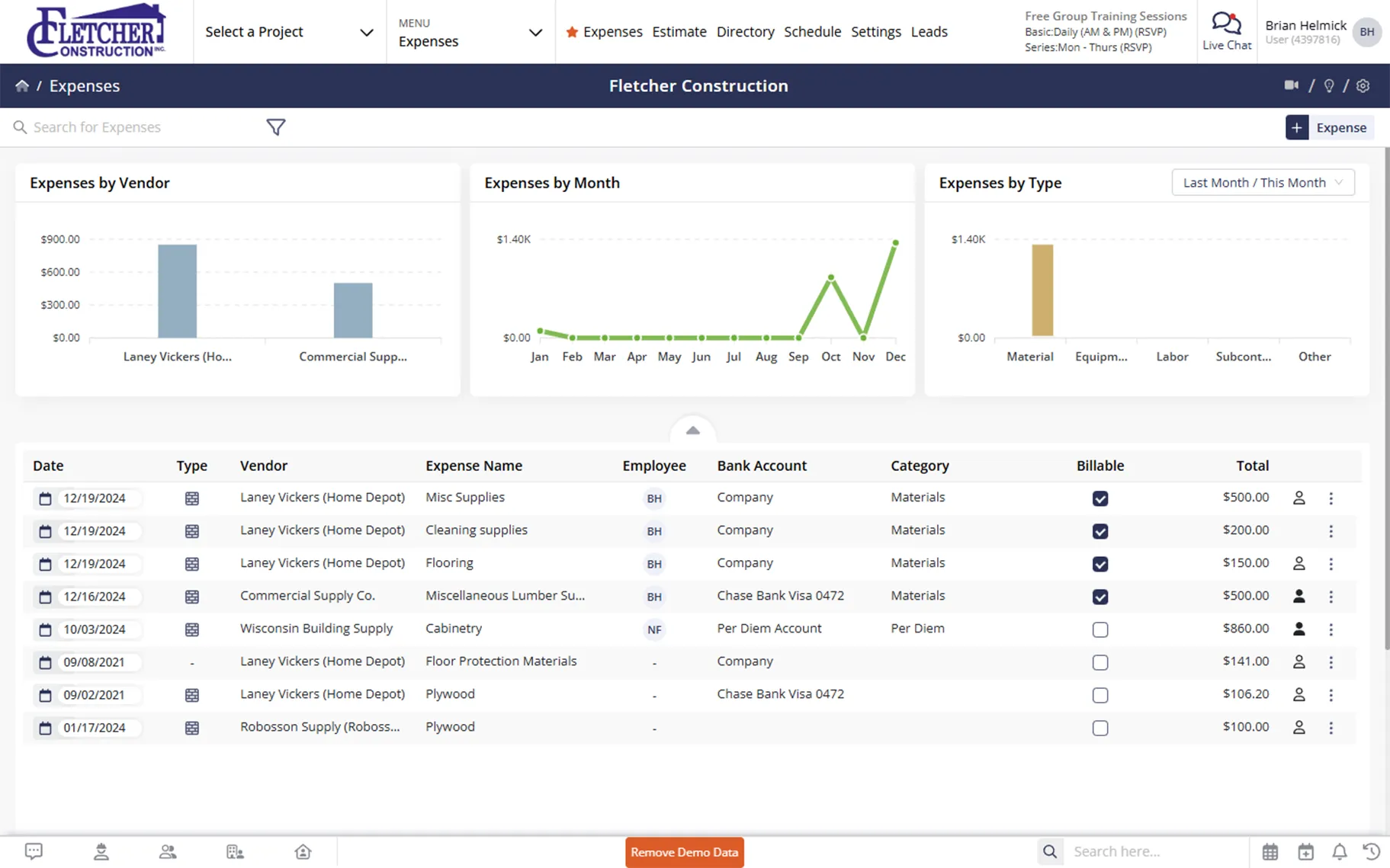
Stay on top of costs as they happen
Accurate expense tracking that improves visibility, reduces errors, and keeps job costs aligned with reality.
Track expenses where they belong
Link bills directly to purchase orders and subcontracts so costs roll up correctly and nothing gets overlooked.
Handle partial billing with confidence
Generate multiple bills when deliveries or work happen in stages, without re-entering details.
Stay organized without chasing status updates
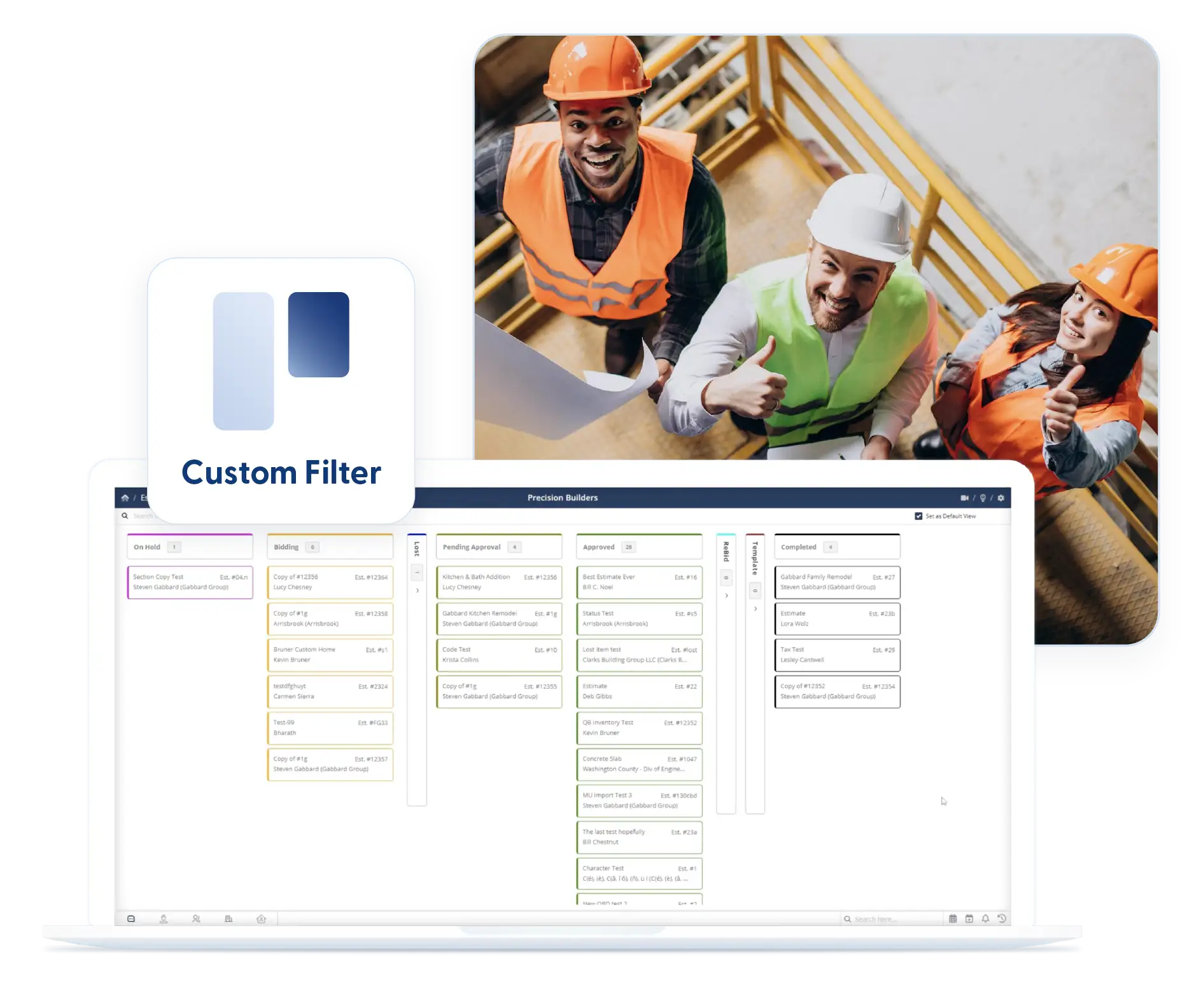
Kanban views and filters make it easy to see what is pending, approved, or ready for review.
Check out these Bills & Expenses features
These individual features are tailor-made to meet your specific needs and preferences.
Bill Creation & Purchase Order Integration
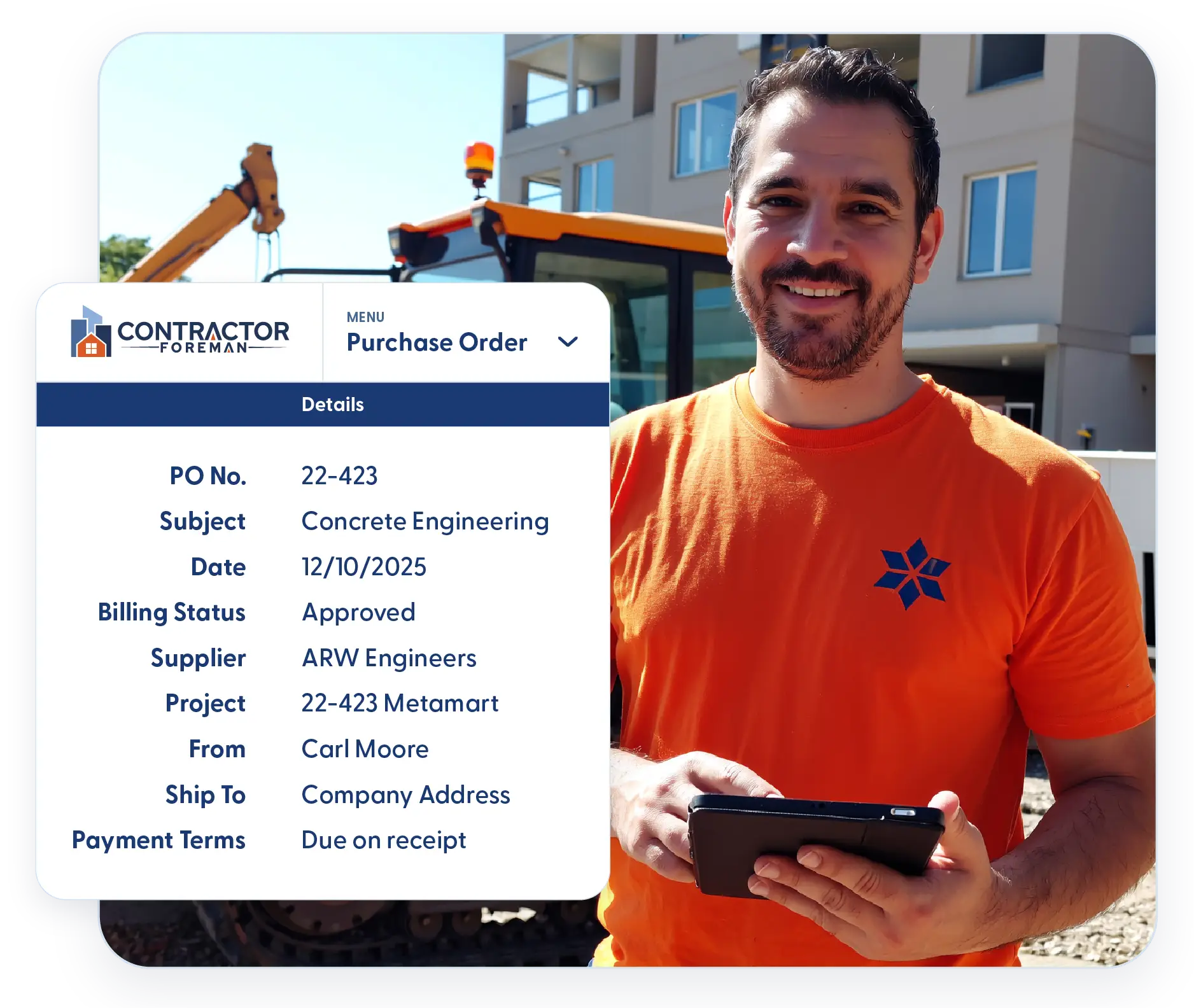
Create bills with clear links to purchase orders and subcontracts. Track costs as they are billed and delivered so expenses stay accurate without manual tracking.
Manage Expenditures Linked to Purchase Orders
Associate bills directly with purchase orders to cross-reference costs against what was ordered and delivered. This is especially helpful when materials arrive or are billed in stages.
Import from Purchase Orders and Subcontracts
Generate bills without starting from scratch. Import line items directly from POs or subcontracts to reduce typing, prevent mistakes, and save time.
Partial Billing and Progress Billing
Create multiple bills from a purchase order or subcontract when only part of the work is complete. Partial billing stays clear and accurate without manual tracking.

Workflow Visibility
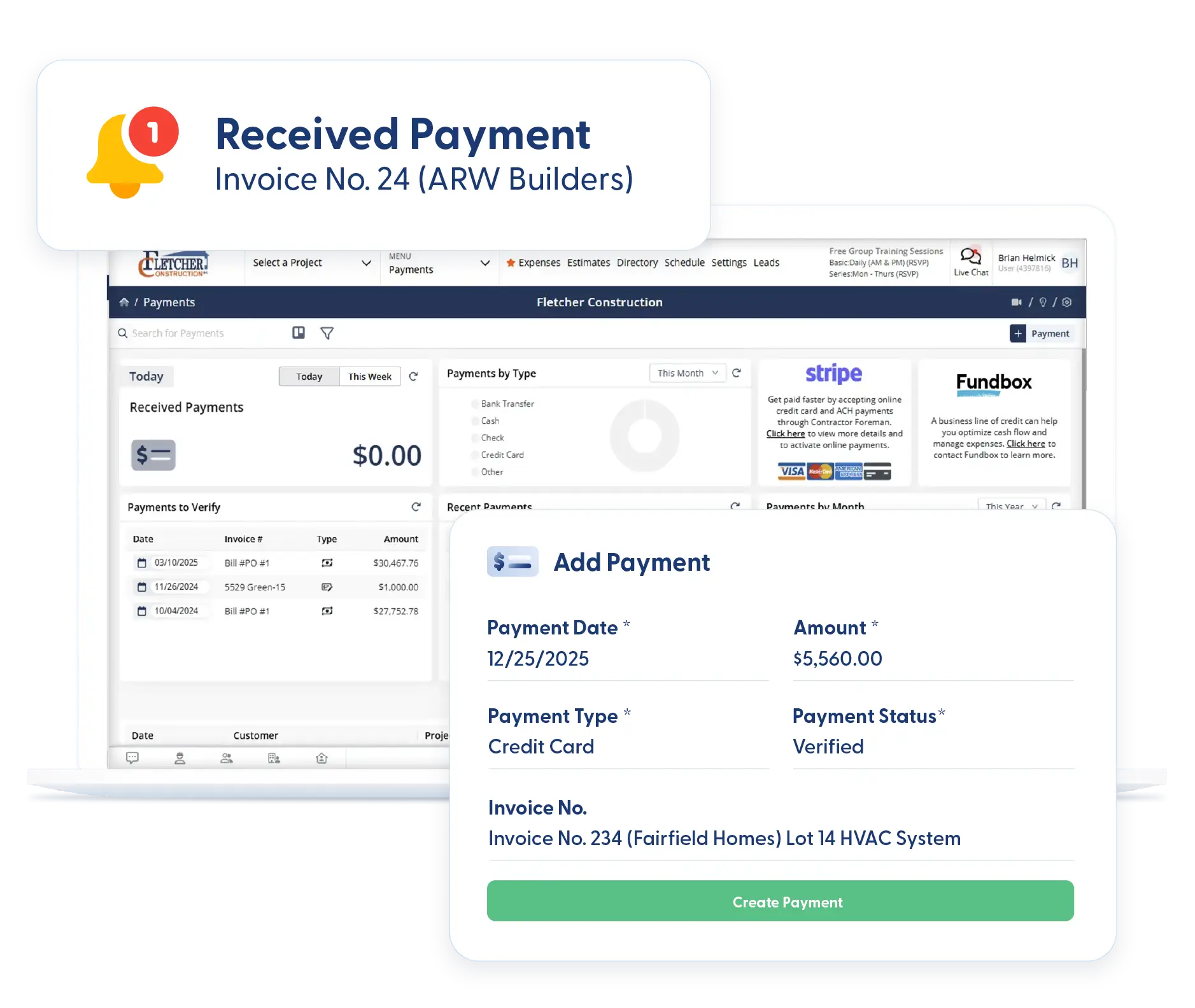
Track bill progress across every stage with clear visibility. Monitor status and capture key details so approvals move forward and nothing gets held up.
Kanban Views and Filters
See bill status at a glance. Kanban views organize bills by stage so nothing gets stuck unnoticed. Filters help you focus on what matters and stay applied when you return.
Custom Fields
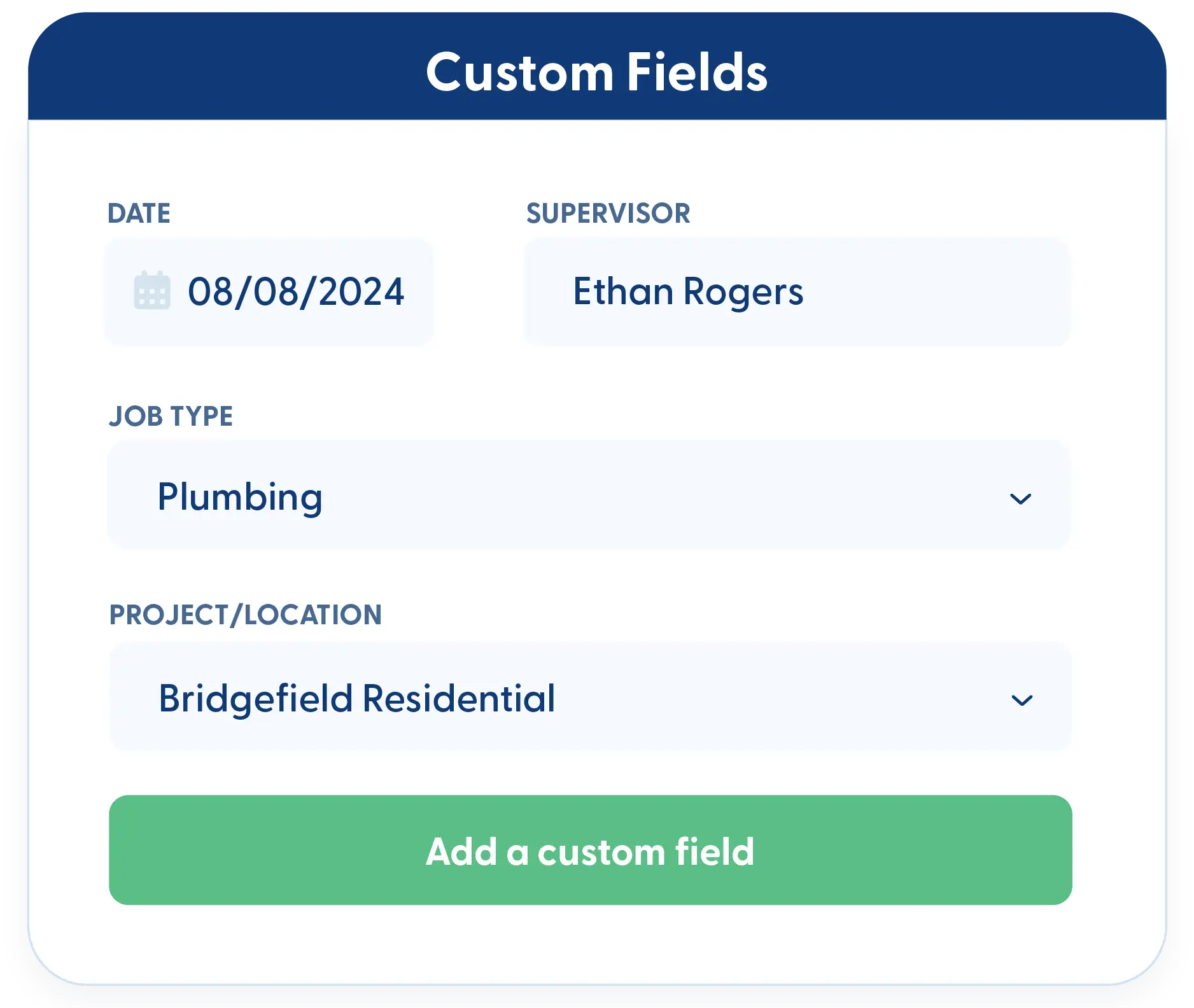
Track the details that matter most to your business. Add custom fields for internal notes, approval tracking, or vendor references. All data remains reportable and tied to each bill.
Frequently Asked Questions
Have a Question? Click the LiveChat icon. After hours? Email support@contractorforeman.com.
Contractor Foreman offers simple, transparent pricing with unlimited users, projects, and features. There are no hidden fees or per-user charges. See our pricing page for more details.
Some companies offer a 7-day refund policy… maybe 30 days. We are so confident in Contractor Foreman that we give you up to 100-days to request a refund if you are not satisfied and no longer wish to use it. See the Refund Policy for details and requirements.
Yes. You can link multiple bills to a single purchase order, which is helpful when materials are delivered or billed in stages.
Yes. Bills can move through statuses so they can be reviewed before being finalized, helping teams catch issues early.
Yes. Any custom fields added to bills and expenses can be used in reports, giving you more flexibility when reviewing job costs.

Sign up for a free demo and see it in action!
Let us show you how Contractor Foreman can start saving you and your company a lot of time and money. Schedule a free demo for yourself or your crew.
Start a Free Trial
We have plans starting at $49/month

Have a question? See our Frequently Asked Questions or give us a call (828) 375-8042 or click Live Chat.






