
Takeoffs
Estimate with confidence.
Takeoffs help you get accurate quantities faster and keep them connected to your estimate. Upload plans, measure what you need, have a conversation with the built-in AI for faster results, and move forward without juggling tools or re-entering numbers.
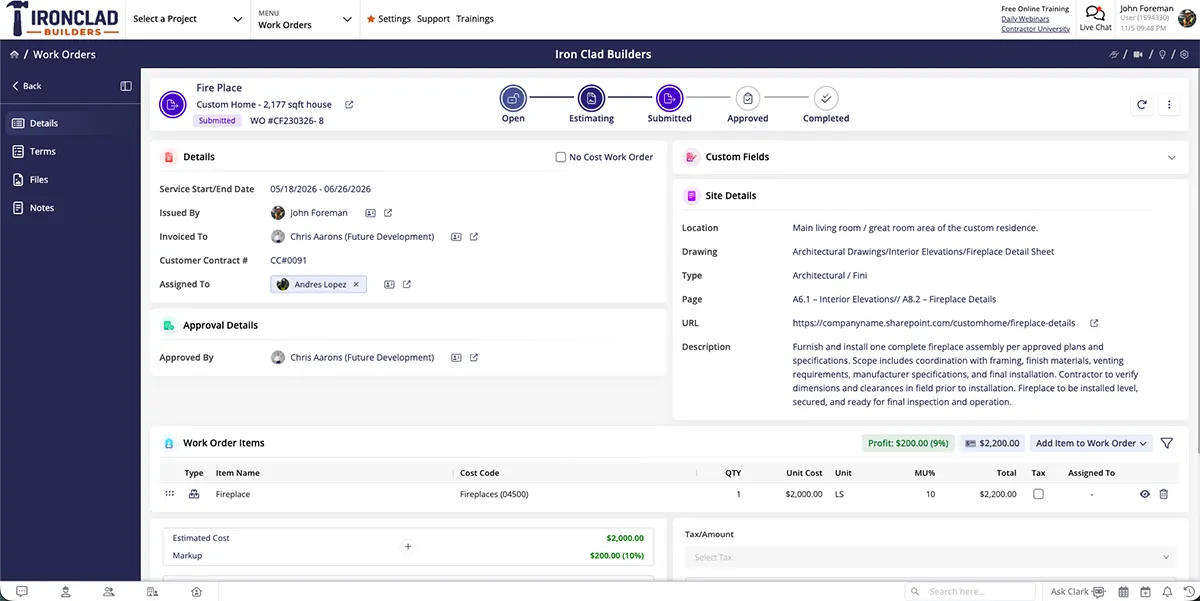
Made for contractors who own the estimating process
We designed our Takeoffs for small- to mid-sized contractors and remodelers who handle estimating themselves. Owners, project managers, and lead estimators can cut down on time spent estimating without sacrificing accuracy—or adding more tools to manage.

Spend less time measuring and re-checking quantities
Manual takeoffs slow down your whole estimating process. Measuring plans by hand and updating spreadsheets increases friction and takes time away from pricing and decision-making.

Reduce missed or inflated numbers before pricing begins
Transferring numbers between systems raises the risk of errors. Takeoffs put the power in your hands, so you can catch mistakes before they turn into costly bids.

Share clearer information with subcontractors and vendors
When quantities flow directly from plans to estimates, everyone works from the same numbers. No confusion from disconnected data—just accurate information that keeps your team aligned.
Check out these Takeoffs features
These individual features are tailor-made to meet your specific needs and preferences.
Digital Takeoffs
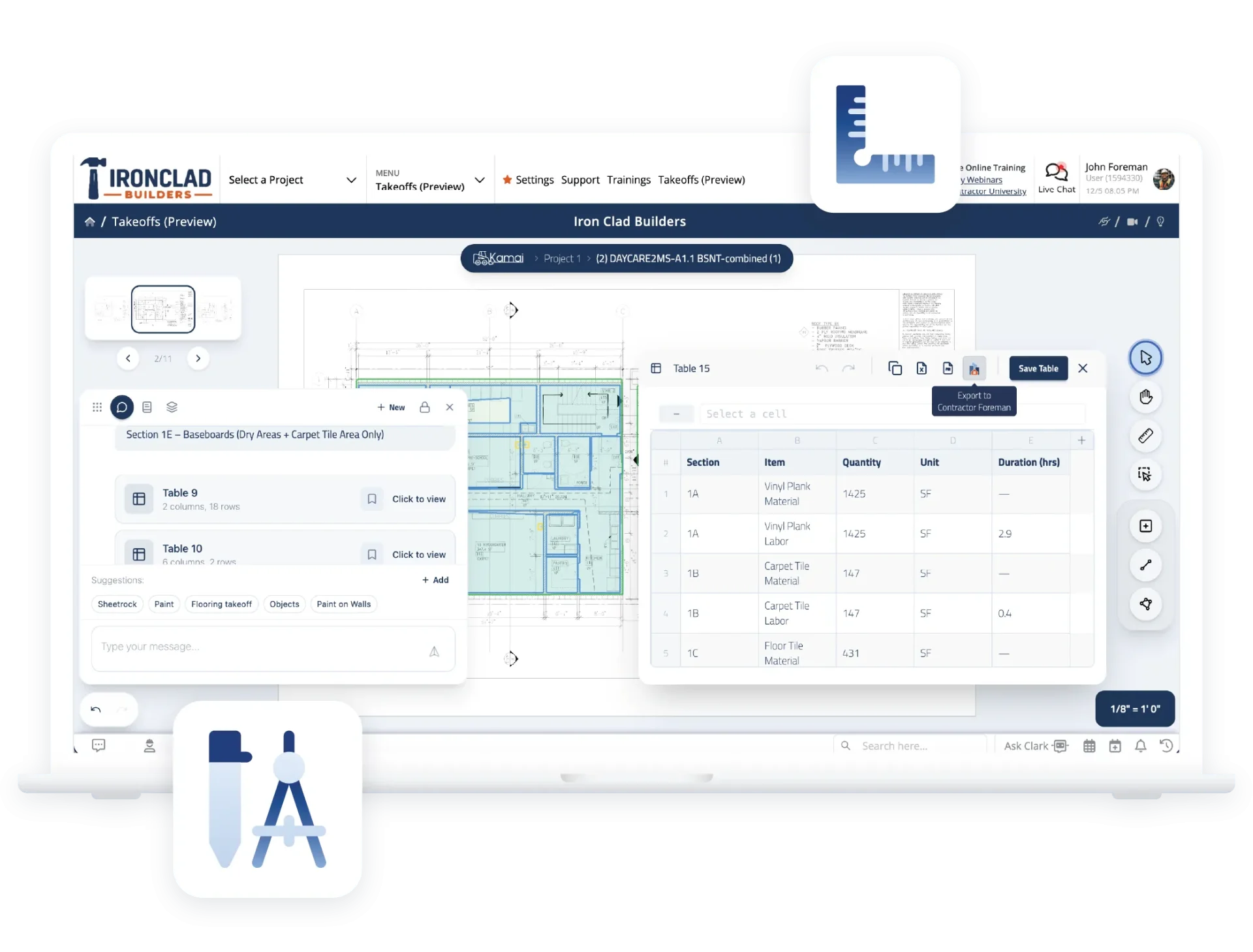
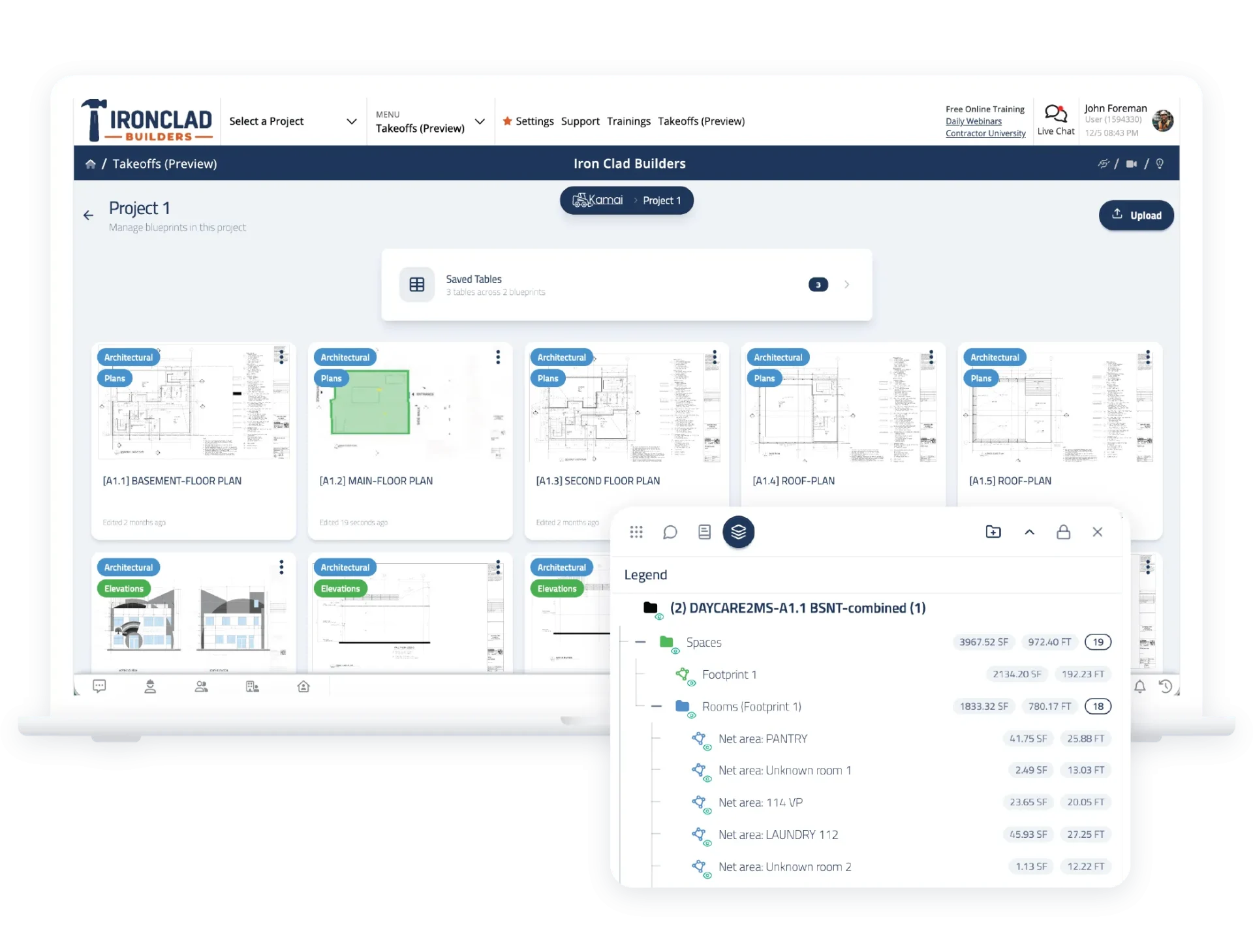
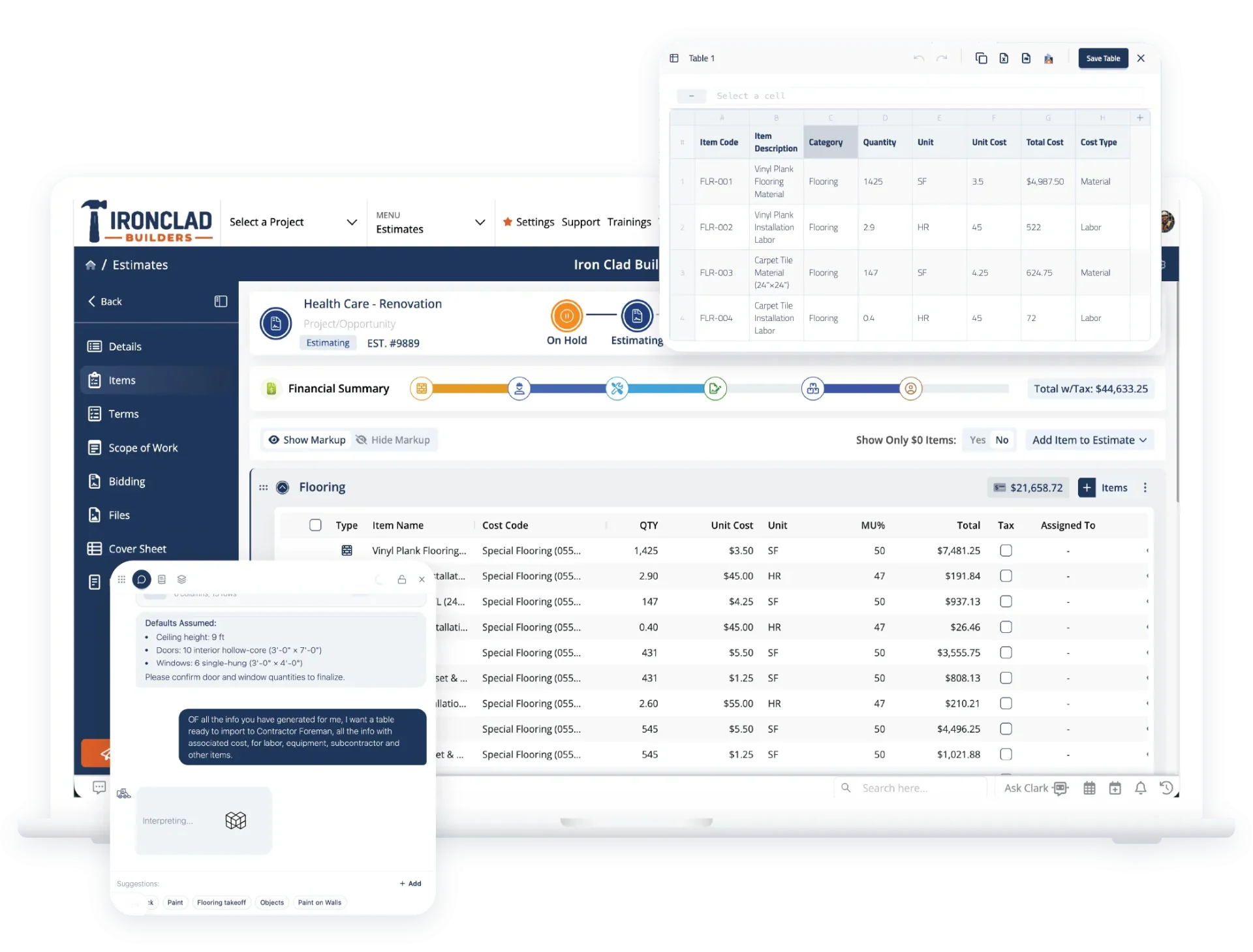
Measure plans directly within your estimating workflow. Keep everything in one place so quantities are accurate and estimating stays fast without switching between tools.
Designed to keep estimating moving
Our Takeoffs follow a simple, familiar workflow that keeps you focused. For owners, project managers, and lead estimators who handle their own work, having a streamlined process means less time wrestling with tools and more time making profitable decisions.
Upload project plans and measure on screen
Upload plans and measure quantities right where you work. No separate software to manage, no jumping between tools. Get accurate measurements without the friction of disconnected systems slowing you down.
Estimate Integration
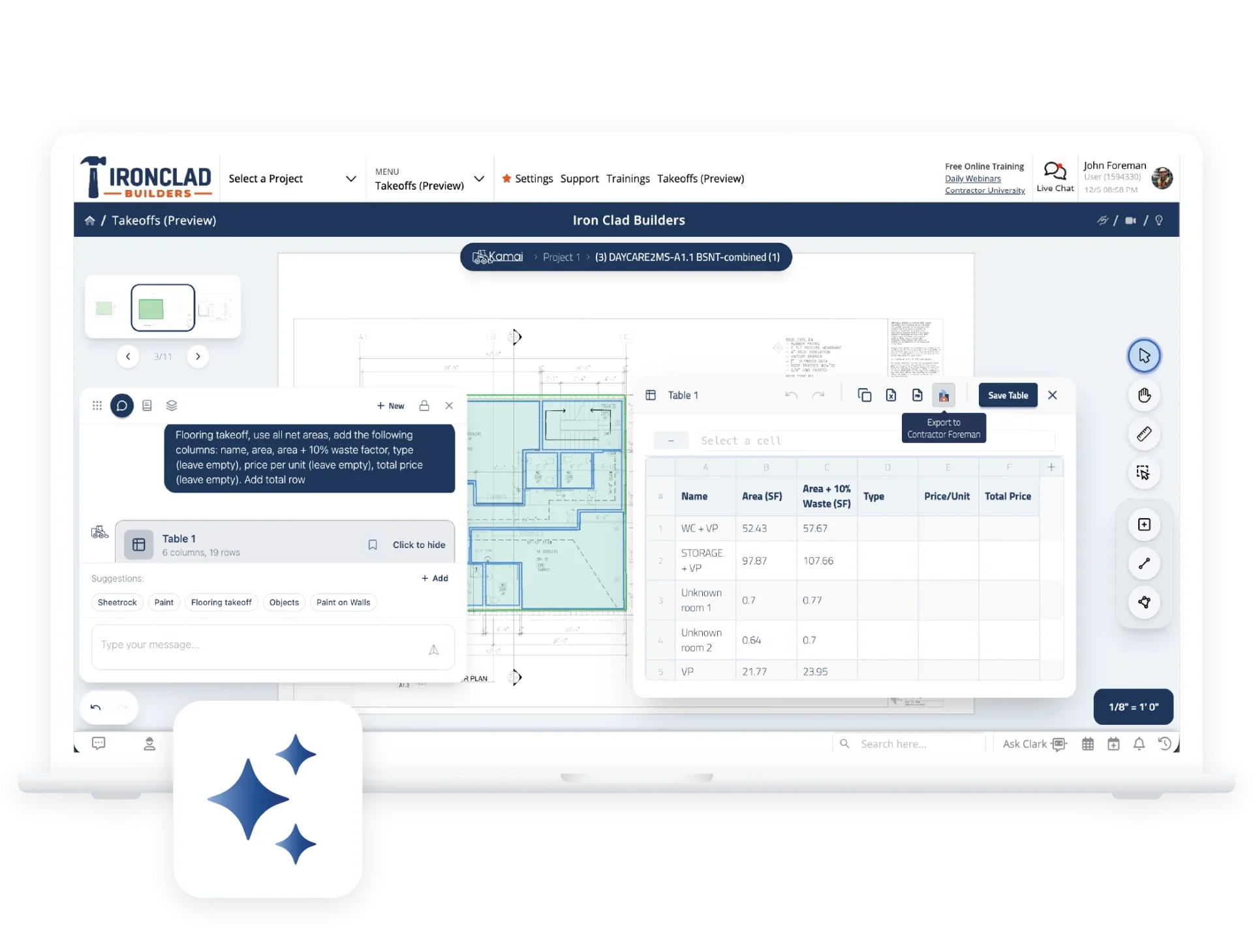
Connect takeoffs directly to your estimates to speed up your workflow. Move quantities into your estimate without re-entry and use built-in tools to calculate with confidence.
Use AI to help calculate faster
Have a conversation with the built-in AI for faster results. When you need to work through complex measurements quickly, the AI helps you move forward with confidence instead of second-guessing your numbers.
Send numbers directly into your estimate
Takeoffs are built directly into Contractor Foreman. Quantities flow straight into your estimate—no exporting, no re-entering data. Everything stays connected, so estimating stays focused and your numbers stay accurate.
Frequently Asked Questions
Have a Question? Click the LiveChat icon. After hours? Email support@contractorforeman.com.
Contractor Foreman offers simple, transparent pricing with unlimited users, projects, and features. There are no hidden fees or per-user charges. See our pricing page for more details.
Some companies have a refund policy for 7 days… maybe 30 days. We are so confident in Contractor Foreman that we give you up to 100-days to request a refund if you are not satisfied and no longer wish to use it. See the Refund Policy for details and requirements.
Takeoffs are currently in development. Sign up to be notified, and we’ll share updates as it gets closer to launch.
The initial release focuses on small- to mid-sized contractors, remodelers, owners, and project managers who estimate their own work. Our goal is to increase its capabilities over time.
Takeoffs will be part of the Contractor Foreman platform. Full details will be shared closer to launch.
No. Takeoffs are built directly into Contractor Foreman.

Sign up for a free demo and see it in action!
Let us show you how Contractor Foreman can start saving you and your company a lot of time and money. Schedule a free demo for yourself or your crew.
Start a Free Trial
We have plans starting at $49/month

Have a question? See our Frequently Asked Questions or give us a call (828) 375-8042 or click Live Chat.






