
Team Chat
Jobsite conversations with a real paper trail
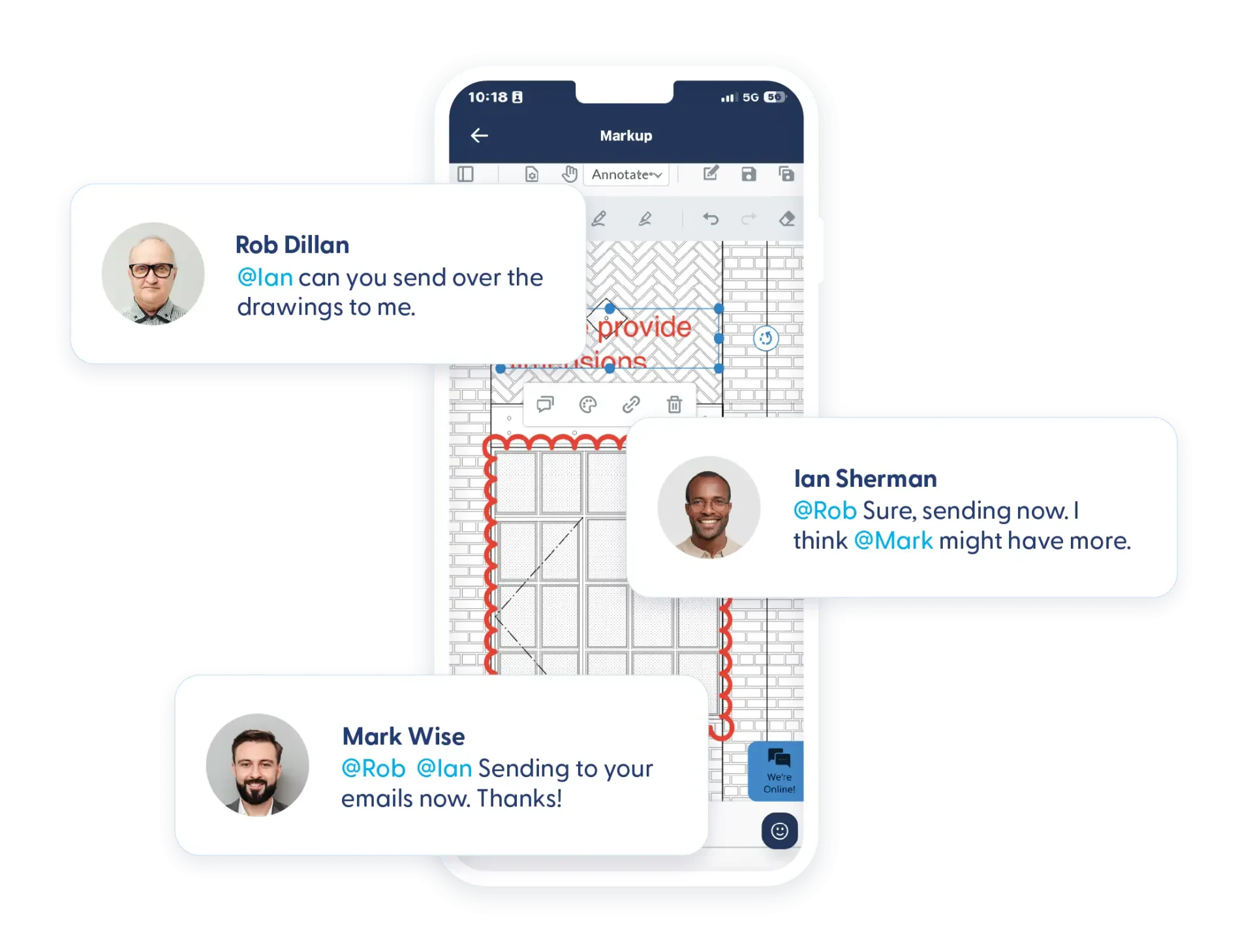
Text messages move fast, but they don’t leave much in the way of a paper trail. Emails are easily buried or hard to find across projects. Contractor Foreman’s Team Chat gives your team real-time communication that stays tied to projects, people, and decisions, so nothing important gets lost in the shuffle.
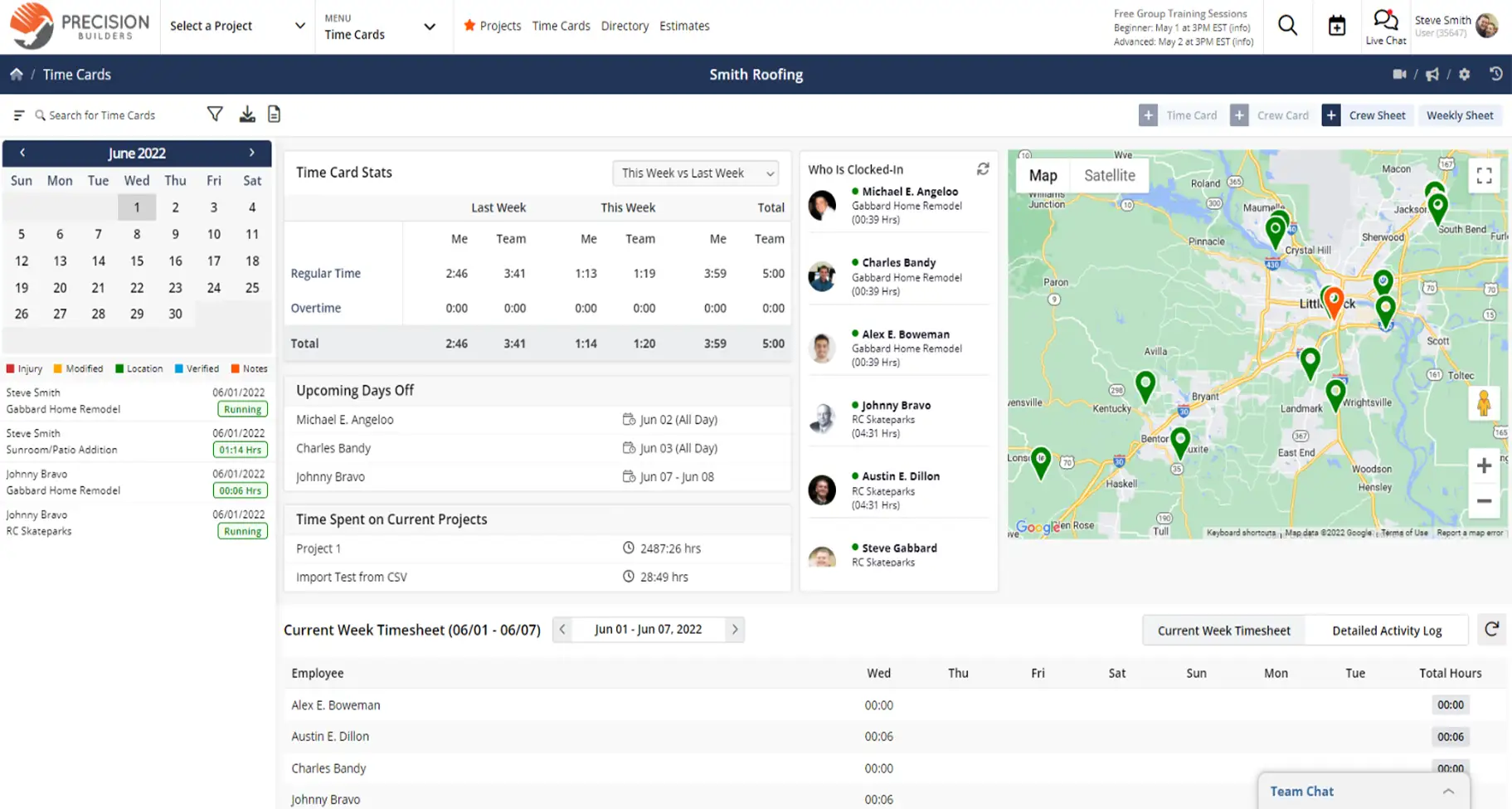
Keep conversations clear and connected
Real-time messaging that keeps your team aligned without creating loose ends.

All your project conversations in one place
Discussions stay connected to the job, rather than scattered across texts and inboxes.

Reach the right person right away
Direct messages and mentions make it easy to get answers without chasing people down.

Include clients when it matters
Client chat keeps communication clear by separating personal texts from work messages.
Check out these Team Chat features
These individual features are tailor-made to meet your specific needs and preferences.
Project Conversations
Keep all project communication in one place. Centralize team and client discussions to keep messages organized, visible, and easy to reference.
Project Chat
Keep all project-related discussions in one shared space. Everyone on the project sees the same conversation, reducing miscommunication and repeated questions.
Client Chat
Communicate directly with clients through the client portal. Messages stay organized and visible to the project team, keeping everyone aligned.
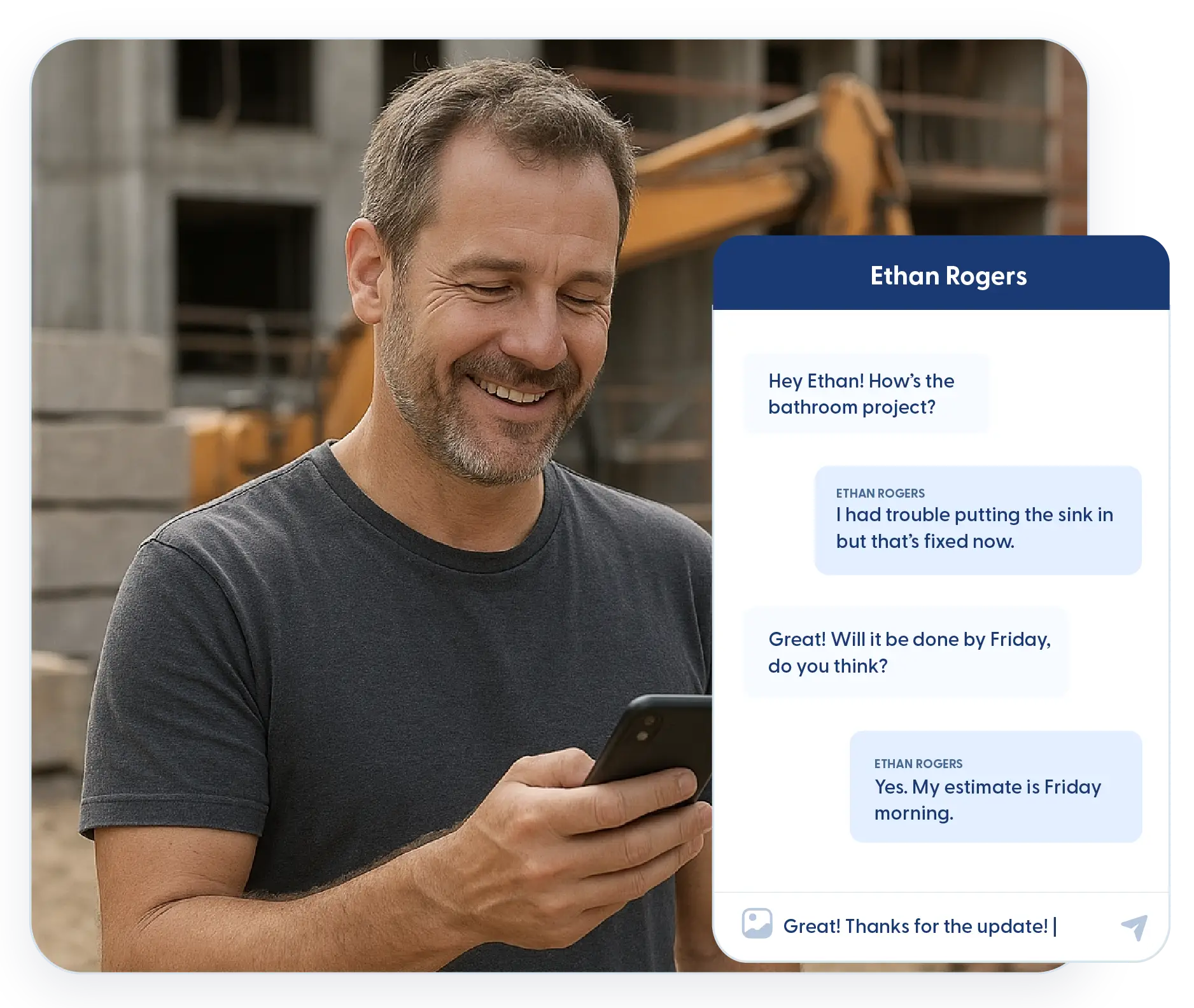
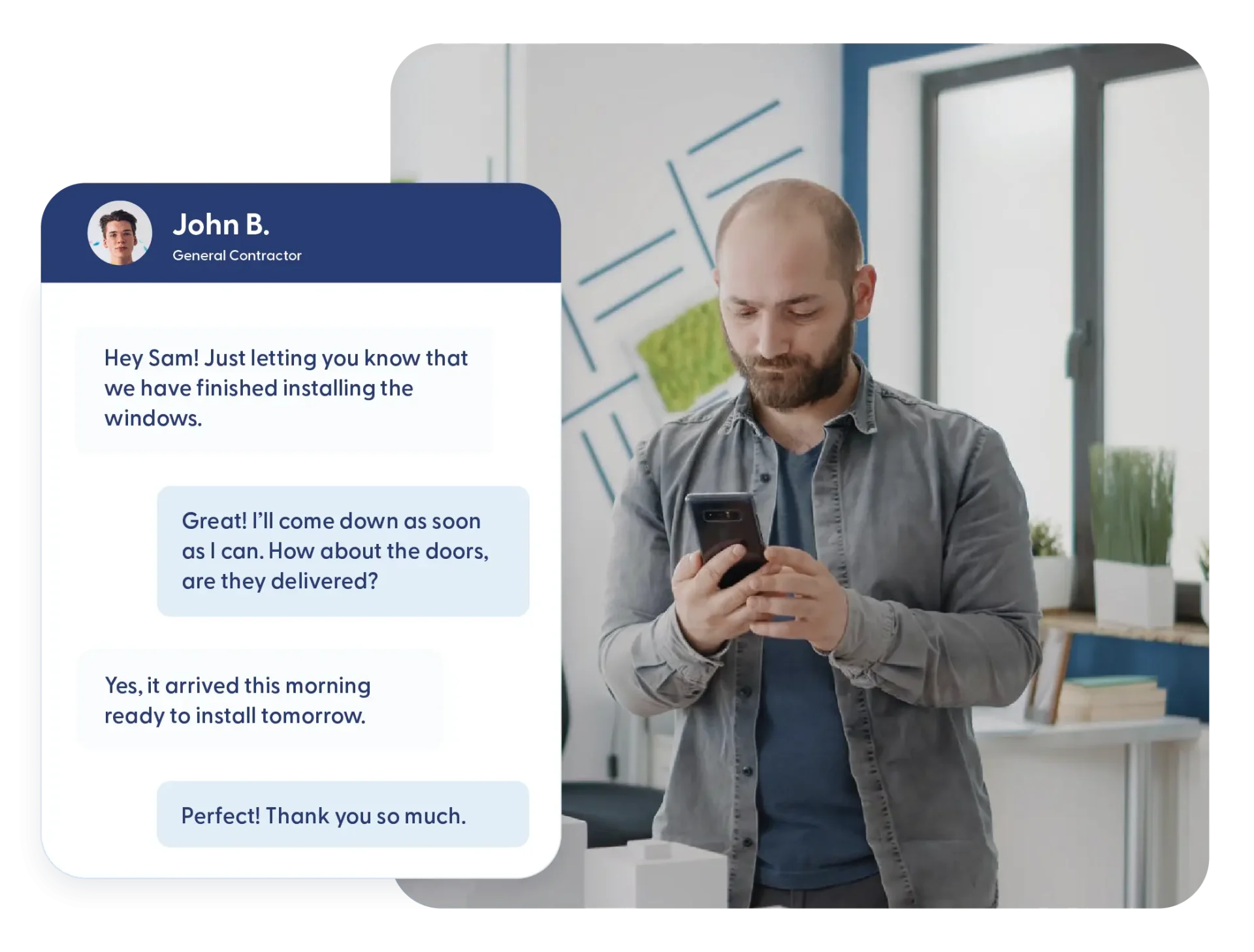
Direct Messaging
Handle quick, focused communication without adding noise to project threads. Send private messages and notify the right people so conversations stay efficient and on track.
Direct One-on-One Messaging
Send private messages when a conversation doesn’t need the whole team. Quick questions and follow-ups stay out of public threads.
@Mentions with Notifications
Tag team members directly in a conversation. Mentions trigger notifications so questions and requests don’t get missed, even when someone isn’t actively in chat.
Frequently Asked Questions
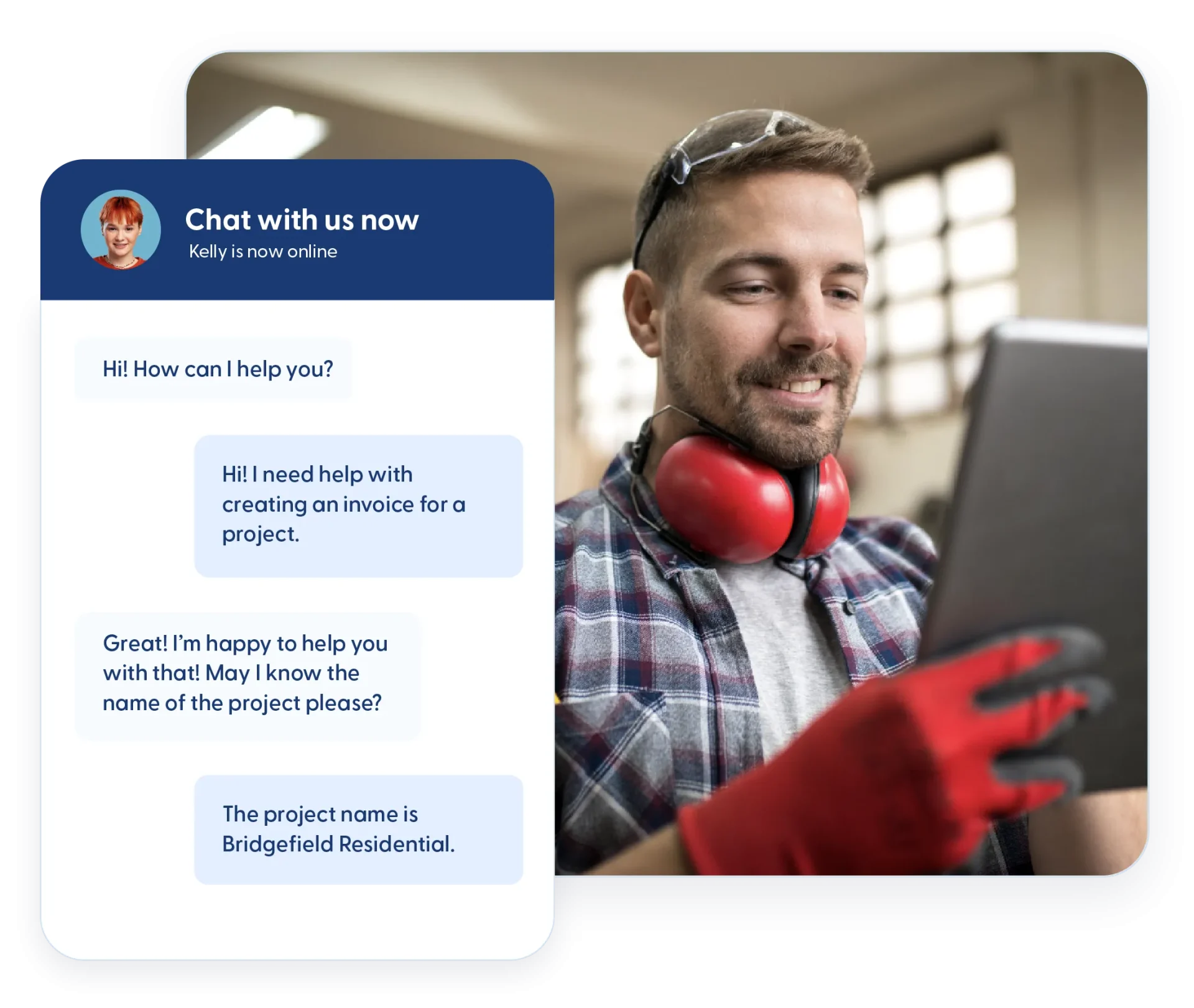
Have a Question? Click the LiveChat icon. After hours? Email support@contractorforeman.com.
Contractor Foreman offers simple, transparent pricing with unlimited users, projects, and features. There are no hidden fees or per-user charges. See our pricing page for more details.
Some companies offer a 7-day refund policy… maybe 30 days. We are so confident in Contractor Foreman that we give you up to 100-days to request a refund if you are not satisfied and no longer wish to use it. See the Refund Policy for details and requirements.
Yes. Messages remain available so teams can review past conversations when questions come up later.
Yes. Project chat, direct messages, and client chat all have clear participation controls.
Yes. Mentions can trigger email or text notifications so important messages don’t go unnoticed.

Sign up for a free demo and see it in action!
Let us show you how Contractor Foreman can start saving you and your company a lot of time and money. Schedule a free demo for yourself or your crew.
Start a Free Trial
We have plans starting at $49/month

Have a question? See our Frequently Asked Questions or give us a call (828) 375-8042 or click Live Chat.






