
Real-time Cost Database
Turn up-to-date costs into faster, more accurate bids
Speed matters when pricing a job. Contractor Foreman’s Real-time Costs Database puts current material and labor pricing at your fingertips so estimates, change orders, and budgets stay accurate from the start. Pull live pricing where available, layer in your own cost items, and reuse what works without rebuilding every estimate from scratch.
Price jobs with confidence from the first estimate
Always-current cost data that speeds up estimating, protects margins, and keeps pricing consistent across jobs.

Build estimates faster
Reuse stored cost items, assemblies, and equipment records to dramatically reduce estimating time.

Keep pricing accurate
Live pricing, supplier data, and equipment tracking help prevent outdated numbers from slipping into bids.

Protect your margins
Hidden markups and consistent cost rules help ensure profitability even when jobs move fast.
Check out these Real-time Costs Database features
These individual features are tailor-made to meet your specific needs and preferences.
Real-Time Pricing Data
Use current material and labor pricing throughout your entire workflow. Keep estimates, budgets, and billing aligned with real costs without manual updates.
Live Material and Labor Pricing
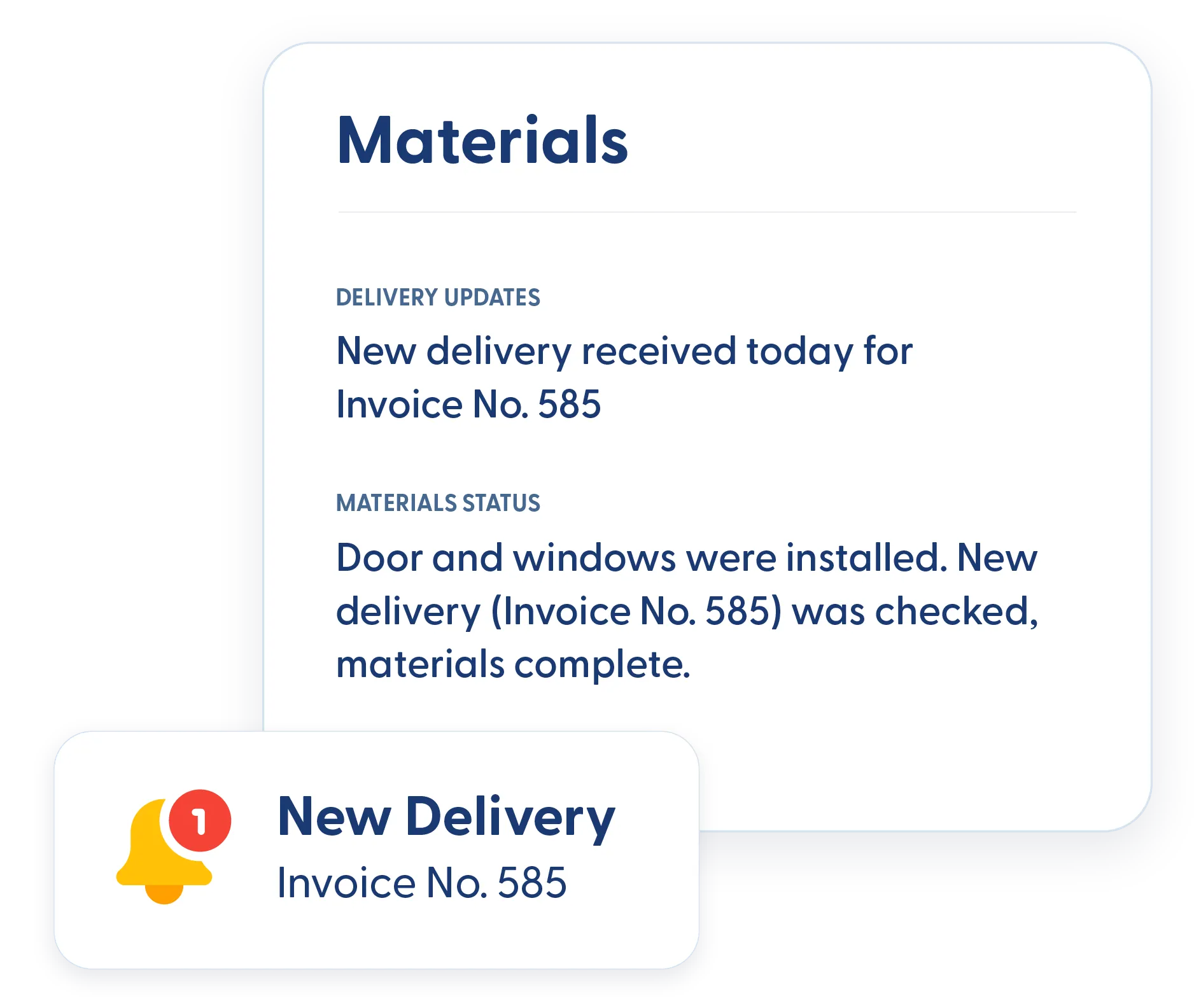
Access current pricing through integration with 1build, so material and labor costs stay up to date. Pull pricing directly into estimates, change orders, purchase orders, invoices, and schedules of values.
Material Pricing from Suppliers
Use pricing data sourced from trusted suppliers to keep material costs realistic and competitive. Pricing stays aligned with what contractors actually pay in the field.
Cost Item Database Management
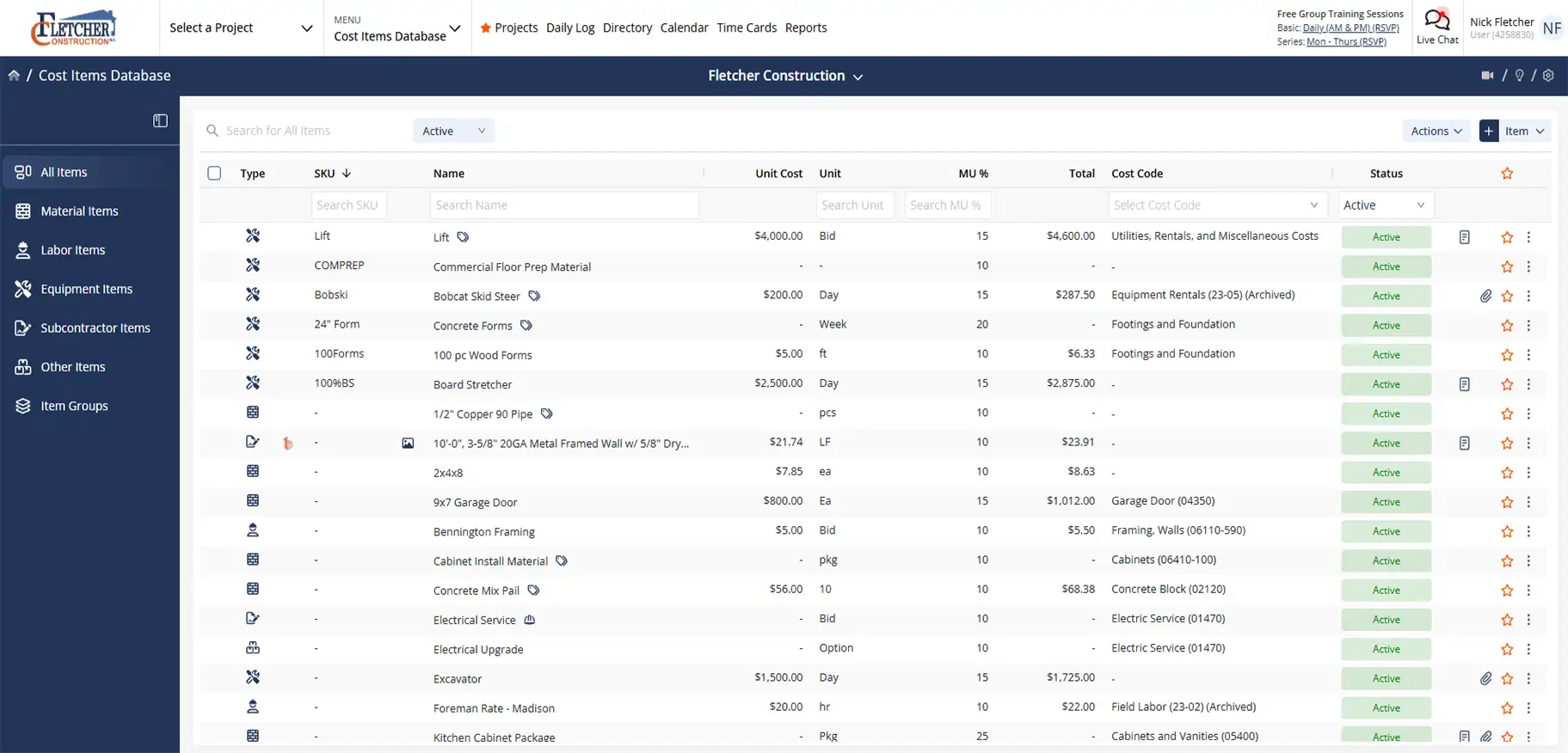
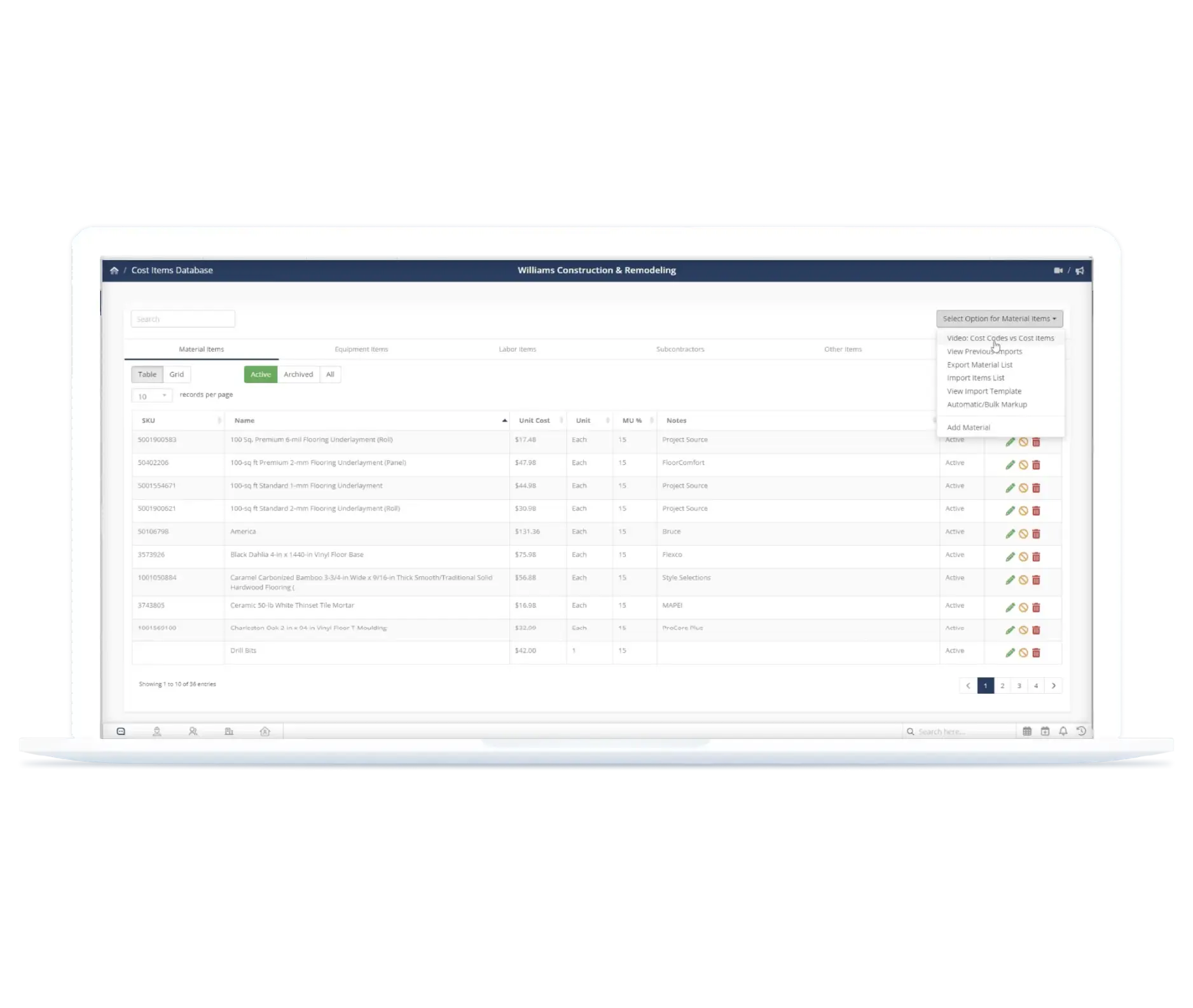
Keep all cost data organized in one place for consistent estimating. Store and reuse pricing, item details, and cost structures across projects without rebuilding from scratch.
Centralized Pricing Database
Store SKUs, vendor links, photos, internal notes, and pre-written descriptions in one searchable database. Pricing stays consistent across estimates and teams.
Import Cost Lists and Custom Cost Items
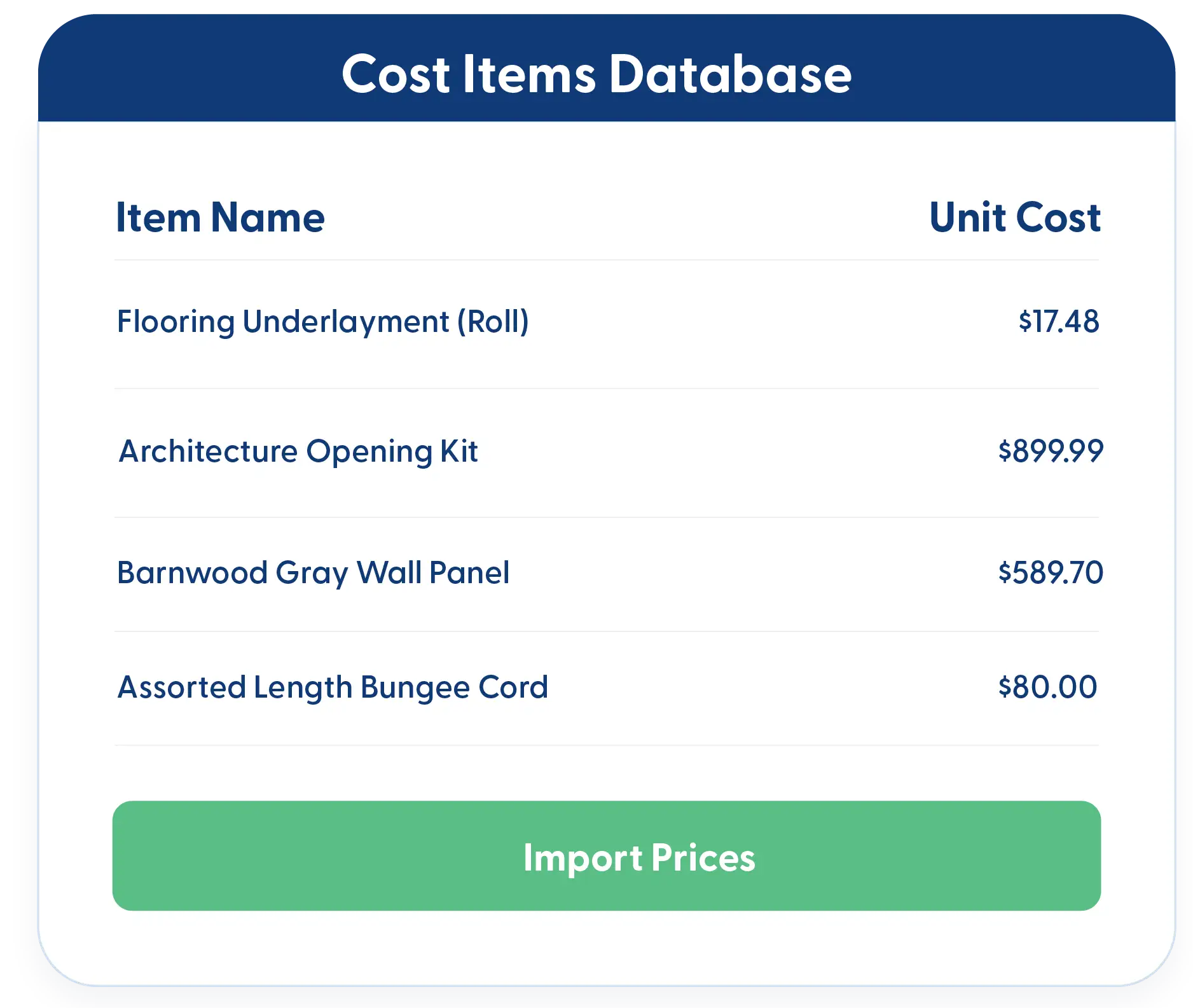
Bring in your own cost lists or build a custom database from scratch. Store material, labor, equipment, subcontractor, and other items once and reuse them across jobs.
Estimating Efficiency & Cost Structures
Build estimates faster with consistent cost structures. Reuse grouped items, track true equipment costs, and apply pricing adjustments that protect margins without adding complexity.
Groups and Assemblies
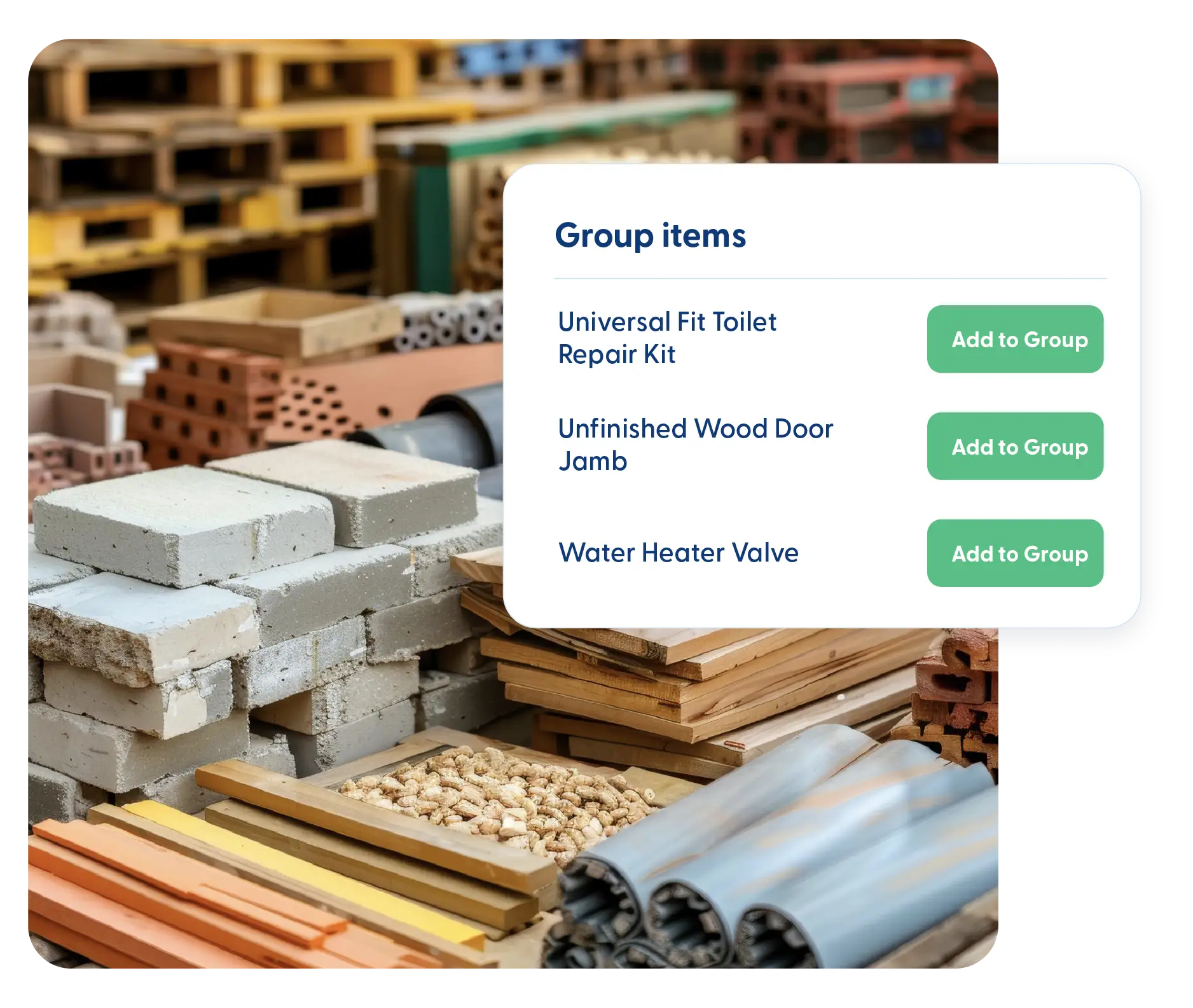
Create groups of items you regularly use together and import them into estimates with a few clicks. Assemblies speed up estimating while keeping pricing consistent.
Equipment Items Tracking
Track equipment costs beyond the purchase price. Check equipment in and out, monitor usage hours, log maintenance, and understand the true cost of equipment sitting on a jobsite.
Hidden Markups
Add hidden markups to cost items to cover handling, waste, or buffer costs. These markups are applied before standard markup, so margins stay protected without cluttering estimates.
Frequently Asked Questions
Have a Question? Click the LiveChat icon. After hours? Email support@contractorforeman.com.
Contractor Foreman offers simple, transparent pricing with unlimited users, projects, and features. There are no hidden fees or per-user charges. See our pricing page for more details.
Some companies offer a 7-day refund policy… maybe 30 days. We are so confident in Contractor Foreman that we give you up to 100-days to request a refund if you are not satisfied and no longer wish to use it. See the Refund Policy for details and requirements.
Yes. You can rely entirely on your own cost items, imported lists, or a combination of your pricing and live pricing.
No. Once an estimate is created, its pricing remains unchanged unless you intentionally update it.
Yes. Cost items can be shared across your team to keep pricing consistent and reduce estimating errors.

Sign up for a free demo and see it in action!
Let us show you how Contractor Foreman can start saving you and your company a lot of time and money. Schedule a free demo for yourself or your crew.
Start a Free Trial
We have plans starting at $49/month

Have a question? See our Frequently Asked Questions or give us a call (828) 375-8042 or click Live Chat.






