
Crew Schedule
No more confusion about where the work is tomorrow
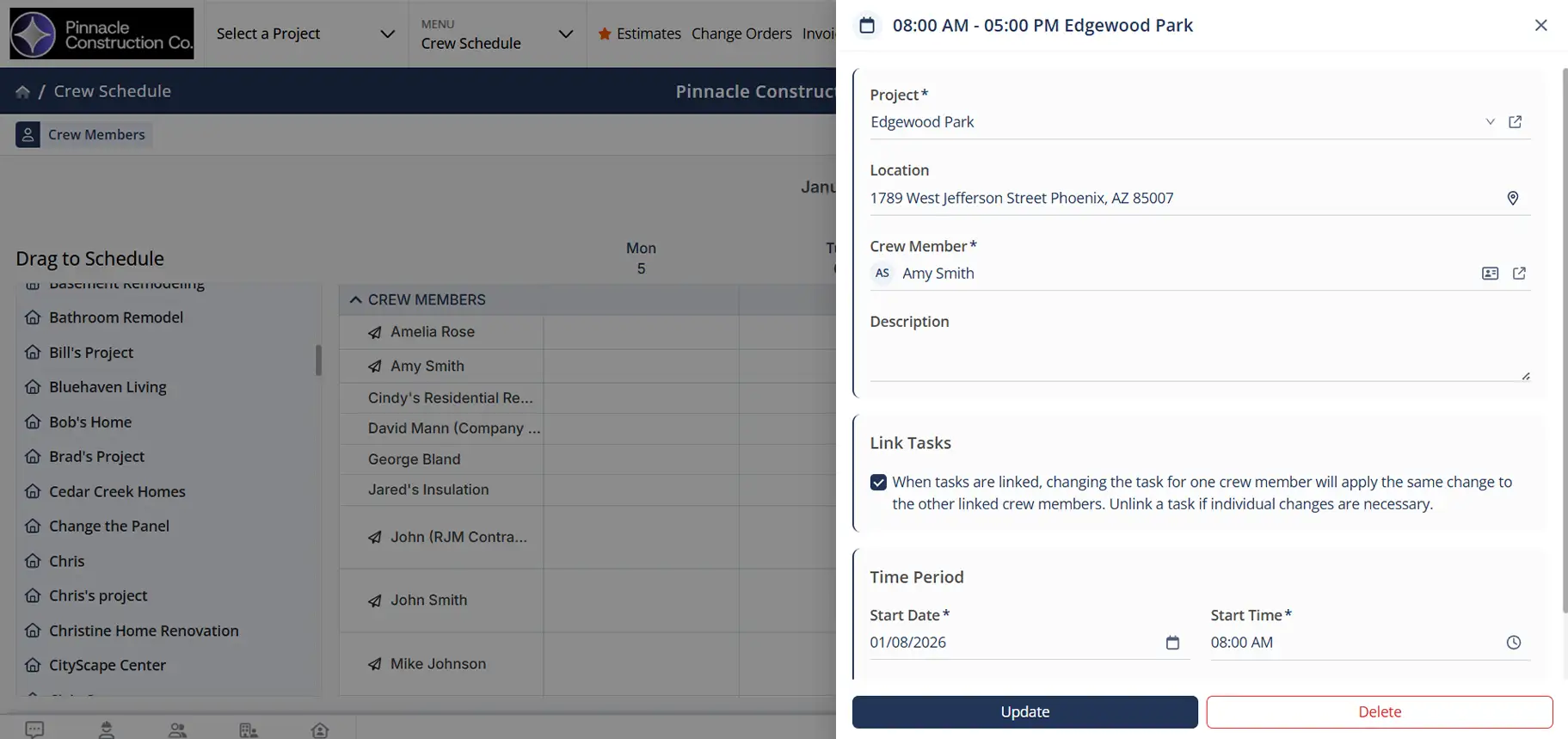
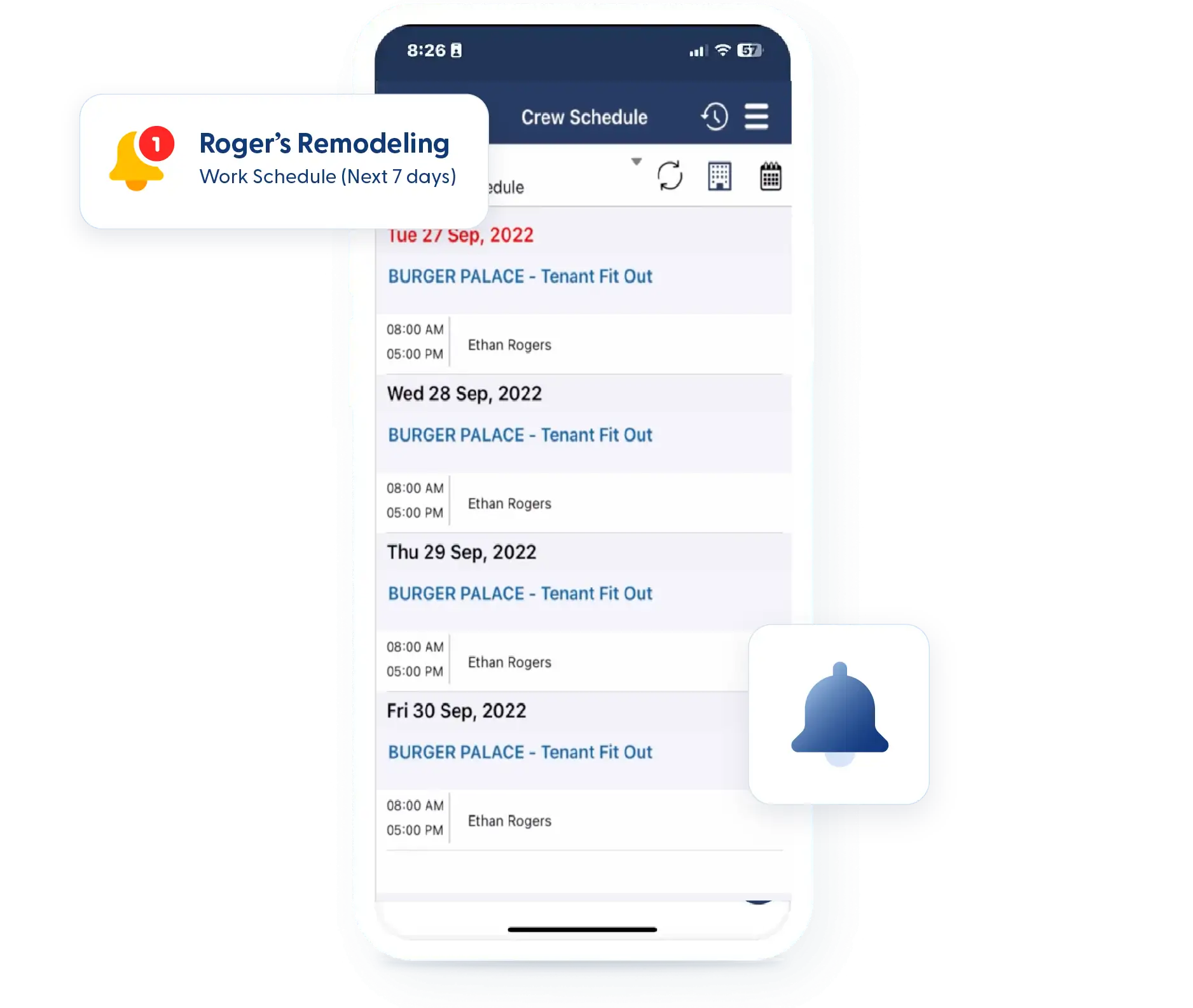
Scheduling falls apart when details live in texts, whiteboards, or worse—someone’s head. Contractor Foreman’s Crew Scheduling gives you a clear, shared schedule that your team can see anytime. Assign crews to jobs, make changes quickly, and send updates so there’s no confusion about where work is happening next.
A clearer way to schedule work
Simple scheduling tools that save time, reduce questions, and keep crews aligned.

Schedule crews, not just individuals
Assign full crews to projects in seconds, rather than selecting employees one at a time.

Make changes without rebuilding the schedule
Drag and drop jobs or shifts as plans change throughout the week.

Share schedules without chasing people
Send schedules by email or text so everyone has the details before the day starts.
Check out these Crew Scheduling features
These individual features are tailor-made to meet your specific needs and preferences.
Crew Assignment
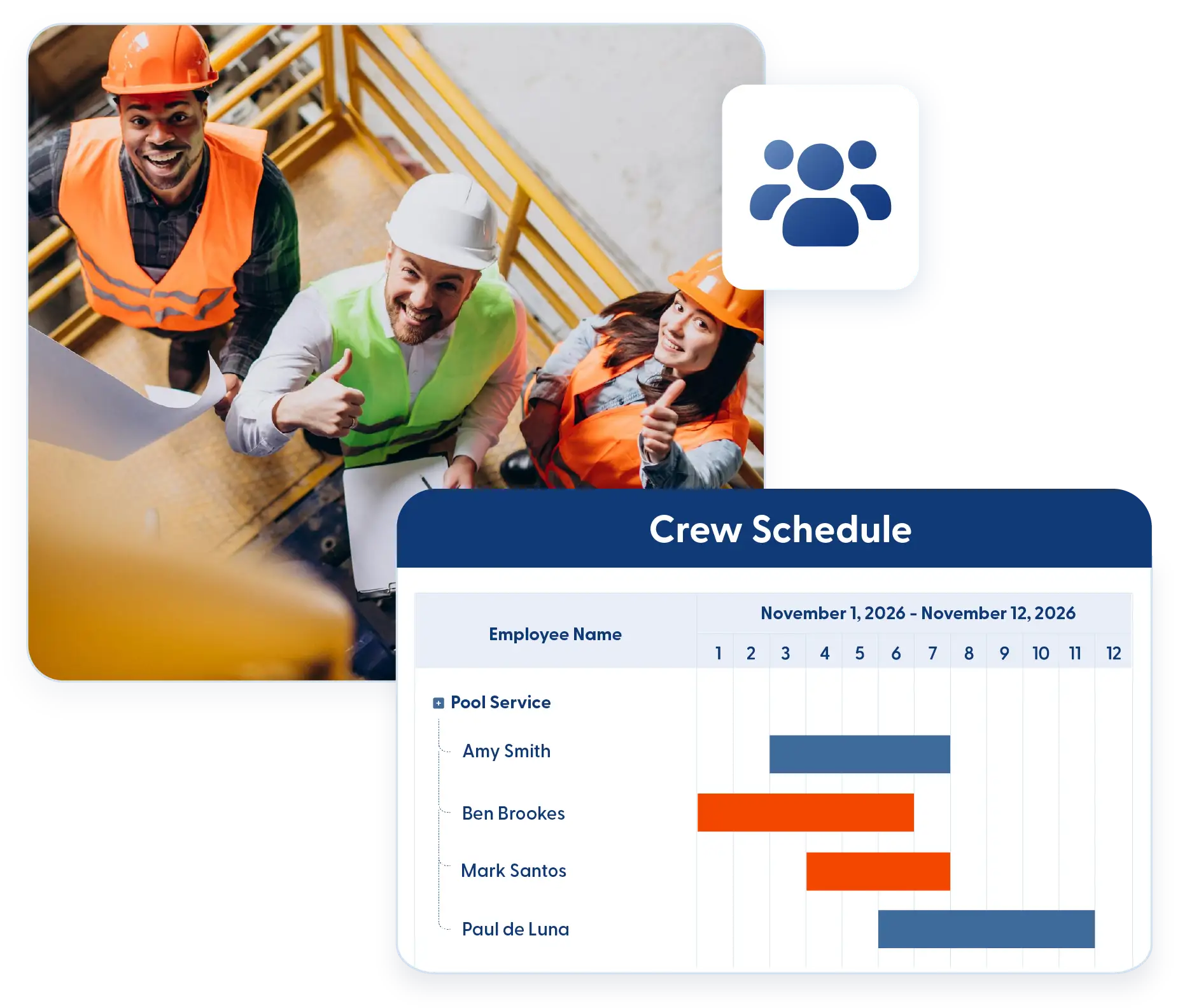
Organize and schedule teams without repetitive setup. Assign crews or individuals to projects quickly to keep labor coordinated and ready to go.
Create Crews and Schedule Them to Projects
Build crews once and reuse them across jobs. Schedule entire teams to projects with just a few clicks and avoid repetitive setup.
Shift and Individual Scheduling
Schedule full crews when they work together or individual employees when needed. The system supports both without extra setup.
Calendar Management
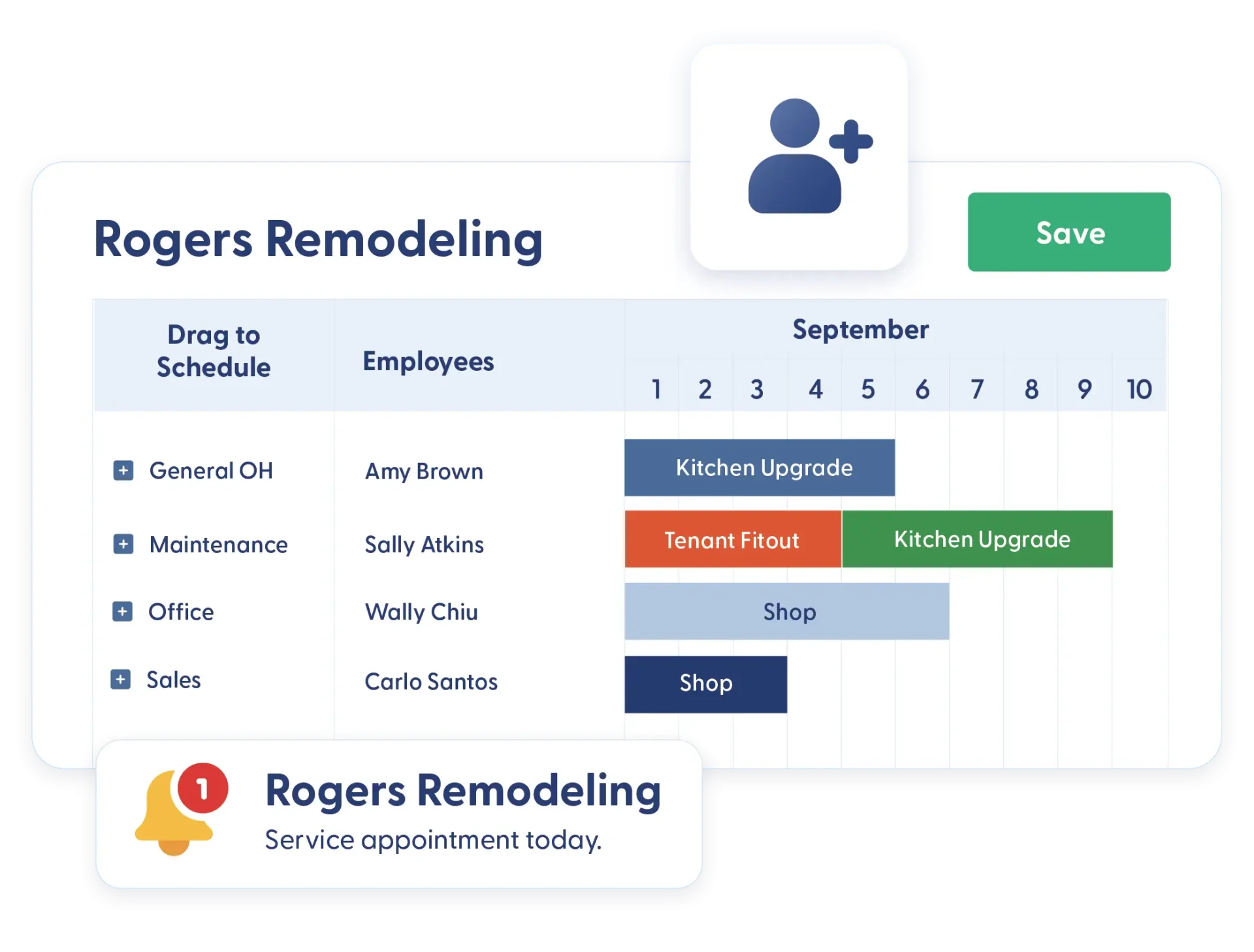
Manage schedules with quick adjustments and clear communication. Update assignments in seconds and keep teams informed so everyone stays on the same page.
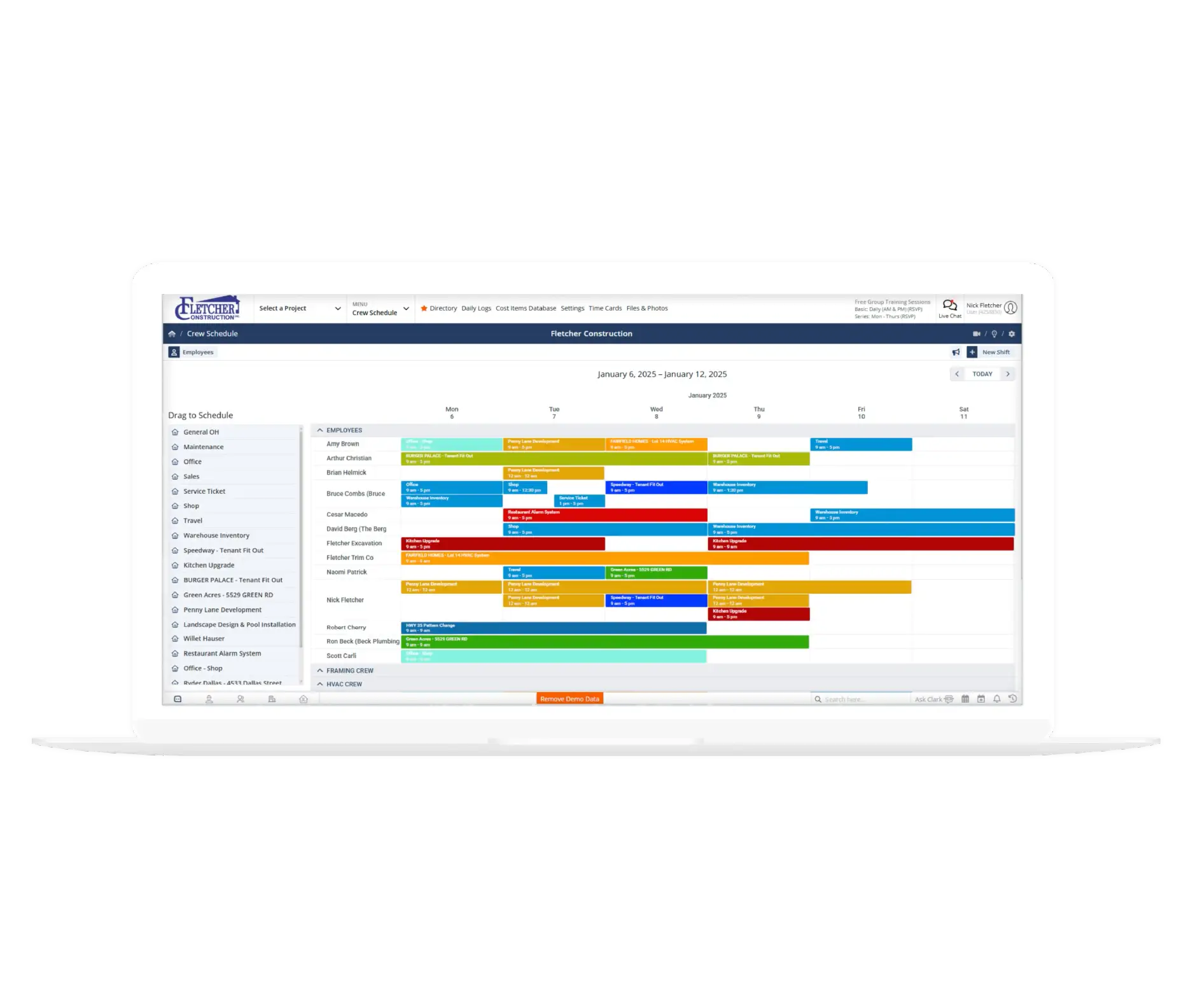
Drag-and-Drop Schedule Builder
Move jobs, shifts, or crews directly on the schedule. Updates take seconds and are immediately reflected across the system.
Email and Text Schedule Reminders
Send schedules to employees or crews by email or text. Share upcoming assignments over the next several days to keep expectations clear.
Frequently Asked Questions
Have a Question? Click the LiveChat icon. After hours? Email support@contractorforeman.com.
Contractor Foreman offers simple, transparent pricing with unlimited users, projects, and features. There are no hidden fees or per-user charges. See our pricing page for more details.
Some companies offer a 7-day refund policy… maybe 30 days. We are so confident in Contractor Foreman that we give you up to 100-days to request a refund if you are not satisfied and no longer wish to use it. See the Refund Policy for details and requirements.
Yes. Employees can view assigned schedules directly from the mobile app.
Yes. Schedules can be adjusted at any time, and changes are reflected immediately.
Yes. The scheduling system supports both crew-based and individual scheduling.

Sign up for a free demo and see it in action!
Let us show you how Contractor Foreman can start saving you and your company a lot of time and money. Schedule a free demo for yourself or your crew.
Start a Free Trial
We have plans starting at $49/month

Have a question? See our Frequently Asked Questions or give us a call (828) 375-8042 or click Live Chat.






