
Sub-Contracts
Keep sub-contract agreements clean, clear, and under control
When sub-contract details live in emails, spreadsheets, and memory, things get missed. Contractor Foreman brings sub-contracts, scope, retainage, and billing into one place. Create sub-contracts from the Bid Manager, import estimate items, and keep payments accurate without extra admin work.
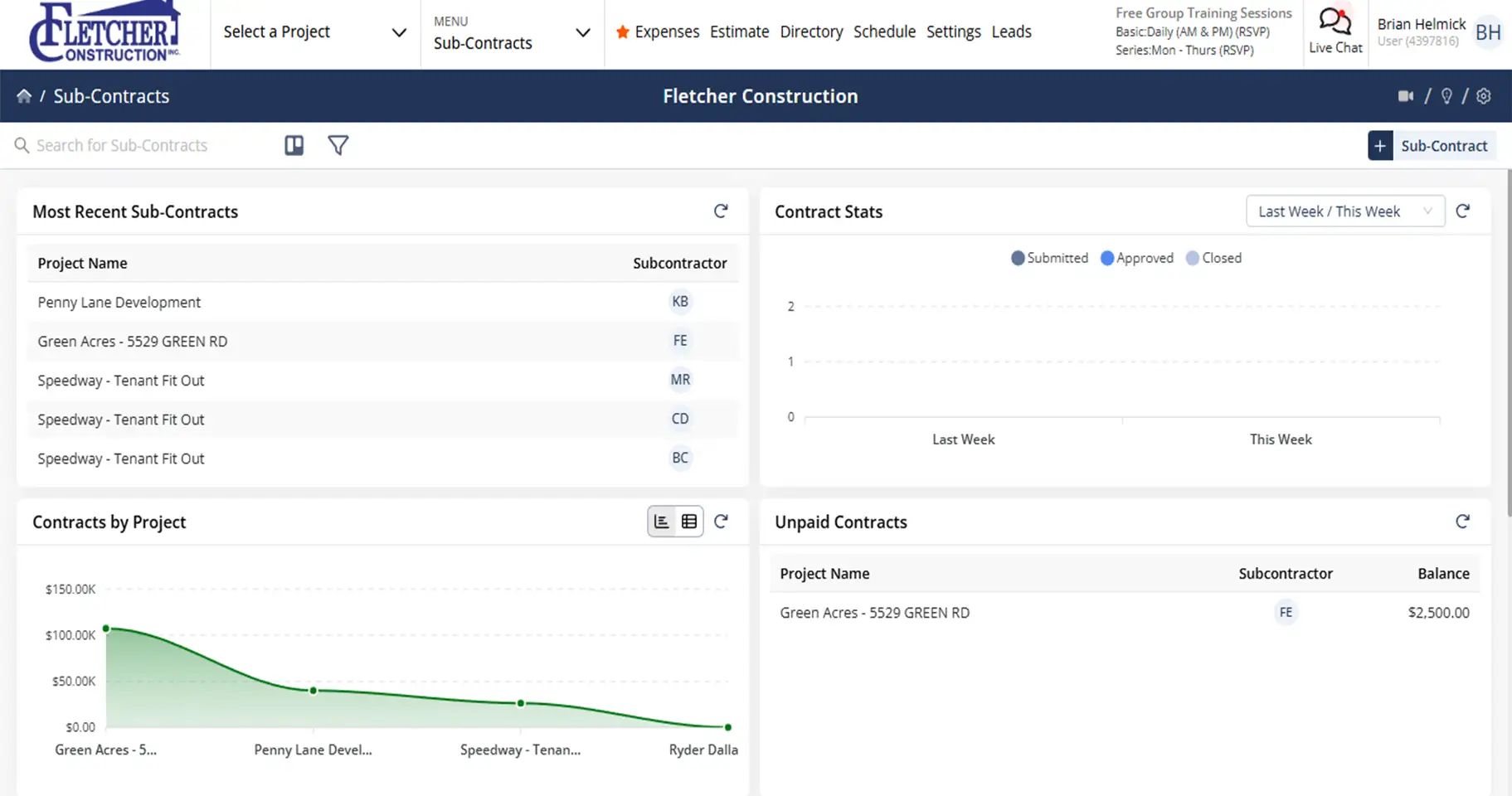
Manage your sub-contracts without the paperwork pileup
Bring sub-contracts, billing, and retainage together in one workflow so nothing gets buried in emails or spreadsheets.

Create sub-contracts without starting from scratch
Generate sub-contracts directly from awarded bids and estimates to keep scope, pricing, and terms aligned.

Keep retainage and billing accurate
Built-in retainage tracking and single-click bill creation help prevent overpayments and cleanup later.

Stay on top of approvals and status
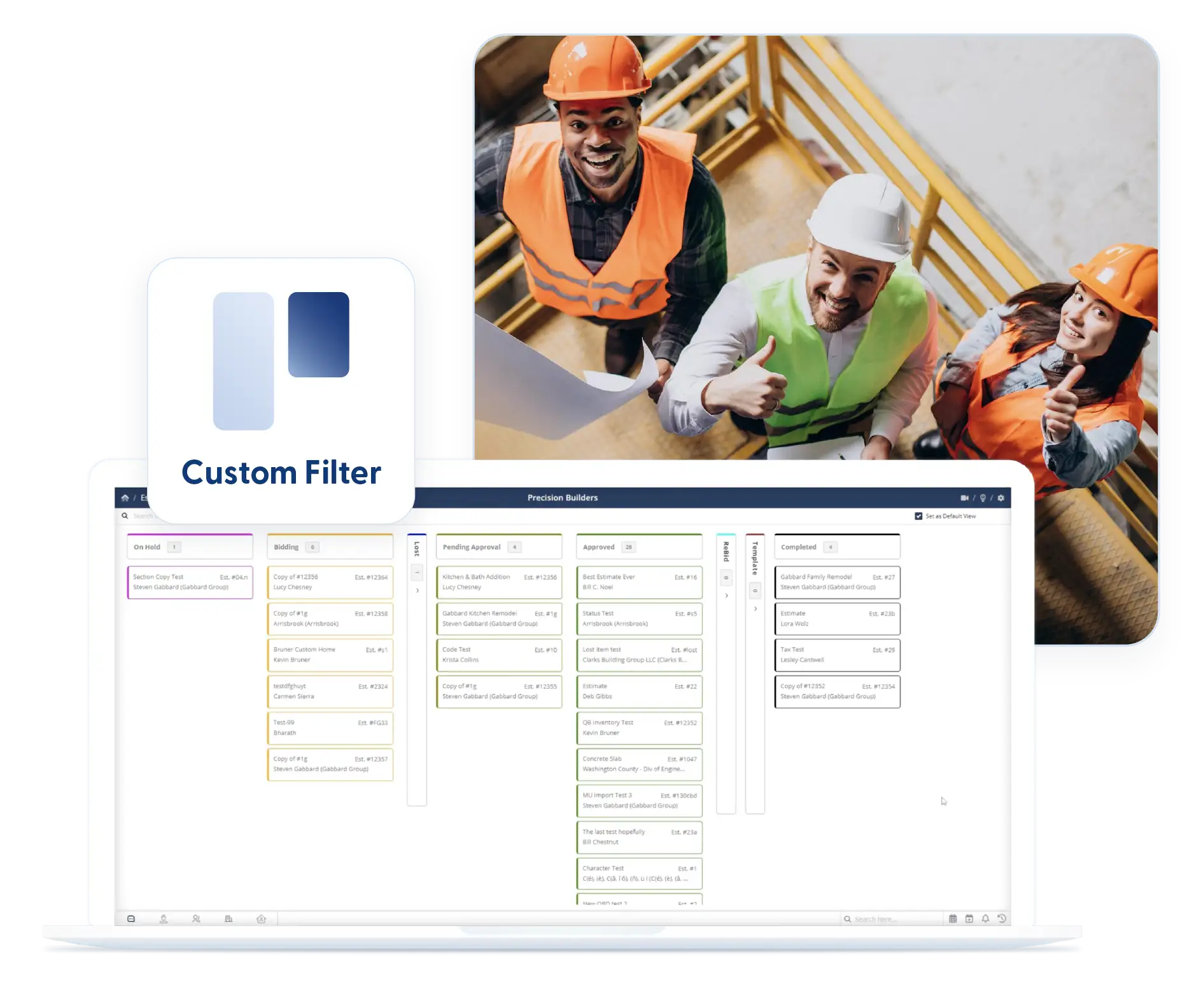
Kanban views and filters give you instant visibility into what is drafted, sent, approved, or waiting.
Check out these Sub-Contract features
These individual features are tailor-made to meet your specific needs and preferences.
Sub-contract Creation & Data Integration
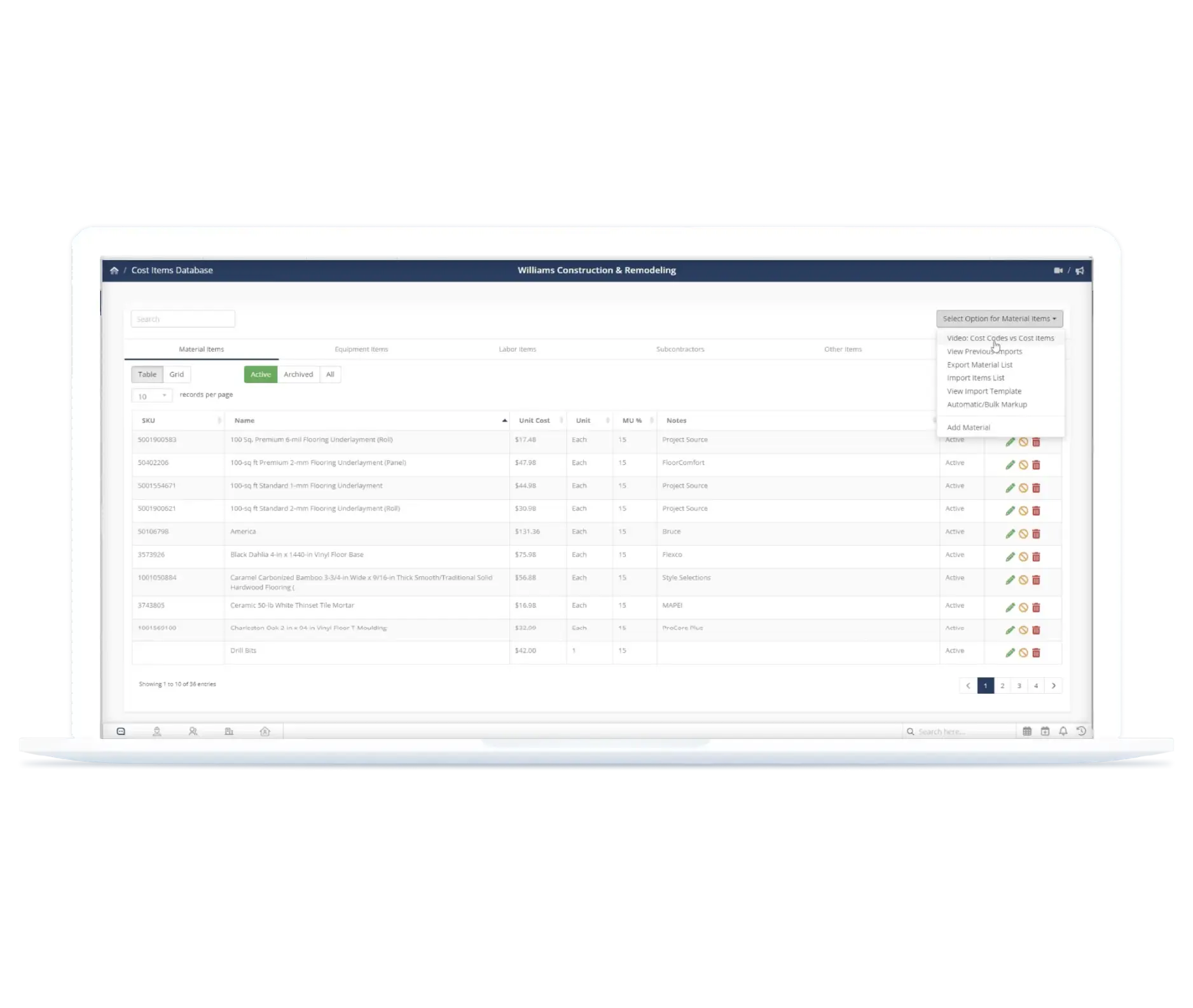
Create subcontracts quickly using existing project data. Carry bid and estimate details forward so scope, pricing, and terms stay consistent without duplicate entry.
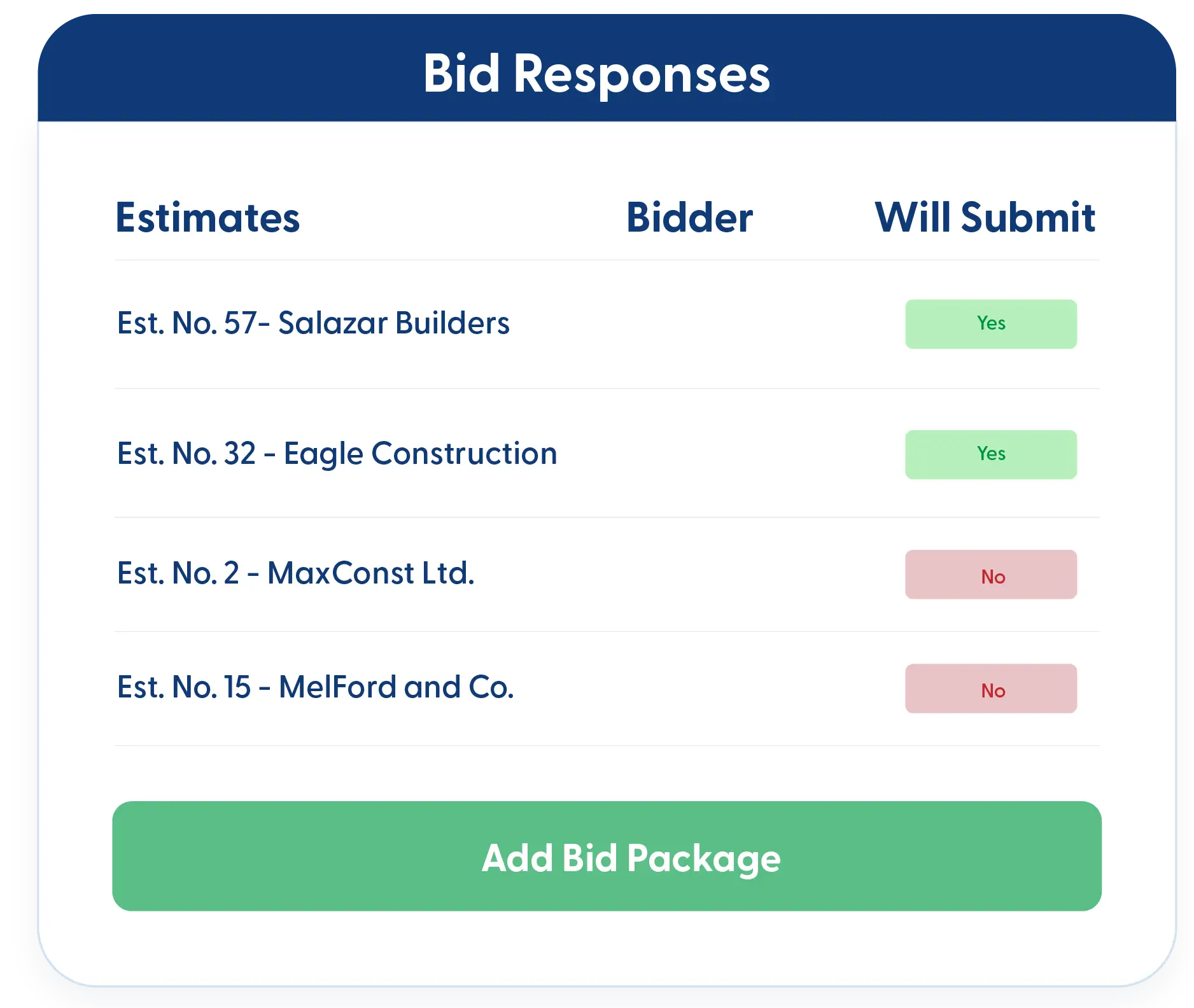
Create Sub-contracts from Bid Manager
Once a bid is awarded, generating a sub-contract takes just a few clicks. Bid details flow directly into the sub-contract, so scope, pricing, and terms stay consistent without retyping.
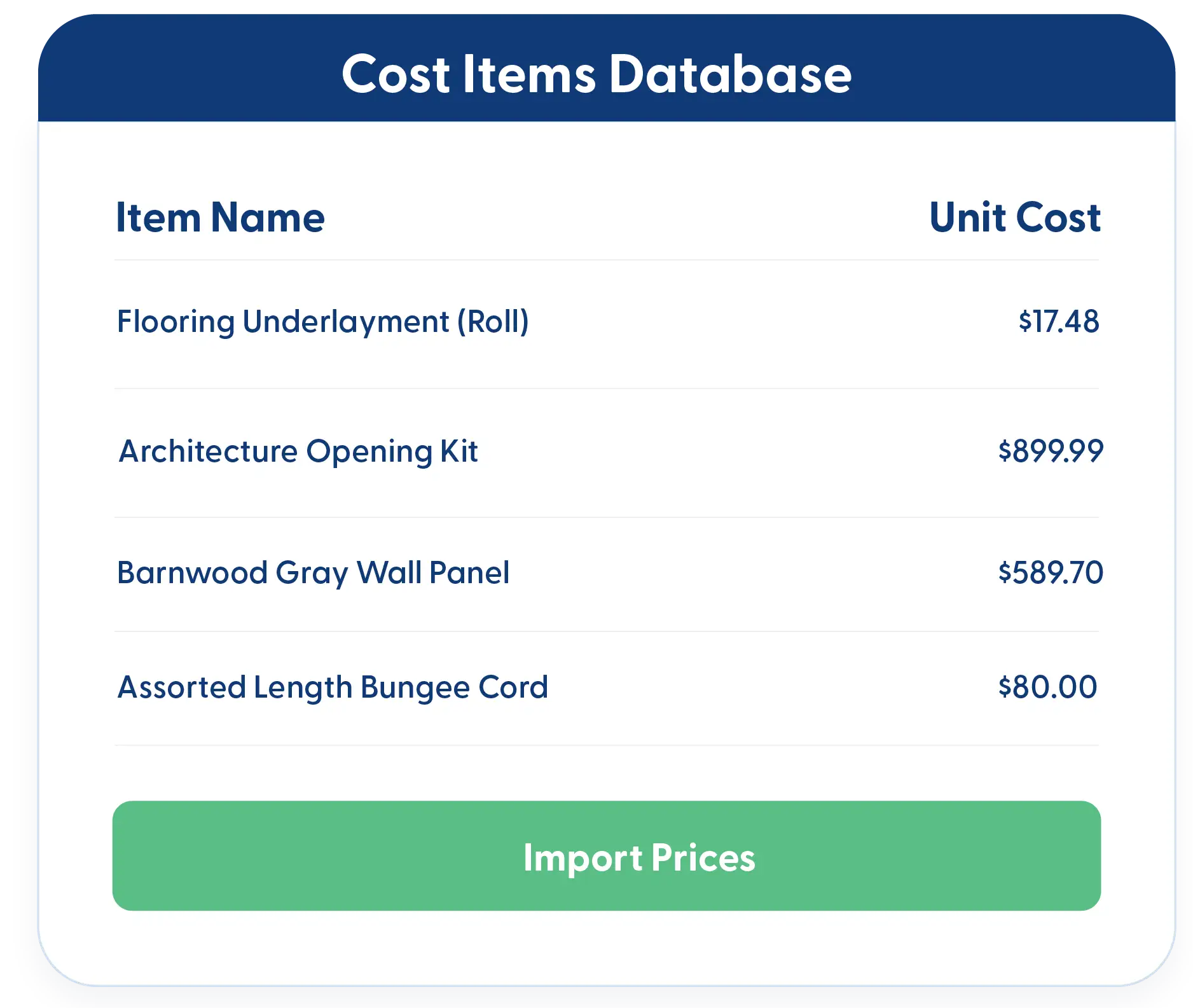
Import Items from Estimates or Cost Item Database
Bring sub-contract items in directly from your estimate or cost item database. Skip copy-paste and redundant entry while keeping quantities and pricing accurate.
Sub-contract Billing & Retainage
Manage subcontractor billing with accuracy and less effort. Generate bills quickly and track retainage automatically so payments stay aligned with contract terms.
Single-Click Bill Creation
Create bills directly from the sub-contract screen with one click. No extra screens, no re-entering data. Accounting stays clean and efficient.
Sub-contract Retainage Tracking
Set retainage once and let the system handle the math. Retainage is automatically tracked to prevent overpayments and to make reporting straightforward and accurate.
Workflow Visibility
Track subcontract progress clearly across every stage. See status at a glance and capture key details so nothing gets delayed or overlooked.
Kanban Views and Filters
See sub-contract status at a glance. Kanban views organize sub-contracts by stage so nothing stalls unnoticed. Filters help you focus on what matters and stay in place when you return.
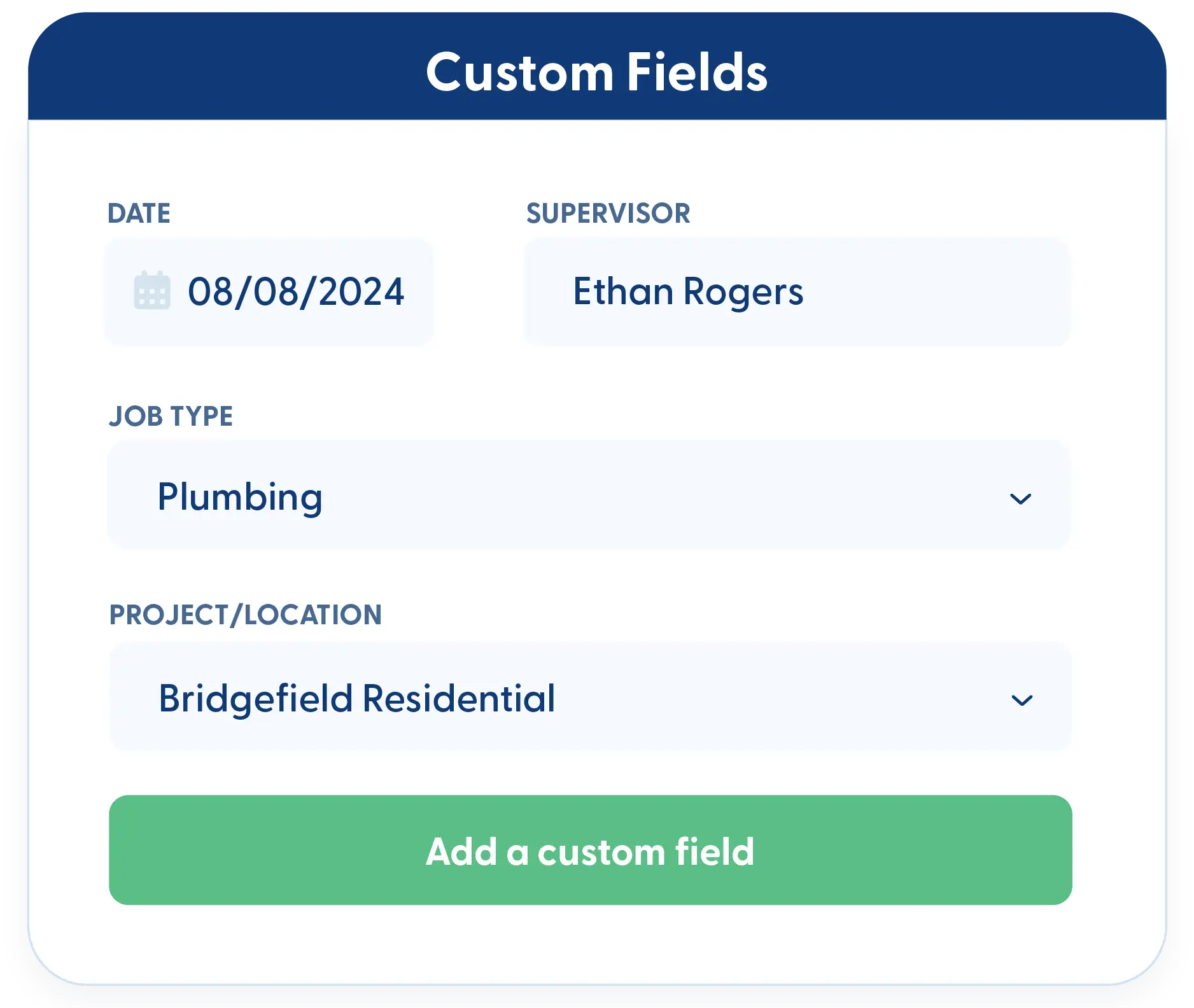
Custom Fields
Track the details that matter most to your business. Add custom fields to capture specific terms, requirements, or internal notes. All custom data remains reportable and tied to each sub-contract.
Frequently Asked Questions
Have a Question? Click the LiveChat icon. After hours? Email support@contractorforeman.com.
Contractor Foreman offers simple, transparent pricing with unlimited users, projects, and features. There are no hidden fees or per-user charges. See our pricing page for more details.
Some companies offer a 7-day refund policy… maybe 30 days. We are so confident in Contractor Foreman that we give you up to 100-days to request a refund if you are not satisfied and no longer wish to use it. See the Refund Policy for details and requirements.
No. You can create unlimited sub-contracts without any increase in price.
Yes. Retainage is tracked at the sub-contractor level, so payments and balances remain accurate for each sub-contractor.
Yes. Bills can be created with a single click directly from the sub-contract screen.

Sign up for a free demo and see it in action!
Let us show you how Contractor Foreman can start saving you and your company a lot of time and money. Schedule a free demo for yourself or your crew.
Start a Free Trial
We have plans starting at $49/month

Have a question? See our Frequently Asked Questions or give us a call (828) 375-8042 or click Live Chat.






