
Change Orders
Stay on top of scope changes from request to approval
Change Orders don’t have to be a headache. Our system automatically updates contract amounts and tracks original versus revised budgets as changes roll in. Create Change Order Requests, bundle multiple items into a single CO, and obtain client approval online via electronic signatures. Your job costing and financials update automatically—so you always know exactly where you stand.
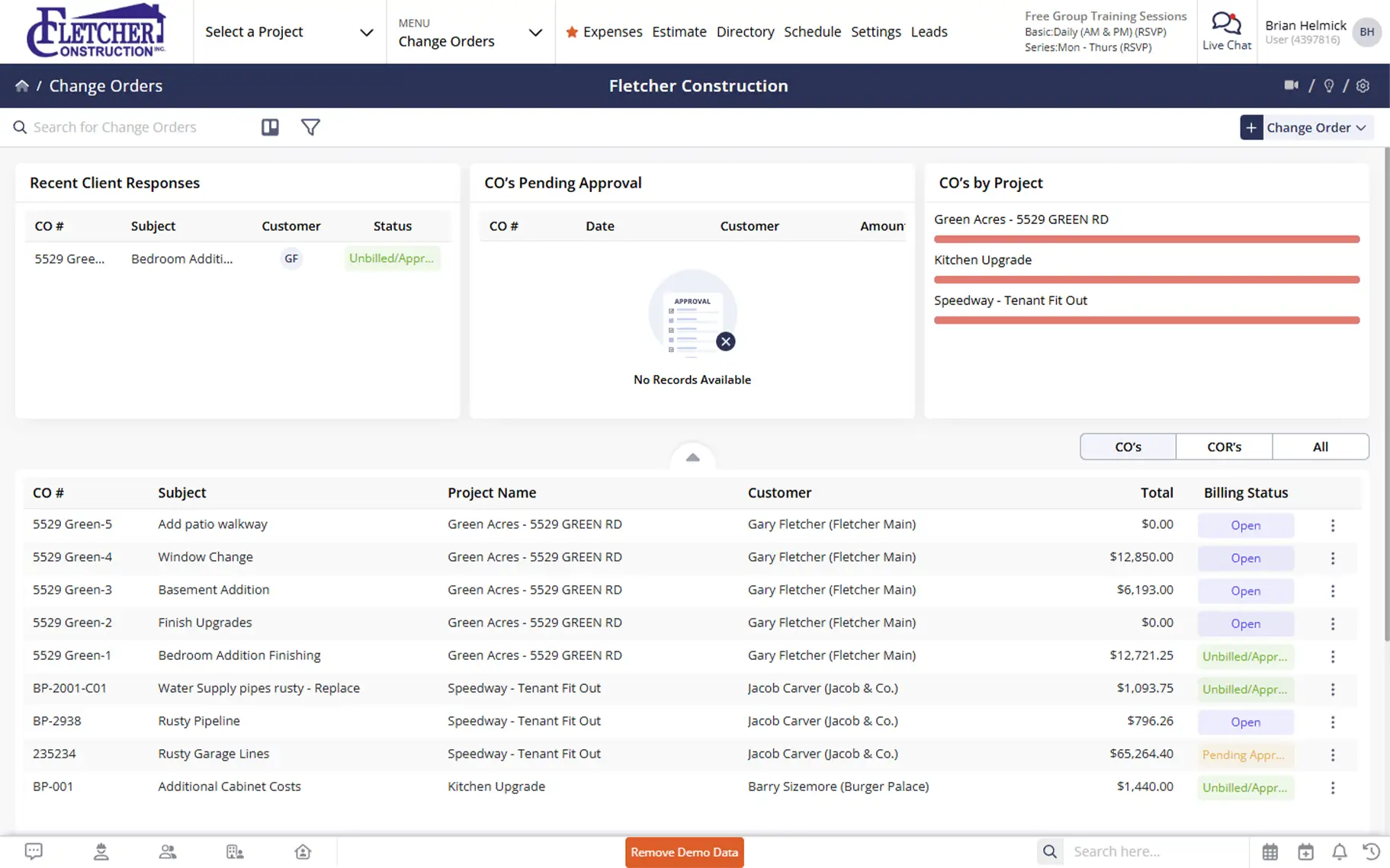
Document changes fast, get approvals faster, and keep budgets accurate
Streamlined change order management that updates contracts automatically, tracks budget impacts in real-time, and gets client approvals without the paper chase.

Update Contracts Automatically
When a Change Order gets approved, your contract amount updates instantly. No manual calculations, no spreadsheet gymnastics. Your project financials and job costing reports automatically track both the original and revised budgets.

Manage Change Requests Efficiently
Create and track Change Order Requests before they become official COs. Pull items from multiple requests into one finalized Change Order—giving you flexibility in how you present changes to clients.

Get Approvals Without the Paper Chase
Submit Change Orders online and receive electronic signatures with timestamps and IP addresses. No printing, scanning, or driving documents around town. Just faster approvals that keep projects moving.
Check out these Change Orders features
These individual features are tailor-made to meet your specific needs and preferences.
Change Order Creation
Create and manage change orders with full visibility from request to approval. Keep details organized and present pricing in the format that works best for your client.
Change Order Requests
Create and track requests before finalizing them. Pull items from multiple CORs into one Change Order. Keep a clear audit trail from request to approval.
Lump Sum & Itemized Options
Show clients detailed itemized breakdowns or group items into lump sum amounts. Present Change Orders however your client prefers—you control the level of detail.
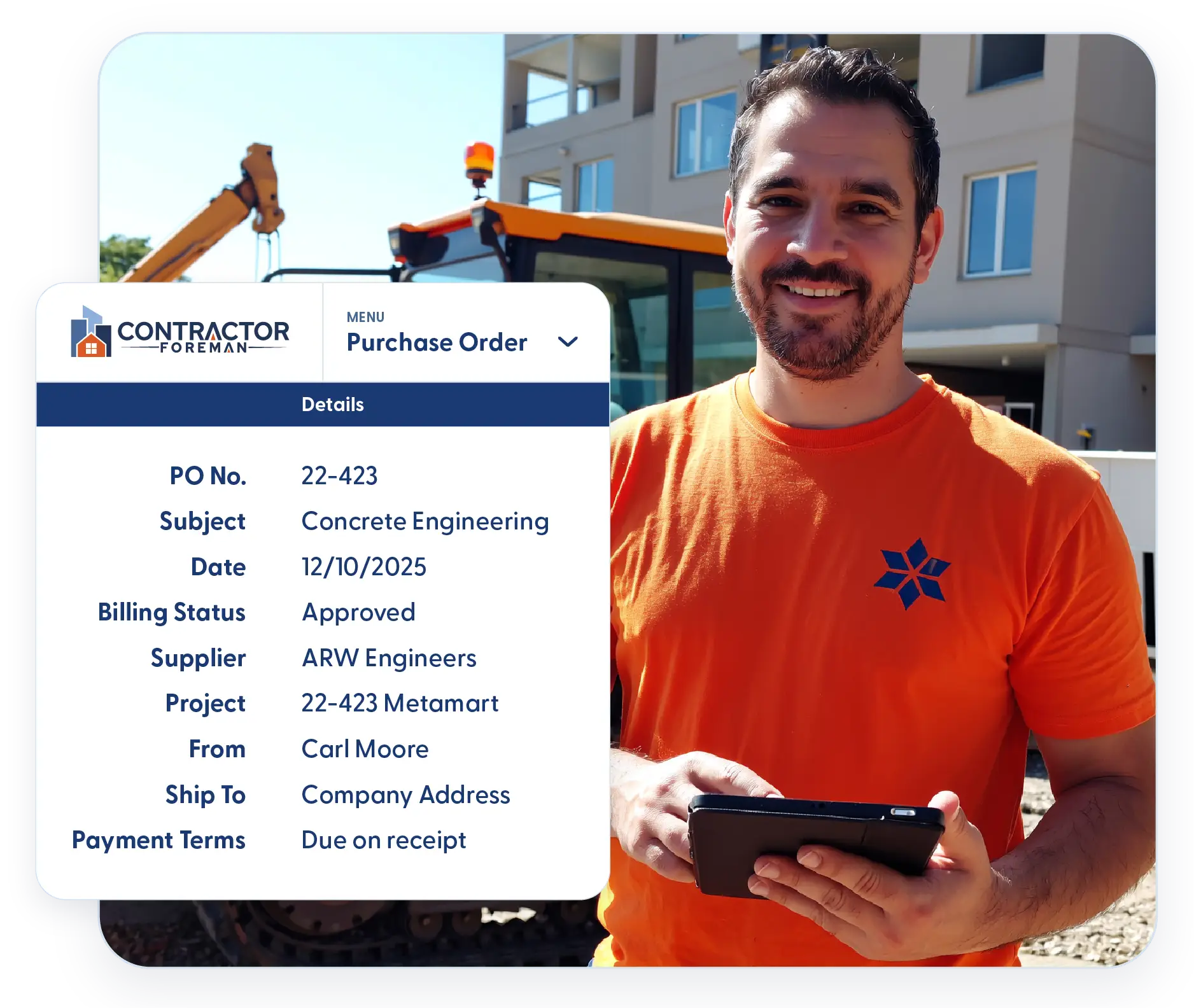
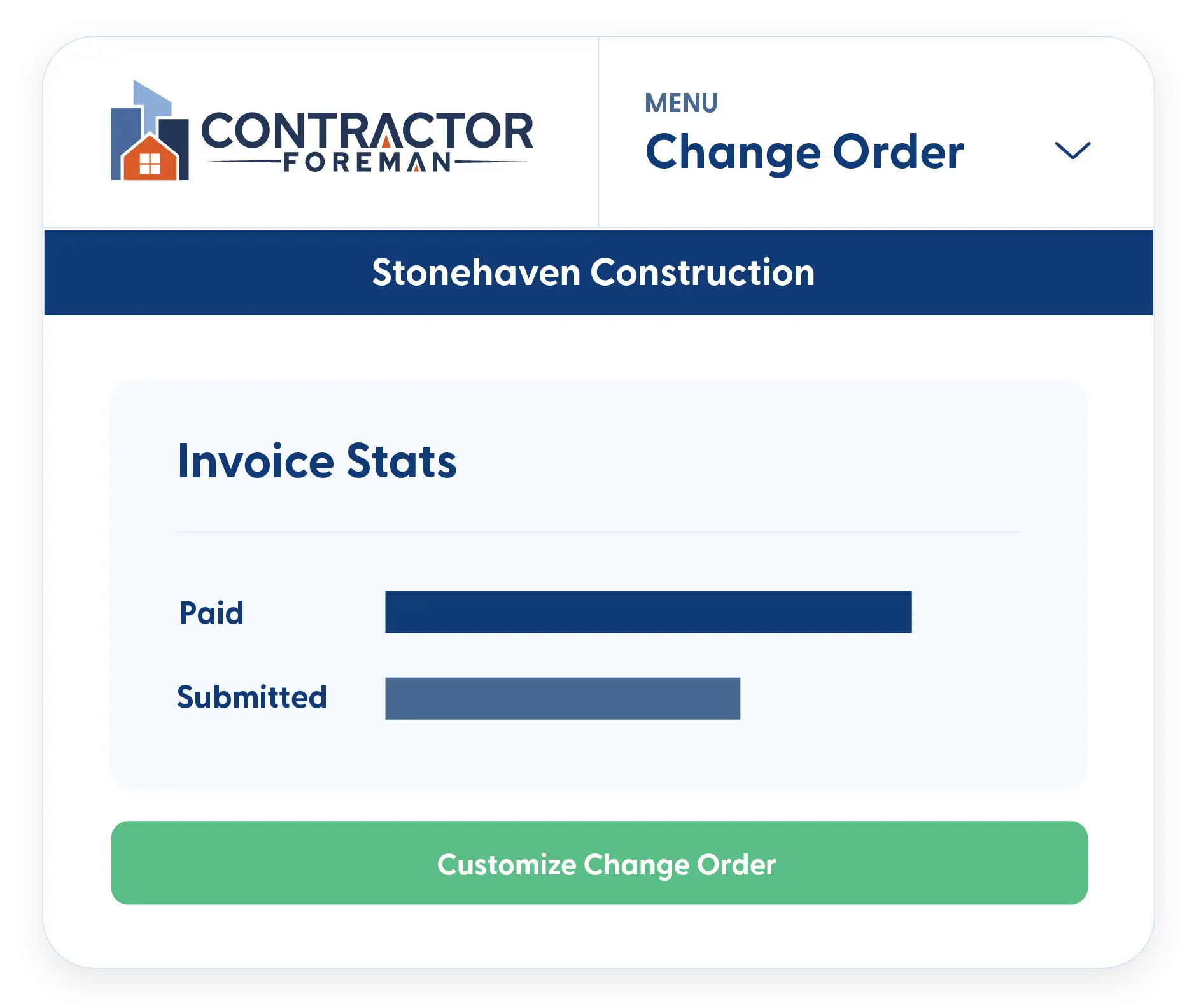
Change Order Management
Track and manage change orders through every stage. Keep status clear, capture key details, and ensure approvals are complete so nothing holds up the work.
Kanban Views & Filters
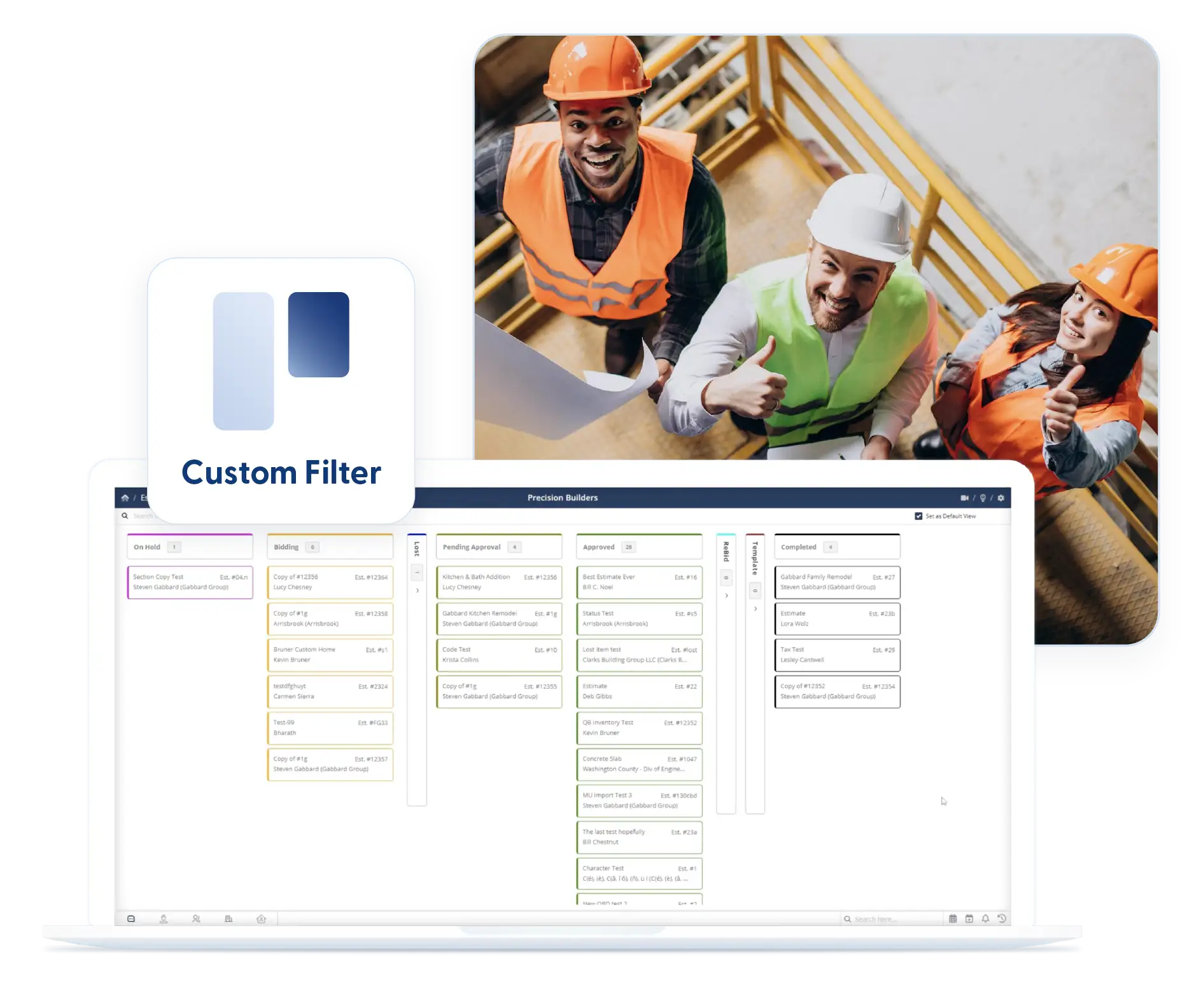
See what’s waiting for you and what’s waiting for clients instantly. Kanban columns organize by status, or use a list view with custom filters that stay in place.
Custom Fields & Signatures
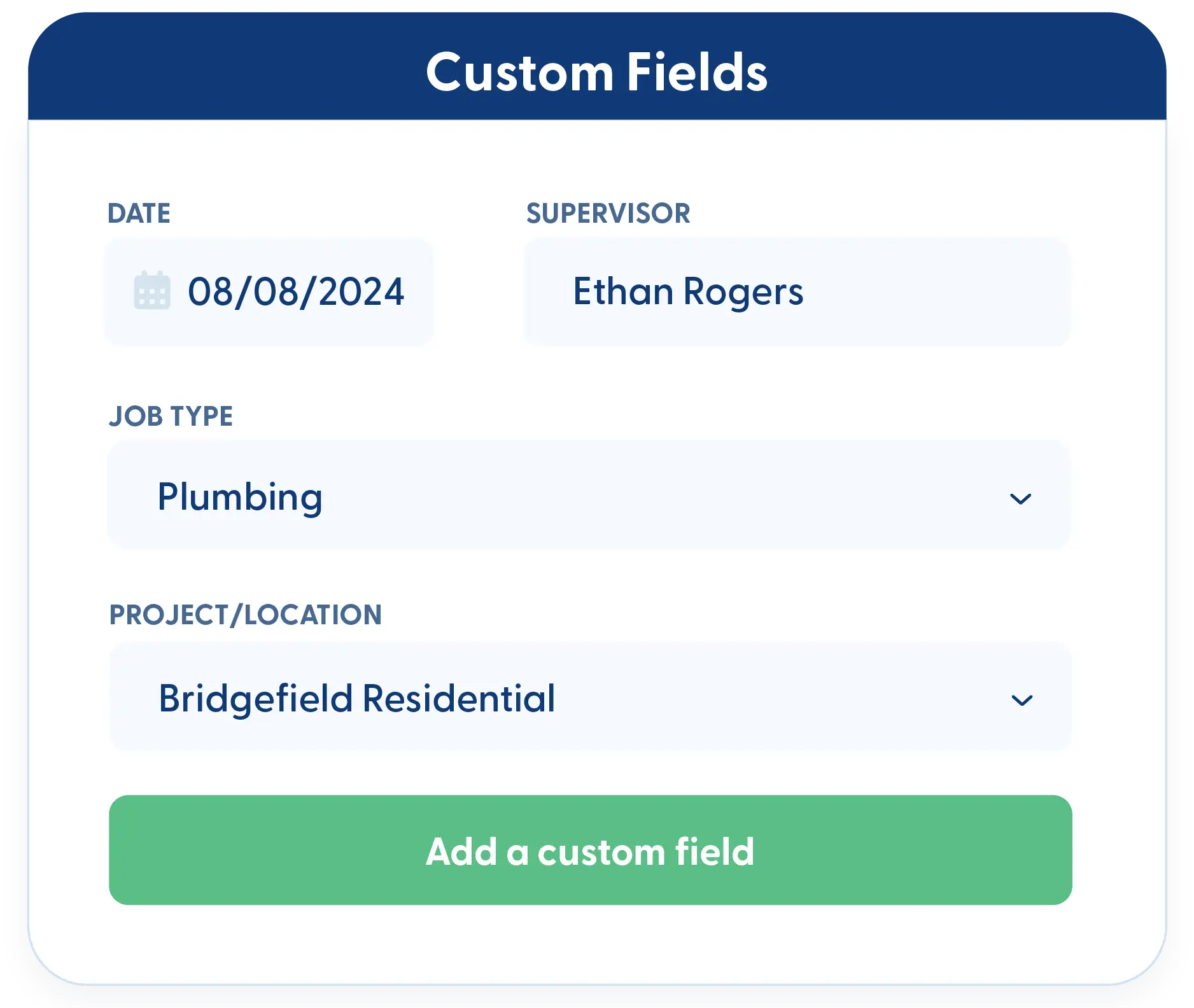
The devil’s in the details with Change Orders. Add custom fields to capture exactly what you need. Need additional signatures? Just add them—no limitations on documentation.
Frequently Asked Questions
Have a Question? Click the LiveChat icon. After hours? Email support@contractorforeman.com.
Contractor Foreman offers simple, transparent pricing with unlimited users, projects, and features. There are no hidden fees or per-user charges. See our pricing page for more details.
Some companies have a 7-day refund policy… maybe 30 days. We are so confident in Contractor Foreman that we give you up to 100 days to request a refund if you are not satisfied and no longer wish to use it. See the Refund Policy for details and requirements.
Yes. Once a Change Order is approved, the contract amount updates automatically. Your job costing reports and project financials track both the original and revised budgets, with all approved changes factored in.
Absolutely. You can pull items from multiple Change Order Requests and combine them into a single finalized Change Order. This gives you flexibility in how you present changes to your client.
Yes. If you know how to create an Estimate, you already know how to make a Change Order. The modules work the same way—nothing new to learn.
Yes. Use custom fields to capture whatever details matter most to your business. You can even add additional signature fields if you need multiple approvals or sign-offs on Change Orders.

Sign up for a free demo and see it in action!
Let us show you how Contractor Foreman can start saving you and your company a lot of time and money. Schedule a free demo for yourself or your crew.
Start a Free Trial
We have plans starting at $49/month

Have a question? See our Frequently Asked Questions or give us a call (828) 375-8042 or click Live Chat.






