
Bid Management
Compare all your bids in one place, side-by-side
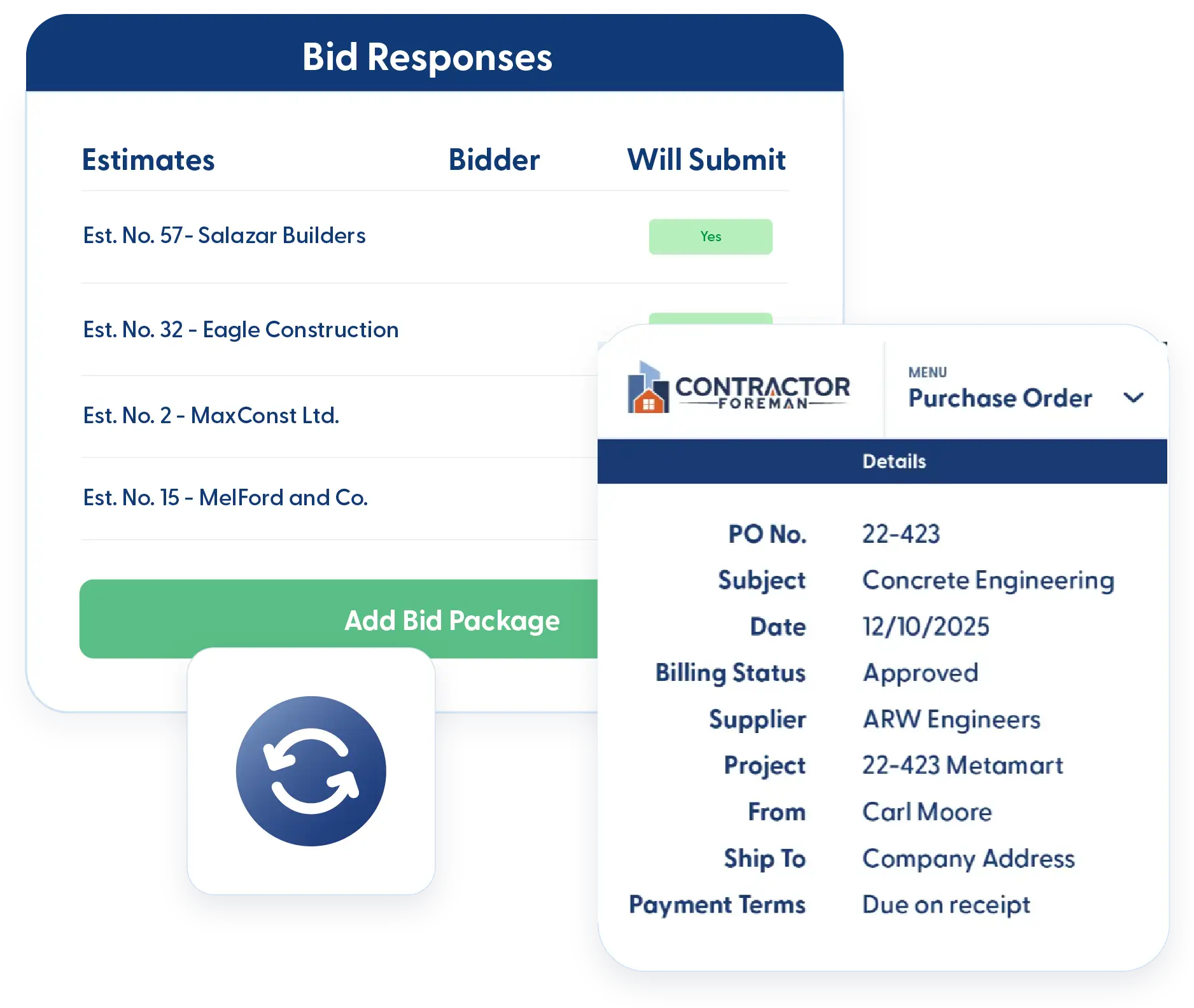
Managing bids shouldn’t be a full-time job. See all your ITBs in one place, so you can actually compare apples to apples. Send bid invites, track responses, and award jobs without the email chaos. Your vendors can submit bids without creating an account—no need to jump through extra hoops. Once you have picked your winner, turn it into a Purchase Order or Subcontract instantly. No double entry, no hassle.
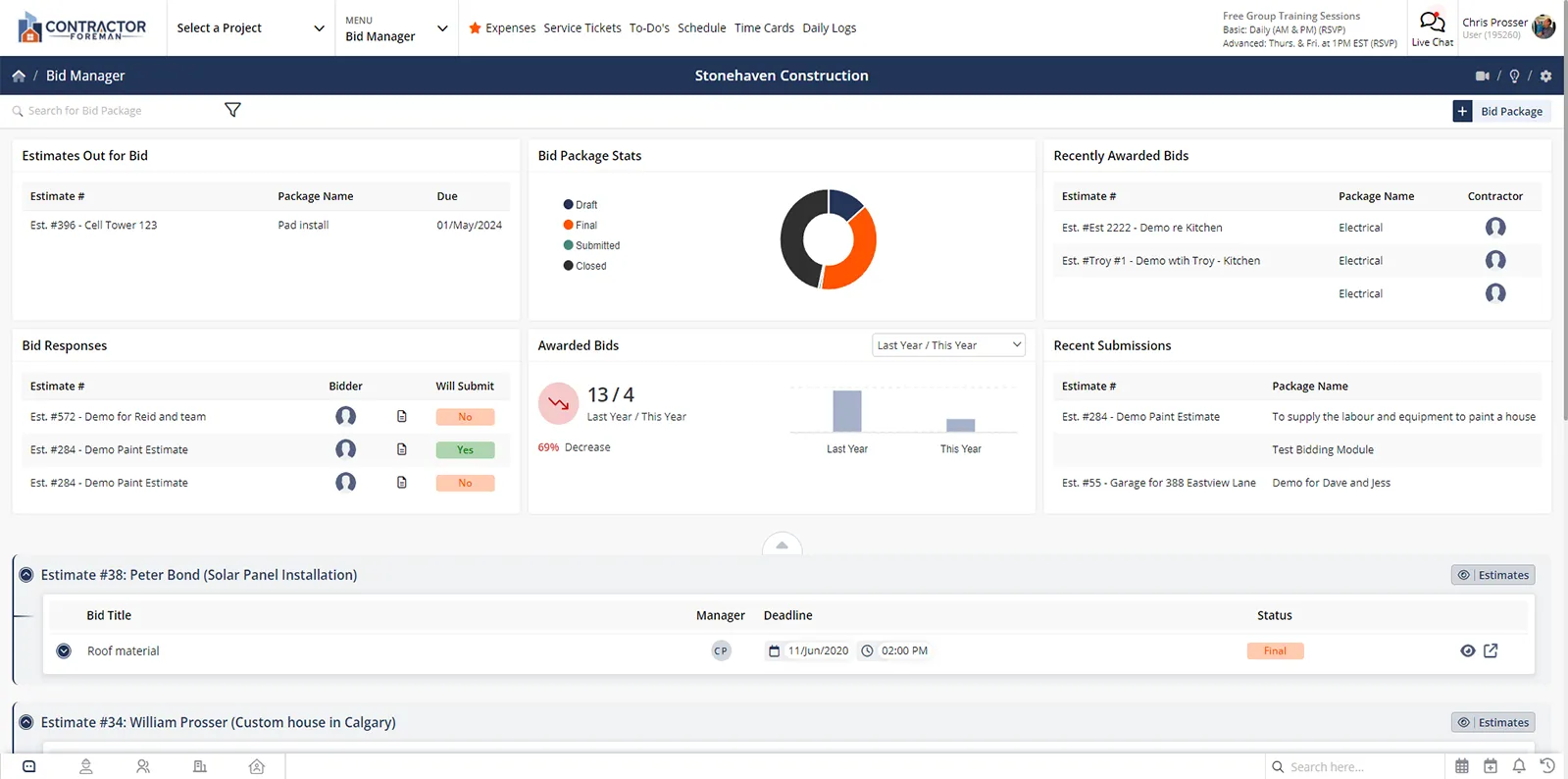
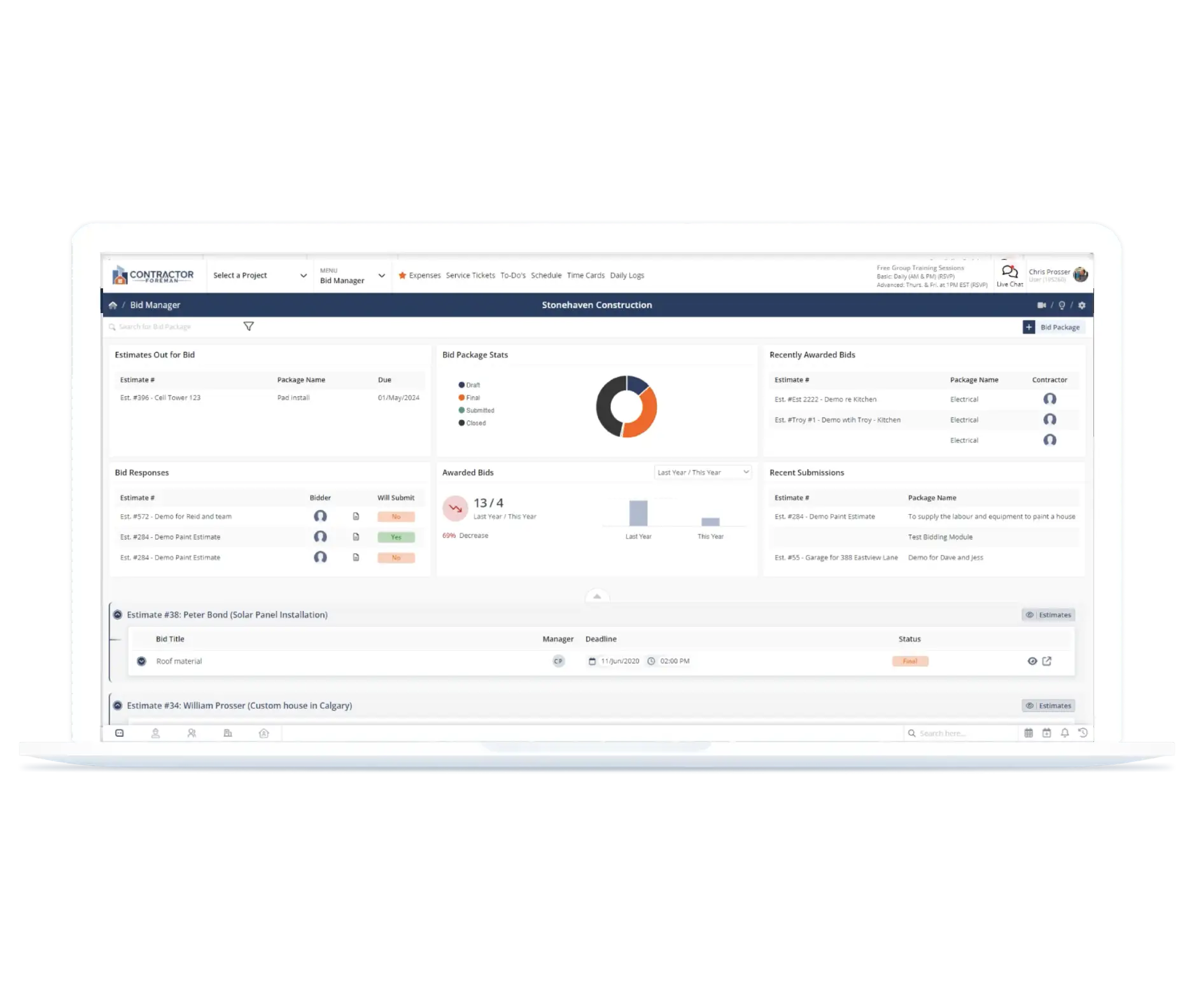
Compare bids faster, award smarter, and get to work sooner
Centralized bid tracking that eliminates email chaos, speeds up vendor comparisons, and converts awarded bids into contracts automatically—so you spend less time on paperwork and more time building.

See All Bids Side-by-Side
Stop bouncing between emails, faxes, and spreadsheets trying to piece together who bid what. View all vendor submissions in one place so you can compare pricing, scope, and terms instantly and make confident decisions.

Speed Up Vendor Response Time
Your subs and vendors don't need accounts to submit bids—they just click a link, indicate their intent, and submit. Less friction means faster responses and more competitive bids coming your way.

Convert Awarded Bids Instantly
Once you've selected your winner, automatically generate Purchase Orders or Sub-Contracts: no retyping, no copy-paste errors, no wasted time. Just click and move forward with the job.
Check out these Bid Management features
These individual features are tailor-made to meet your specific needs and preferences.
Vendor Invitations
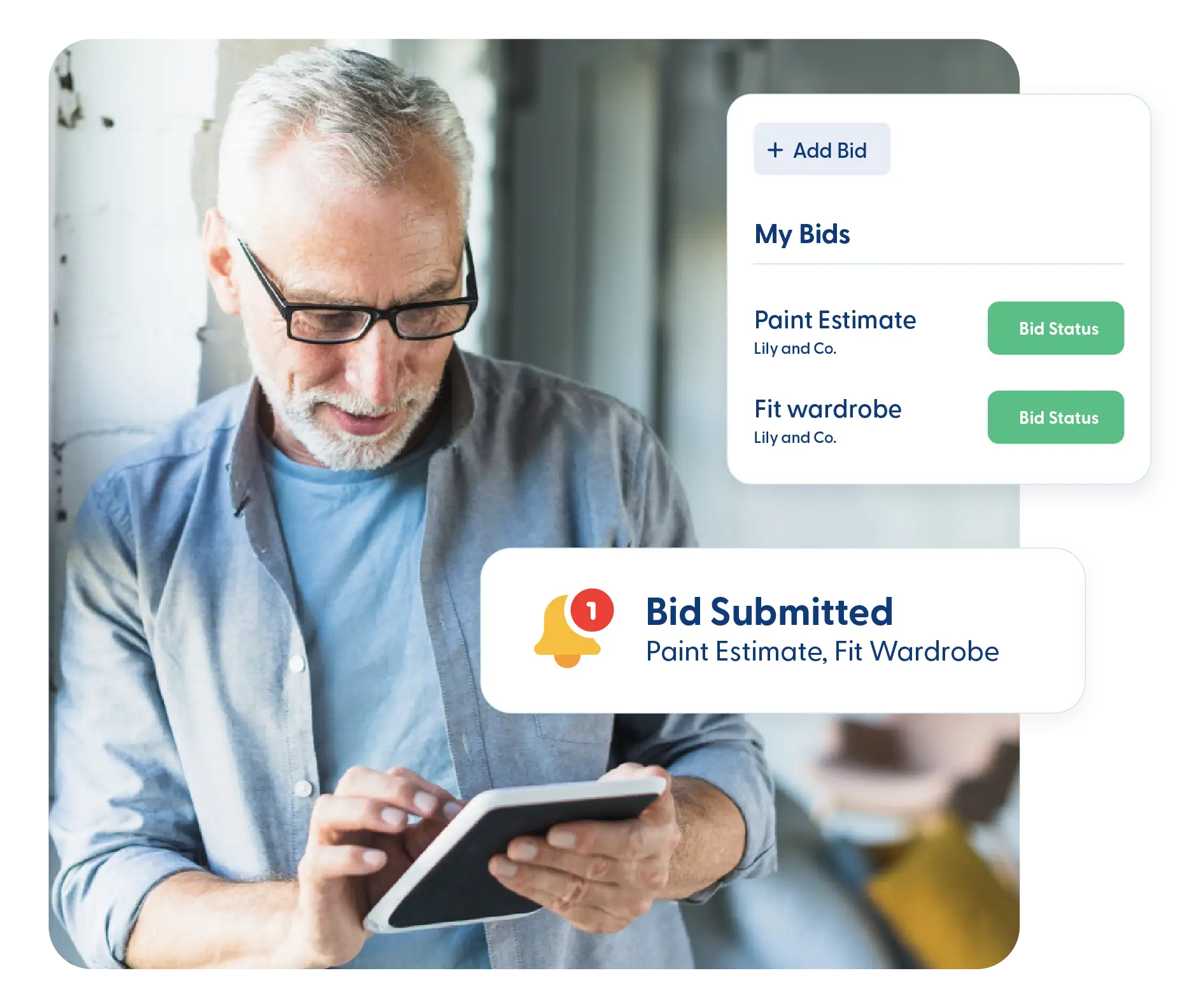
Invite vendors and manage bid participation in one place. Send clear bid packages and make it easy to respond so you get faster, more competitive submissions.
Bid Request & ITB Creation
Send professional bid invitations and packages to vendors, including all scope details. Track who received invitations and who indicated intent to bid—stay organized from the start.
Vendor-Friendly Online Bidding
Vendors submit bids without creating accounts or jumping through hoops. Just send the invite, they respond online, and you get faster submissions from more competitive bidders.
Bid Evaluation
Compare bids and move forward with confidence. Review submissions in one place and convert winning bids into contracts without rework or manual entry.
Bid Response Tracking
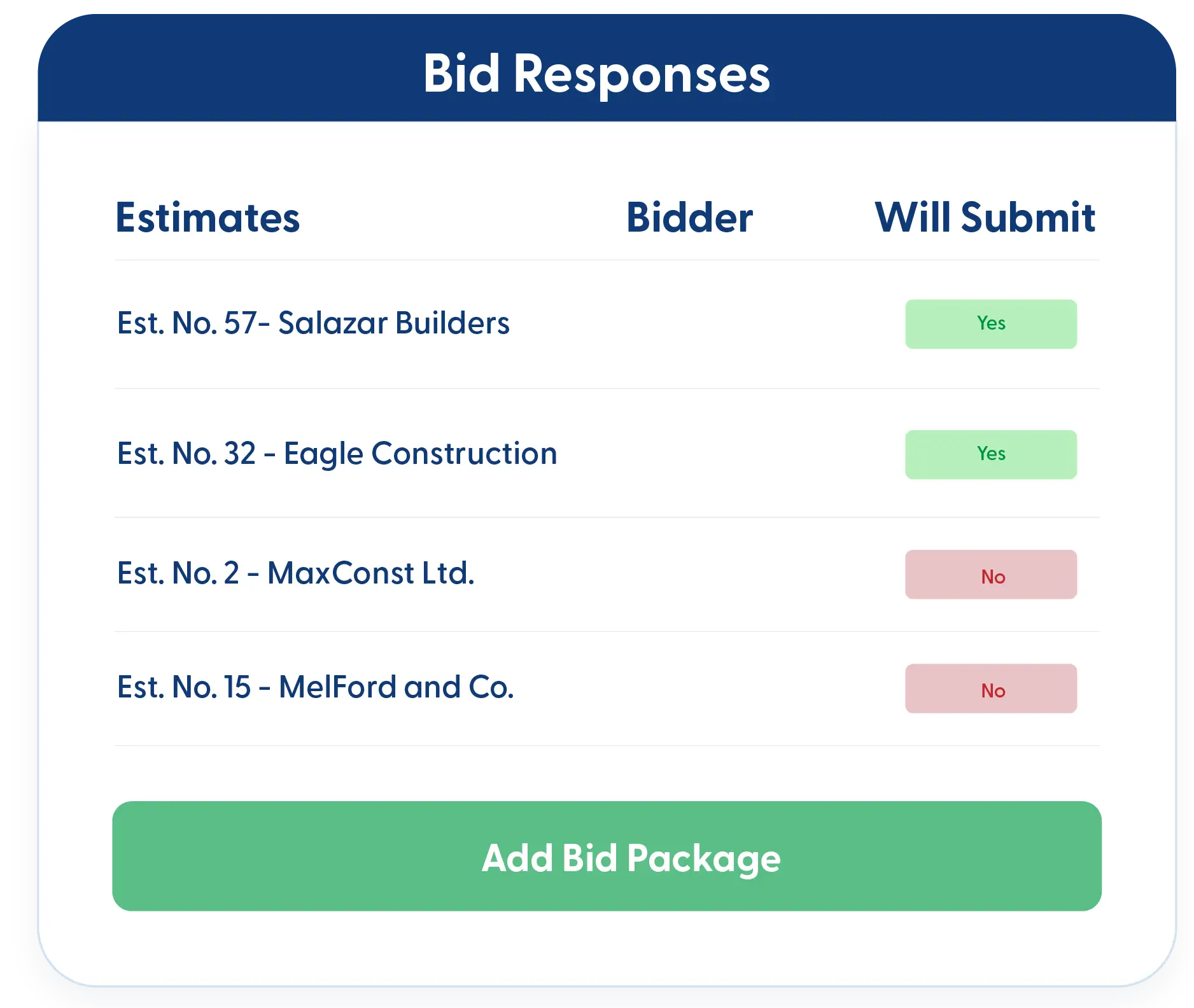
See all vendor submissions side-by-side for easy comparison—no more sorting through emails or faxes. Review pricing, terms, and scope in a single centralized view to choose your best option.
Automated Procurement
Turn awarded bids into Purchase Orders or Sub-Contracts with one click. All the details transfer automatically—no double entry, no errors, just professional contracts ready to execute.
Frequently Asked Questions
Have a Question? Click the LiveChat icon. After hours? Email support@contractorforeman.com.
Contractor Foreman offers simple, transparent pricing with unlimited users, projects, and features. There are no hidden fees or per-user charges. See our pricing page for more details.
Some companies have a 7-day refund policy… maybe 30 days. We are so confident in Contractor Foreman that we give you up to 100 days to request a refund if you are not satisfied and no longer wish to use it. See the Refund Policy for details and requirements.
No. Your vendors can indicate their intent to bid and submit their bids without creating an account. They just click your invitation link and submit—making it easier for them and faster for you.
Yes. All bid submissions display side-by-side so you can compare pricing, scope, and terms without bouncing between emails or documents. See everything in one view and make faster decisions.
Once you select the winning bid, you can automatically generate a Purchase Order or Subcontract with a single click. All the bid details transfer over—no retyping or manual data entry required.
Yes. You can see which vendors received your invitation, who indicated intent to bid, and track submission status—so you always know where things stand.

Sign up for a free demo and see it in action!
Let us show you how Contractor Foreman can start saving you and your company a lot of time and money. Schedule a free demo for yourself or your crew.
Start a Free Trial
We have plans starting at $49/month

Have a question? See our Frequently Asked Questions or give us a call (828) 375-8042 or click Live Chat.






