
Purchase Orders
Control purchasing without losing track of costs
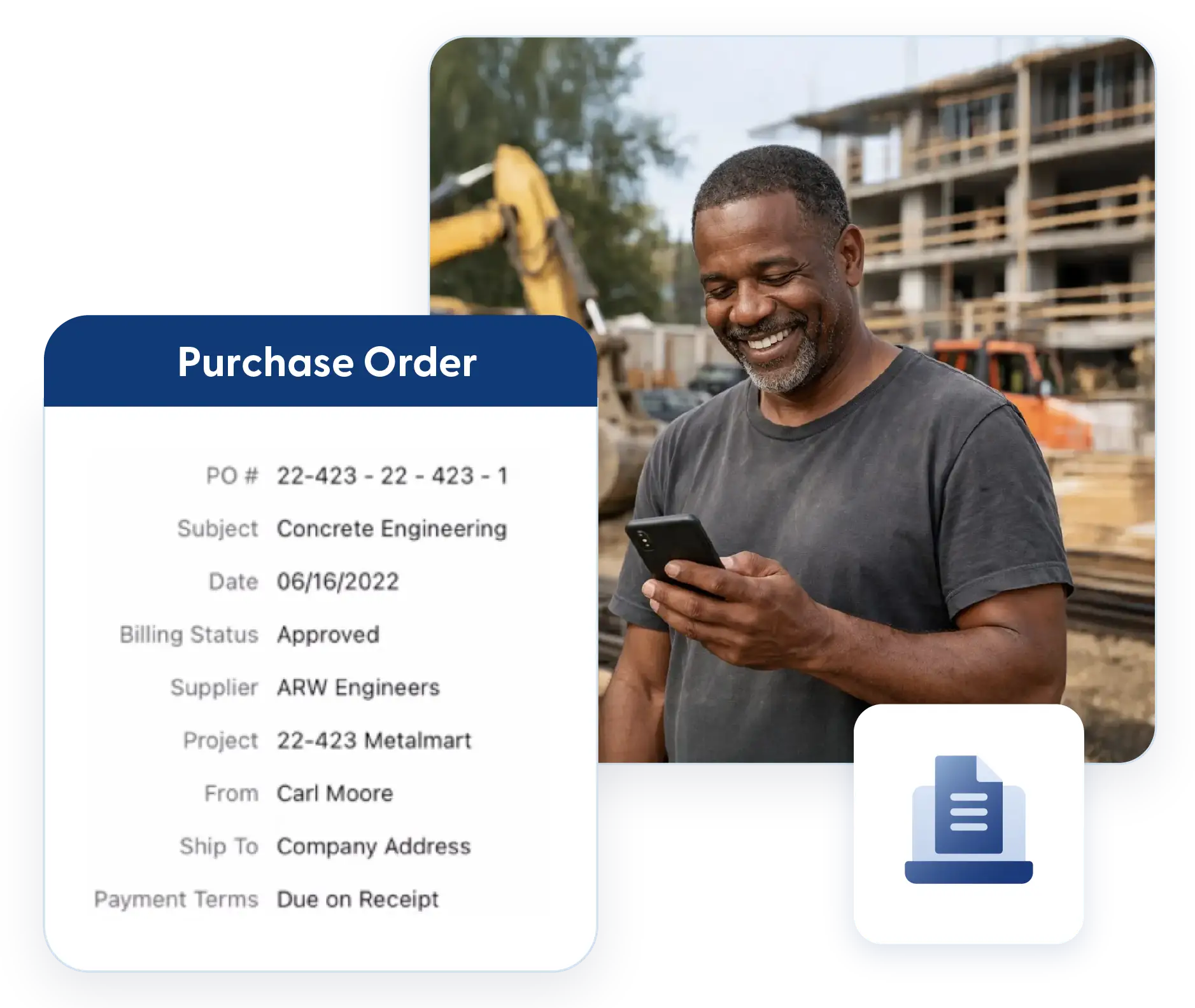
Material orders move fast. Keeping them organized shouldn’t slow you down. Contractor Foreman helps you track vendor costs, monitor deliveries, and tie bills directly back to purchase orders so nothing slips through the cracks. Generate bills, track delivered versus billed quantities, and keep your team aligned from order to payment.
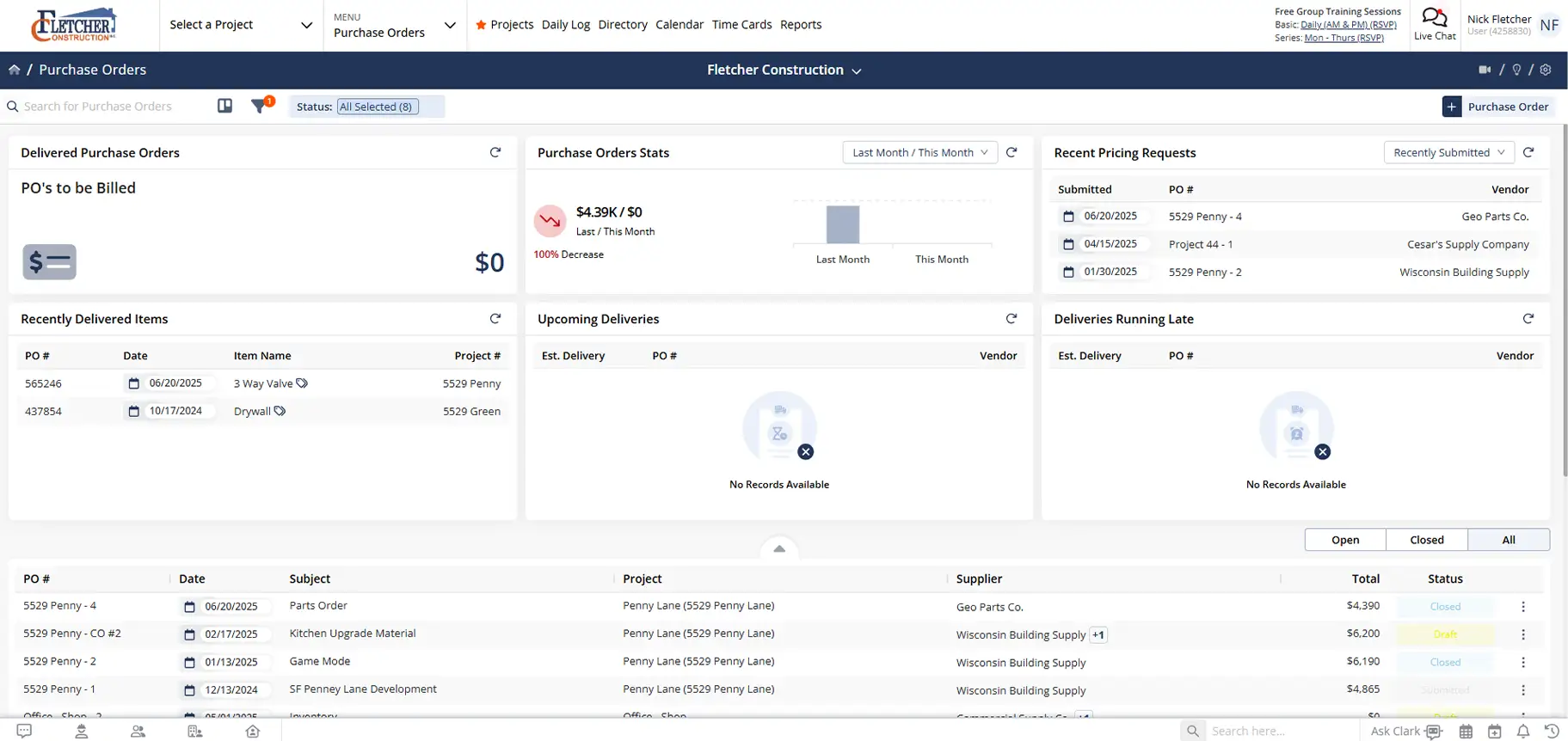
Stay in control of vendor costs and materials
Clear purchase order tracking that improves visibility, reduces errors, and keeps expenses connected to the job.

Track what was ordered, delivered, and billed
See the full picture at all times, even when materials arrive or are billed in stages.

Instantly turn purchase orders into bills
Generate bills directly from purchase orders without re-entering line items or details.

Keep purchasing moving without delays
Kanban views, filters, and pricing requests help you stay on top of vendor activity and next steps.
Check out these Purchase Order features
These individual features are tailor-made to meet your specific needs and preferences.
Vendor Billing
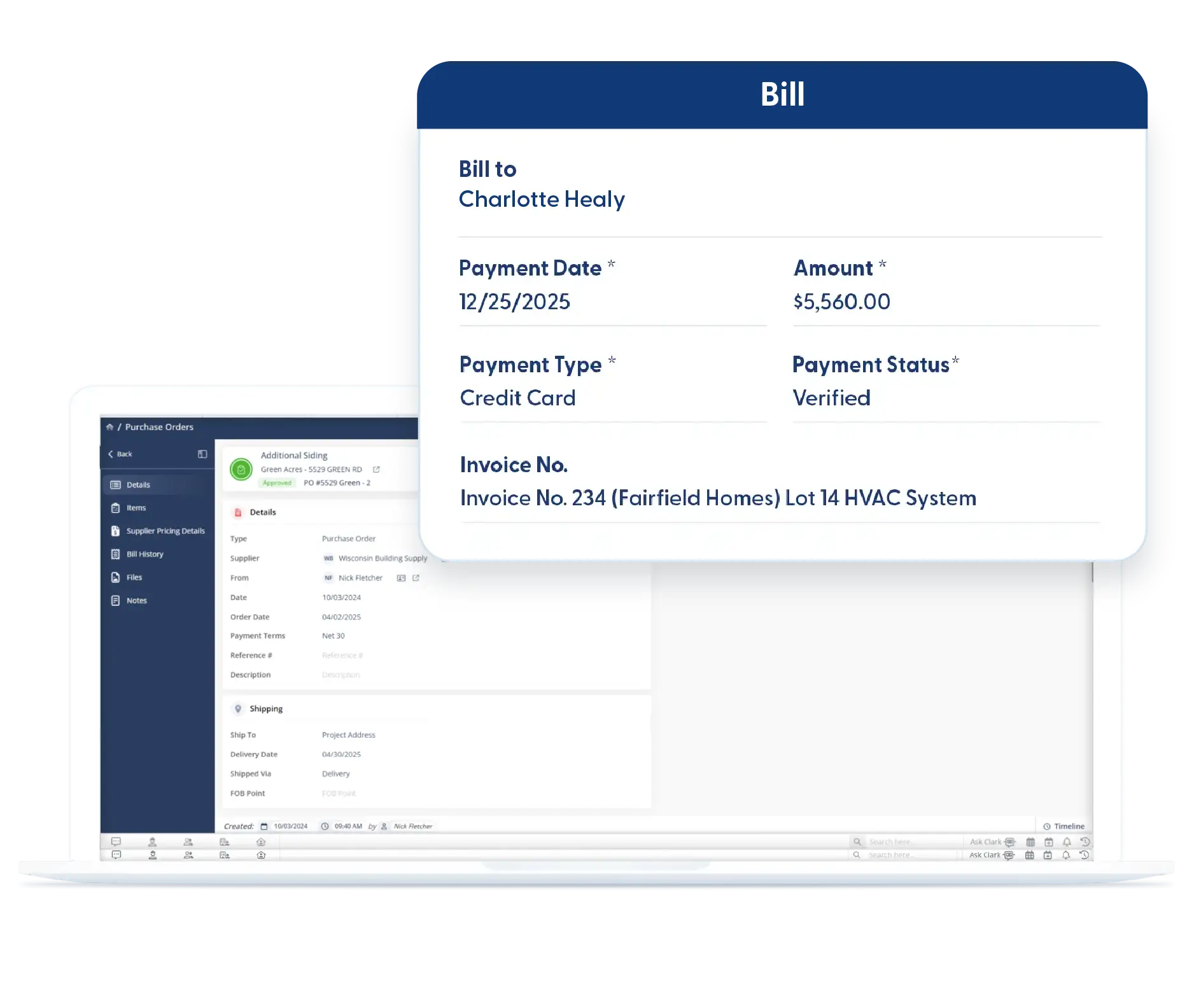
Track vendor costs from order to final payment without losing visibility. Generate bills from purchase orders and monitor billed and delivered quantities to ensure expenses are accurate and complete.
Generate Bill from Purchase Order
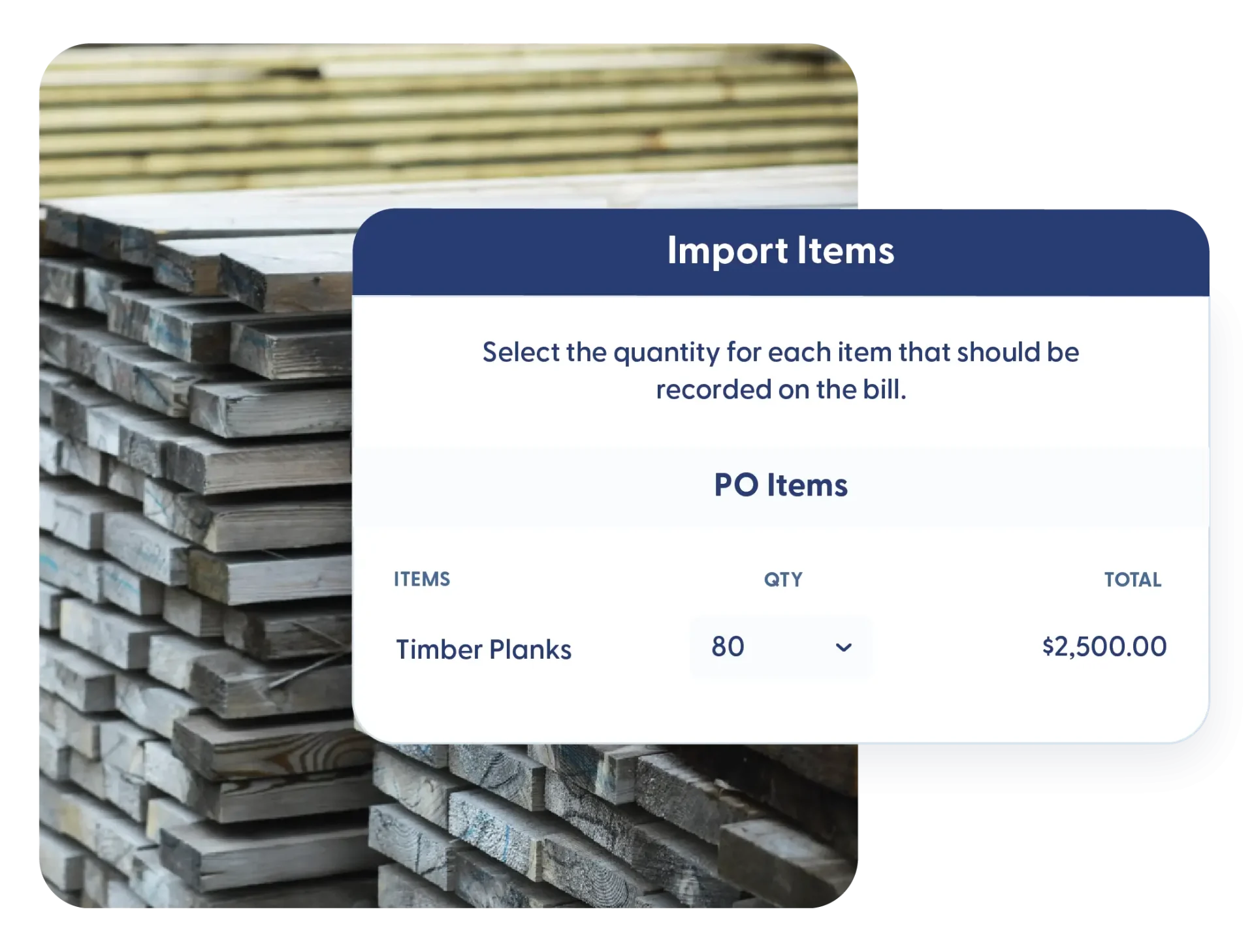
Creating bills should not mean starting over. Generate a bill directly from a purchase order with a single click. If only part of the order is billed, the system tracks the rest, so nothing gets missed later.
Billed Quantity Tracking
See how much you have been billed versus what is still outstanding. When vendors invoice in stages, billed quantities stay clear and accurate so costs match reality.
Delivered Quantity Tracking
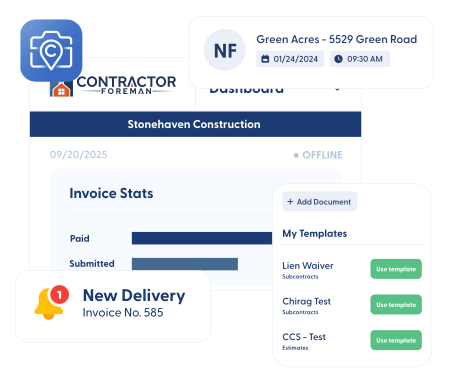
Know exactly how much material has arrived on site. Track delivered quantities alongside what was ordered so partial shipments and backorders stay visible to your entire team. Delivery updates can be recorded directly in the Daily Logs.
Procurement Workflow
Keep purchasing organized, from pricing to delivery. Request quotes, track order status, and capture key details to keep procurement efficient and aligned with project needs.
Pricing Requests
Request pricing from vendors without friction. Send pricing requests that vendors can open and respond to directly from email, no account or login required. Faster quotes mean faster decisions.
Kanban Views and Filters
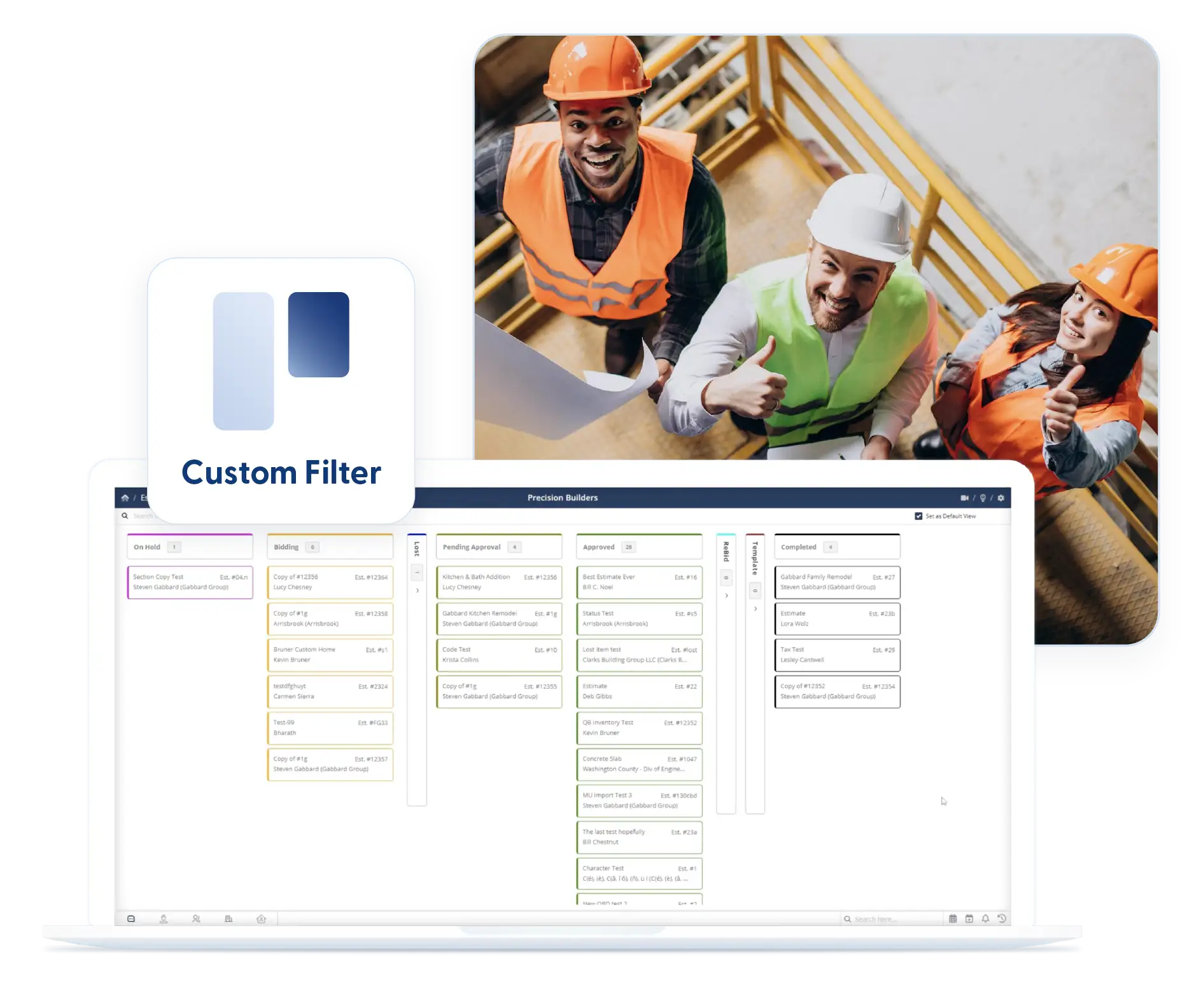
Spot bottlenecks instantly. Kanban views organize purchase orders by status so you can see what is waiting for vendor action, approvals, or deliveries. Filters help you focus on what matters and stay in place when you return.
Custom Fields
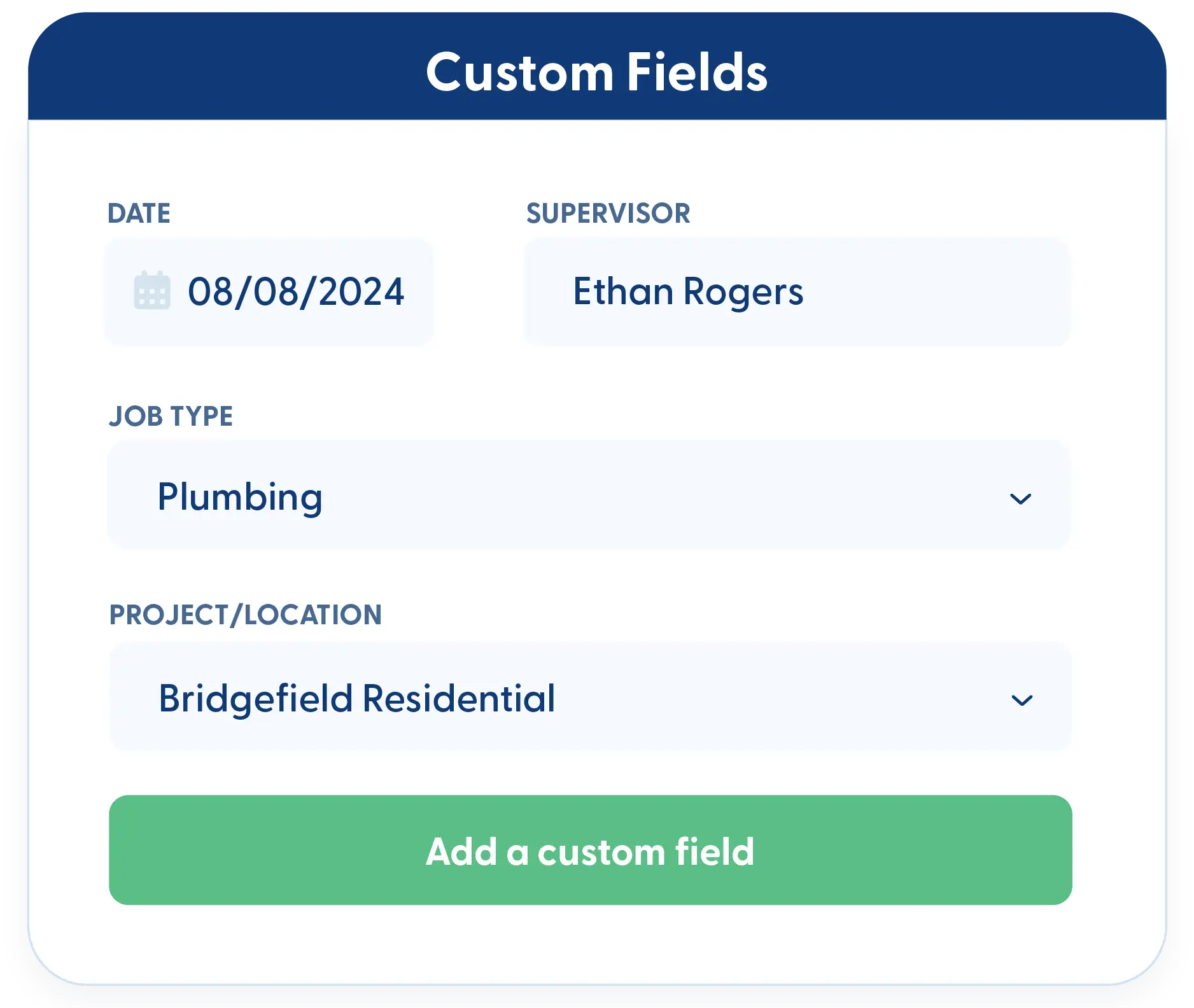
Track the details that matter to your business. Add custom fields for delivery notes, vendor references, or internal tracking. All custom data stays reportable and tied to your purchase orders.
Frequently Asked Questions
Have a Question? Click the LiveChat icon. After hours? Email support@contractorforeman.com.
Contractor Foreman offers simple, transparent pricing with unlimited users, projects, and features. There are no hidden fees or per-user charges. See our pricing page for more details.
Some companies offer a 7-day refund policy… maybe 30 days. We are so confident in Contractor Foreman that we give you up to 100-days to request a refund if you are not satisfied and no longer wish to use it. See the Refund Policy for details and requirements.
No. You can create unlimited purchase orders at no additional cost.
Yes. Delivered quantities and billed quantities are tracked separately so partial shipments and staged billing stay clear.
No. Vendors can open and respond to pricing requests directly from email without creating an account.

Sign up for a free demo and see it in action!
Let us show you how Contractor Foreman can start saving you and your company a lot of time and money. Schedule a free demo for yourself or your crew.
Start a Free Trial
We have plans starting at $49/month

Have a question? See our Frequently Asked Questions or give us a call (828) 375-8042 or click Live Chat.






