
Online Payments
Make it easy for customers to pay you
Getting paid should feel simple for you and your customers. Contractor Foreman lets clients pay invoices online, over the phone, or in person, so payments happen faster and with less friction. Choose how payments are accepted, keep processing costs low, and see payments tied directly to invoices without extra work.
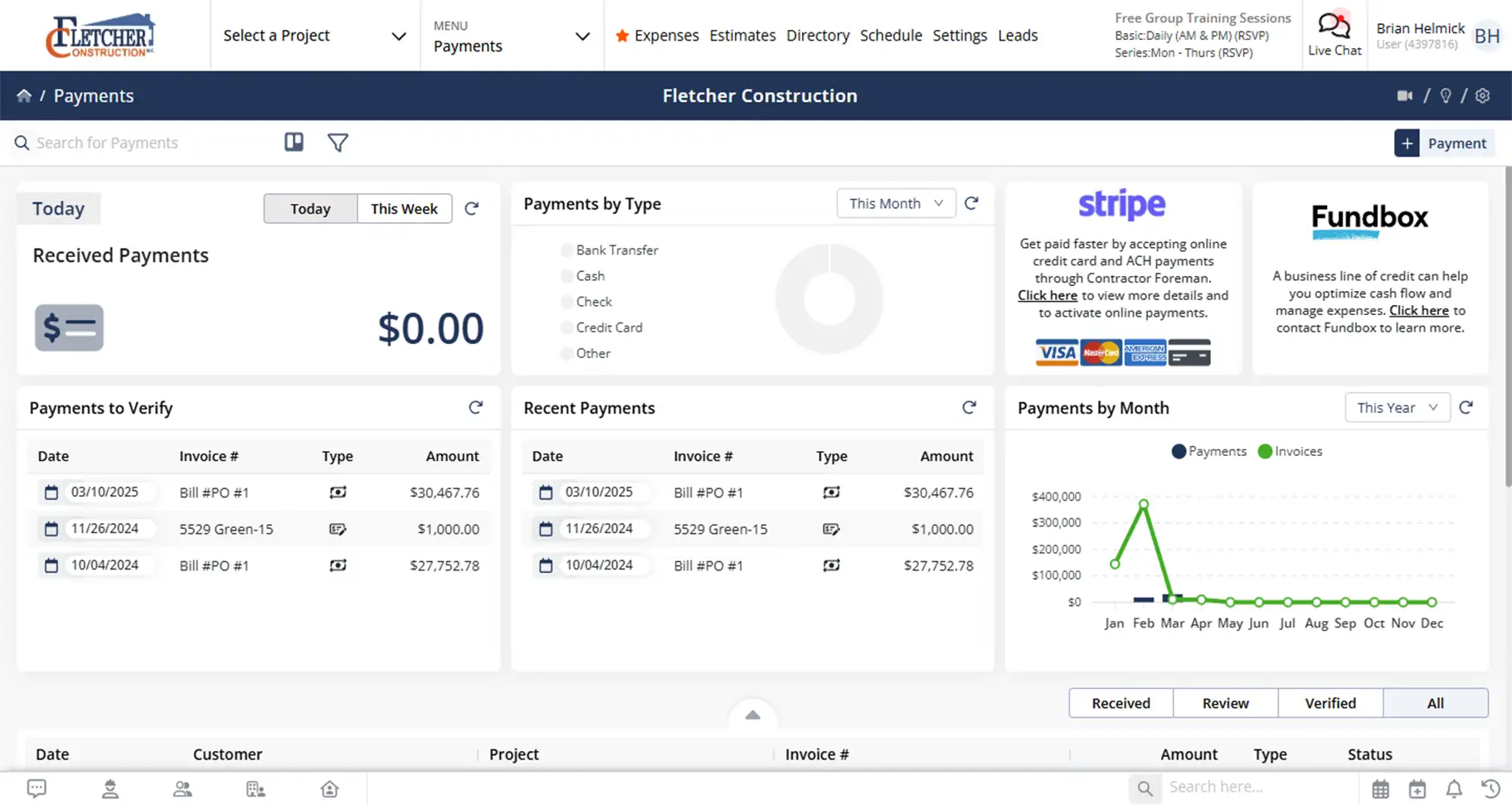
Faster payments with fewer follow-ups
Flexible payment options that reduce delays, lower transaction costs, and help cash hit your account sooner.
Give customers more ways to pay
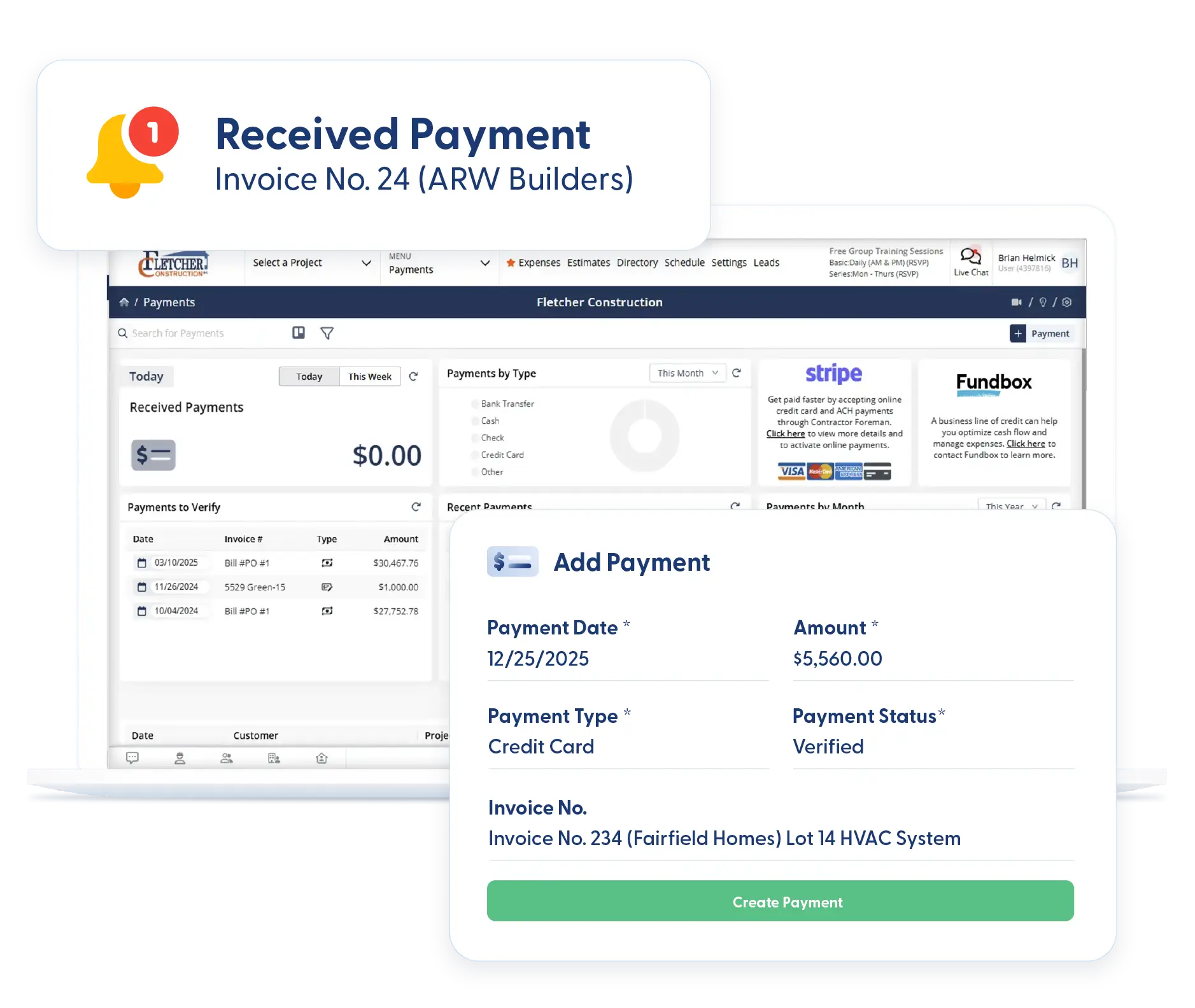
Accept credit cards, ACH transfers, phone payments, and in-person payments so clients can pay the way they prefer.
Control processing costs
Set payment rules and limits so larger payments flow through ACH while smaller invoices stay convenient for card payments.
Keep payments connected to your books
Online payments stay tied to invoices and sync cleanly to QuickBooks to avoid double entry.
Check out these Online Payments features
These individual features are tailor-made to meet your specific needs and preferences.
Flexible Payment Options
Offer multiple payment options without slowing the process. Control payment methods, support split payments, and collect funds quickly, whether online, over the phone, or in person.
Payment Method Preferences
Choose how customers can pay based on invoice amount. Allow smaller invoices to be paid by credit card, while requiring larger payments to be processed via ACH. You stay in control of convenience and transaction fees.
Break-Up Payments
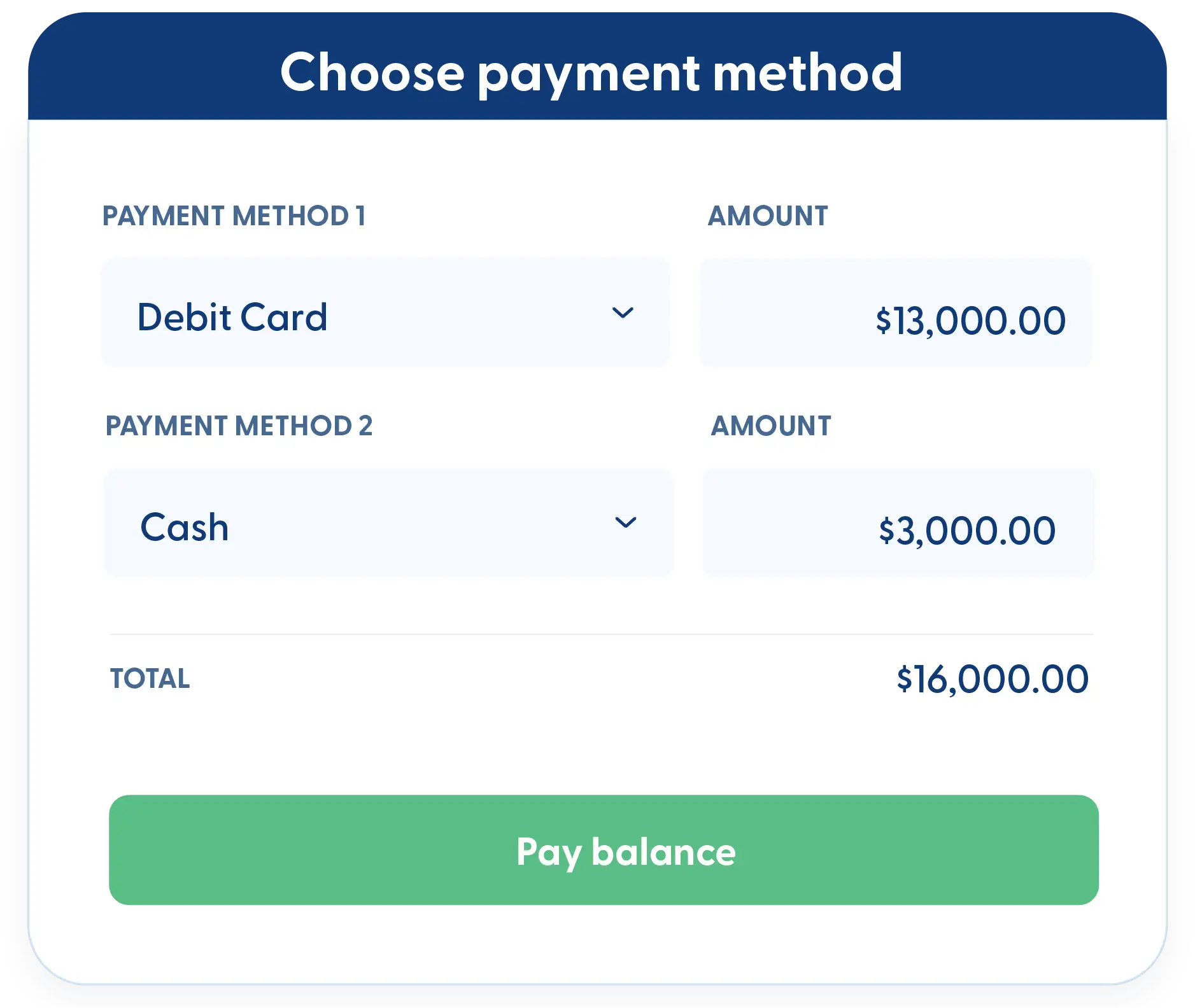
Let customers split payments across multiple credit cards or bank accounts. Paying part by card and part by ACH keeps things flexible and removes payment roadblocks.
Payments Over the Phone
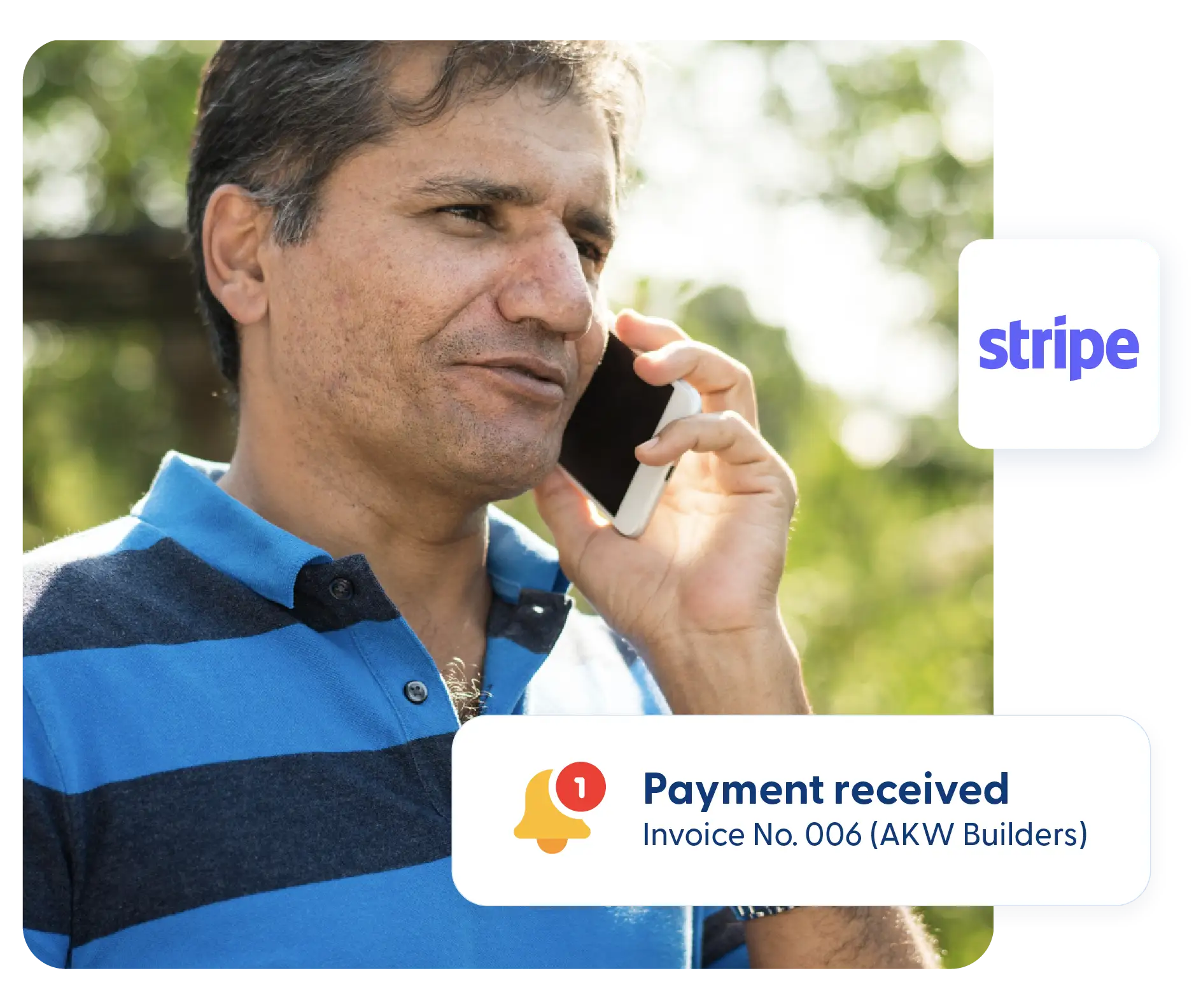
Run card payments over the phone when customers prefer not to pay online. It’s a simple option that helps close payments faster without extra steps.
In-Person Payments
Get paid on the spot using the mobile app. Collect payment right after work is completed instead of sending an invoice later and waiting days or weeks.
Accounting Integration
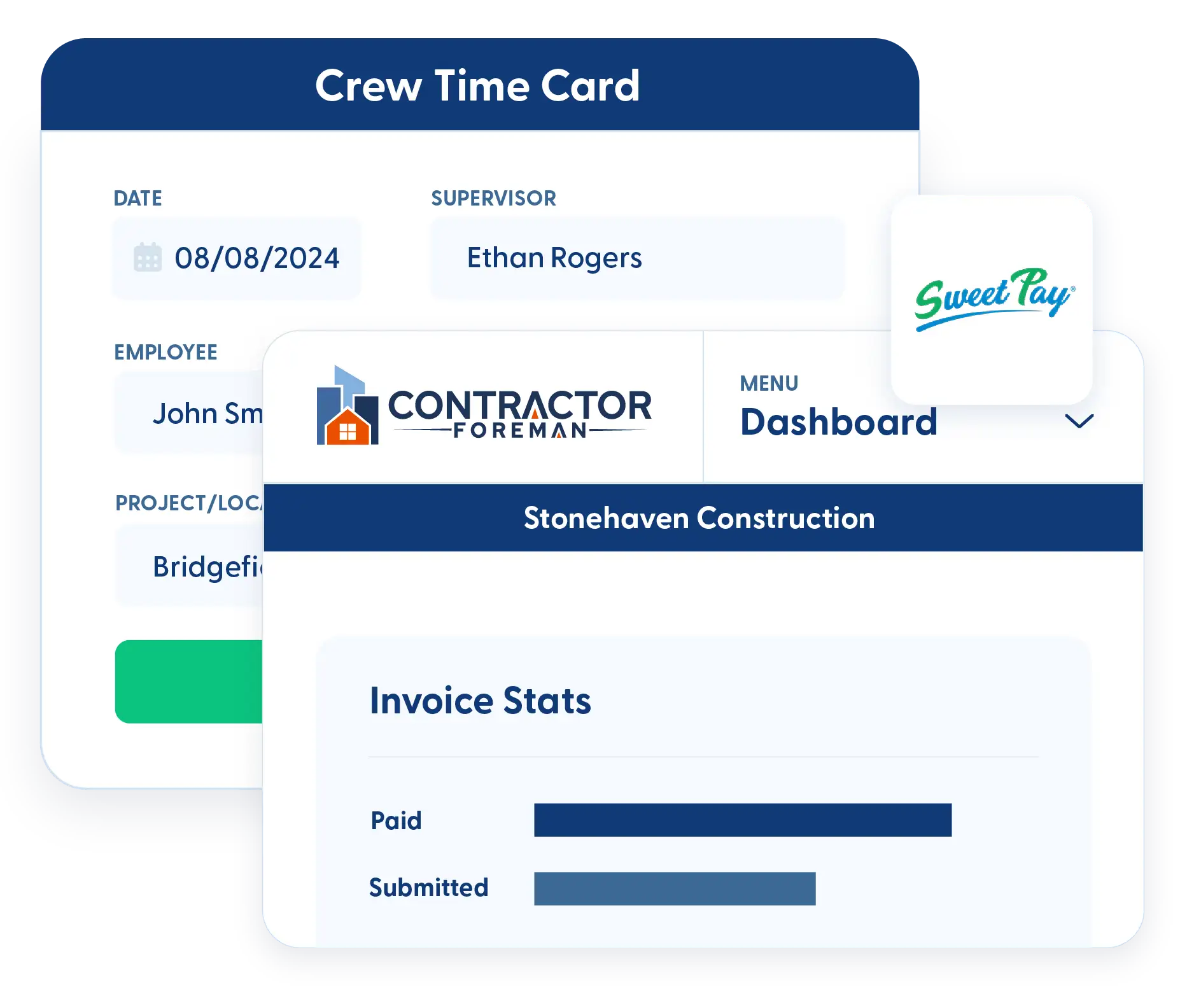
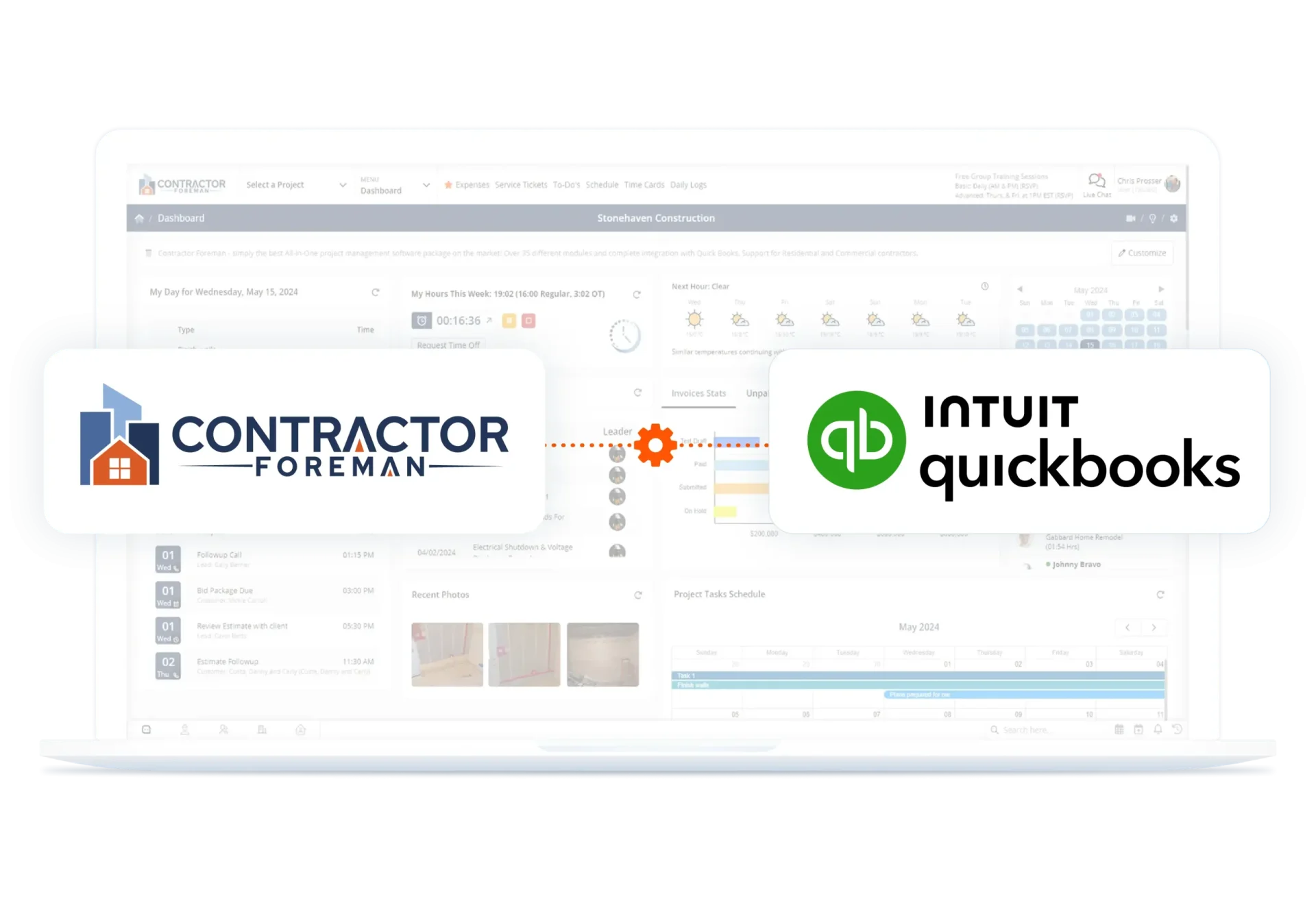
Keep payment records accurate and in sync with your accounting system. Automatically link payments to invoices, reduce manual entry, and keep processing costs predictable.
Sync Payments to QuickBooks
When a payment is received, it’s linked to the invoice and syncs directly to QuickBooks Online. No double entry and no chasing down payment records.
Lowest Transaction Rates
Avoid inflated processing fees. Contractor Foreman offers competitive rates with ACH transfers at 1 percent and credit card processing at 2.9 percent. More of the payment stays in your account.
Frequently Asked Questions
Have a Question? Click the LiveChat icon. After hours? Email support@contractorforeman.com.
Contractor Foreman offers simple, transparent pricing with unlimited users, projects, and features. There are no hidden fees or per-user charges. See our pricing page for more details.
Some companies offer a 7-day refund policy… maybe 30 days. We are so confident in Contractor Foreman that we give you up to 100-days to request a refund if you are not satisfied and no longer wish to use it. See the Refund Policy for details and requirements.
You can choose whether to absorb processing fees or pass them along to the customer, depending on how you prefer to handle payments.
Yes. Payments can be processed over the phone or in person using the mobile app without requiring the customer to click a payment link.
Partial payments are recorded against the invoice, keeping balances accurate and easy to track until the invoice is fully paid.

Sign up for a free demo and see it in action!
Let us show you how Contractor Foreman can start saving you and your company a lot of time and money. Schedule a free demo for yourself or your crew.
Start a Free Trial
We have plans starting at $49/month

Have a question? See our Frequently Asked Questions or give us a call (828) 375-8042 or click Live Chat.






