
Invoices
Stay on track with your accounts receivable
Work is hard. Getting paid shouldn’t be. Contractor Foreman’s invoicing tools help you bill accurately, track retainage, and collect payments faster without piling on admin work. Create professional invoices, handle time and material billing, manage taxes correctly, and accept online payments — all from one place.
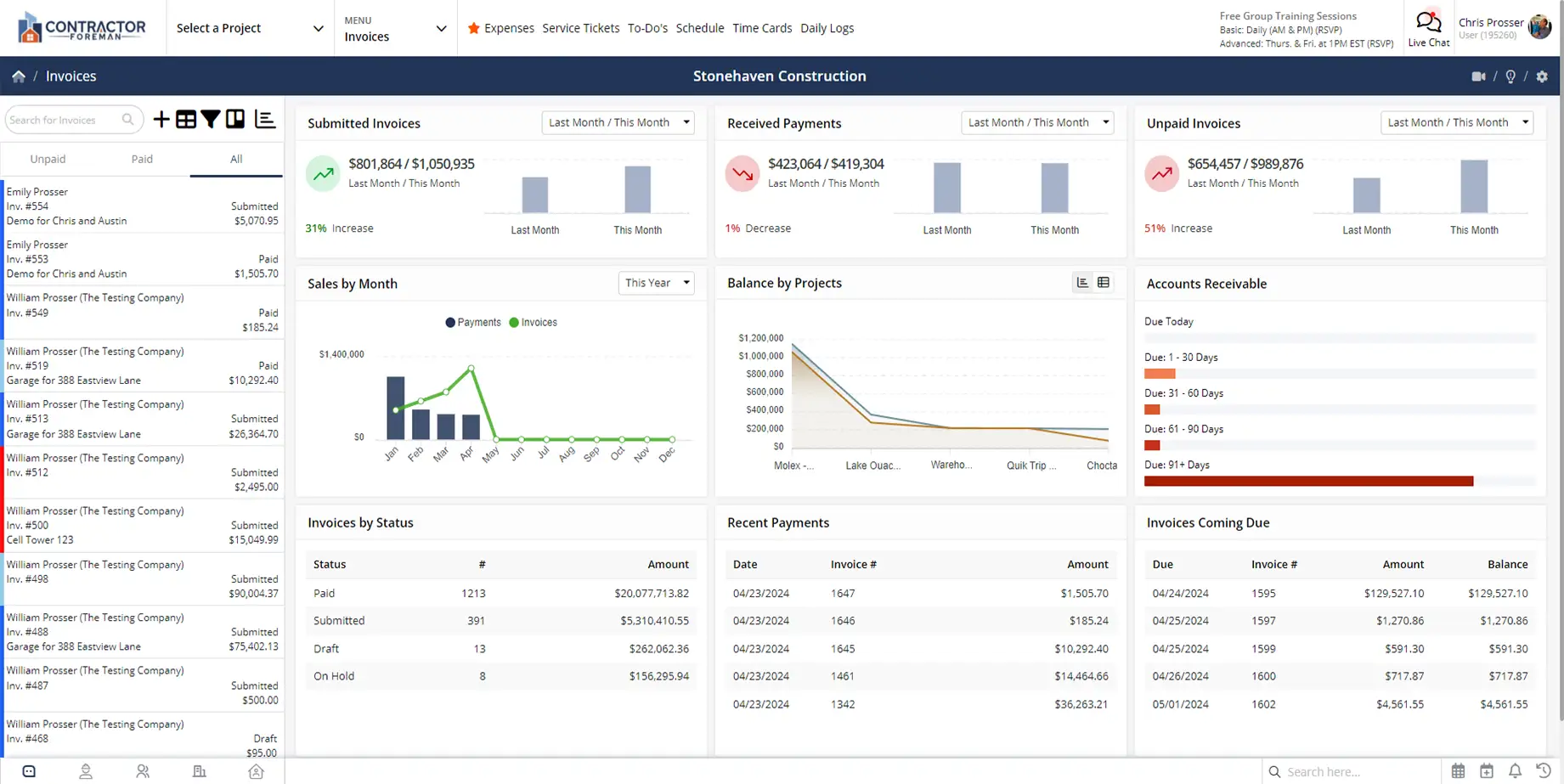
Invoice smarter and get paid sooner
Clear, flexible invoicing that reduces delays, avoids confusion, and keeps cash flowing without constant follow-ups.

Bill the way your jobs are structured
Create invoices for time and material work, AIA contracts, or standard billing without forcing your business into a rigid format.

Keep retainage and taxes accurate
Automatic retainage tracking and flexible tax rate setup reduce errors and help prevent disputes before they start.

Make it easy for customers to pay
Online payments, correct currency formatting, and clean invoice layouts help invoices get approved and paid faster.
Check out these Invoice features
These individual features are tailor-made to meet your specific needs and preferences.
Retainage & Contract Billing
Handle contract billing requirements with accuracy and less manual work. Track retainage, generate compliant invoices, and pull real job costs into billing so nothing gets missed.
Retainage & Retention Tracking
Tracking retainage shouldn’t require spreadsheets or guesswork. Retention is calculated automatically, so you always know what is being held and what is due. If retainage terms change mid-project, the system adjusts without manual rework.
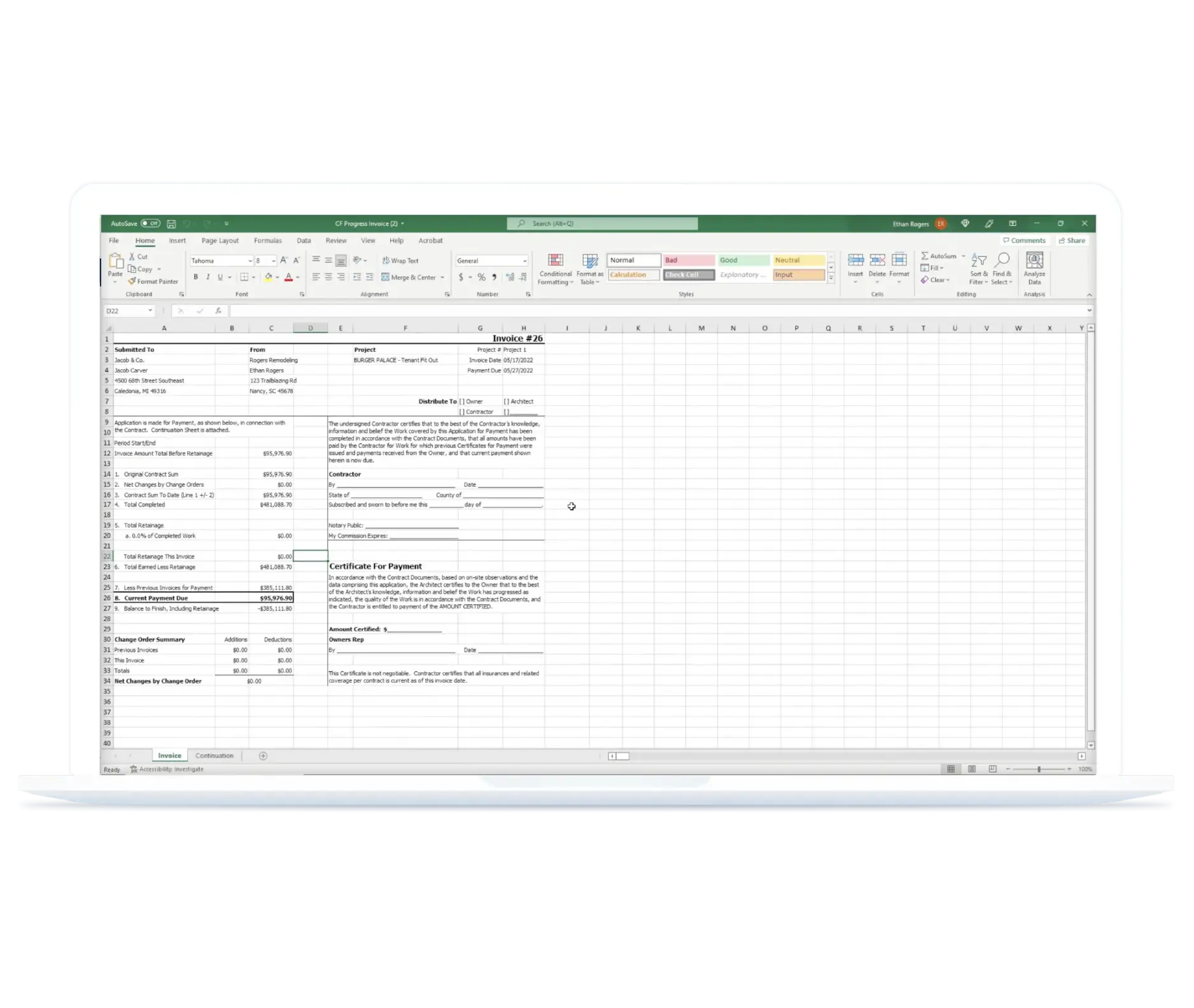
AIA Style Invoicing (G702 & G703)
AIA billing does not need to be complicated. Contractor Foreman automatically generates G702 and G703 forms and tracks retainage in the background. If a GC requires AIA billing now or later, you are already prepared.
Time & Material Billing
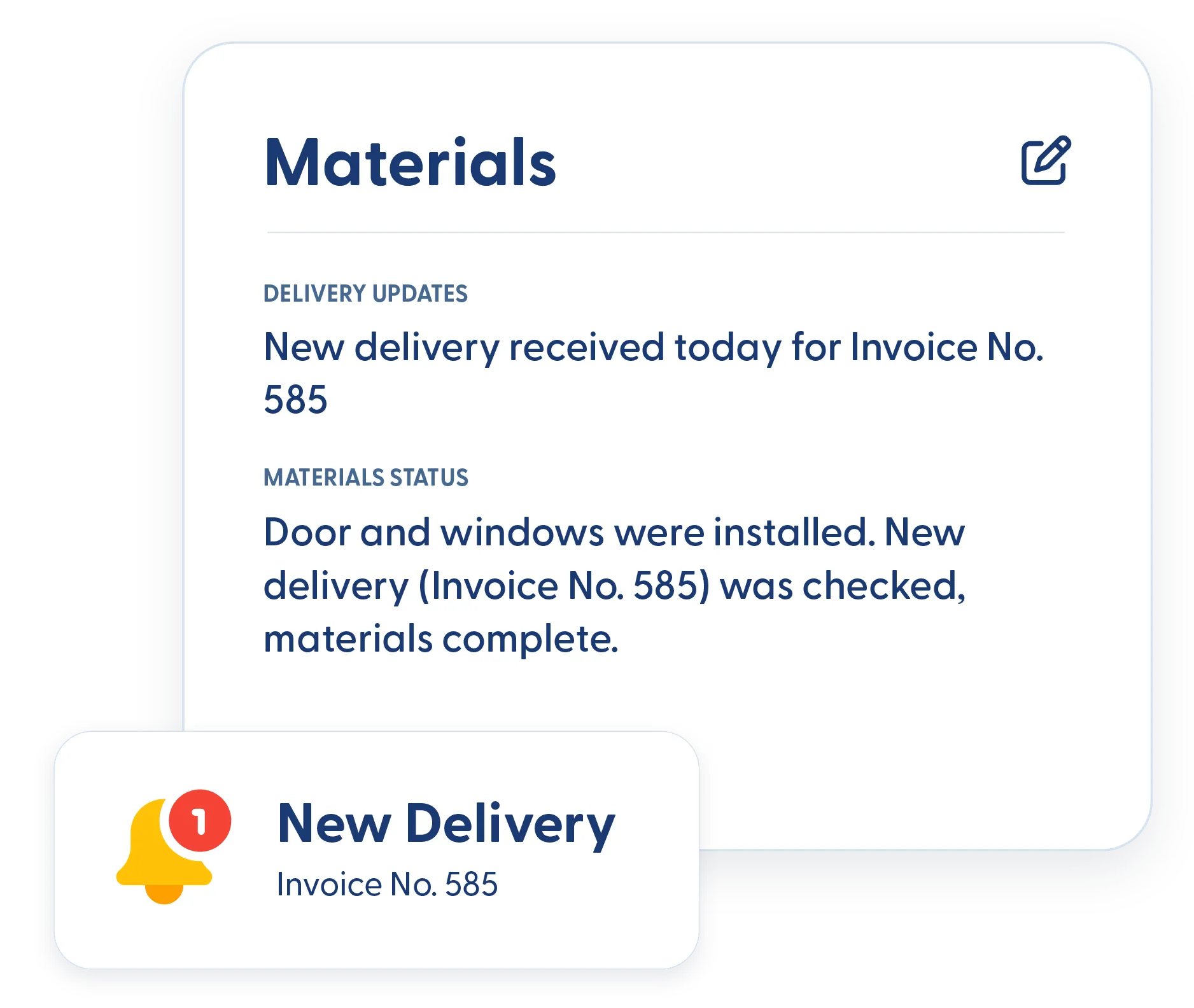
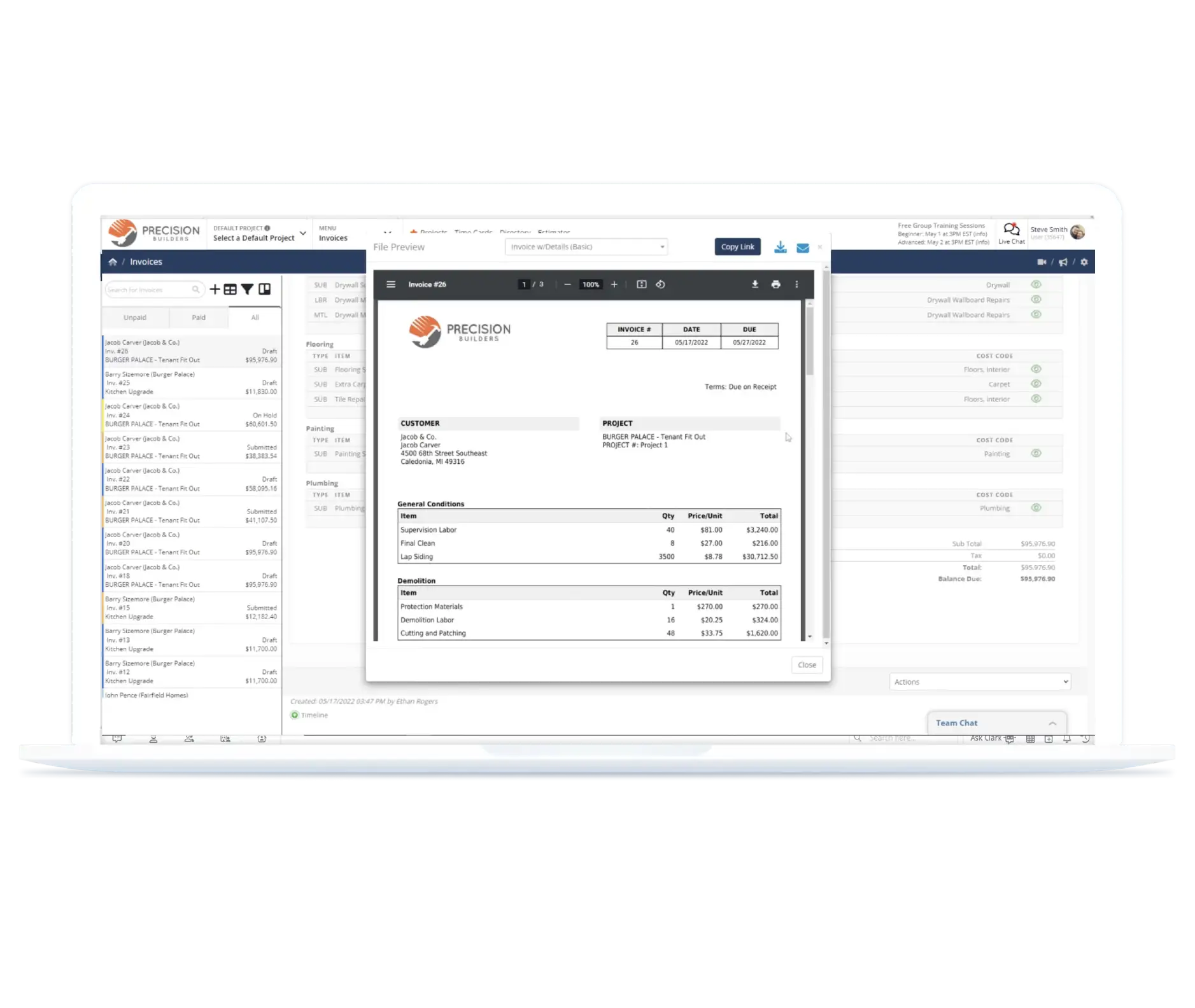
Billing for time and materials stays simple and accurate. Pull time cards, expenses, and other job costs directly into invoices so nothing gets missed and billing reflects real work completed.
Invoice Configuration
Set up invoices to match your billing requirements. Control payment options, taxes, currency, and custom data so every invoice is accurate, compliant, and ready to send.
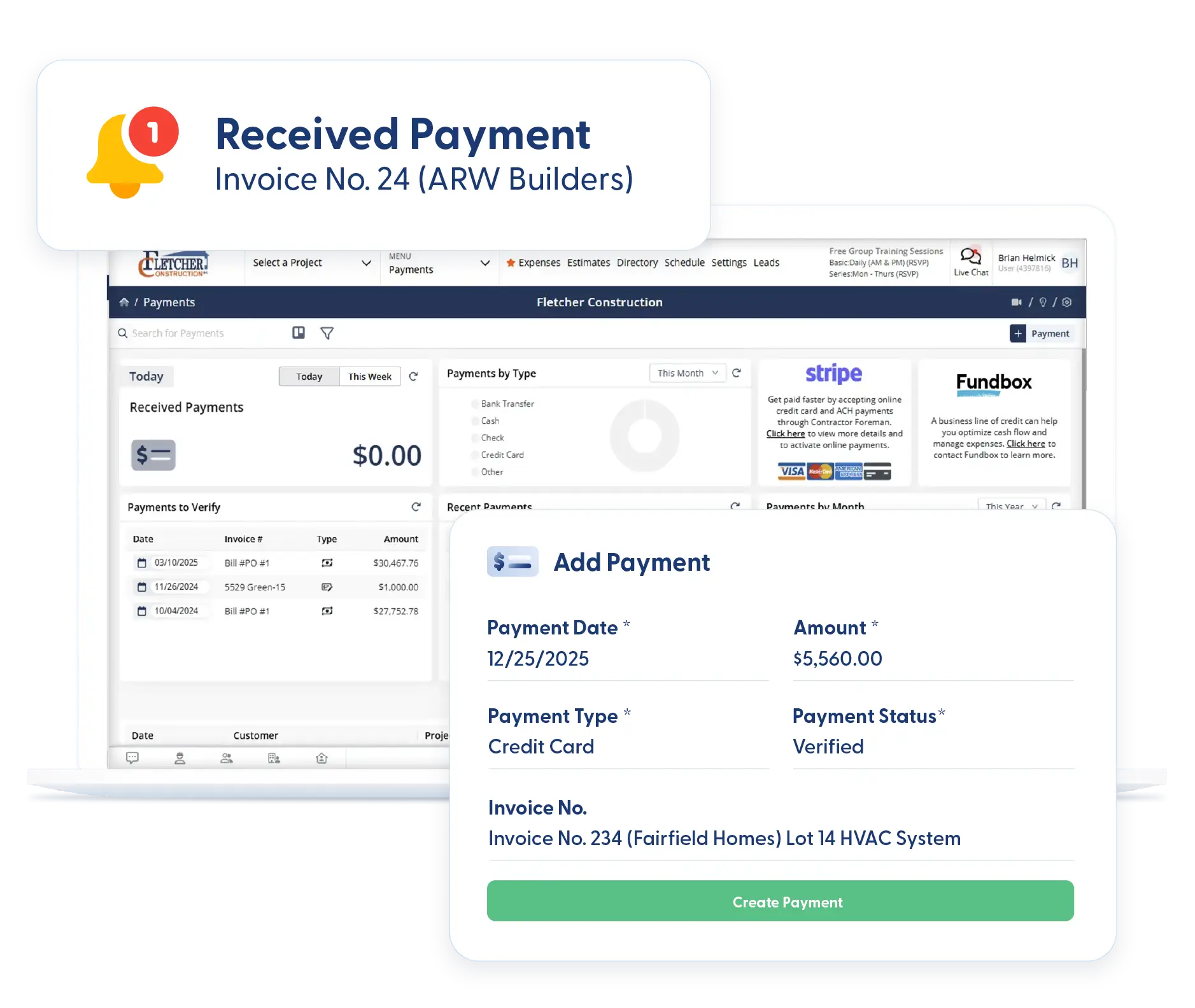
Online Payments (Credit Card & ACH)
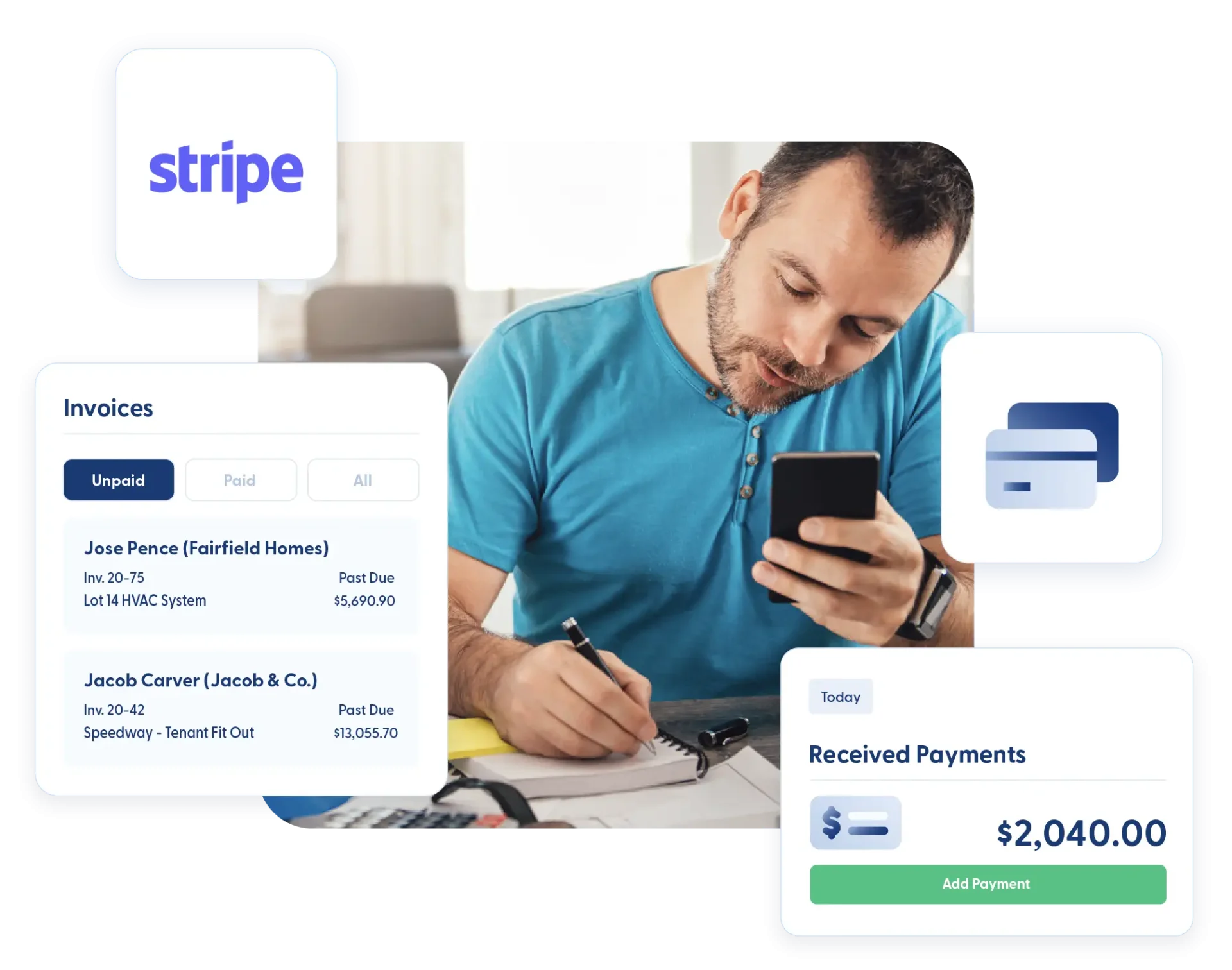
Let customers pay invoices online using credit cards or ACH. Faster payment options reduce delays and help keep cash flow steady without extra phone calls or reminders.
Local Currency Support
Invoice confidently in the correct local currency, no matter where you work. Contractor Foreman supports invoicing in over 75 countries, so currency symbols and totals are always accurate.
Tax Rate Setup & Multiple Tax Jurisdictions
Set up tax rates based on where you operate. Add multiple tax rates, group taxes, or region-specific requirements, so invoices calculate taxes correctly for each job.
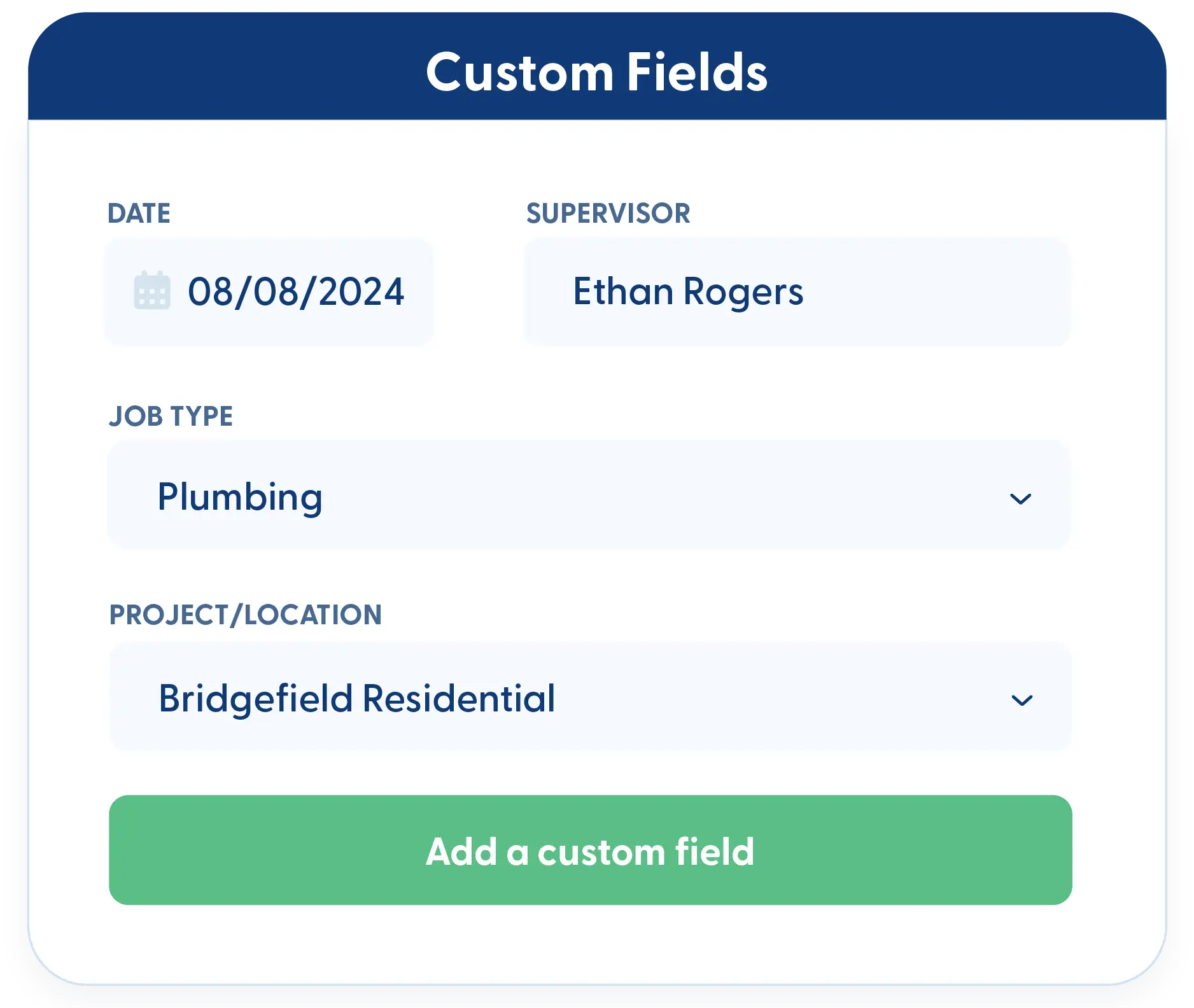
Custom Fields
Track the details that matter to your business. Add custom fields to invoices for internal tracking, client requirements, or additional documentation. All custom data remains reportable and usable in invoice templates.

Frequently Asked Questions
Have a Question? Click the LiveChat icon. After hours? Email support@contractorforeman.com.
Contractor Foreman offers simple, transparent pricing with unlimited users, projects, and features. There are no hidden fees or per-user charges. See our pricing page for more details.
Some companies offer a 7-day refund policy… maybe 30 days. We are so confident in Contractor Foreman that we give you up to 100-days to request a refund if you are not satisfied and no longer wish to use it. See the Refund Policy for details and requirements.
No. You can create and send unlimited invoices with no price increase, regardless of how many clients or projects you manage.
Yes. Time cards, materials, and related job costs can all be included on a single invoice.
No. Clients can view and pay invoices without creating an account, keeping the payment process fast and simple.

Sign up for a free demo and see it in action!
Let us show you how Contractor Foreman can start saving you and your company a lot of time and money. Schedule a free demo for yourself or your crew.
Start a Free Trial
We have plans starting at $49/month

Have a question? See our Frequently Asked Questions or give us a call (828) 375-8042 or click Live Chat.






