
Permits
Keep permits organized and inspections connected
Permits come with dates, fees, inspections, and paperwork that are easy to lose track of once a project is underway. Contractor Foreman keeps all of that information in one place so nothing gets missed and the paper trail stays clean.
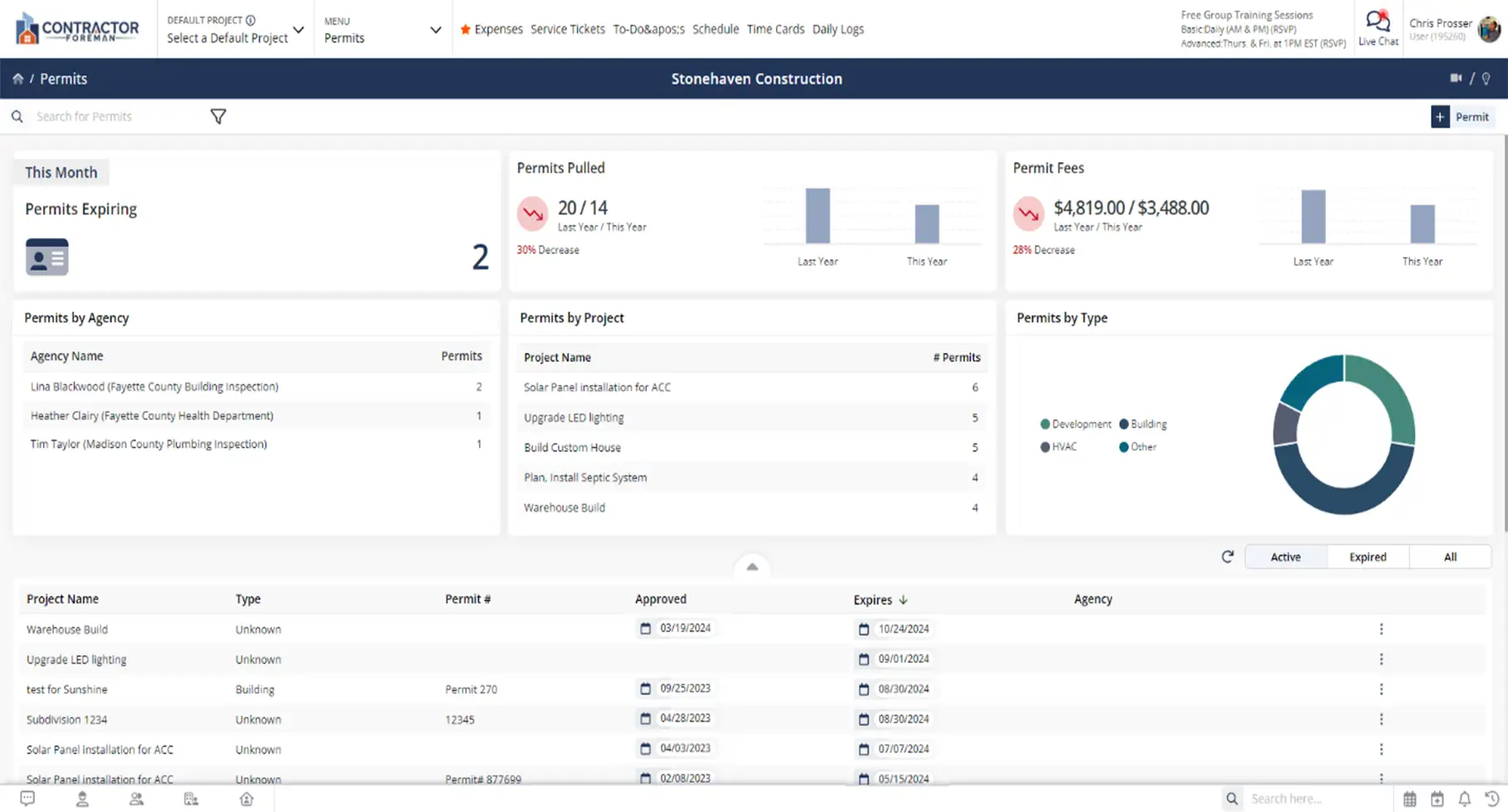
Know where every permit stands
From pull dates to inspection status, Permit Manager gives you visibility into what’s been issued, what’s pending, and what’s coming up next — without digging through folders or emails.

Stay ahead of deadlines
Permit dates automatically appear on your calendar, making it easier to track upcoming inspections and critical milestones.

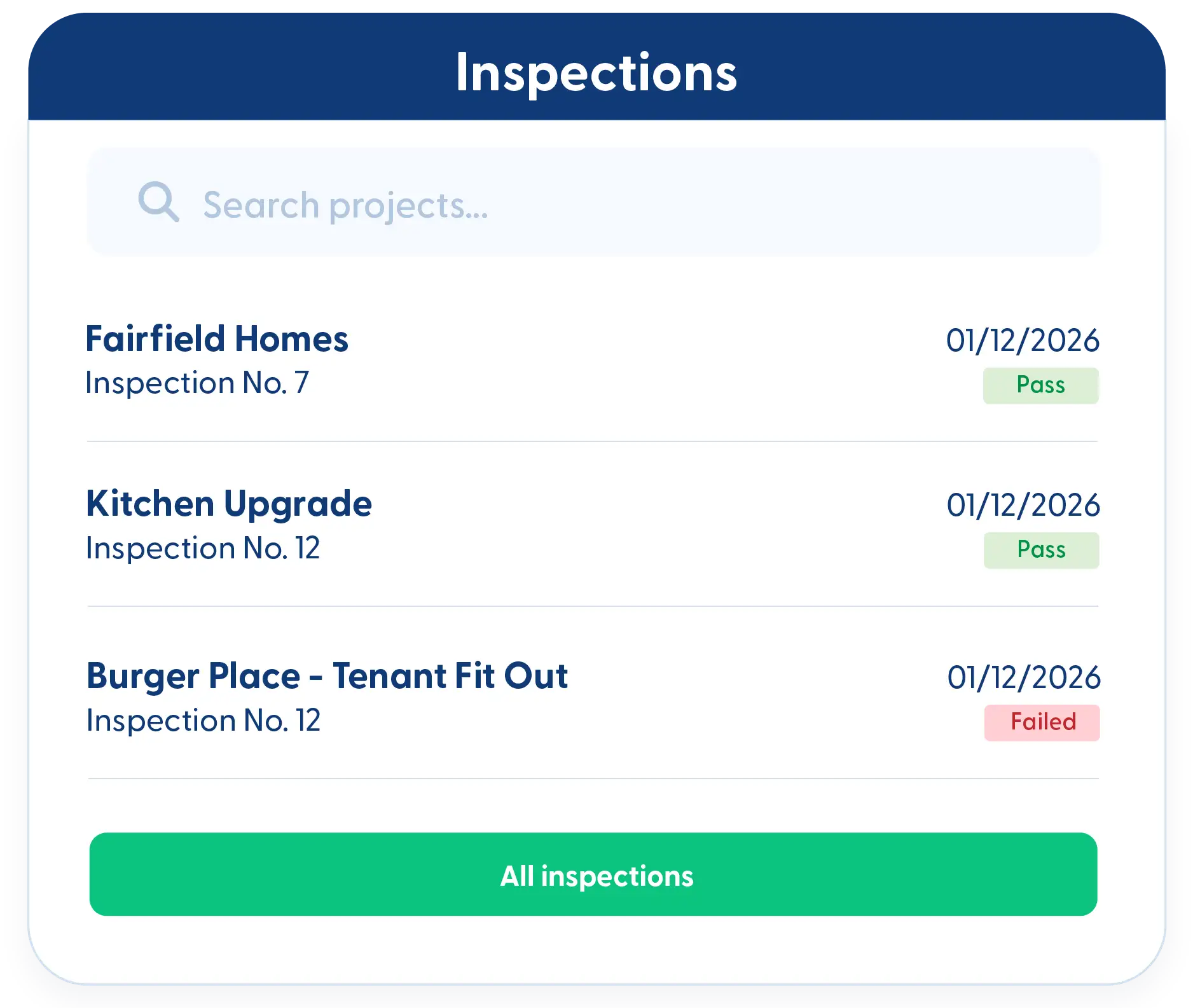
Keep inspections tied to the right permits
Link inspections directly to permits so approvals, failures, and re-inspections all stay connected.

Track costs without extra spreadsheets
Permit costs are logged with the permit record, giving you a clearer view of compliance-related expenses.
Check out these Permit Manager features
These individual features are tailor-made to meet your specific needs and preferences.
Regulatory Compliance
Keep permits and approvals organized and easy to track. Monitor deadlines, link inspections, and store key details to maintain compliance and ensure nothing slips through.
Permit dashboard with calendar-linked dates
Permit pull dates, expiration dates, and other key milestones automatically appear on your calendar, helping you plan ahead.
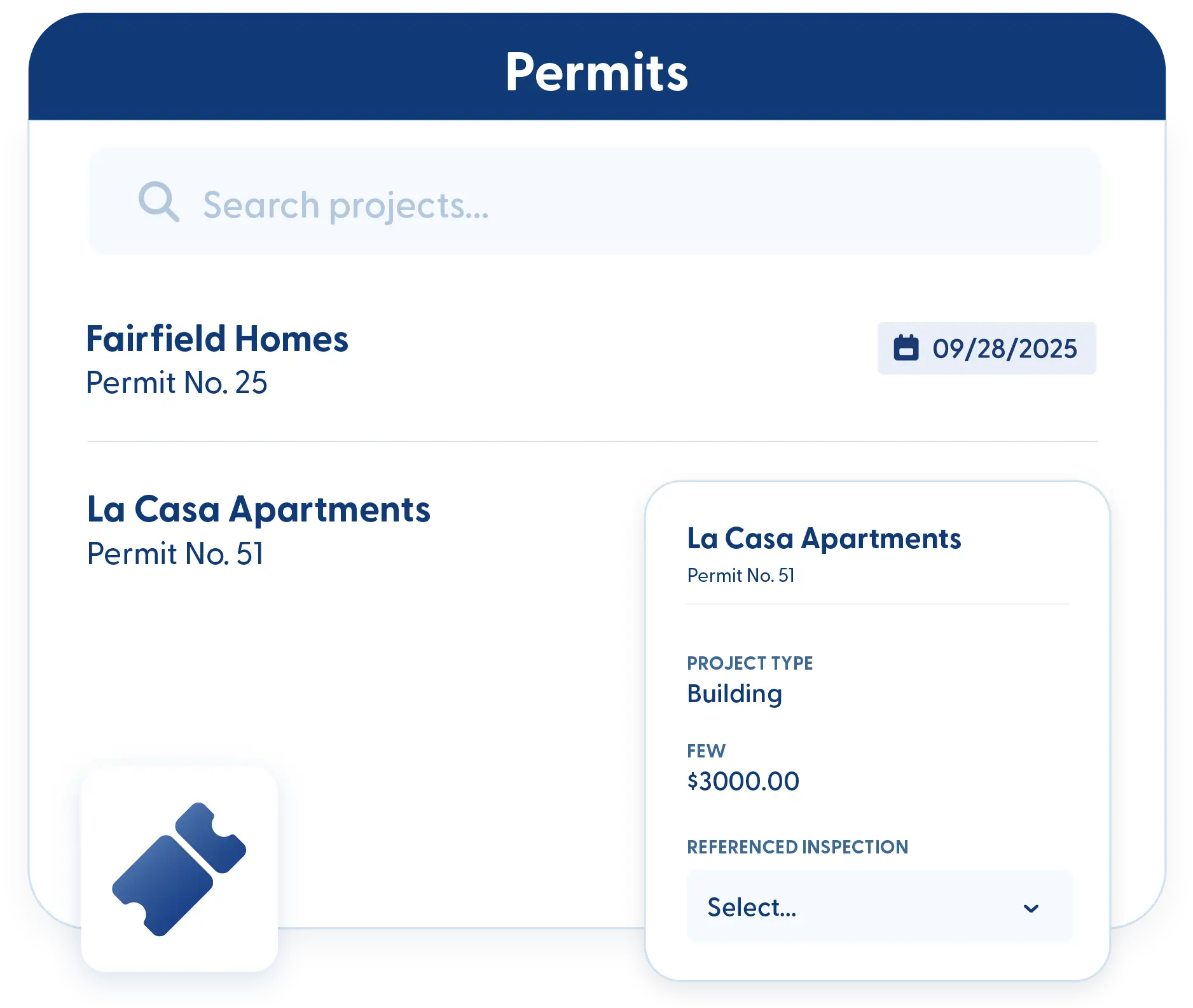
Permit & inspection linkage
Tie inspections directly to permits to maintain a complete approval history and reduce confusion during reviews.
Cost and pull-by date tracking
Track permit fees and pull-by dates in one place so important details don’t get overlooked.
Frequently Asked Questions
Have a Question? Click the LiveChat icon. After hours? Email support@contractorforeman.com.
Contractor Foreman offers simple, transparent pricing with unlimited users, projects, and features. There are no hidden fees or per-user charges. See our pricing page for more details.
Some companies offer a 7-day refund policy… maybe 30 days. We are so confident in Contractor Foreman that we give you up to 100-days to request a refund if you are not satisfied and no longer wish to use it. See the Refund Policy for details and requirements.
Yes. Permit dates appear on the calendar, making them easy to see alongside other project activities.
Yes. Permit costs are stored with the permit record and can be included in reports.
Custom fields allow you to track additional information specific to your permitting process.

Sign up for a free demo and see it in action!
Let us show you how Contractor Foreman can start saving you and your company a lot of time and money. Schedule a free demo for yourself or your crew.
Start a Free Trial
We have plans starting at $49/month

Have a question? See our Frequently Asked Questions or give us a call (828) 375-8042 or click Live Chat.






