
Work Orders
Handle small jobs without missing a beat
Not every job needs a full project setup. Work Orders give you a clean way to manage smaller tasks, quick jobs, and one-off work without extra steps. Assign it, approve it, complete it, and bill it — all in one place.
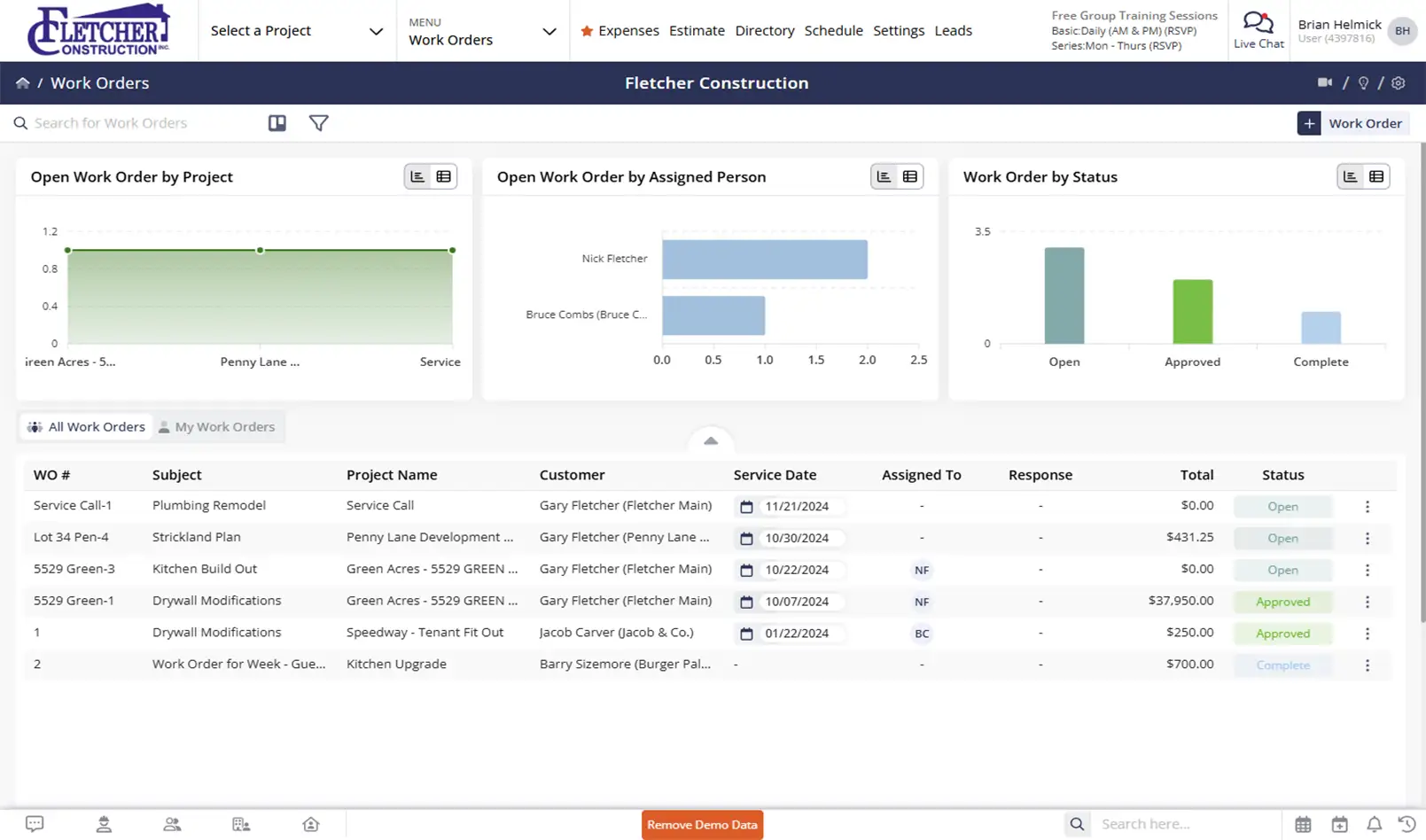
Keep small jobs moving and money flowing
Work Orders help you complete work faster, reduce back-and-forth, and turn finished work into invoices without double entry.

Get approvals without the paperwork
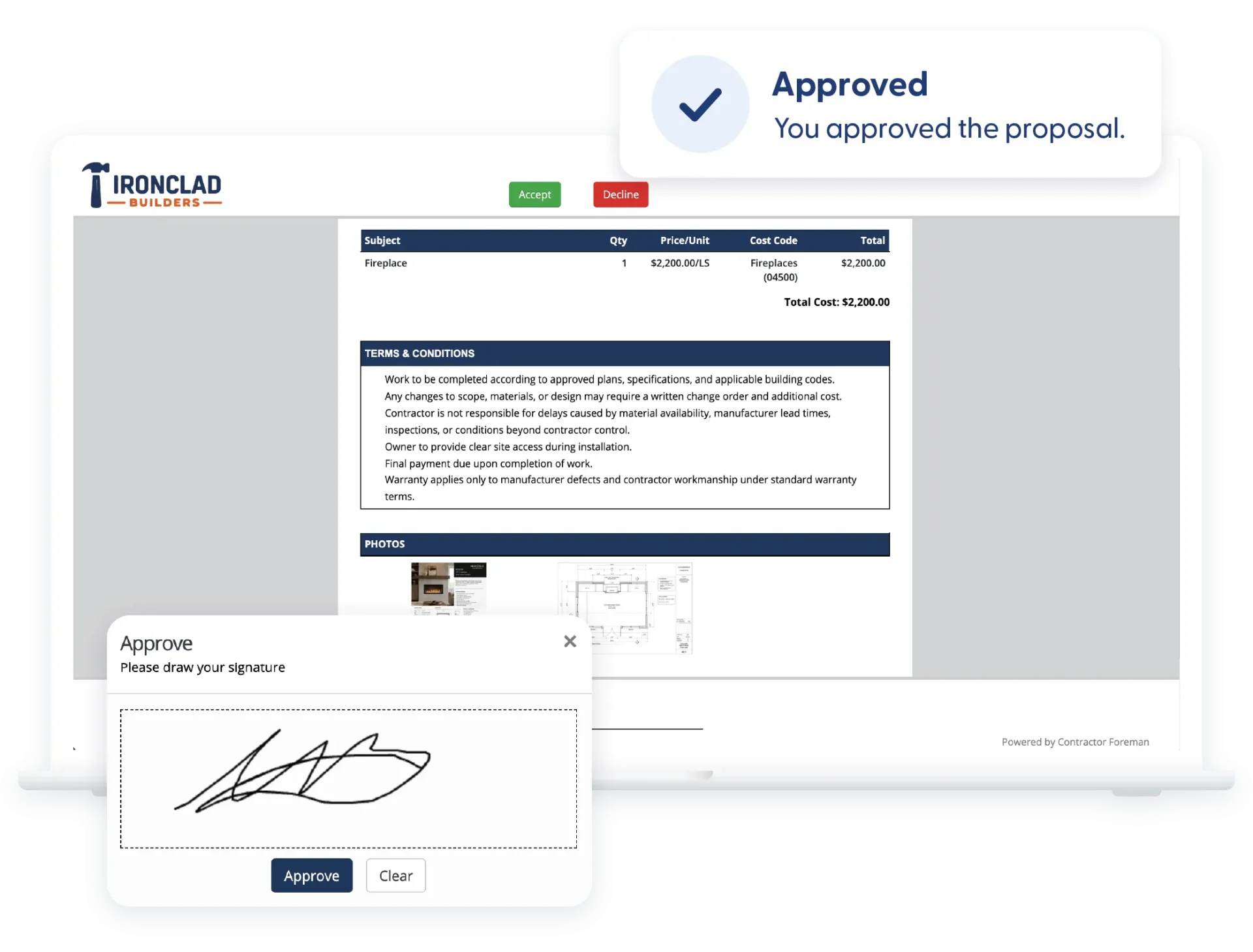
Send work orders electronically and capture signatures so work can start sooner.

Keep ownership clear
Assign responsibility and dates so nothing gets forgotten or stuck.

Bill the moment work is done
Turn completed work orders directly into invoices and move on to the next job.
Check out these Work Orders features
These individual features are tailor-made to meet your specific needs and preferences.
Workflow Management
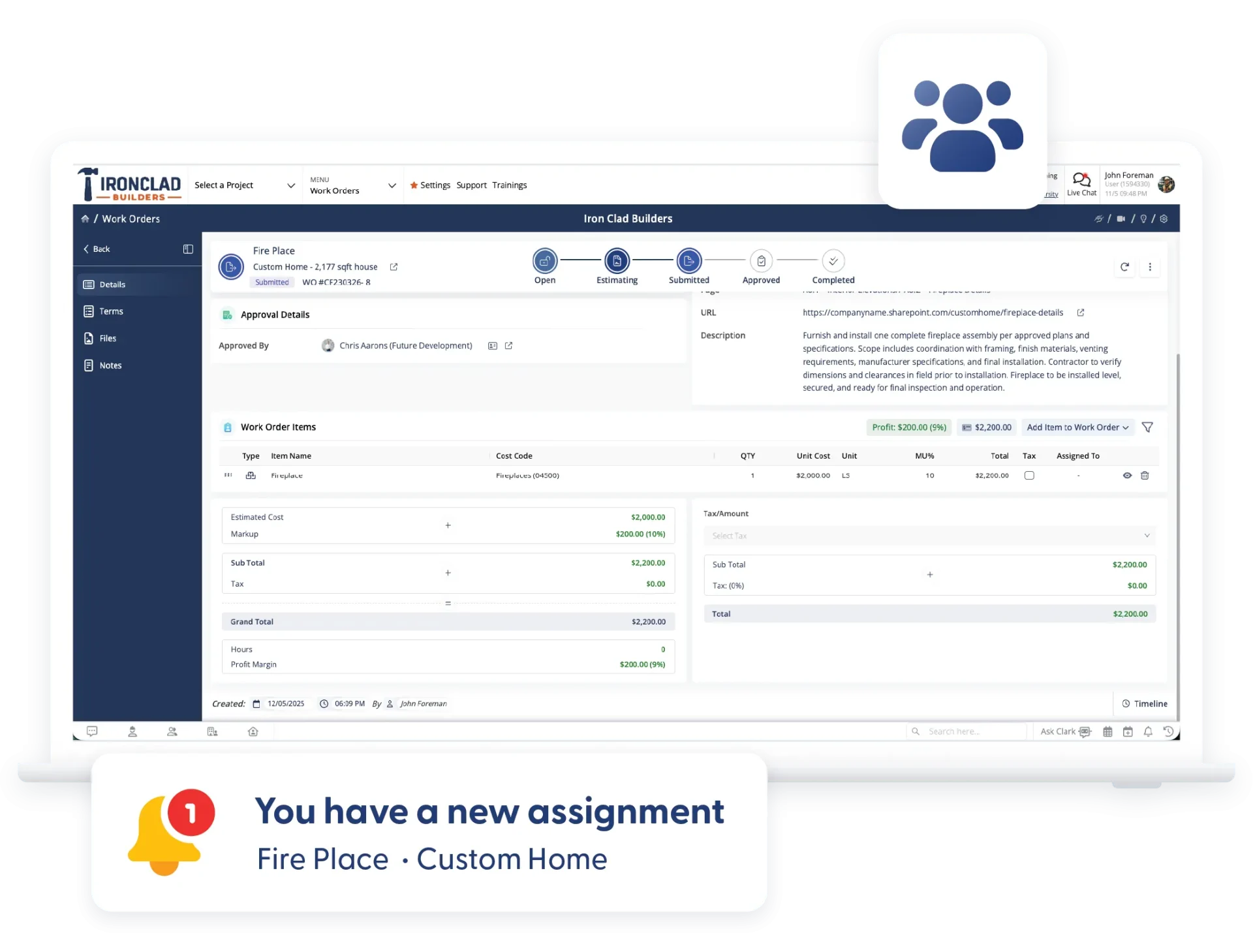
Keep work moving with clear ownership and defined timelines. Assign responsibility, track progress, and manage approvals so tasks move forward without delays or confusion.
Assign Responsibility & Notifications
Assign who’s responsible and automatically notify them by email or text. Everyone knows what they’re responsible for and when.
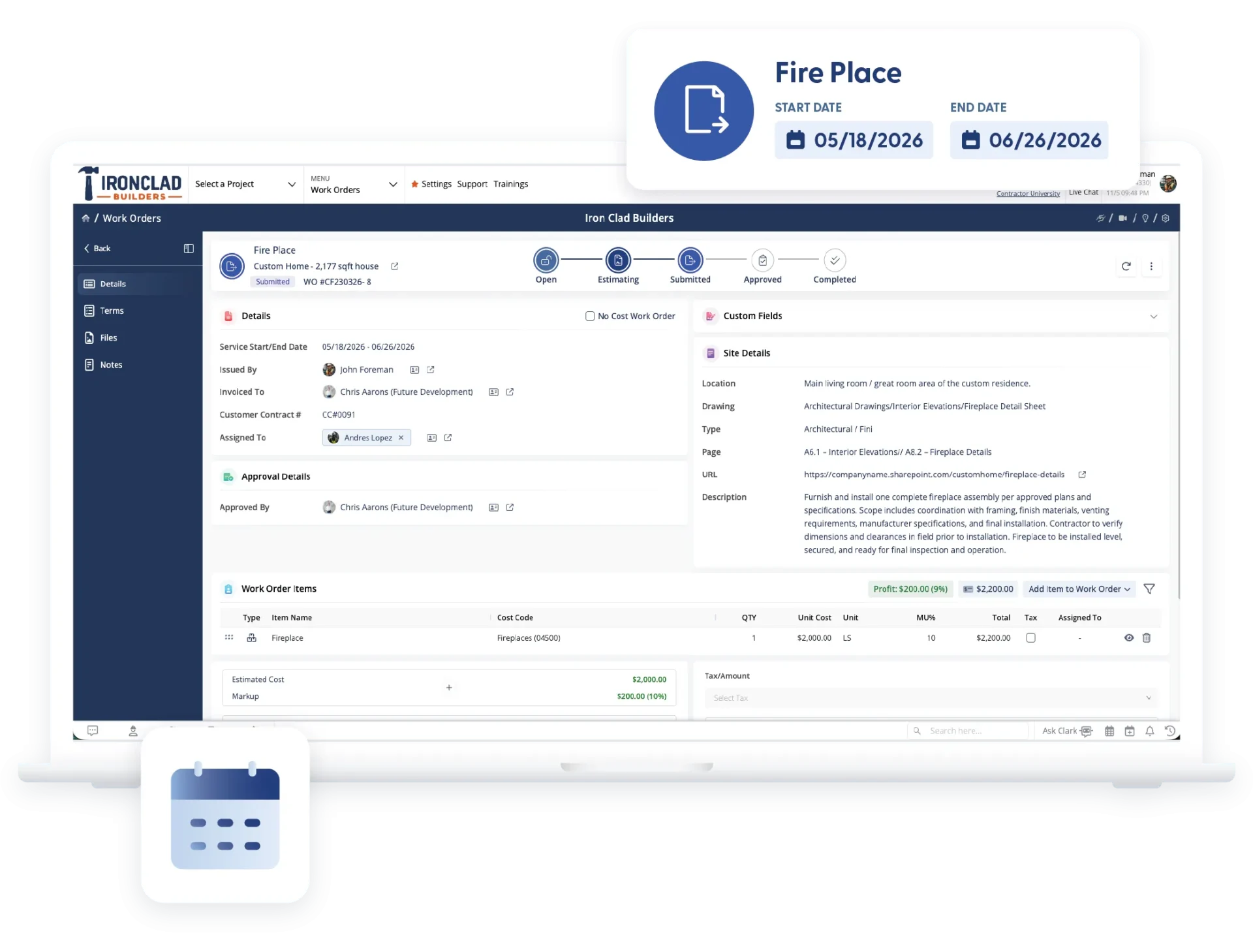
Start & End Dates
Set clear timelines for each work order. Dates sync with the calendar so scheduling crews or technicians is straightforward.
Electronic Approvals & Signatures
Get work approved electronically with signature capture. Track status at a glance so you always know what’s bidding, pending, approved, or completed.
Financials & Custom Data
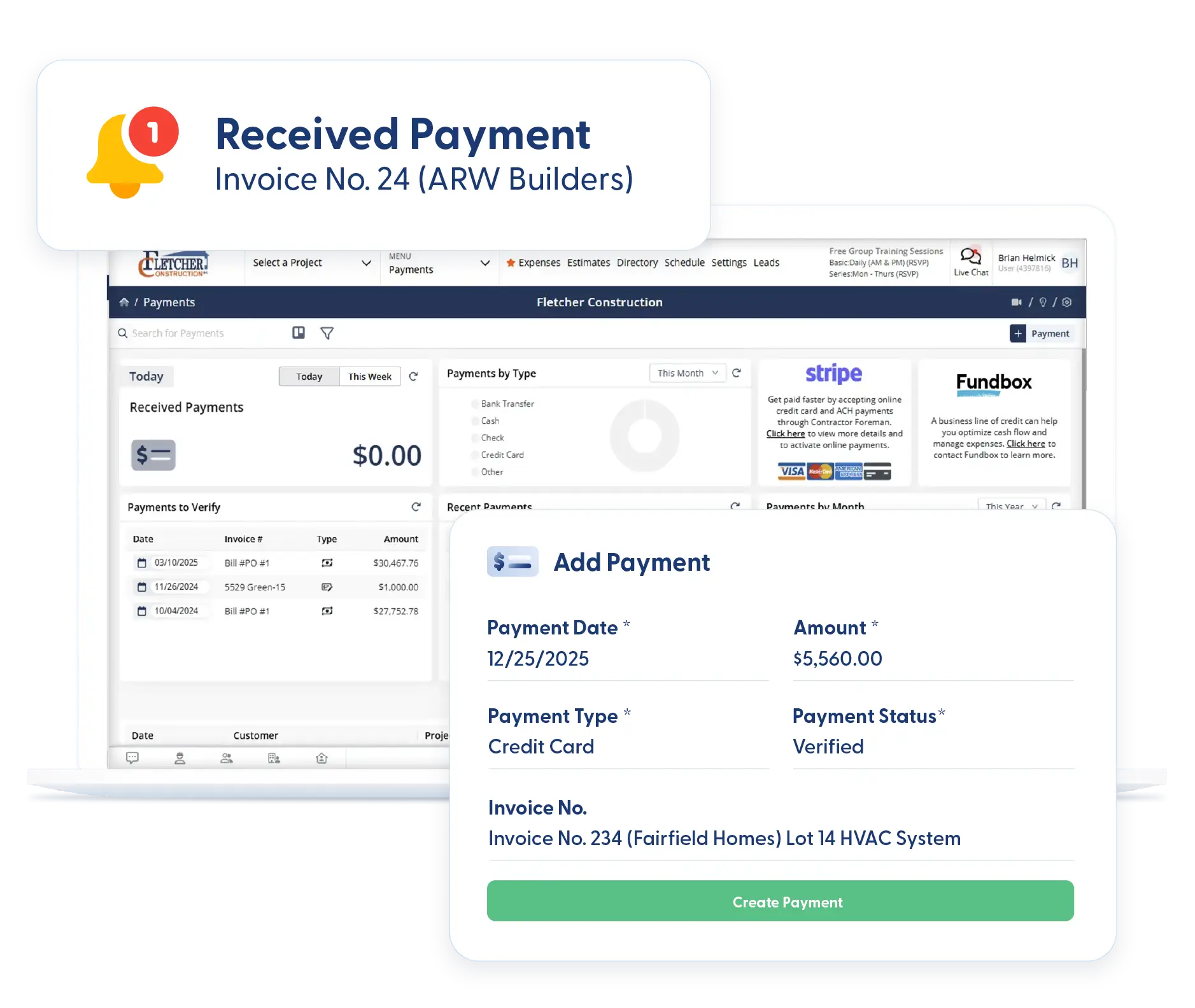
Connect work orders to billing and capture the details that matter. Turn completed work into invoices and track custom data without extra steps or duplicate entry.
Invoice from Work Order
Create an invoice directly from a completed work order. Save time, reduce errors, and avoid re-entering information.
Kanban Views & Filters
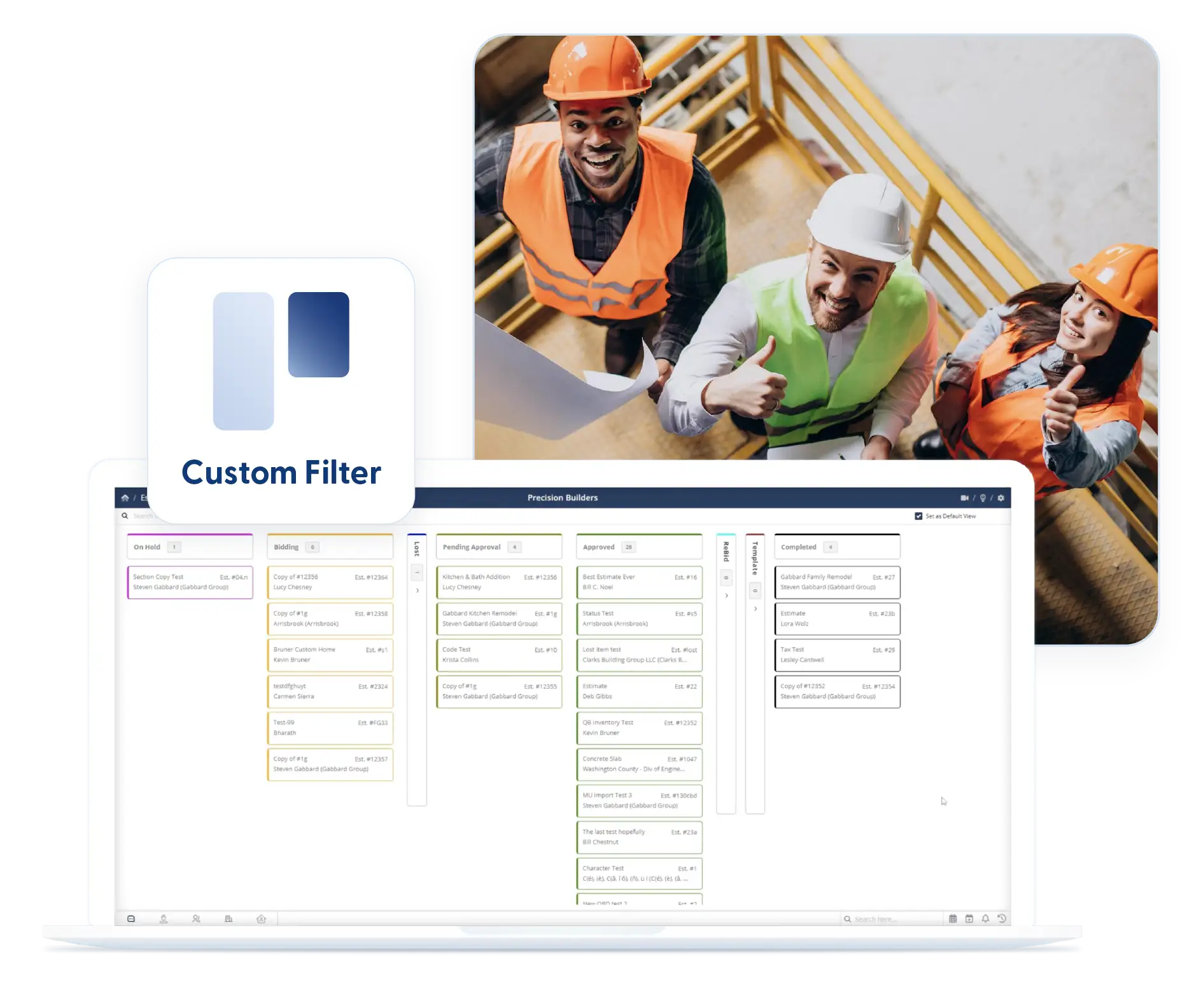
See work orders by status using Kanban boards or list views. Apply filters once and keep them in place to focus on what needs attention.
Custom Fields
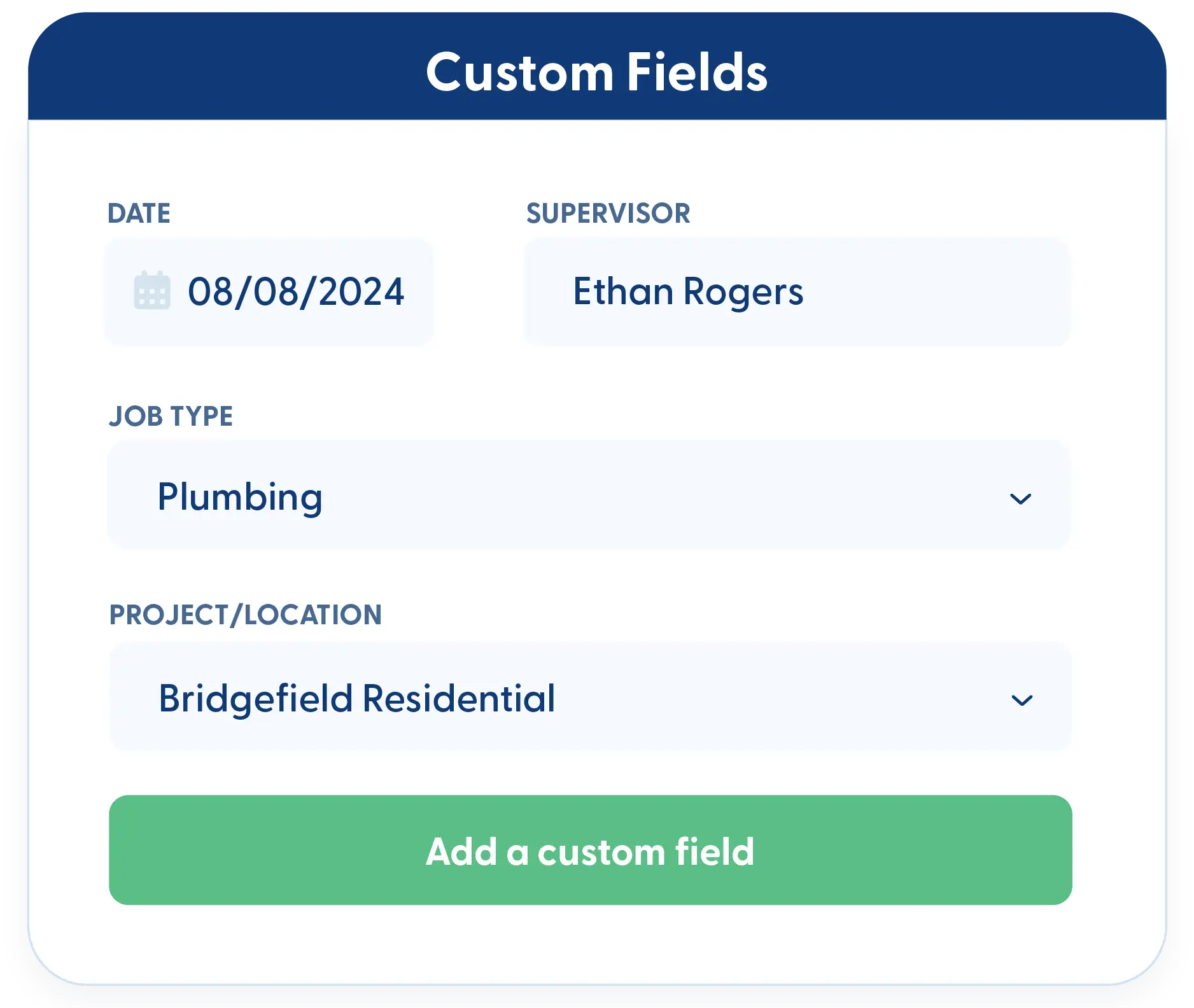
Add the fields that matter to your business. Capture the details you want and include them in reports without workarounds.
Frequently Asked Questions
Have a Question? Click the LiveChat icon. After hours? Email support@contractorforeman.com.
Contractor Foreman offers simple, transparent pricing with unlimited users, projects, and features. There are no hidden fees or per-user charges. See our pricing page for more details.
Some companies offer a 7-day refund policy… maybe 30 days. We are so confident in Contractor Foreman that we give you up to 100-days to request a refund if you are not satisfied and no longer wish to use it. See the Refund Policy for details and requirements.
Work Orders are best for small jobs, quick tasks, or one-off work that doesn’t require full project tracking.
Yes. Start and end dates allow Work Orders to appear on the calendar for easy scheduling.
Yes. Work Orders can be approved and signed electronically from any device.

Sign up for a free demo and see it in action!
Let us show you how Contractor Foreman can start saving you and your company a lot of time and money. Schedule a free demo for yourself or your crew.
Start a Free Trial
We have plans starting at $49/month

Have a question? See our Frequently Asked Questions or give us a call (828) 375-8042 or click Live Chat.






