
Projects
Stay in control of your projects from start to finish
Projects should move forward because you’re managing them well — not because you’re constantly chasing details. Contractor Foreman puts schedules, costs, documents, and communication in one place so you always know where a job stands and what needs attention next.
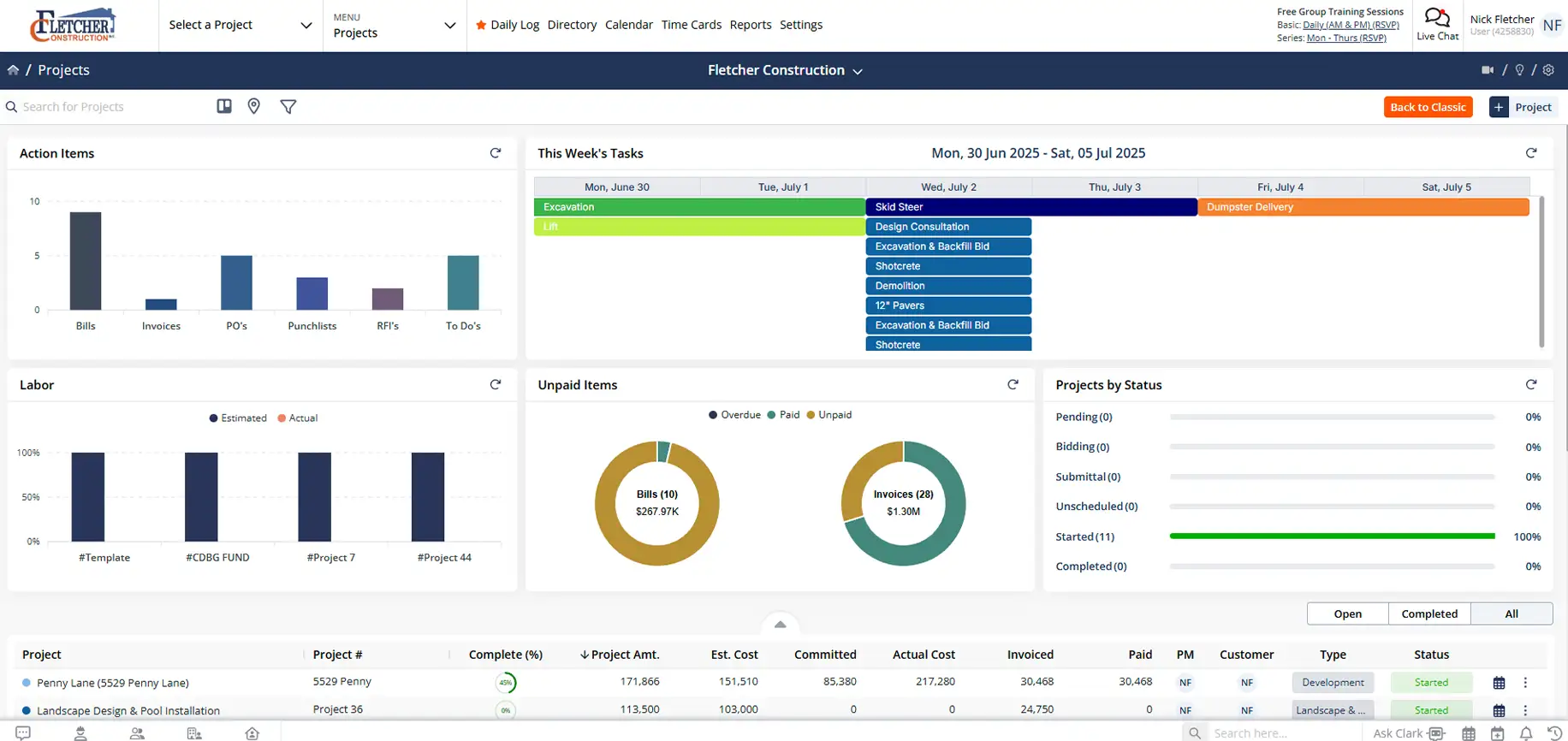
One place for everything that drives a project
Track progress, control costs, and keep everyone aligned without jumping between systems.

See the full picture at a glance
Project status, financials, schedules, and documents stay connected and up to date.

Make decisions with current data
Changes made in the field or office appear instantly, so you’re never working off outdated information.

Keep teams and clients aligned
Share the right details with the right people without constant check-ins.
Check out these Project features
These individual features are tailor-made to meet your specific needs and preferences.
Project Communication & Visibility
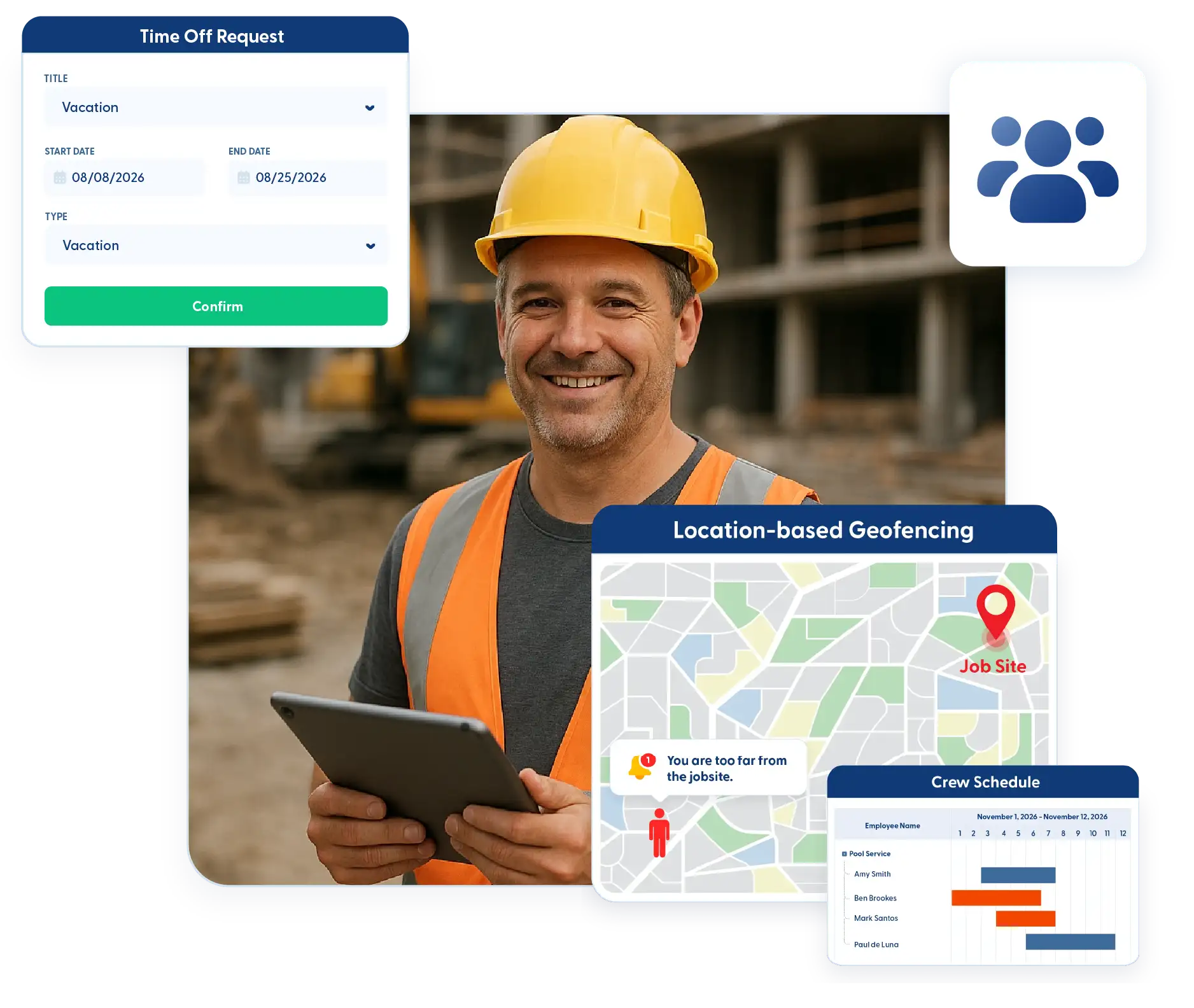
Keep everyone aligned across the office, field, and client side. Share updates in real time, maintain a single source of truth for project information, and reduce back-and-forth with clear, accessible communication.
Real-Time Collaboration
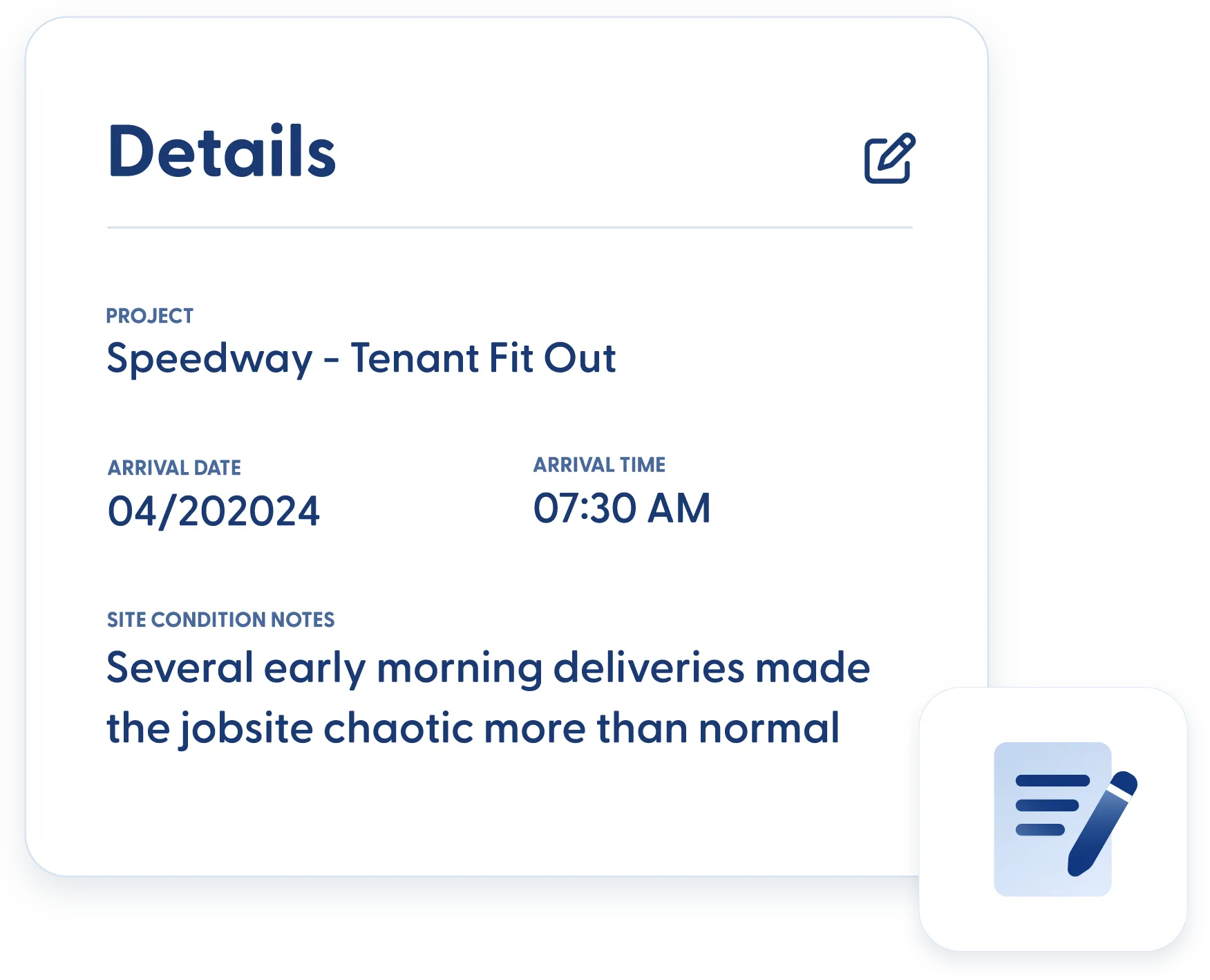
Updates made in the field or the office appear instantly for everyone. Plans, schedules, documents, and changes are always up to date, so teams aren’t working from outdated information.
Real-Time Field Updates
Field teams always have access to the latest plans, documents, and project details. Updates from the jobsite flow back instantly, keeping the office and field aligned.
Client Portal
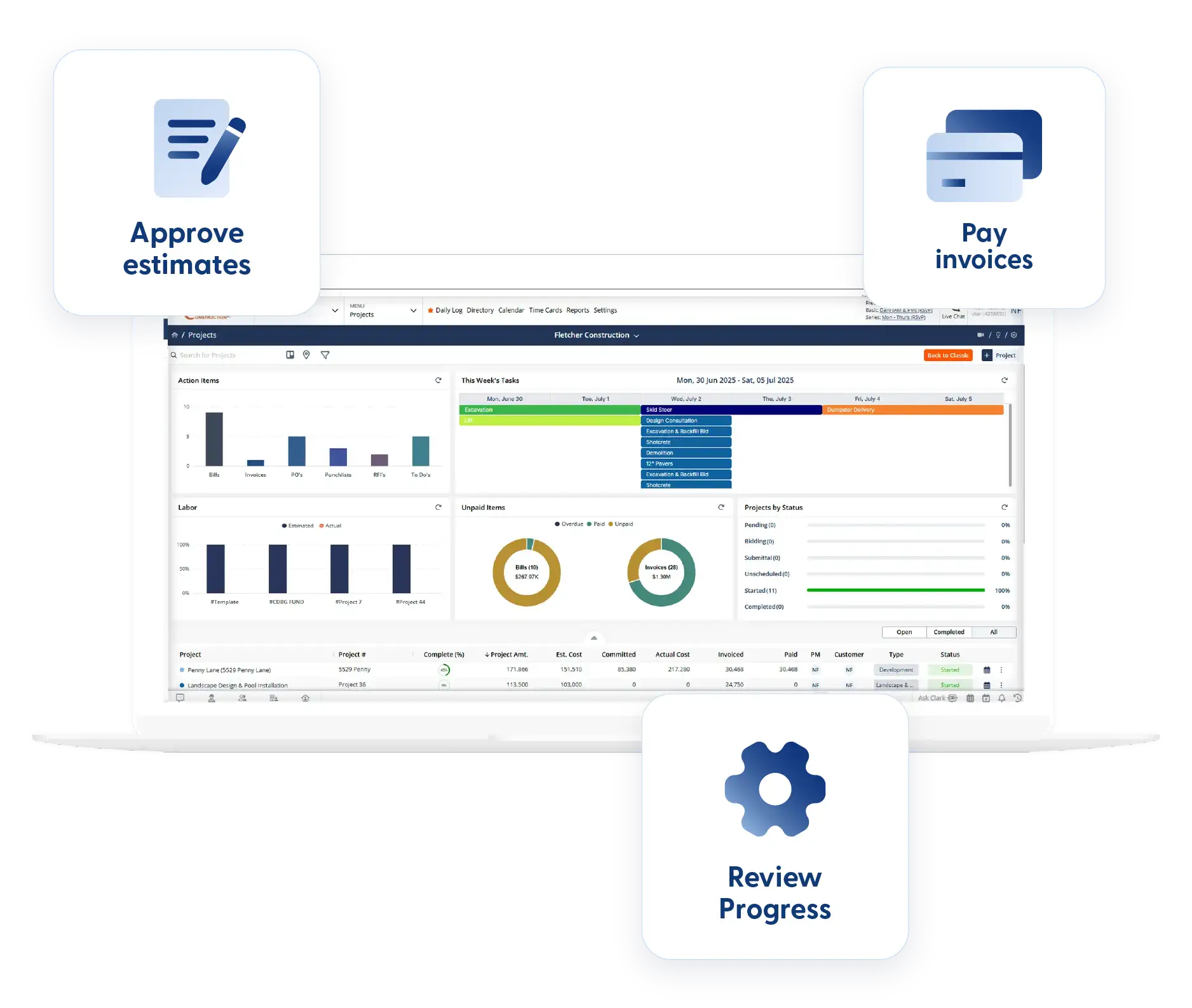
Give clients controlled access to project information. Clients can review progress, approve estimates and change orders, respond to RFIs and submittals, and pay invoices without constant follow-ups.
Financial Control & Job Cost Management
Keep project finances organized and easy to track from start to finish. Monitor costs, manage billing, and connect procurement to your budget so every dollar is accounted for and margins stay protected.
Project Financial Tracking
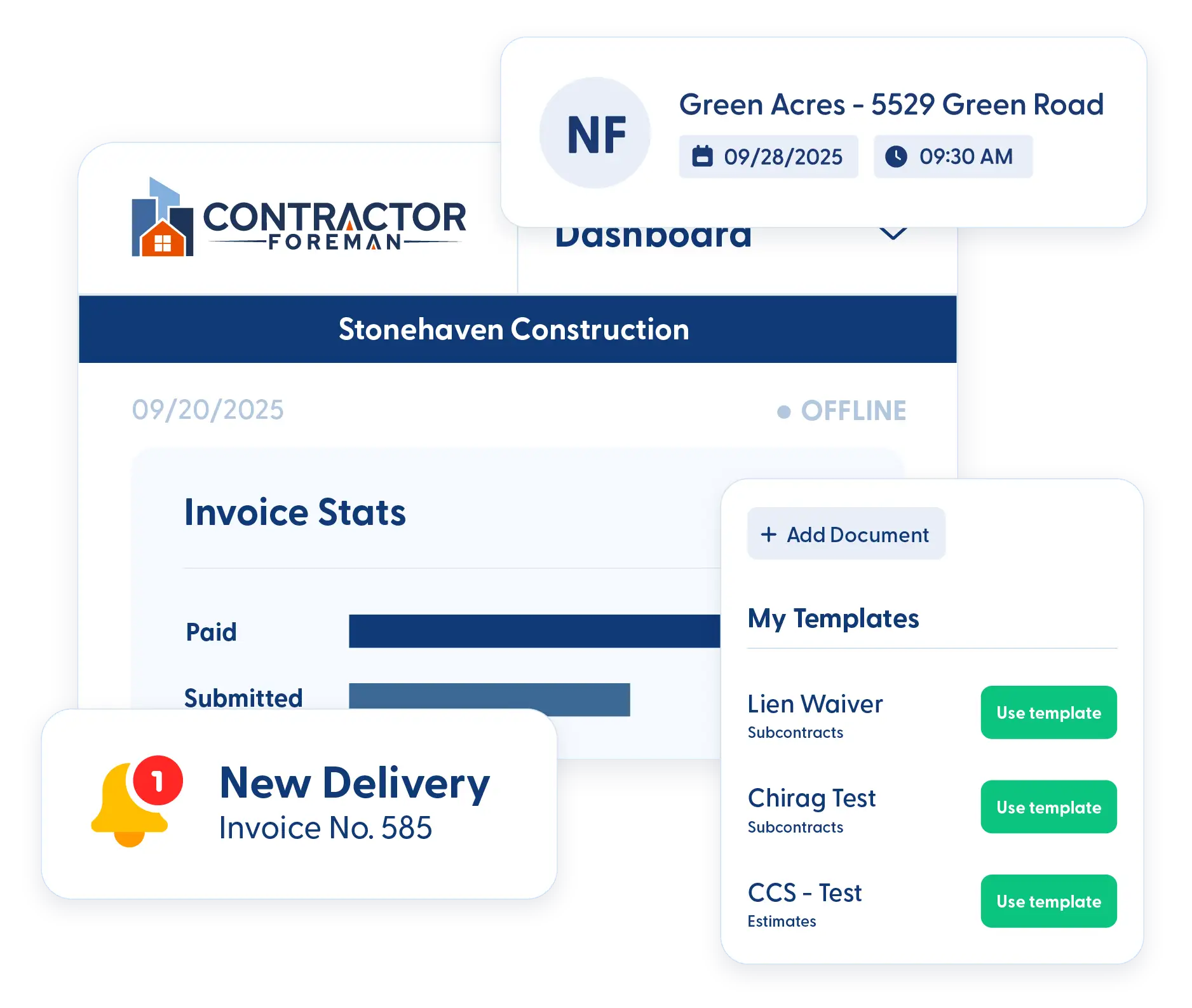
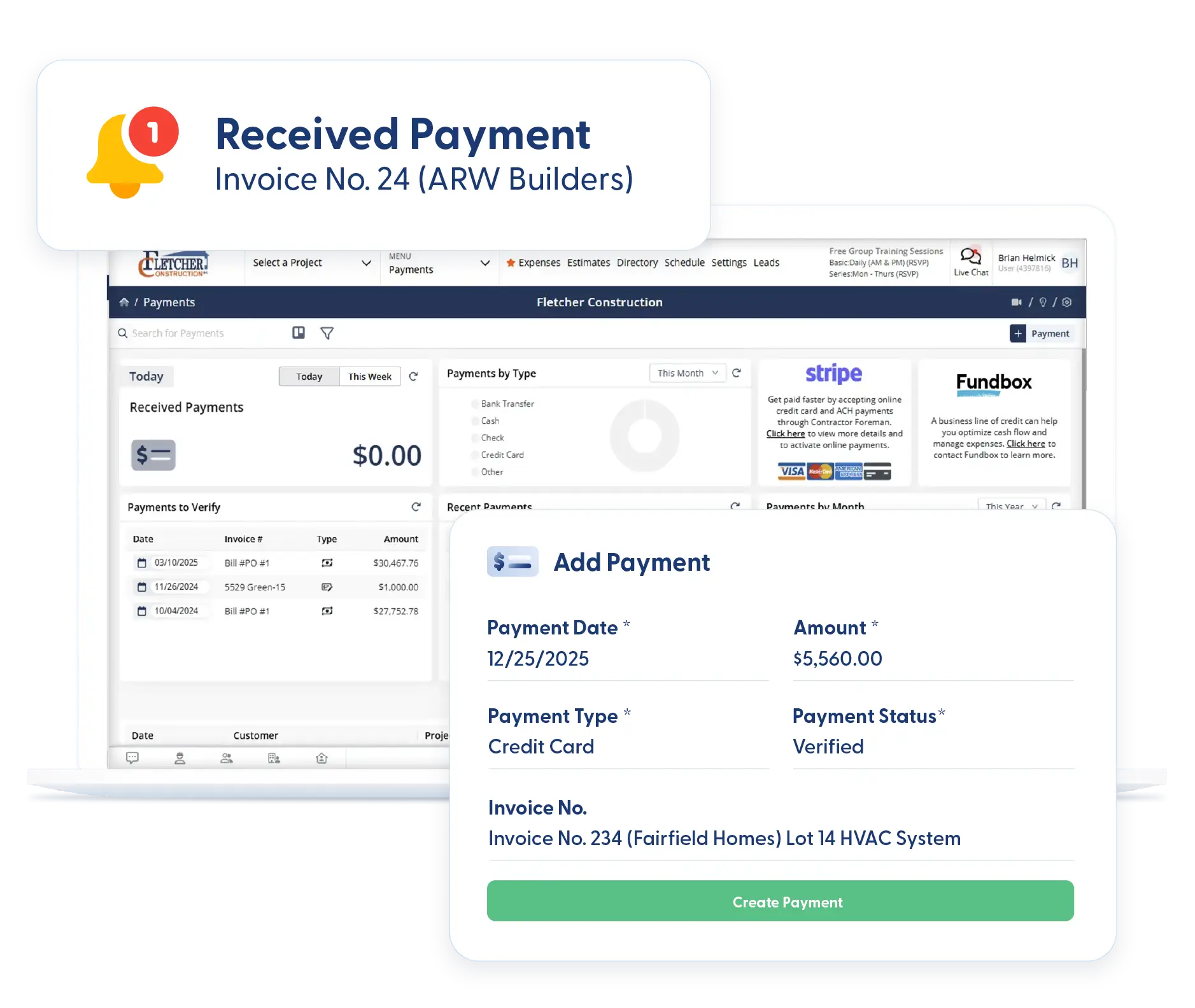
Track income and expenses in one place, including labor costs pulled directly from time cards. Project financials stay accurate whether you’re in the office or checking in remotely.
Job Costing
Compare committed costs and actuals to understand where money is going. Job costing reports help identify issues early and protect project margins.
Schedule of Values and Invoicing
Set up a clear Schedule of Values that defines how the project will be billed. Invoicing follows the structure agreed on with the client, reducing confusion and billing disputes.
Procurement (Purchase Orders & Subcontracts)
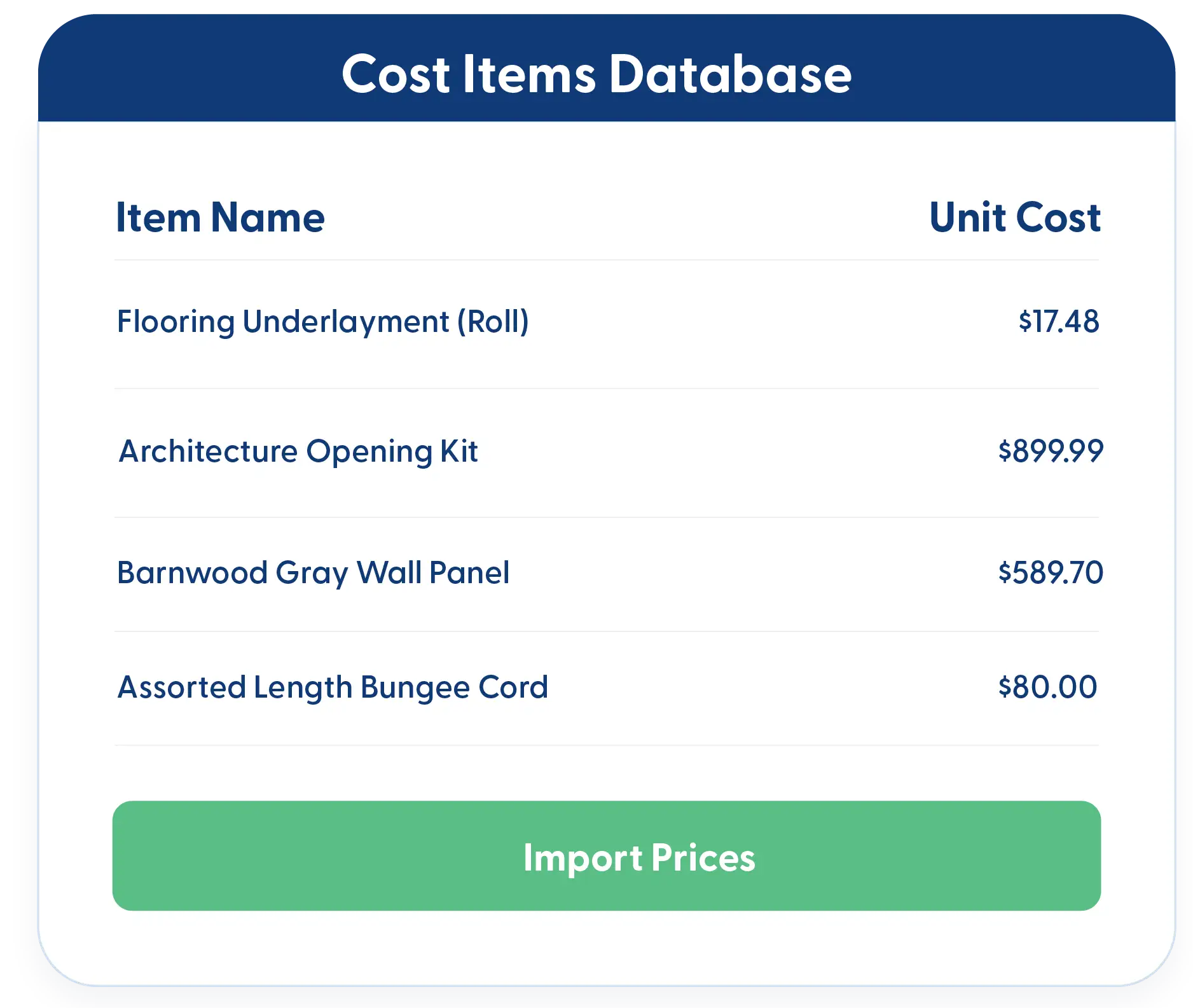
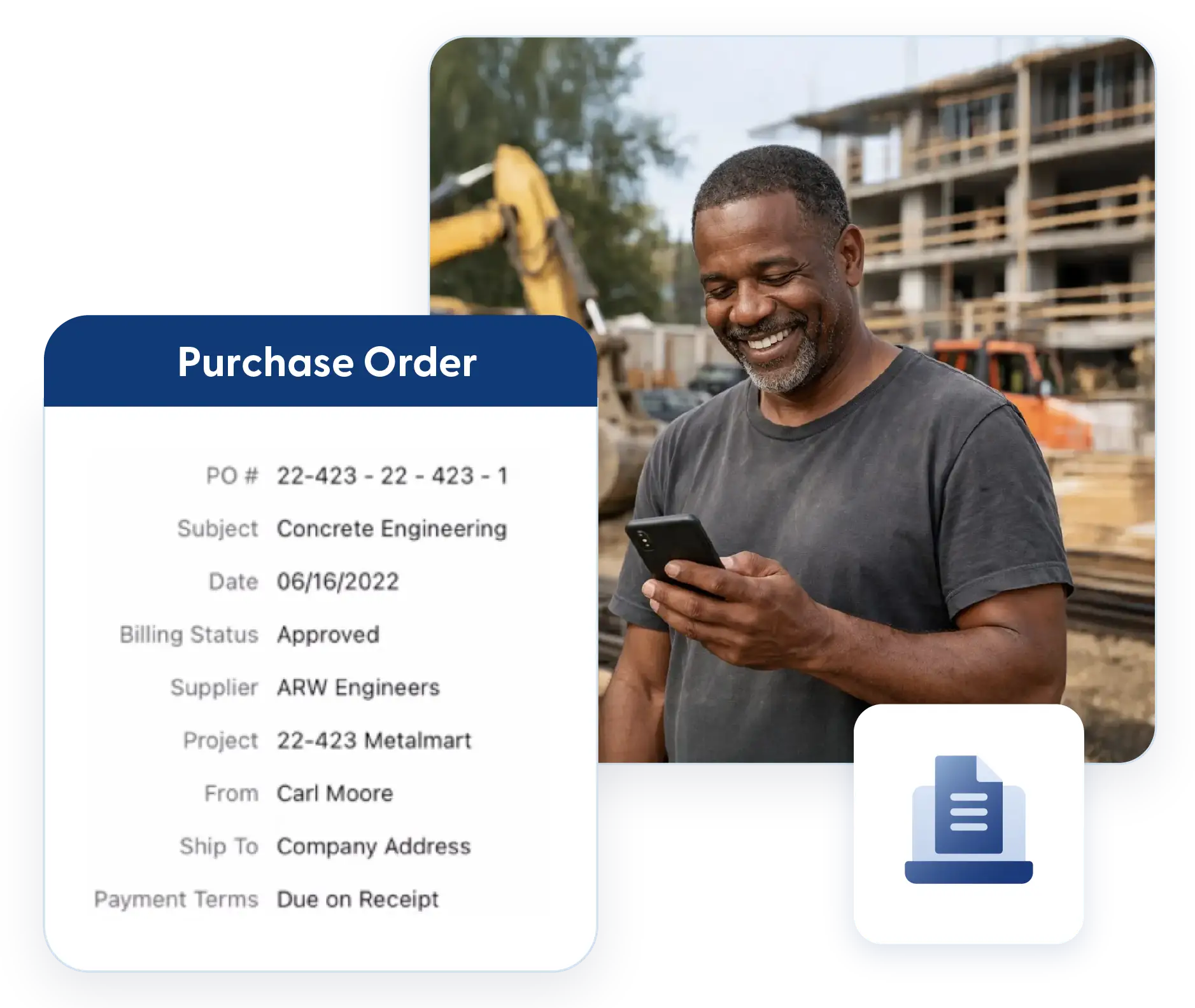
Generate purchase orders and subcontracts directly from bid packages or import items from estimates. Procurement stays aligned with scope and budget without re-entering data.

Planning, Progress & Workflow Management
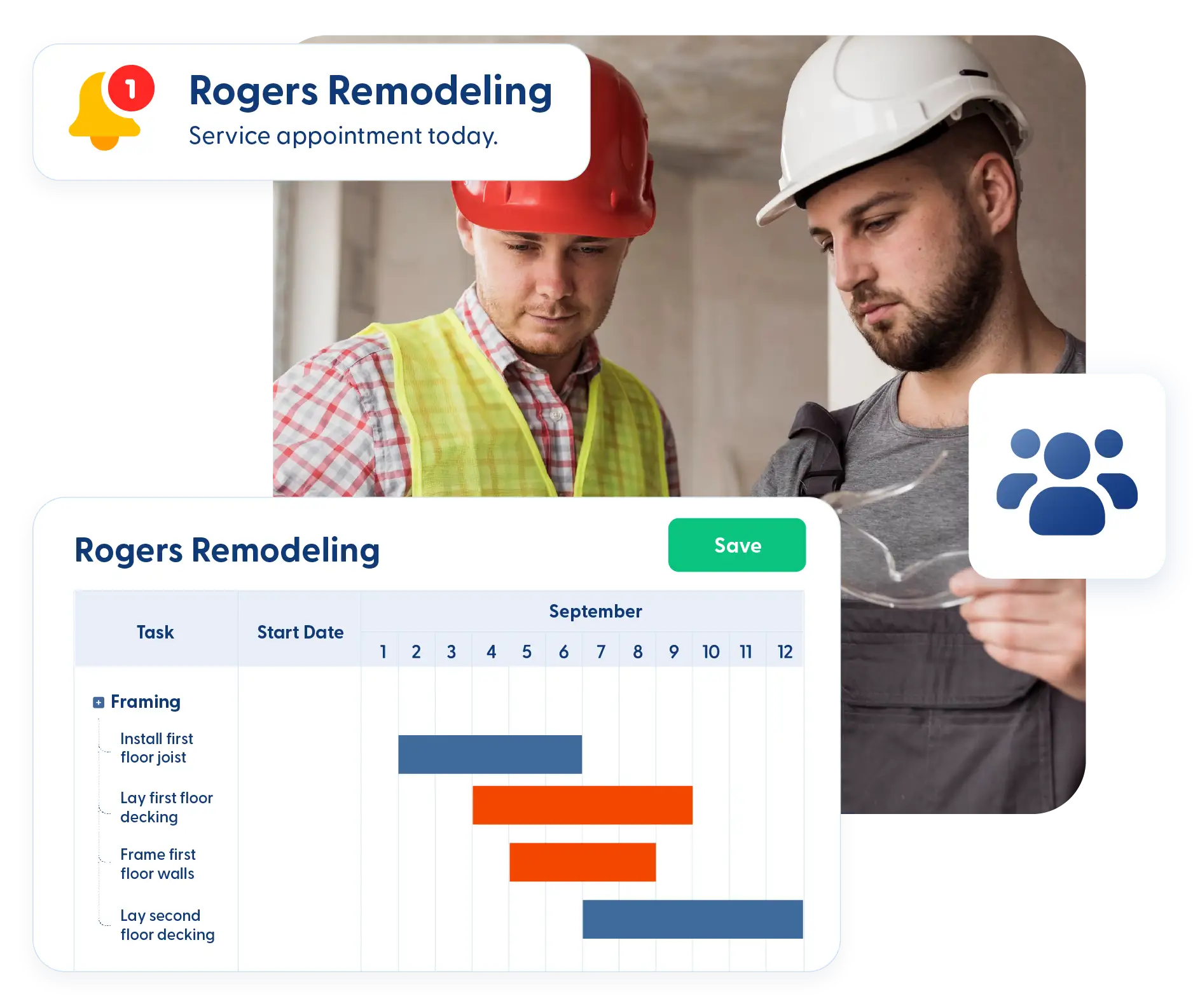
Move projects through defined stages and track percent complete across tasks and schedules. See what’s done, what’s in progress, and what still needs attention.
Project Scheduling & Status Tracking
Move projects through defined stages and track percent complete across tasks and schedules. See what’s done, what’s in progress, and what still needs attention.
Kanban Views & Filters
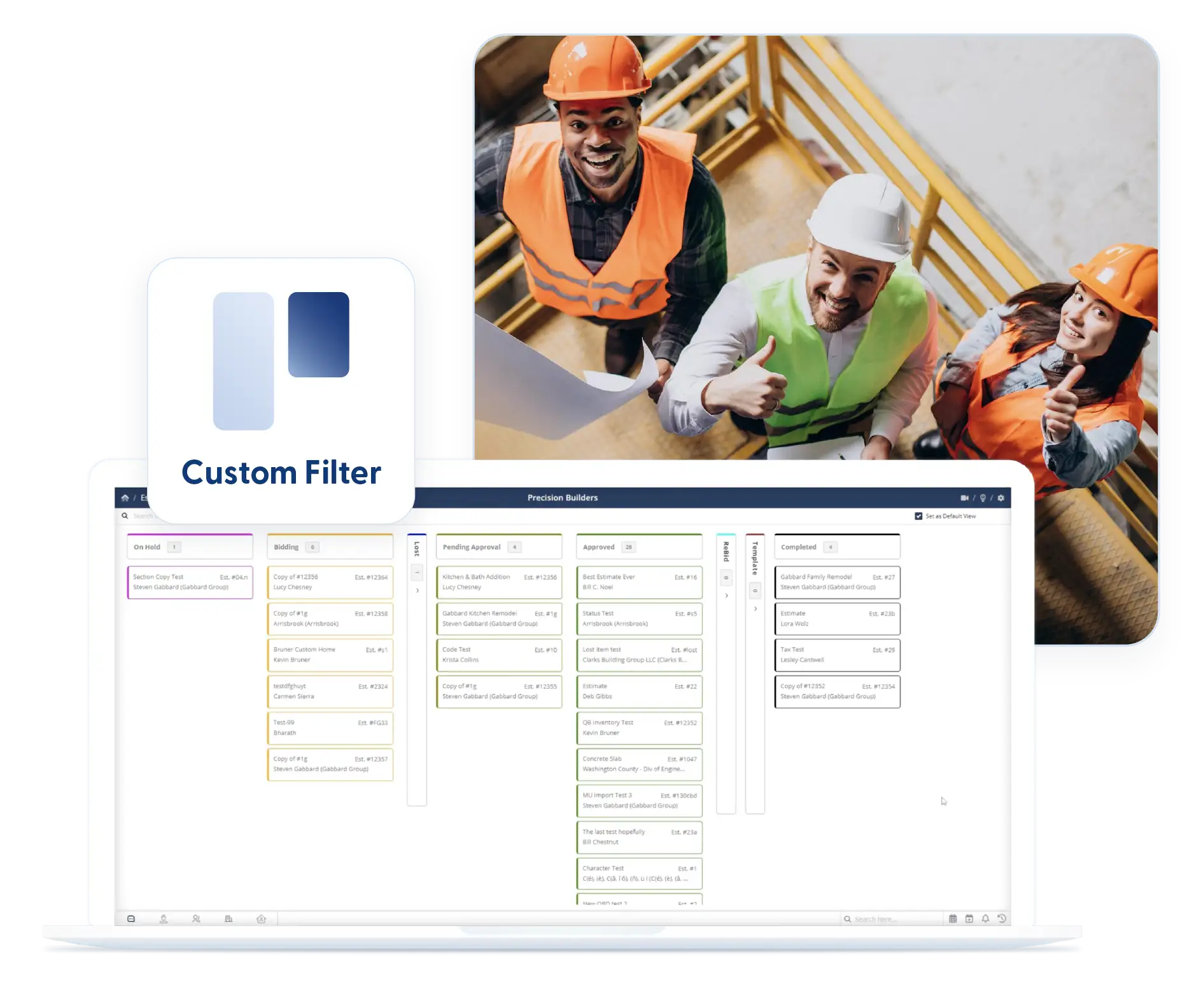
Use Kanban boards or list views to spot what’s waiting, what’s moving, and what needs attention. Apply filters once and keep them in place.
Customization & Administrative Control
Set up your projects to match how your business runs. Customize data fields and control access so every team member sees only what they need, while you keep full oversight across all jobs.
Custom Fields
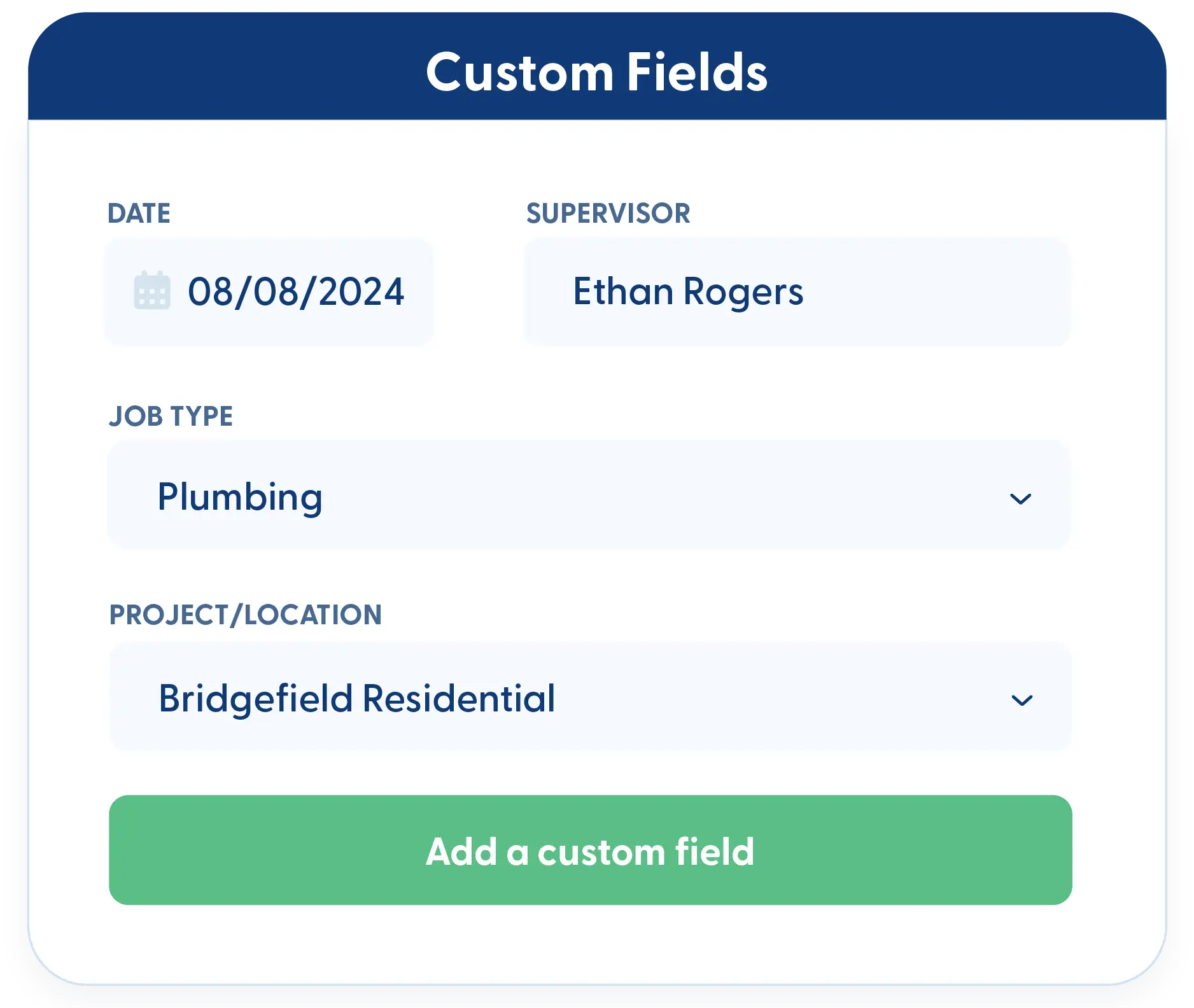
Capture project details that matter to your business. Custom fields let you track information unique to your workflows and include it in reports.
Project-Based Permissions
Control who can see and access each project. Assign employees to specific jobs without giving them access to everything in the system.
Frequently Asked Questions
Have a Question? Click the LiveChat icon. After hours? Email support@contractorforeman.com.
Contractor Foreman offers simple, transparent pricing with unlimited users, projects, and features. There are no hidden fees or per-user charges. See our pricing page for more details.
Some companies offer a 7-day refund policy… maybe 30 days. We are so confident in Contractor Foreman that we give you up to 100-days to request a refund if you are not satisfied and no longer wish to use it. See the Refund Policy for details and requirements.
No. All updates happen in real time, so everyone works from the same information. There’s no syncing or version confusion between the field and the office.
Yes. The client portal lets you specify exactly which clients can view or approve, keeping internal information private.
Yes. Project-based permissions let you decide who has access to each project. Office staff, supervisors, and field crews only see what’s relevant to their role.

Sign up for a free demo and see it in action!
Let us show you how Contractor Foreman can start saving you and your company a lot of time and money. Schedule a free demo for yourself or your crew.
Start a Free Trial
We have plans starting at $49/month

Have a question? See our Frequently Asked Questions or give us a call (828) 375-8042 or click Live Chat.






