
You know what nobody has time for?
Squinting at blueprints— guessing at square footage, and praying to the construction gods your gut feeling on material costs doesn’t torch your profit margin.
And yet, that’s still how a lot of estimating gets done. Ruler, calculator, prayer.
The good news: you don’t have to run your business like it’s 1998. Not anymore!
Quantity estimating software exists specifically so you’re not manuallycounting studs, drywall sheets, rebar, roofing squares, concrete yardage, and linear feet of trim at 11 p.m. the night before a bid is due.
Here are 5 of the best tools out there — ranked, and worth your actual attention:
- Contractor Foreman: best for teams that want estimating connected to the rest of their operations — bids, job costing, and accounting — instead of a standalone tool
- Bluebeam Revu: best for PDF takeoff and team markups
- PlanSwift: best for desktop takeoff with line-item estimating
- STACK: best for cloud takeoff with built-in pricing
- ProEst: best for larger GC teams that need takeoff, bid management, and system links
Which one’s the right one for you?
Well, some tools are built first for measurement, while others focus more on pricing, databases, reporting, and accounting flow. Price also swings a lot – from about $240 per user per year for Bluebeam Basics to 2,999 per user per year for Stack.
So in order for you to know which one is best, you have to know exactly what you need.
Quick Comparison
| Tool | Best for | Main downside | Price snapshot |
|---|---|---|---|
| Contractor Foreman | Estimating connected to bids, job costing, and accounting | Mainly focused on residential construction | $ 221/month for the whole platform |
| Bluebeam Revu | PDF takeoff and shared markups | No built-in cost database | $240–$440/user/year |
| PlanSwift | Windows desktop takeoff | No cloud teamwork | About $2,000/user/year |
| STACK | Cloud takeoff + pricing | Internet-dependent; higher seat cost | $2,599–$2,999/user/year |
| ProEst | Mid-size to large commercial estimating teams | Setup and training can take time | About $150–$350/user/month |
My takeaway: pick based on where your estimating process breaks down now.
- If you lose time on takeoff, start with Bluebeam or PlanSwift
- If you lose time moving quantities into pricing, look at STACK
- If you need tighter bid control and system links, look at ProEst
- If you want your estimates connected to your bids, job costing, and accounting, look at Contractor Foreman’s Takeoff Tools.
That’s the full article in plain English: five tools, five different use cases, and one core question – do you need better takeoff, better pricing, or both in one workflow?
sbb-itb-5eea312
1. Contractor Foreman
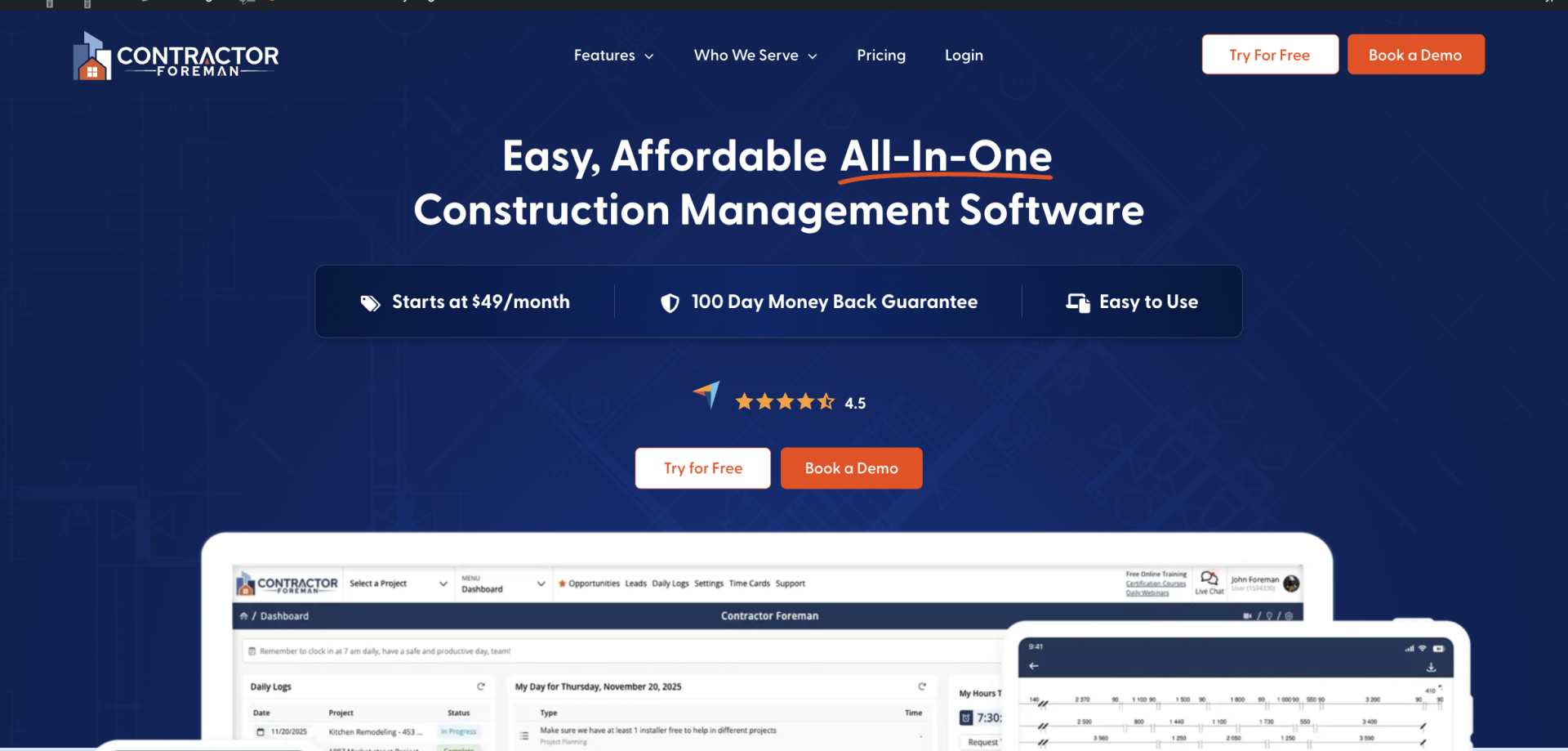
Built for contractors who want one system, not five.
Contractor Foreman is the all-in-one alternative to running separate tools for estimating, bidding, job costing, and accounting. You take off quantities, build the estimate, and push it straight into a bid — no re-entering numbers into a different system down the line.
Contractor Foreman handles linear, area, and count takeoffs, and connects them directly to your cost database, so pricing updates automatically as quantities change.
The AI-powered tools speed up repetitive work — auto-populating cost items, flagging pricing gaps, and pulling historical job data into new estimates. The big upside: estimating isn’t a standalone step. It’s connected to your bids, job costing, and accounting from the start.
There are some tradeoffs. Takeoff tools aren’t as measurement-heavy as dedicated tools like Bluebeam or STACK, so teams doing complex commercial takeoffs may want a specialized tool alongside it. It’s also built primarily for residential and light commercial work.
Pricing starts around $49/month for the full platform — estimating included, not sold separately.
Best fit: Small to mid-size contractors who want estimating, bidding, and job costing running through one system — without needing five different logins to get a job priced and started.
2. Bluebeam Revu

Bluebeam Revu is a widely used PDF markup and measurement platform, not a full estimating system. It ranks here because it does two jobs well: takeoff and team collaboration. But when it’s time to price the work, you usually need a separate step.
Its biggest strength is real-time document collaboration through Studio Sessions. That feature lets teams mark up and measure the same drawing set at the same time, which is a big help on large plan sets. On the measurement side, Bluebeam covers length, area, volume, and count on calibrated PDFs. If the PDFs are calibrated the right way, the measurements are reliable.
The tradeoff shows up in pricing. Bluebeam doesn’t include a native cost database, assembly logic, or bid generation, so quantities often end up in Excel or another pricing tool. The Quantity Link feature, which is only in the Complete tier, creates a live link between PDF measurements and Microsoft Excel. That setup works well for teams that like doing takeoff in Bluebeam and pricing somewhere else. It’s less smooth for estimating teams that want everything in one place.
| Tier | Annual Price | Key Takeoff Capability |
|---|---|---|
| Basics | $240–$260 per user, per year | Basic length and area |
| Core | $330 per user, per year | Standard measurement tools |
| Complete | $440 per user, per year | Dynamic Fill + Quantity Link |
Best fit: Commercial GCs and project teams that need collaborative PDF takeoff and want to export quantities to Excel. If you need native cost databases, assemblies, and bid generation, you’ll want another tool. For teams that want takeoff and pricing in one workflow, the next option gets closer to a true estimating system.
3. PlanSwift
PlanSwift is a Windows desktop takeoff and estimating tool built for fast quantity measurement and line-item pricing. Unlike Bluebeam, it keeps takeoff and estimating in the same desktop workflow.
You load a PDF or scanned plan, set the scale, and measure length, area, volume, and count right into cost columns. That makes the process feel more direct: measure the drawing, then tie that measurement to pricing without bouncing between tools. Assemblies and formulas let estimators reuse trade-specific pricing logic, which helps cut manual mistakes across electrical, HVAC, plumbing, framing, and drywall work.
The tradeoff is pretty clear. PlanSwift is Windows-only, with no native cloud access, mobile support, or live collaboration. So if your estimating team works from different places, file sharing still tends to happen through email or shared drives. Reporting is also fairly basic, which is why many teams push quantities into Excel to build the final bid.
In 2025, PlanSwift moved from perpetual licensing to annual subscription pricing. The Professional plan is usually around $2,000 per user per year and includes updates, support, and two hours of training. On Capterra, it has a 4.3/5 rating based on 401 reviews. Common complaints focus on the learning curve for custom assemblies and the lack of cloud access.
Best fit: Solo estimators and small-to-midsize shops using Windows machines where takeoff speed is the main bottleneck. It also makes sense if you already use Excel as a separate pricing workflow.
For teams that want cloud access and live collaboration, the next tool goes in a different direction.
4. STACK
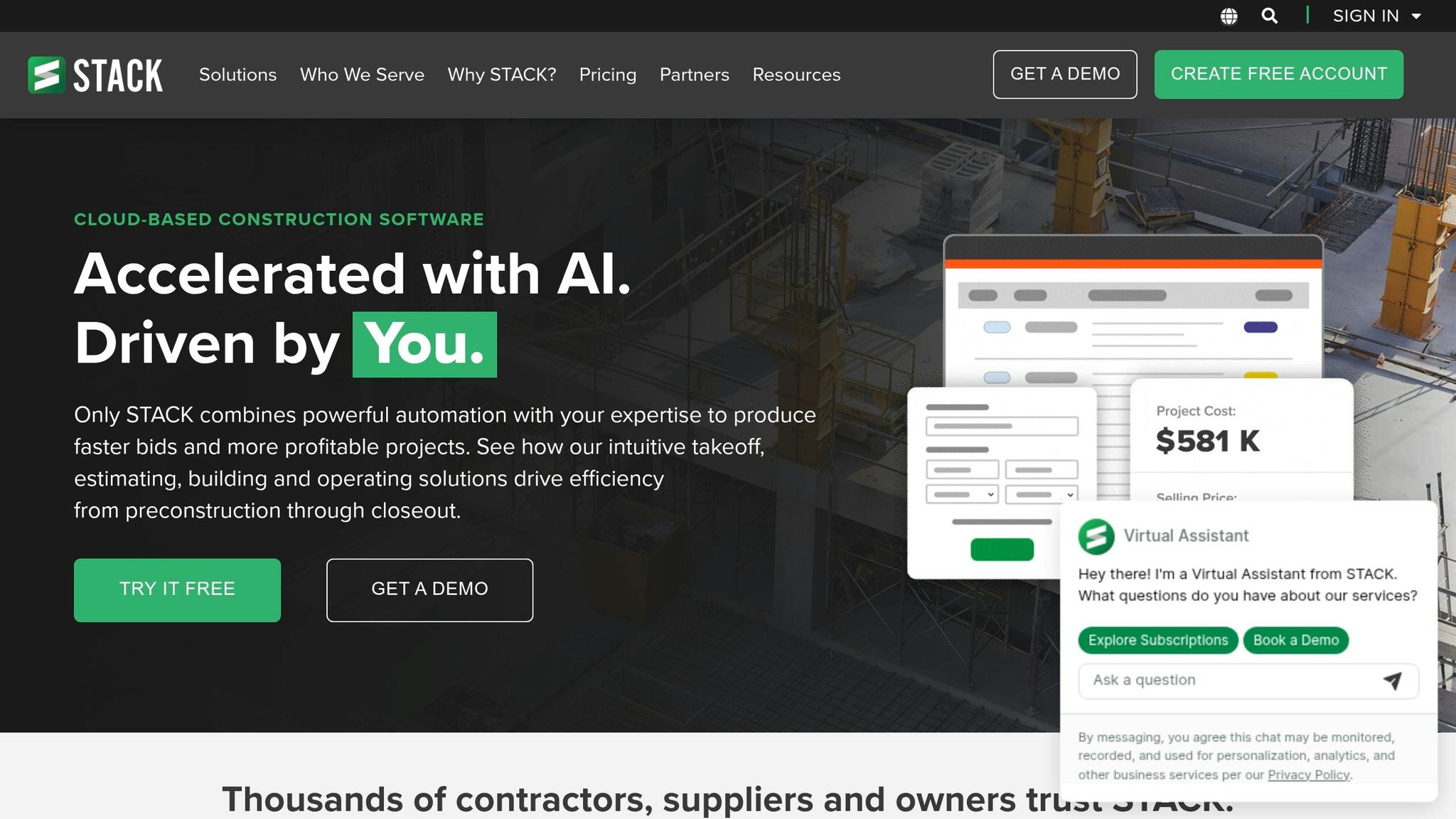
STACK is the cloud-based alternative to PlanSwift. You open it in a browser, share projects with your team, and connect takeoff work straight to pricing. Because it runs in the cloud, teams can get into projects from anywhere. That makes it a better match for companies that want shared access and built-in pricing instead of local-only takeoff.
STACK handles linear, area, volume, and count takeoffs right in the browser. The big upside is simple: those measurements flow straight into the bid, so you don’t have to type quantities into a separate spreadsheet all over again.
The Premium tier adds AI autocount. It spots repeat plan items like doors, windows, and structural symbols on its own. In independent testing, STACK’s digital takeoff tools stayed within 3% of baseline on complex commercial plan sets.
There are some clear downsides. Slow internet can drag the whole process down. It also doesn’t include native subcontractor outreach or bid leveling, which means GCs will need other tools for that work. Setup can take a while too, especially if you’re building custom cost databases and assemblies.
Pricing is about $2,599 per user per year for the Standard plan and $2,999 for Premium with AI features. Teams with three or more users can sometimes get pricing closer to $2,199 per user per year. On Capterra and G2, STACK has a 4.5/5 rating across more than 1,300 verified reviews, and customer support has a separate 4.7/5 rating.
Best fit: Mid-size commercial GCs and specialty trades like concrete, MEP, and framing that have dedicated estimators. If your team wants tighter cost control and a more structured estimating process, the next tool goes a step further.
5. ProEst
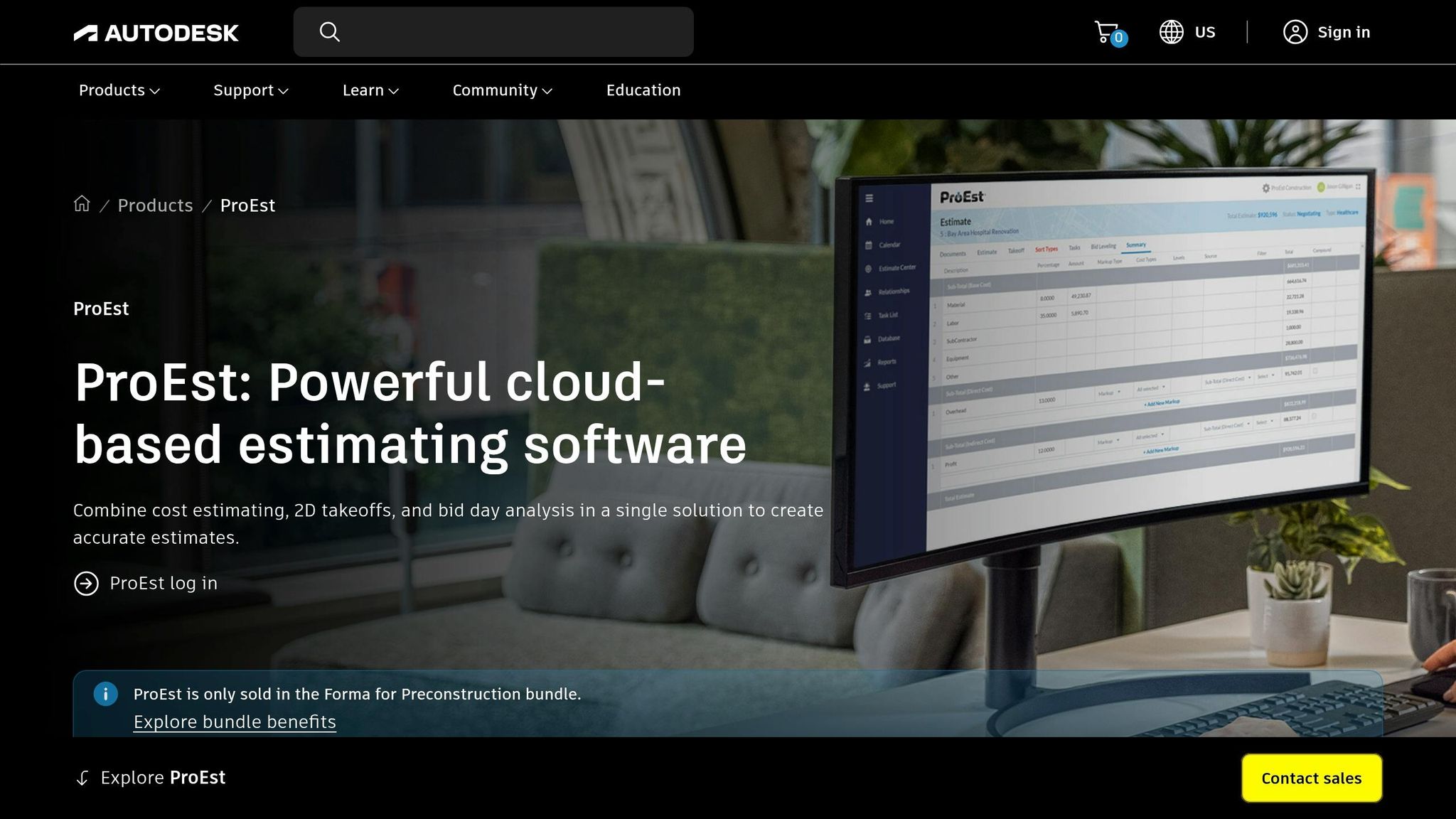
ProEst brings takeoff, cost data, bid management, and CRM into one cloud platform. Because it’s cloud-native, teams can work together in real time. It’s built for mid-size to large commercial GCs, construction managers, and specialty contractors handling a high volume of bids. In plain English: if your team wants takeoff and pricing in the same workflow, ProEst is a strong move up.
Its database includes 23,000+ location-adjusted cost items, and RSMeans pricing covers more than 970 U.S. and Canadian cities. It also uses AI-assisted element recognition, which can cut initial takeoff time by 30% to 40%. On bid day, estimators can compare subcontractor quotes side by side and track inclusions and exclusions across scope, which helps when numbers start flying in fast. ProEst also connects with tools many commercial teams already use, including Procore, Autodesk Construction Cloud, Sage 300 CRE, Viewpoint Vista, and QuickBooks.
That said, this isn’t the right pick for everyone. For small residential contractors or firms with a lower bid volume, ProEst can feel like too much system for the job. Setup often takes several weeks, and first-year cost can climb to 2 to 2.5 times the subscription price once implementation, data migration, and training are added in. Reported pricing lands around $150 to $350 per user per month, while some larger commercial setups reach $500 to $800 per user per month.
Best fit: Mid-size to large commercial GCs, construction managers, and specialty contractors that need integrated estimating, bid management, and CRM tools for multiple simultaneous bids.
5. Sage Estimating
While ProEst leans into cloud teamwork, Sage goes in the other direction. It uses a desktop, database-heavy setup aimed at larger firms that need tight, structured cost libraries. Sage Estimating is built for that kind of work.
Its assembly engine lets estimators reuse labor, material, and equipment costs. And with RSMeans, users get localized pricing across 90,000+ line items in 900 construction categories. The 2026 release also adds Sage Ai, which flags outlier bids and missing line items before bid day.
The main catch is takeoff. Sage Estimating doesn’t include native takeoff, so most firms pair it with a separate plan measurement tool. For example, using eTakeoff Dimension can cut takeoff time by 50% or more compared to manual methods. After quantities are entered, approved bids flow straight into Sage 300 CRE, Sage 100 Contractor, or Sage Intacct Construction as project budgets, with no re-keying needed. That’s the tradeoff in plain English: you give up built-in takeoff speed, but you get deep pricing structure and tight accounting links.
Setup isn’t light. Implementation usually takes 4 to 8 months and often calls for a certified consultant. Year-one cost for a two-estimator shop can hit $30,000 to $45,000. If you’re not already using Sage accounting software, that integration upside fades fast, while the setup work and cost stay high.
Best fit: Mid-to-large commercial GCs and heavy civil contractors with dedicated estimating teams, especially those already in the Sage ecosystem. Sage ranks fifth here because it offers the deepest structured estimating workflow on this list, but the lack of native takeoff and high setup cost make it a poor starting point for smaller firms or teams outside the Sage ecosystem.
How Each Tool Handles Core Estimating Tasks
Each tool stands out in a different spot.
| Criterion | Bluebeam Revu | PlanSwift | STACK | ProEst | Contractor Foreman |
|---|---|---|---|---|---|
| Digital Takeoffs | PDF markup takeoff; advanced tools require the Complete tier | Fast point-and-click desktop takeoff | Cloud takeoff with team collaboration | AI-powered element recognition; can reduce initial takeoff time by 30% to 40% | Estimating connected directly to bids, job costing, and accounting |
| Pricing Workflows | No built-in cost database; quantities export to Excel | No pricing database; relies on Excel or trade plugins | Assembly-driven pricing engine built in | Deep assemblies with RSMeans integration | Built-in cost database that updates pricing as quantities change |
| Reporting | PDF markup logs and quantity summaries | Basic quantity exports to Excel | Bid-ready proposal generation | Bid packages with bid analysis | AI-powered tools that auto-populate cost items and flag pricing gaps |
| System Integrations | Studio Sessions, Excel, SharePoint | Strong Excel integration; limited PM connections | ConstructConnect, Excel, and various PM tools | Procore and Autodesk Construction Cloud | One login for takeoff, bidding, scheduling, and invoicing |
Here’s the plain-English version. Bluebeam Revu and PlanSwift are built first for measurement. They’re a good fit when your main job is getting counts and quantities out of plans without a lot of setup. ProEst go further into structured estimating and connected systems, which matters when bids need to flow into the rest of the business.
So the right pick comes down to one thing: where does your team lose time now? If the slowdown happens during takeoff, one set of tools makes more sense.
If pricing, reporting, or system handoff is the bigger pain, another set will fit better.
For many teams, the split looks like this:
- Small contractors that want faster bids and low setup overhead often lean toward Contractor Foreman
- Trade contractors usually need strong assembly libraries and repeatable counts.
- Mid-sized to enterprise GCs often need a direct handoff into project systems, without re-entering data.
Next, weigh the strengths and tradeoffs in the pros-and-cons section.
Conclusion
After looking at takeoff speed, pricing depth, reporting, and integrations, the ranking is pretty clear: Contractor Foreman, Bluebeam and PlanSwift stand out for fast takeoffs. STACK brings cloud collaboration, while ProEst gives you tighter estimating control.
If you’re a residential contractor and you want to give it a try without paying hundreds, Contractor Foreman is the best choice. At just $49/month (and with free trial!), it is the easiest, most affordable option for residential contractors who want AI-powered estimating built into the same system as their bids, job costing, and accounting.
The right pick depends on your project volume, how complex your estimates get, the kind of reports you need, and the systems you already use. A solo estimator doesn’t work the same way as a large preconstruction team, and the software should match that reality.
Features matter, but implementation is where many teams hit friction. Plan for training and data migration early. In many cases, those two tasks take more time than the subscription decision itself.
FAQs
How much setup time should I expect?
Setup time comes down to two things: how complex the software is and what your team needs it to do.
Some cloud-based platforms are simple to get going with. You can upload plans, set scales, and start your first takeoff in about three minutes.
More advanced estimating suites usually take longer. In many cases, estimators need two to three weeks to reach full productivity. If you also need custom formulas or specialized assemblies, expect more time up front.
Do I need takeoff and pricing in one tool?
It depends on your workflow.
Many contractors lean toward a single tool because integrated takeoff and pricing cut down on manual entry. That means fewer copy-and-paste steps, fewer handoff mistakes, and a better shot at turning measurements into priced estimates without things slipping through the cracks.
Contractor Foreman takes this a step further by connecting takeoff and pricing directly to bids, job costing, and accounting, so the estimate doesn’t just get priced — it flows straight into the rest of the job.
Others stick with separate tools for plan markups and estimating. That often makes sense if they already have a set process in place or need a few specific features that one platform doesn’t offer.
So the choice is pretty simple: fix the slowest part of your process or bring both steps into one platform.







